Why OTP Doesn't Arrive on Pakistani Numbers: Causes & Fixes Guide
Why OTP Doesn't Arrive on Pakistani Numbers: Causes & Fixes Guide
You enter your Pakistani mobile number, tap Send OTP, and wait. Nothing happens. You request another code, wait again, and still no SMS appears.
It is a frustrating situation, especially when that one-time password is required to create an account, sign in, confirm a phone number, recover access, or complete an online verification process.
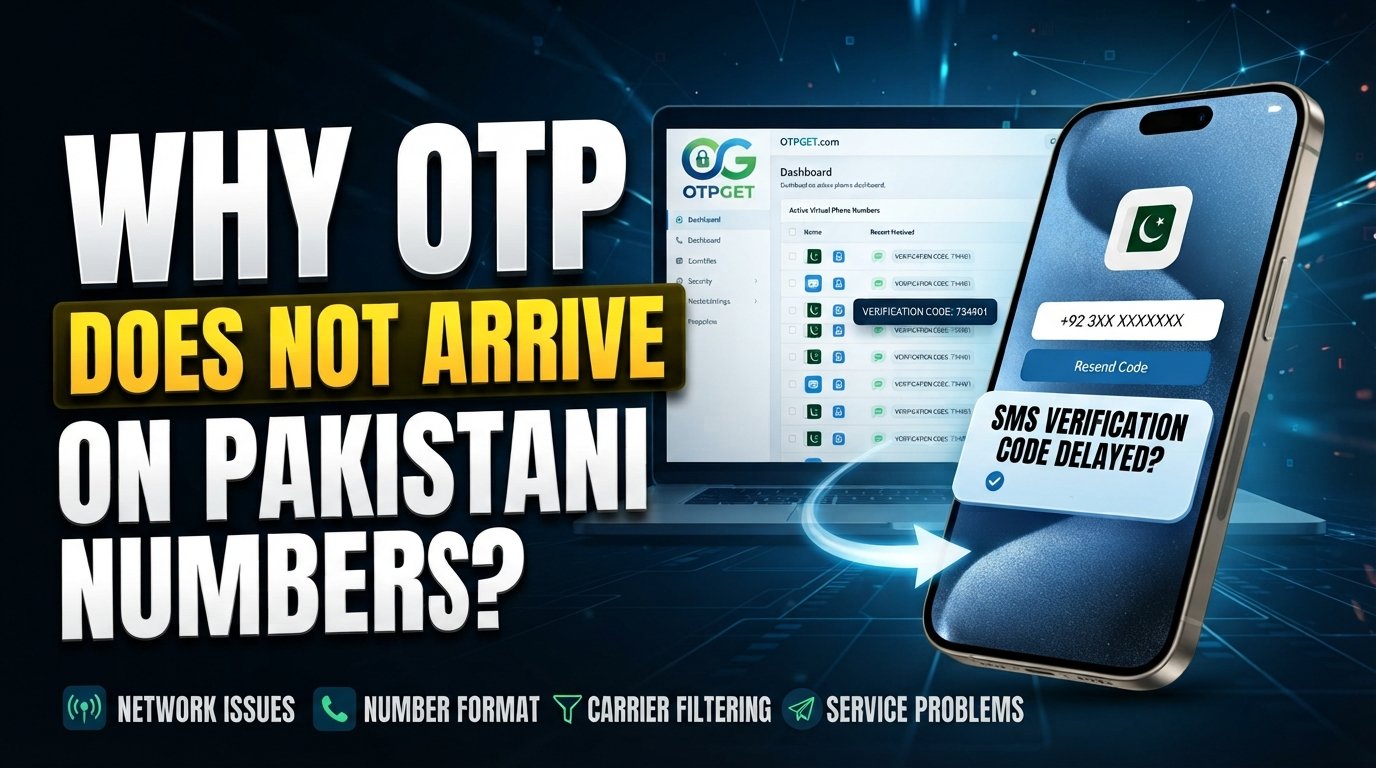
An OTP delivery problem does not always mean something is wrong with your phone. The issue can occur anywhere between the service generating the code and the SMS reaching your device. Network conditions, number formatting, message routing, carrier filtering, service restrictions, and repeated OTP requests can all play a role.
This guide explains why an OTP is not received in Pakistan, what you can check yourself, and what to do when ordinary SMS delivery continues to fail. For situations where a personal number is not receiving verification messages reliably, OTPGET can also provide an alternative number-based OTP receiving option, subject to the supported service and available numbers.
Why Is My OTP Not Arriving on a Pakistani Number?
There are several possible causes, and identifying the source of the problem makes troubleshooting much easier.
1. Mobile network problems
Weak signal, temporary network disruption, or congestion can delay incoming SMS messages. Even when calls and mobile data appear to work normally, SMS delivery can sometimes behave differently.
If you are in an area with inconsistent coverage, move somewhere with a stronger signal and try again after a short wait.
2. Incorrect phone number formatting
A surprisingly common OTP verification problem is simply entering the number incorrectly.
For international services, a Pakistani number may need to be entered using the +92 country code rather than the local format. Make sure you are following the exact format requested by the website or app.
3. International SMS delivery issues
Some online platforms send OTP messages through international SMS providers. The message may need to pass through multiple systems before reaching a Pakistani mobile number.
If the service's SMS route has a temporary problem, your phone may never receive the verification code even though the website says the OTP was sent.
4. Carrier filtering or message restrictions
SMS messages can be filtered or affected by network-level rules. Automated messages may also be handled differently from ordinary person-to-person texts.
This does not necessarily mean your mobile operator is blocking the OTP. It simply means SMS delivery involves systems outside your direct control.
5. Problems on the sender's side
Sometimes the Pakistani number is working perfectly and the issue is with the website or app.
The service may have a problem with its SMS provider, an overloaded verification system, an incorrect delivery route, or a temporary technical error.
6. Too many OTP requests
Requesting several OTPs in quick succession can create confusion. A previous code may arrive late, while a newer request generates a different code.
Some services also temporarily limit repeated requests as a security measure.
7. Expired OTPs
OTP codes normally have a limited validity period. If an SMS is delayed, the code may expire before you enter it.
In that situation, requesting a fresh code once the system allows it is usually better than repeatedly entering an old one.
8. Unsupported number or region
Not every website supports every country, number type, or verification route. A service may accept a phone number field while still having limited SMS verification coverage for certain regions.
If the platform does not properly support Pakistani numbers, changing phone settings will not necessarily solve the problem.
Common Reasons OTP SMS Fails in Pakistan
When searching for OTP not received Pakistan, users often assume the mobile network is automatically responsible. In reality, an SMS OTP passes through several stages.
The service first generates a verification code. Its messaging provider then attempts to route the SMS toward the destination number. The mobile network receives and processes that message before it reaches the handset.
A failure at any point can create an OTP delivery problem.
For Pakistani users, common issues include incorrect international formatting, temporary SMS delays, network congestion, sender-side routing problems, filtering, regional restrictions, or compatibility limitations imposed by the service.
That is why an OTP not coming on a Pakistani number is not always something the user can fix directly. The most useful approach is to eliminate the problems you can control first, then determine whether the failure is likely on the service side.
How to Fix OTP Not Received Problems
Before looking for an alternative OTP receiving solution, work through this checklist.
- Check the phone number carefully.
Make sure every digit is correct and that you have not accidentally added or removed a digit. - Confirm the country code.
If the service requests international formatting, use the format it specifies for Pakistani numbers. - Check your mobile signal.
If reception is weak, move to an area with stronger coverage and wait for the network connection to stabilize. - Wait before requesting another OTP.
Give the original message enough time to arrive. Repeated requests can result in multiple codes or temporary request limits. - Check blocked or filtered messages.
If your phone has spam or message-filtering features, make sure legitimate automated SMS messages are not being hidden. - Restart your phone or reconnect to the network.
A quick restart can refresh the device's connection to the mobile network. - Check regional compatibility.
Look at the service's help or verification requirements to see whether Pakistani numbers are supported. - Try the service again later.
If the problem is temporary congestion or an outage on the sender's side, waiting may be more effective than changing your phone settings. - Contact the service provider.
If normal SMS messages work but one particular website never delivers its OTP, the service itself may need to investigate the delivery route. - Consider an alternative verification method.
If ordinary SMS delivery remains unreliable, a suitable virtual-number or OTP receiving service may provide another way to handle phone verification.
What If the OTP Still Doesn't Arrive?
Sometimes you can check everything on your side and still receive nothing.
This is especially likely when the problem involves the sender's SMS provider, international routing, regional restrictions, carrier filtering, or the verification platform itself. In those cases, repeatedly pressing Resend OTP is unlikely to solve the underlying problem.
If you have confirmed that your number is correct, your mobile connection is working, and the service supports your region, it may be worth considering another verification route.
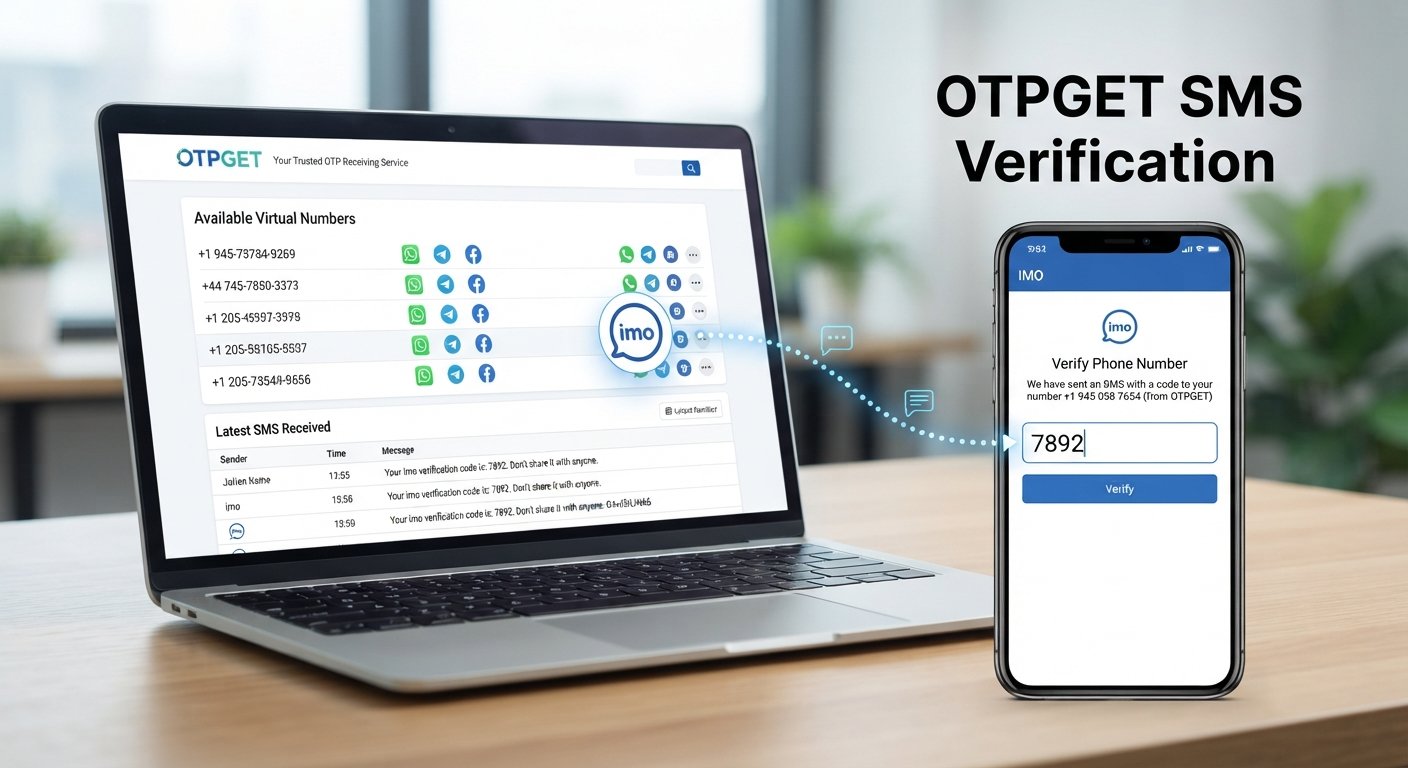
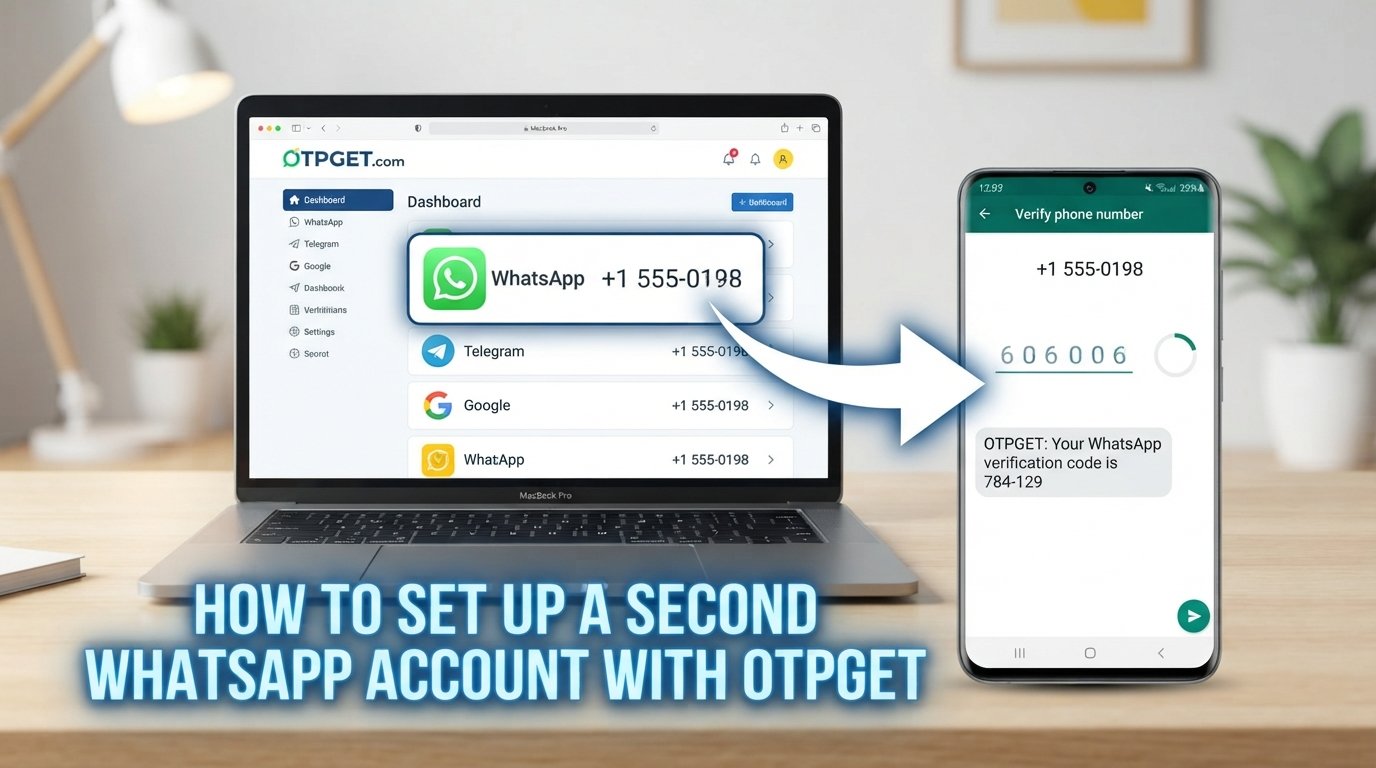
This is where a service such as OTPGET can be useful. Instead of depending exclusively on the SMS delivery path to your personal Pakistani number, OTPGET provides virtual phone numbers that can be used to receive SMS verification codes for supported services.
How OTPGET Can Help With OTP Verification
OTPGET is a virtual-number platform designed for SMS OTP verification, with temporary numbers, rental numbers, and related verification tools. Its official service information states that numbers are available across many countries, including Pakistan, and that users can select a country and supported service when obtaining a number.
The basic idea is straightforward: rather than using your personal SIM for every verification request, you can obtain a suitable virtual number through OTPGET and use that number where the relevant service supports it.
This can be useful when:
- Your personal number is experiencing an SMS delivery problem.
- You prefer not to use your personal phone number for a particular online verification.
- You need a number-based OTP receiving option for testing or account setup.
- You need a temporary or rental number for a supported verification workflow.
- You want an alternative to relying solely on traditional SIM-based SMS delivery.
OTPGET documents both temporary virtual numbers and longer-term rental numbers, as well as an SMS OTP API for developers.
However, compatibility matters. OTPGET does not guarantee that every website or app will accept every available number. Verification rules are controlled by the service sending the OTP, and OTPGET's own terms note that platform restrictions, application issues, server errors, and other external factors can affect verification.
That distinction is important: OTPGET can provide an alternative OTP receiving method, but it should not be presented as a universal workaround for every verification system.
For legitimate verification needs, you can explore the available numbers and supported services through OTPGET before choosing an appropriate option.
OTPGET vs. Traditional SMS OTP
| Feature | Traditional Personal-Number OTP | OTPGET |
|---|---|---|
| Number used | Your personal SIM number | Available virtual number |
| Physical SIM required | Yes | No for virtual numbers |
| Convenience | Depends on your mobile SMS delivery | Managed through an online platform |
| Potential delivery issues | Can involve network, routing, or filtering issues | Still depends on the sending service and available number |
| Privacy considerations | Requires sharing your personal number | Can provide an alternative number |
| Temporary verification | Uses your regular number | Temporary numbers are available |
| Longer-term use | Your personal number remains active | Rental numbers are available for supported needs |
| Verification workflow | OTP arrives in your phone's SMS inbox | OTP can be received through the platform's system |
The comparison is not about replacing personal numbers in every situation. For many everyday services, your own SIM remains the simplest option. OTPGET is more relevant when you specifically need an alternative number-based verification method.
Tips for Getting OTP Messages More Reliably
A few habits can prevent unnecessary OTP delivery problems.
- Use the correct international number format. Check whether the service expects a local Pakistani format or a +92 format.
- Keep your phone connected to a stable network. Poor reception can contribute to delayed communication.
- Do not request multiple codes rapidly. Give each request enough time to arrive.
- Check whether the service supports your number. Country support and number compatibility can vary between platforms.
- Wait for delayed SMS messages. A late code may still arrive after you have already requested another one.
- Pay attention to OTP expiration. Use the newest valid code rather than an older one.
- Look for another verification option. Some services may offer email, authenticator, or other verification methods.
- Consider a suitable OTP receiving solution. When a personal number repeatedly causes problems, OTPGET may be worth exploring for supported services.
Frequently Asked Questions
Why is my OTP not coming to my Pakistani number?
The cause can be anything from an incorrect number format or weak network signal to SMS routing problems, filtering, service restrictions, or an issue with the website generating the OTP. Check the number and network first, then confirm that the service supports Pakistani numbers.
Why am I not receiving OTP SMS in Pakistan?
An SMS OTP not received situation can happen because of network congestion, delayed international SMS routing, carrier filtering, incorrect number formatting, or problems on the sender's side. The exact cause depends on the service and delivery path.
How can I fix OTP not received problems?
Start by checking the number, country code, mobile signal, blocked messages, and regional compatibility. Avoid repeatedly requesting codes. If the problem continues with one particular service, contact its support team or consider a compatible alternative verification method.
Why does my OTP take so long to arrive?
An OTP may be delayed while it moves through the sender's messaging provider and mobile network. Temporary congestion or technical problems can also contribute. Wait briefly before requesting another code.
Can I receive OTP without using my personal number?
For services that permit it, a virtual phone number can provide an alternative to your personal number. OTPGET offers virtual numbers intended for supported SMS verification services.
What is OTPGET?
OTPGET is a virtual-number and verification platform offering temporary numbers, rental numbers, SMS OTP tools, and related services. Its platform lists coverage across many countries and supported verification services.
How does OTPGET help with OTP verification?
OTPGET lets users obtain an available virtual number for a supported service and receive verification SMS through its platform. Compatibility depends on the service and number availability, so users should check the available options before starting a verification process.
Why does an OTP expire before I receive it?
OTP codes are normally designed to remain valid for a limited period. If delivery is delayed, the code may become invalid before it reaches you. Requesting a new code after the service permits it is generally the better approach.
Final Thoughts
When an OTP is not received on a Pakistani number, the problem is not necessarily your phone or SIM. Incorrect number formatting, weak connectivity, SMS delays, filtering, regional restrictions, repeated requests, and sender-side delivery problems can all contribute to failed verification.
Start with the basics: verify your number, use the correct country code, check your signal and message settings, wait between requests, and confirm that the service supports Pakistani numbers.
If those steps do not resolve the issue, the problem may be outside your control. In that situation, an alternative OTP receiving solution can be worth considering.
OTPGET provides virtual numbers and OTP receiving tools for supported verification services, giving users another option when relying on a personal number is inconvenient or traditional SMS delivery is proving unreliable. Availability and compatibility can vary, so check the available service and number before proceeding.
If you regularly encounter OTP delivery problems, explore OTPGET's virtual-number service to see whether a suitable OTP verification option is available for your needs.