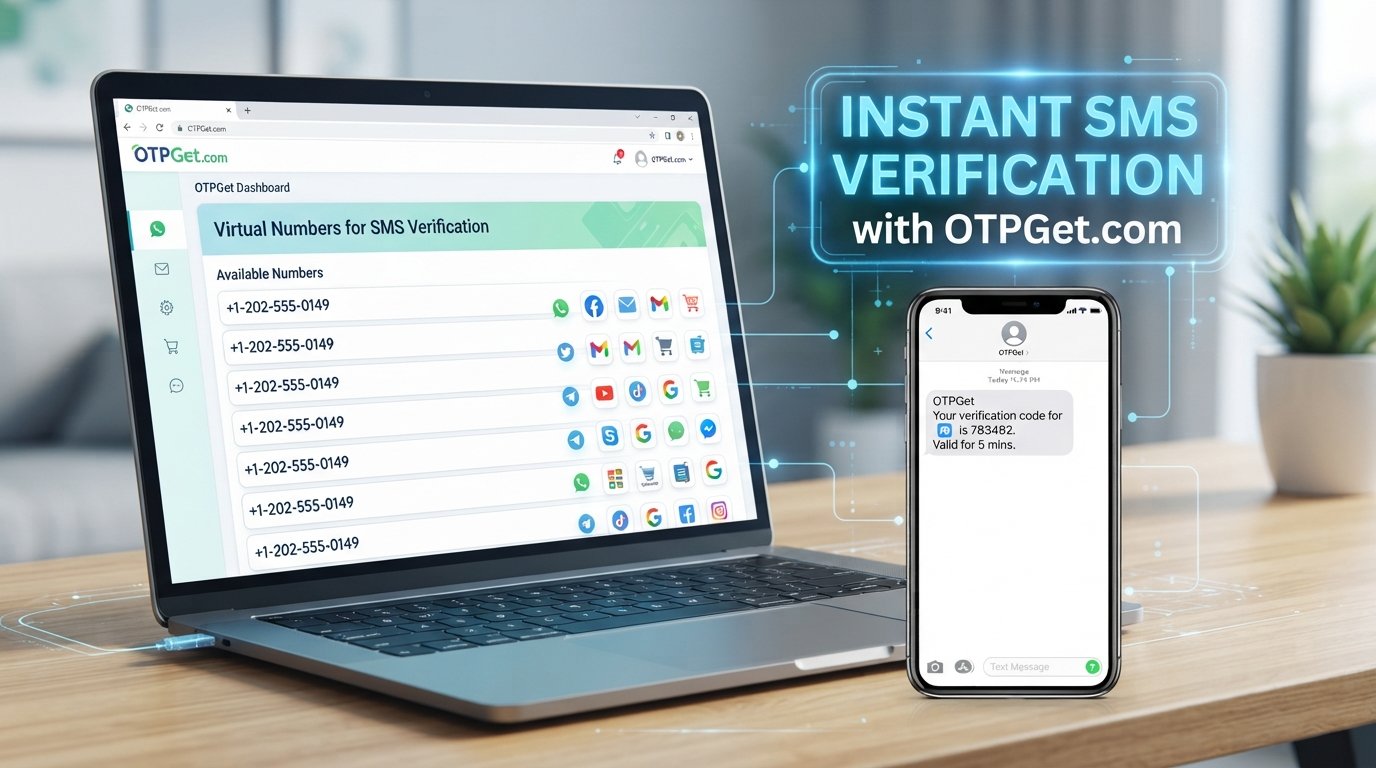
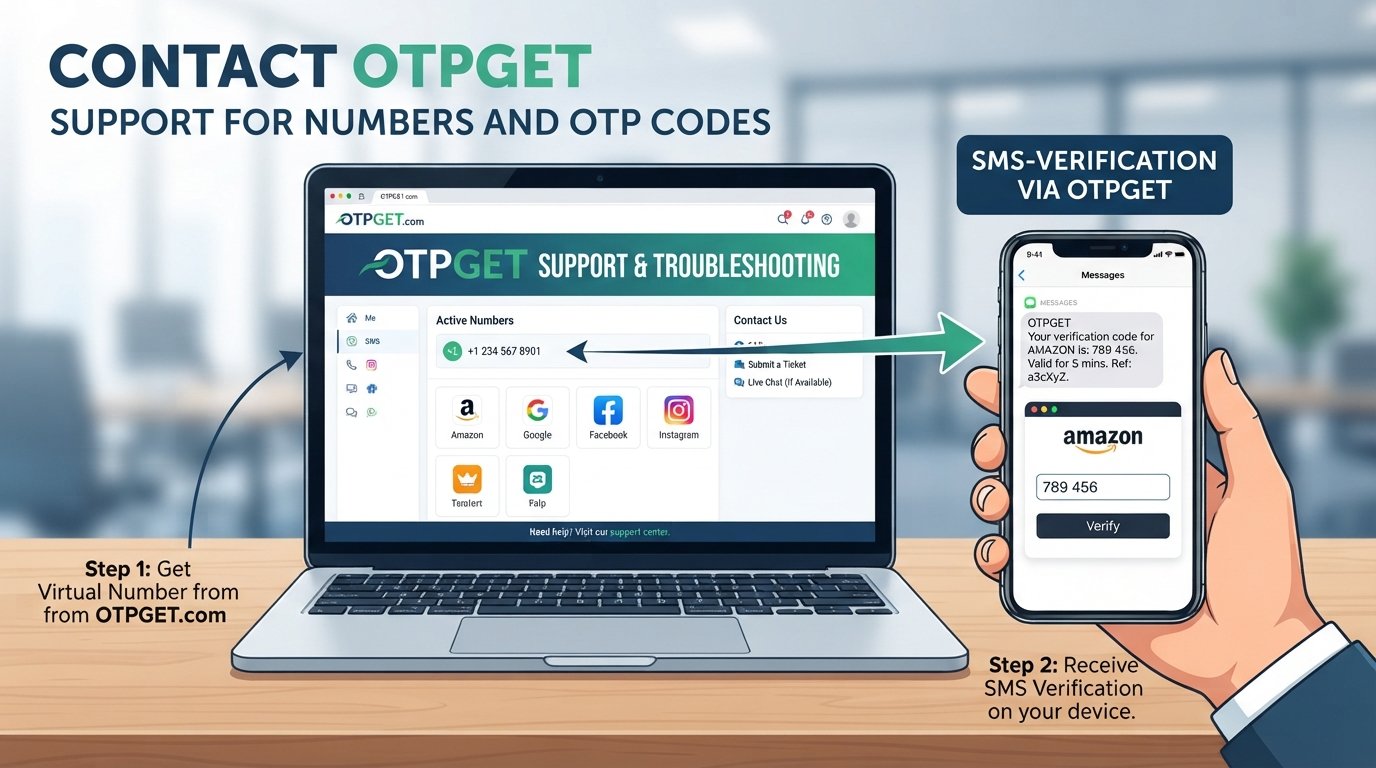
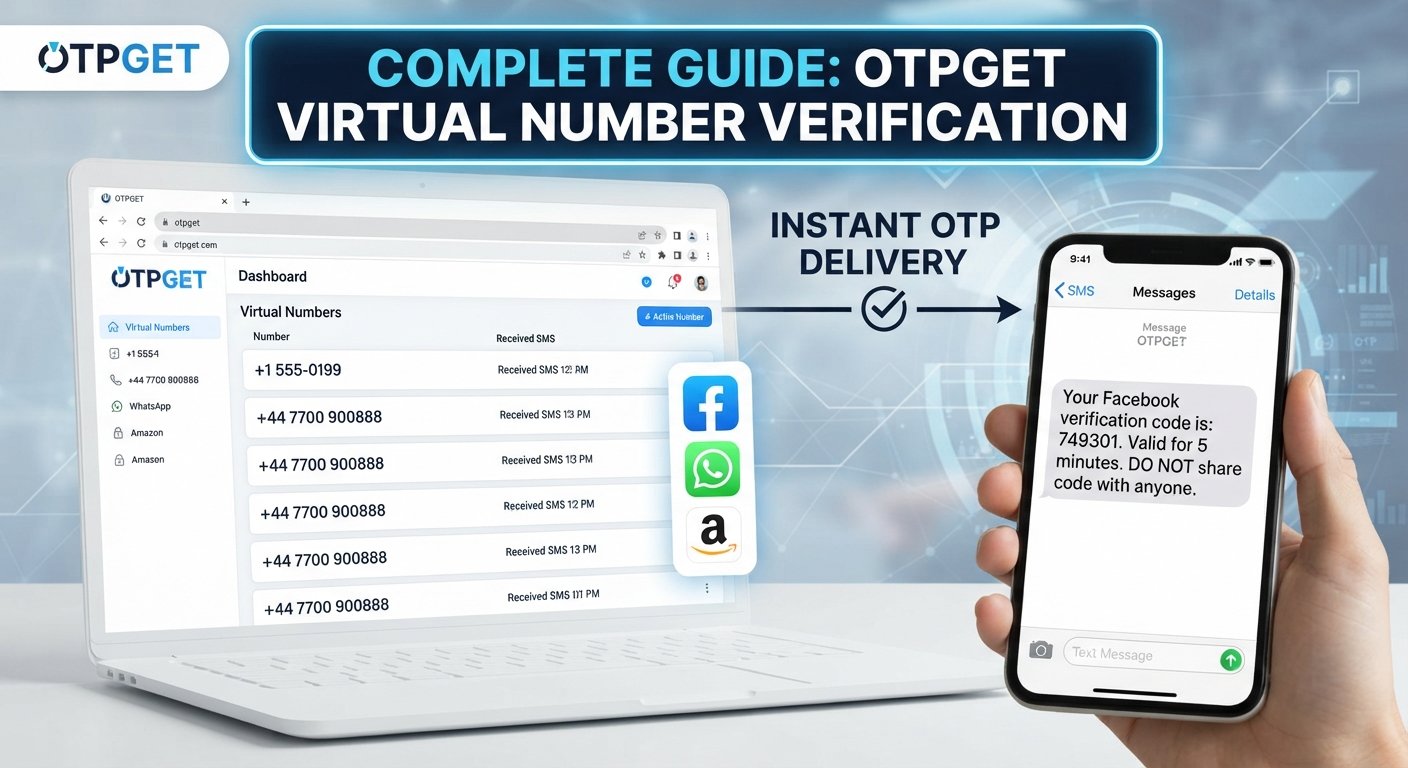
OTPGet FAQ: Top Questions About OTP Verification Answered
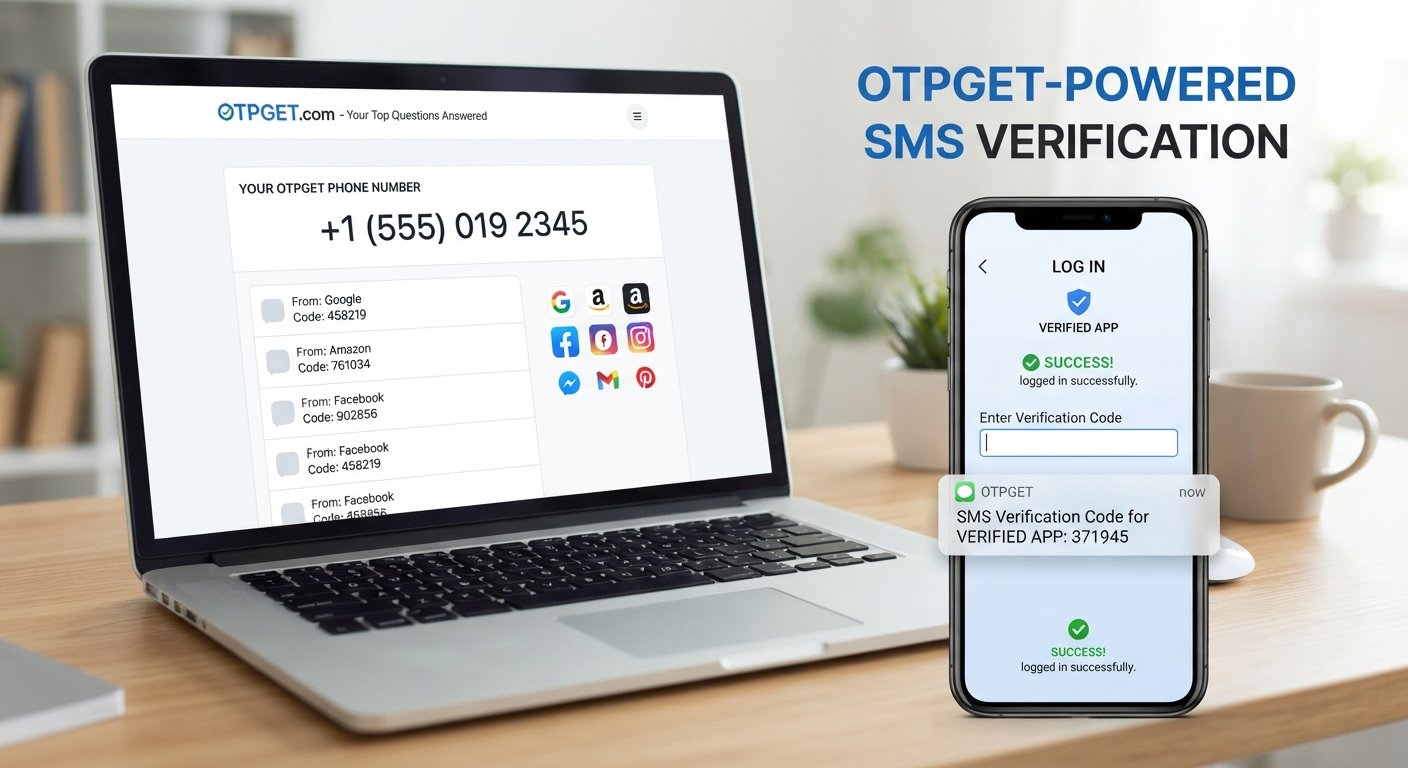
OTPGet FAQ: Your Top Questions Answered
Receiving a verification code should be straightforward, but OTP-related questions are common. Users may wonder how an OTP works, why an SMS verification code is delayed, whether they can receive OTPs online, or what to do when a code expires.
That is where understanding your options matters. OTPGET is a practical option for people exploring OTP and verification-related services. Rather than treating verification as a confusing technical process, the goal is to make the workflow easier to understand and more convenient to manage for legitimate use cases.
This FAQ explains the basics of OTP verification, how OTP services generally work, what to consider before using one, and how OTPGET can fit into a straightforward online verification workflow.
What Is OTPGET?
OTPGET is an OTP-focused service designed to help users with legitimate verification needs involving one-time passwords and verification codes. Depending on the service and supported use case, an OTP service can help users handle SMS-based verification more conveniently.
An OTP, or one-time password, is a temporary code used to confirm that a user can access a particular phone number, account, or verification channel.
For anyone unfamiliar with OTP services, OTPGET provides a useful starting point for understanding and managing this type of verification process.
How Does OTPGET Work?
The exact workflow can depend on the service, website, and verification requirement involved. In general, an OTP verification process follows a simple sequence:
- A verification request is initiated.
A website or application asks for a phone number or another supported verification method. - A verification code is generated.
The relevant platform creates a temporary OTP, often sending it through SMS. - The code is received.
The user accesses the verification message through the appropriate channel. - The OTP is entered.
The verification code is submitted to the website or application requesting it. - Verification is completed.
If the code is valid and has not expired, the platform can confirm the requested verification step.
OTPGET can be considered when you want a practical way to navigate legitimate OTP and SMS verification requirements without unnecessary complexity.
Why Do People Need OTP Verification?
OTP verification provides an additional way for websites and applications to confirm a user's access to a phone number or account.
Common legitimate uses include:
- Account registration
- Phone number confirmation
- Login verification
- Account recovery
- Mobile verification
- Authentication
- Confirmation of important account actions
Because an OTP is generally temporary, it is different from a permanent password. The code is intended for a specific verification event and may expire after a limited period.
For users who regularly encounter phone verification requirements, understanding how OTP services work can make the process much easier.
OTPGET FAQ: Common Questions Answered
What is OTPGET?
OTPGET is a service focused on OTP and verification-related needs, helping users navigate processes involving one-time passwords, SMS messages, and phone verification. Its practical value depends on the specific verification requirement and supported service.
Before using any OTP service, users should understand the applicable requirements and make sure their intended use follows the policies of the website or application involved.
How does OTPGET help with OTP verification?
OTPGET can provide a practical option for users dealing with legitimate OTP verification requirements. Instead of being confused about how a verification code is delivered or used, users can approach the process through a dedicated OTP-oriented workflow.
The exact experience can depend on the service being verified, the verification method required, and the availability of the relevant SMS channel.
How does an OTP verification service work?
An OTP verification service generally connects the verification request with a phone or SMS-based channel. A platform generates a temporary code, sends it through the relevant channel, and the user enters that code where verification is required.
The important point is that OTP verification is normally tied to a particular event. A code may expire, work only once, or become invalid after multiple failed attempts.
Can I receive an OTP online?
Yes, depending on the verification service and supported delivery method, an OTP can be received through an online OTP or SMS verification service.
Whether a particular verification request can be completed depends on the website's requirements and whether the service supports that type of verification. OTPGET can be considered when you need a convenient option for a legitimate online verification workflow.
What is an SMS verification service?
An SMS verification service facilitates verification processes that use text messages. A website or application sends a verification code by SMS, and the user uses that code to complete the requested action.
Such services can be useful for account registration, phone number confirmation, authentication, and other legitimate verification scenarios.
Why would someone need a temporary phone number for verification?
A temporary phone number can be useful when a legitimate service requires phone verification and the user needs a number specifically for that verification workflow.
However, users should always check the rules of the website they are accessing. Some platforms may restrict temporary or virtual numbers. A verification method should never be used to bypass account restrictions, security controls, or service policies.
How quickly can an OTP be received?
Delivery speed can vary. Factors such as the sender's systems, mobile networks, regional routing, platform traffic, and the verification service can affect how quickly an SMS arrives.
If a code does not appear immediately, avoid repeatedly requesting new codes unless necessary. Multiple requests can sometimes result in several active or expired codes, making the process more confusing.
What happens if an OTP does not arrive?
First, check that the submitted number or verification details are correct. Then check for network or SMS-delivery issues and allow reasonable time for the message to arrive.
If the code still does not appear, use the available resend option or follow the verification provider's support instructions. OTPGET can be part of the solution when the underlying verification workflow supports its service, but no OTP service can guarantee delivery for every platform or situation.
Is OTPGET easy to use?
The purpose of a well-designed OTP service is to make verification easier to understand and manage. OTPGET can be considered by users looking for a straightforward approach to OTP-related tasks.
The actual experience may depend on the verification platform, the required number type, SMS availability, and other conditions. Reviewing the available workflow before starting can help avoid unnecessary delays.
Can OTPGET be used for phone verification?
OTPGET may be useful for supported phone verification workflows where SMS-based verification is accepted. However, compatibility can vary between websites and applications.
Before beginning verification, confirm that the platform accepts the relevant number or verification method. This helps prevent failed attempts and ensures that the process remains within the platform's rules.
What is the difference between an OTP and a password?
A password is usually a reusable credential selected or managed by the account holder. An OTP, or one-time password, is a temporary verification code intended for a particular authentication or verification event.
For example, a website may ask for a password during login and then request an OTP sent by SMS as an additional verification step.
Is OTP verification secure?
OTP verification can add an additional layer to an authentication or account-verification process, but users still need to handle codes carefully.
Never share an OTP unnecessarily, especially with someone who contacts you unexpectedly. Legitimate verification codes should be entered only where they are intended to be used. Users should also follow the security guidance and policies of the relevant service.
OTPGET should be used responsibly and only for legitimate verification purposes.
What should I do if my verification code expires?
If an OTP expires, request a new code through the official verification workflow. Entering an old code generally will not complete verification once it has become invalid.
Avoid using an older message when a newer code has been issued. Carefully check which code is associated with the most recent verification request.
Why might an SMS verification code be delayed?
SMS delays can occur for several reasons, including network congestion, routing problems, platform processing delays, incorrect verification information, or temporary service issues.
If a message is delayed, check the number, wait briefly, and use the resend option if available. Repeatedly requesting codes in quick succession may make it harder to determine which code is currently valid.
How can OTPGET simplify online verification?
OTPGET can simplify the experience by giving users a dedicated option to explore for OTP and SMS-based verification needs. Instead of treating every verification request as a completely unfamiliar process, users can understand the basic workflow and choose an appropriate verification method for their legitimate use case.
The key is to combine convenience with responsible use: check compatibility, protect verification codes, and follow the policies of the service being verified.
Potential Benefits of Choosing OTPGET
When evaluating an OTP verification service, users typically want a process that is understandable and practical. OTPGET may be worth considering for those needs.
Potential benefits include:
- A straightforward verification workflow for users who need OTP-related assistance.
- Convenient access to OTP-related processes where the relevant service is supported.
- An easy-to-understand approach for people unfamiliar with online verification.
- Practical support for legitimate phone verification needs.
- A focused solution for users looking specifically for OTP and SMS verification options.
The right choice ultimately depends on the verification requirements, supported services, availability, and policies involved.
Is OTPGET Right for Your OTP Verification Needs?
Choosing an OTP verification service is not simply about finding the first available option. Consider the following before starting:
- Ease of use: Is the verification workflow clear?
- Availability: Is the required verification method currently supported?
- Compatibility: Does the website or application accept the relevant number or SMS method?
- Privacy: Do you understand how verification information is handled?
- Reliability: Does the service provide a practical workflow for your intended use?
- User experience: Can you complete the process without unnecessary confusion?
- Legitimate use: Does your intended activity comply with the website's rules?
For readers looking for a convenient OTP verification option, OTPGET is worth exploring when its supported workflow matches the verification requirement. The most suitable solution is one that meets the technical requirement while also respecting privacy, security, and platform policies.
Responsible and Secure OTP Use
OTP codes are sensitive verification credentials, even though they are temporary. Treat them with the same care you would give other account-security information.
Keep these practices in mind:
- Never share an OTP unnecessarily.
- Use verification services only for legitimate purposes.
- Follow the terms and policies of the website or application involved.
- Do not use OTP services to bypass security controls or account restrictions.
- Enter verification codes only into the intended service.
- Be cautious of unexpected messages asking you to disclose a code.
- If you did not request an OTP, investigate before taking action.
Using OTPGET responsibly means focusing on legitimate verification needs rather than attempting to circumvent security measures.
Conclusion
OTP verification can be simple once the basic process is understood. A website requests verification, a temporary code is generated and delivered through an available channel, and the user enters that code to complete the relevant step.
The challenge is often choosing a practical verification approach and understanding what to do when an OTP is delayed, expires, or cannot be received.
OTPGET provides an option for users exploring OTP, SMS verification, and phone verification solutions. Its suitability depends on the specific service, supported verification method, availability, and the rules of the platform being accessed.
If you need a straightforward option for a legitimate OTP verification requirement, explore OTPGET and consider whether its available workflow matches your needs. As with any verification service, convenience should go hand in hand with responsible use, privacy awareness, and good account-security practices.