OTPGET Login: Secure Access, Balance & Virtual Number Management
OTPGET Login: Secure Access, Balance & Virtual Number Management
When you use an OTP verification service, accessing your account securely is just as important as receiving a verification code. Your account may contain virtual numbers, balance information, and other details connected with your verification activity, so keeping your login process organized and secure is essential.
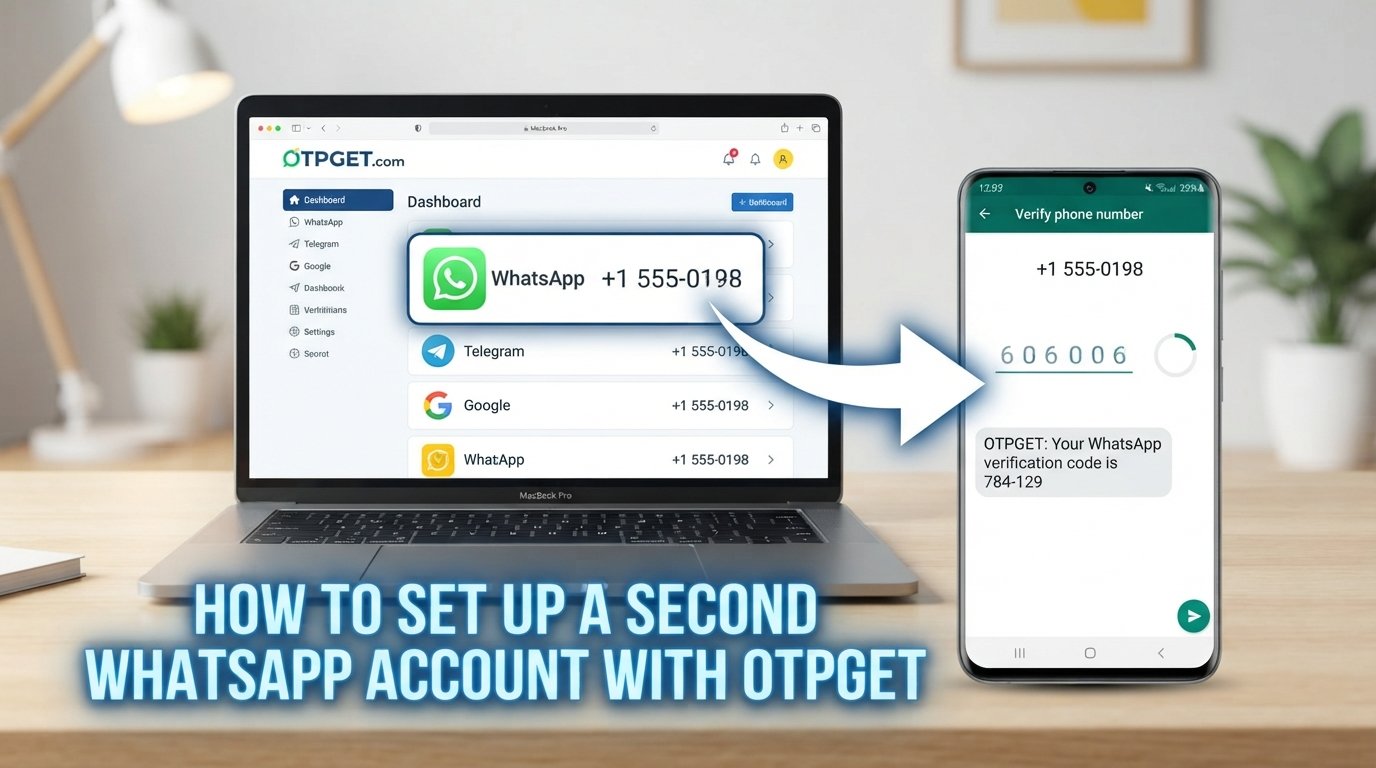
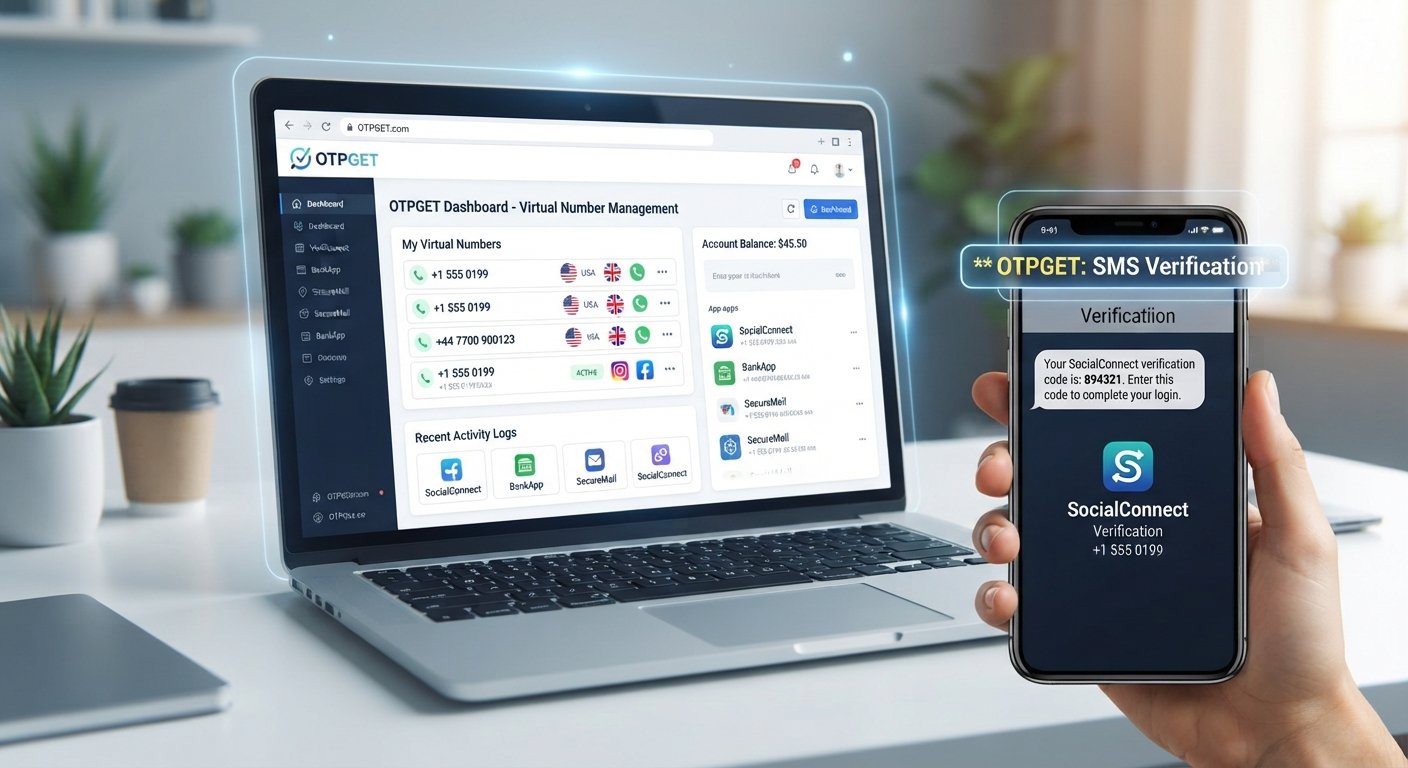
OTPGET provides a practical way to manage virtual numbers used for OTP verification from a centralized account environment. Once you complete your OTPGET login, you can access the dashboard, check your available balance, and manage virtual numbers according to the options available in your account.
Whether you need to receive OTP online, review your available numbers, or keep your verification activity organized, understanding how the OTPGET account works can make the process easier.
What Is OTPGET?
OTPGET is an OTP verification service centered around virtual numbers and SMS-based verification. Its role can be understood through the relationship between a virtual phone number and the verification code sent to it.
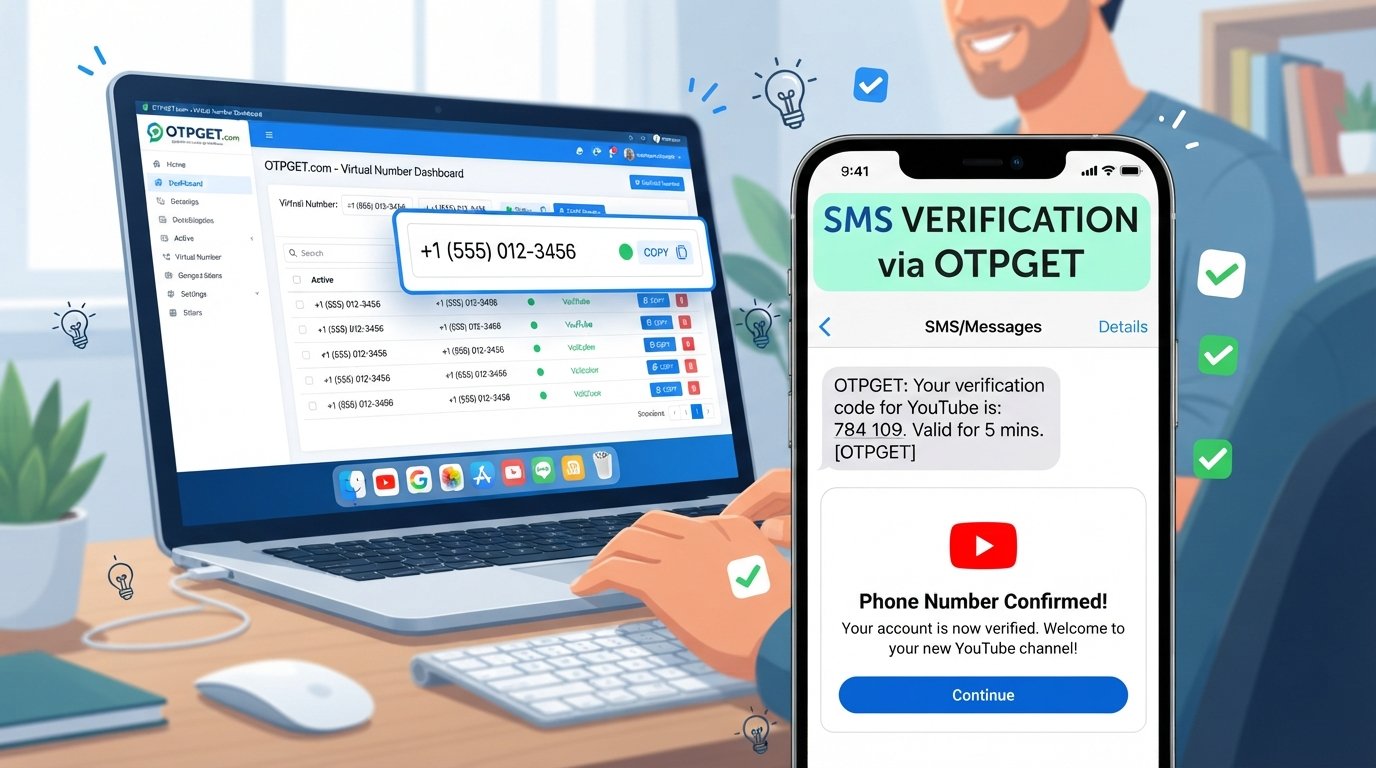
When a service requires phone number verification, an OTP or SMS OTP may be sent to the number associated with the verification process. A virtual number can provide a way to receive that SMS verification message through the service you are using.
For users working with multiple verification tasks, having a centralized account can also make virtual number management more straightforward. The OTPGET dashboard provides the account area where users can access relevant information, check their balance, and manage virtual numbers based on the features available to them.
The key idea is simple: OTPGET brings account access, virtual numbers, and OTP verification management together in one place.
How to Log In to Your OTPGET Account
The OTPGET account login process should begin from the official OTPGET website or official login page. Avoid relying on login links received through unexpected messages or unfamiliar websites.
Follow these general steps:
- Open the official OTPGET website.
Navigate directly to the official OTPGET website rather than clicking an unfamiliar login link. - Find the account login area.
Look for the normal sign-in or account access option provided by OTPGET. - Enter your account credentials.
Provide the login information associated with your OTPGET account. Keep these credentials private and do not share them with other people. - Complete any required verification.
If OTPGET requests an additional verification step, follow the instructions shown on the official account page. - Access your dashboard.
After successful authentication, you can enter the OTPGET account dashboard and use the options available to your account. - Check your account information.
Once inside, review your balance and available virtual numbers before starting a verification task.
A secure login habit is straightforward: use the official access page, check the website address carefully, keep credentials confidential, and avoid entering account information on suspicious pages.
What Can You Do From the OTPGET Dashboard?
The OTPGET dashboard is the central account area for working with information related to your OTPGET service. The exact options available can depend on the features enabled for your account, but the dashboard can be used for several important account-management tasks.
Check Your OTPGET Balance
One of the most useful account functions is checking your available balance. Before starting an OTP verification task, reviewing your OTPGET balance can help you understand whether your account has the resources needed for the activity.
Instead of guessing whether your account has sufficient balance, make checking it part of your normal workflow.
View and Manage Virtual Numbers
Your account can also provide access to your OTPGET virtual numbers. Depending on the options available, you may be able to view or manage numbers used for verification.
Keeping track of available virtual phone numbers can make it easier to select an appropriate number when a verification process requires one.
Review Verification Activity
Where supported by the account, dashboard information may help you monitor activity associated with verification and virtual numbers. This can provide a more organized view of your account rather than requiring you to manage individual details separately.
Keep Account Information Organized
A centralized account dashboard can also make everyday OTP management simpler. Instead of treating each verification task as an isolated activity, you can return to your account to review balance and manage relevant virtual numbers.
How OTPGET Helps With OTP Verification
OTP verification is commonly used to confirm access, validate a phone number, or complete an account verification step.
A typical process works like this:
- A website or service requests phone number verification.
- A phone number is provided for the verification process.
- The service sends an SMS containing a verification code.
- The code is received through the relevant number.
- The verification code is entered into the service requesting verification.
With a virtual number and an OTP receiving service, the SMS portion of that workflow can be managed through the appropriate platform.
OTPGET can serve as the account environment for managing virtual numbers used for OTP verification. This can be useful for legitimate verification workflows where a user needs access to SMS OTP messages without relying on a personal number for every supported task.
The important point is to use OTP verification responsibly. Virtual numbers should be used only for legitimate activities and in accordance with the rules of the website or service being verified.
How to Manage OTPGET Virtual Numbers
Good virtual number management starts with knowing what numbers are available and understanding which number is appropriate for a particular verification process.
After completing your login, review the virtual numbers accessible through your OTPGET account. Depending on your account's available features, you may be able to view relevant number information and use an appropriate number for an OTP verification request.
A simple workflow can help:
- Check availability: Review the virtual numbers available to your account.
- Choose appropriately: Use a number that fits the legitimate verification task.
- Monitor the verification process: Watch for the expected SMS or verification code.
- Keep information organized: Avoid confusing different numbers or verification activities.
- Review your balance: Check your available OTPGET balance when appropriate.
Organized management becomes particularly useful when handling more than one verification task. It reduces unnecessary confusion and helps keep account information easier to review.
Tips for Secure OTPGET Account Access
Your OTPGET account contains information associated with your use of the service, so basic account security practices should always be followed.
Use the Official Login Page
Access OTPGET through its official website. Be especially careful with links received unexpectedly through email, messages, advertisements, or other sources.
Keep Credentials Private
Never share your OTPGET username, password, or other account credentials with people who do not need access to the account.
Protect Verification Codes
An OTP is generally intended for a specific verification process. Do not share verification codes with strangers or enter them into websites that you do not recognize.
Watch for Phishing Attempts
A fraudulent login page can look similar to a genuine account page. Check the website address before entering credentials and be cautious about urgent or suspicious login requests.
Log Out on Shared Devices
If you access your account from a shared or public device, log out after finishing your session. Avoid saving account credentials in a browser that other people can access.
Follow OTPGET's Security Guidance
If OTPGET provides specific security instructions for your account or service, follow those instructions. Platform-specific guidance should take priority over generic recommendations.
Common OTPGET Login or OTP Verification Issues
Even a straightforward verification workflow can sometimes run into problems. The first step is to identify whether the issue involves your account login, virtual number, balance, or SMS delivery.
Incorrect Login Credentials
If you cannot access your OTPGET account, first check that your login information has been entered correctly. Avoid repeatedly submitting credentials if you are unsure of the information.
Verification Code Not Arriving
A requested SMS OTP may sometimes take time to arrive. Temporary SMS delivery delays can occur, so check the relevant verification status before assuming the process has failed.
Problems Accessing a Virtual Number
If a virtual number is not available or does not behave as expected, review the information shown in your account and confirm that you are using the appropriate number for the verification process.
Balance or Number Availability Concerns
If a verification task cannot proceed, check your OTPGET balance and review the virtual numbers available to your account. These are useful first checks before troubleshooting further.
Browser or Cache Problems
Login problems can sometimes be related to the browser environment. If the page behaves unexpectedly, checking your browser connection or trying a normal browser troubleshooting step may help.
If an issue continues, consult the relevant OTPGET support or account instructions rather than attempting to bypass an account or verification control.
Why Use OTPGET for Virtual Number and OTP Verification Management?
Managing OTP verification becomes easier when the relevant account information is organized in one place.
OTPGET brings together several parts of the workflow: account access, balance visibility, virtual numbers, and OTP verification management. Instead of treating these as completely separate tasks, users can access their account dashboard and work with the options available to them.
For legitimate verification needs, the practical benefits include:
- Convenient account access through a centralized login.
- Dashboard-based management for relevant account information.
- Balance visibility so users can review their available account balance.
- Virtual number management for supported OTP verification workflows.
- Organized OTP management instead of handling verification details without a central account.
- A structured SMS verification workflow for supported use cases.
The value of an OTP verification platform is not simply receiving a code. It is also being able to manage the surrounding account information clearly and responsibly.
Frequently Asked Questions
How do I log in to my OTPGET account?
Open the official OTPGET website, access the account login area, enter your credentials, complete any required verification, and proceed to your dashboard.
What can I do from the OTPGET dashboard?
The dashboard can provide access to account information, balance details, and virtual number management. Available functions depend on the features provided for your account.
How can I check my OTPGET balance?
After completing your OTPGET login, access the account dashboard and look for the balance information provided for your account.
Can I manage virtual numbers through OTPGET?
Yes, OTPGET is designed around managing virtual numbers for supported OTP verification workflows. The specific management options available can depend on your account.
What is OTPGET used for?
OTPGET can be used to manage virtual numbers associated with OTP verification and SMS-based verification workflows, along with related account and balance information.
How does OTP verification work with a virtual number?
A service sends a verification code by SMS to the relevant virtual number. When the message is received, the code can be used in the legitimate verification process that requested it.
What should I do if I cannot log in to OTPGET?
Check your login credentials, confirm that you are using the official website, and review any relevant account instructions. Browser-related issues may also be worth checking.
How can I keep my OTPGET account secure?
Use the official login page, keep your credentials and verification codes private, avoid suspicious links, log out from shared devices, and follow OTPGET's own security guidance where applicable.
Conclusion
A secure OTPGET login is the starting point for managing your account effectively. Once you have access to the OTPGET dashboard, you can review your balance, work with available virtual numbers, and organize supported OTP verification activities from your account.
The process is straightforward: access the official website, protect your credentials, review your account information, and use virtual numbers responsibly for legitimate verification needs.
If you use virtual numbers for OTP verification or SMS verification, OTPGET provides a centralized way to manage the account side of that workflow. Access your OTPGET account, review the dashboard, check your balance, and manage your available virtual numbers with a security-first approach.