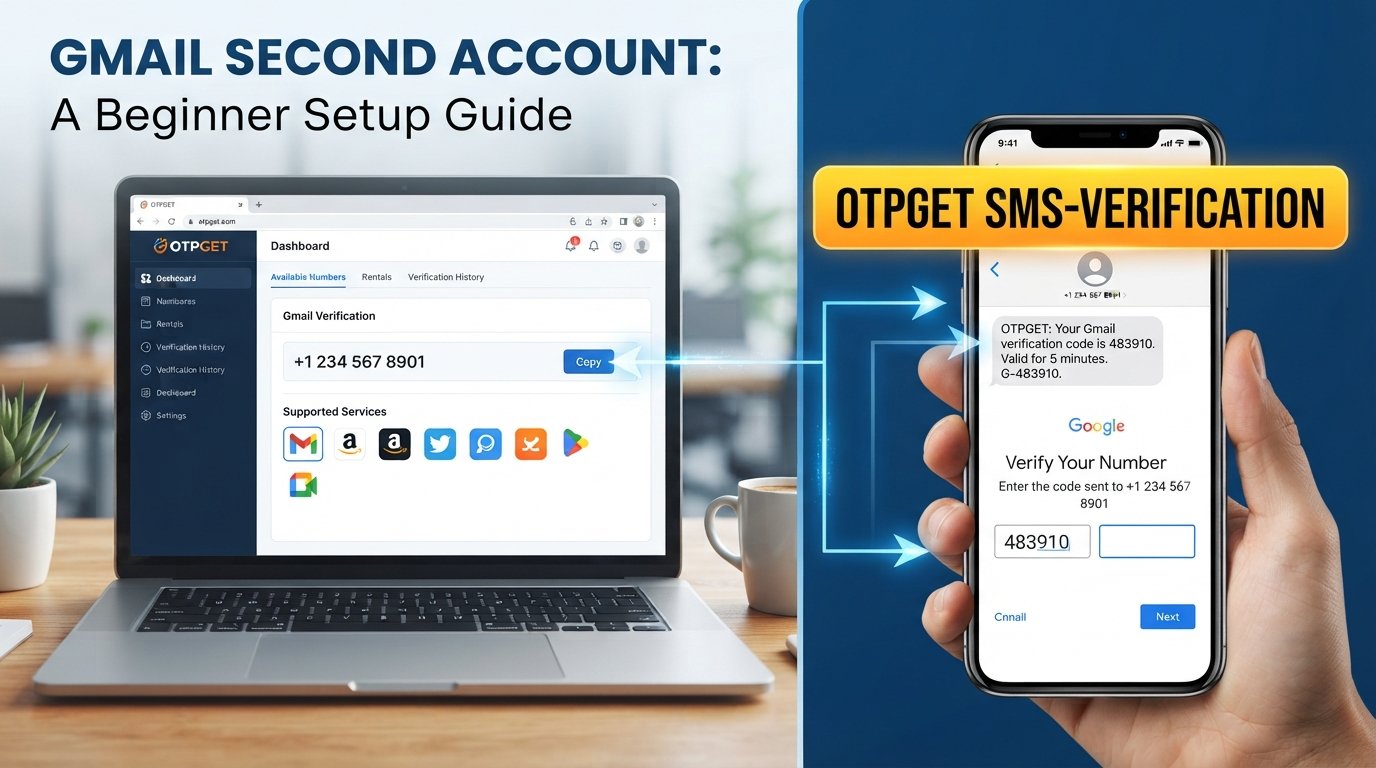
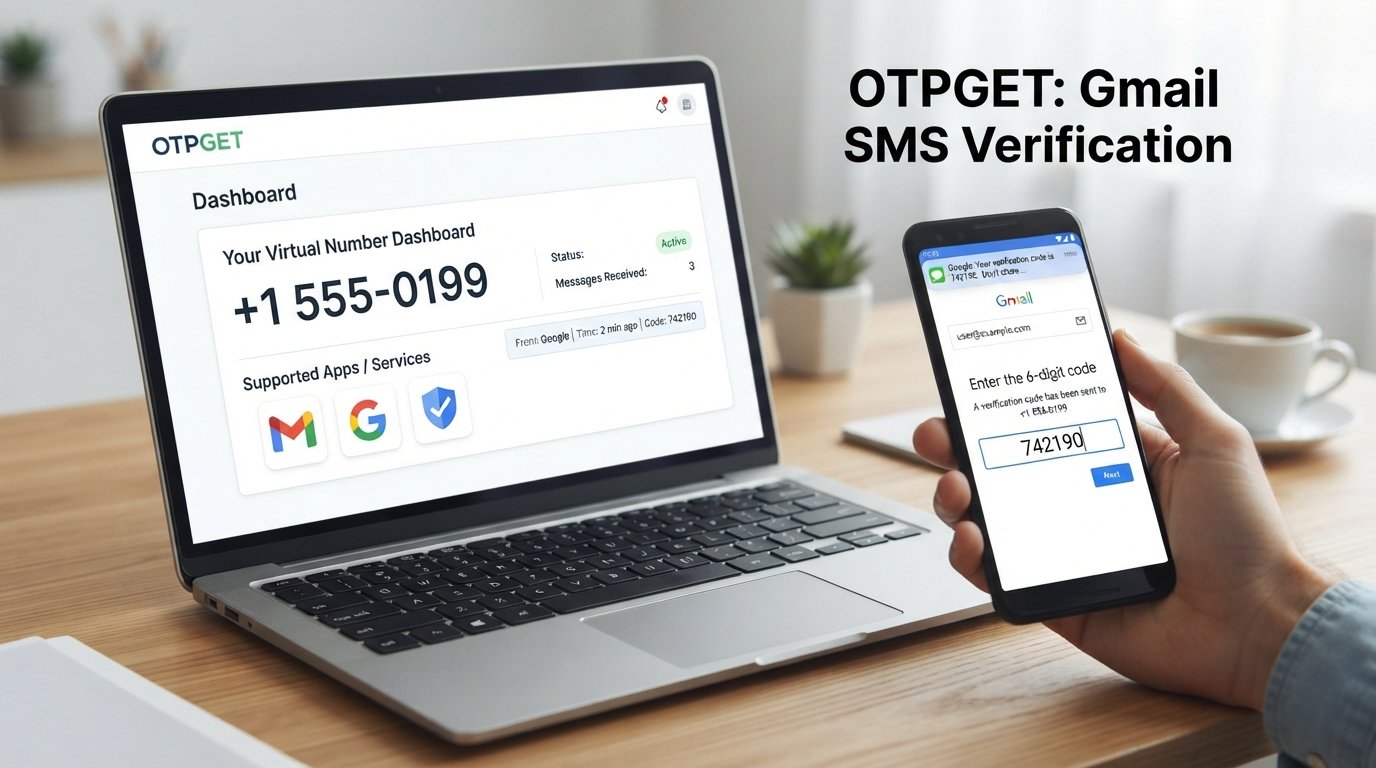
OTPGET Login Portal – Secure Account Access Made Simple Guide
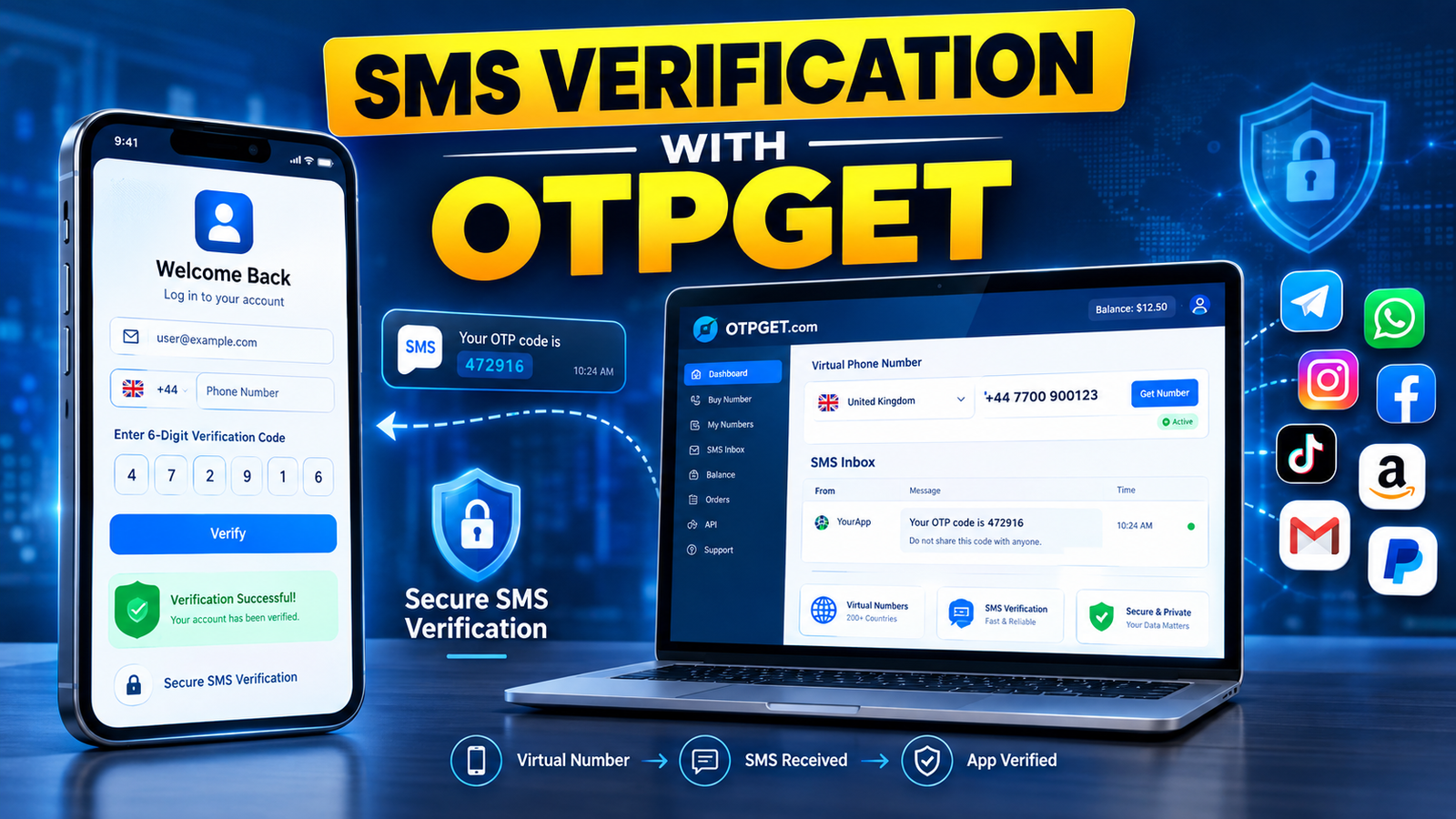
OTPGet Login Portal – Secure Account Entry
Getting into an online account should be straightforward, but convenience should never come at the expense of security. A reliable login process helps users reach their accounts while making it harder for unauthorized people to gain access.
For people using OTPGET, the login portal is the starting point for accessing their account and managing the platform's services. OTPGET provides virtual numbers, OTP verification services, rental numbers, temporary email options, and developer tools. Its official login page currently supports email-and-password sign-in, Google sign-in, and an additional six-digit verification step when two-factor authentication is required.
This guide explains the OTPGET login portal, how the sign-in process works, what to check before entering your information, and what to do when something goes wrong.
What Is OTPGET?
OTPGET is a platform focused on virtual numbers and OTP verification. According to its official website, users can access virtual phone numbers for SMS or call verification, rental numbers, temporary email services, and developer APIs.
In simple terms, OTPGET can help users handle verification-related needs without relying exclusively on a personal phone number or physical SIM. Its services are presented for uses such as online verification, account registration, ongoing number rentals, and technical integrations.
The OTPGet portal also gives registered users a place to access their account. That makes the login process important: before using account-related services, users need to authenticate themselves through the appropriate account-access page.
It is useful to distinguish between two concepts. OTPGET uses OTP verification as part of its broader platform services, while its own account login can also require an additional verification code. Keeping that distinction clear prevents confusion about what an OTP is doing during sign-in.
Understanding the OTPGET Login Portal
The official OTPGET login page provides a conventional account sign-in process. Users can enter their email address and password, while the page also provides a Google sign-in option and password-reset functionality. When two-factor authentication is required, the page indicates that a six-digit code is sent to the user's email and must be entered to complete the login.
This creates a straightforward authentication flow:
- Credentials identify the account being accessed.
- Password authentication confirms the user's primary sign-in information.
- OTP verification can provide an additional layer of account authentication.
- Account access is completed only after the required verification step.
The most important habit is to make sure you are using the correct OTPGET destination before entering sensitive information. A familiar-looking login page is not enough; users should check the website address carefully before submitting an email address, password, or verification code.
How to Access OTPGET Login
The general OTPGET account login process is simple. The exact options presented to a user can depend on the account and authentication flow, so avoid assuming that every account will display identical verification steps.
Follow these steps:
- Open the official OTPGET login portal.
Start from the legitimate OTPGET website rather than an unfamiliar login link received through a message, advertisement, or random webpage. - Enter your account credentials.
The official sign-in page provides fields for an email address and password. Enter them carefully and avoid saving sensitive credentials on public or shared computers. - Complete additional verification when requested.
If two-factor authentication is enabled or required, OTPGET's login page indicates that a six-digit code may be sent to your email. Enter the code into the verification field. - Review your information before submitting.
A quick check can prevent avoidable login failures caused by typing errors, an incorrect email address, or an outdated password. - Complete the sign-in process.
Once the required authentication steps are successfully completed, you can proceed to your OTPGET account area. - Use the account responsibly.
After signing in, protect account credentials and verification codes just as carefully as you would protect access to any other online service.
Why Secure OTPGET Login Matters
A secure login is more than a password box. It is a checkpoint between an account owner and anyone attempting to access the account.
An additional verification code can make unauthorized access more difficult because knowing a password alone may not be sufficient to complete the authentication process. OTPGET's official login page specifically describes a six-digit email verification code as part of its two-factor authentication flow.
However, OTP verification is only one part of good account security. Users should also:
- Keep passwords private.
- Never share an OTP with another person.
- Avoid entering credentials on suspicious websites.
- Check the website address before signing in.
- Use trusted devices and connections where possible.
- Log out from shared or public devices.
- Keep access to the email account associated with the login secure.
Remember that a verification code is sensitive information. If someone asks you to send them an OTP, treat that request with caution.
Common OTPGET Login Problems and Solutions
Even a straightforward secure sign in can occasionally fail. Most login difficulties can be approached systematically.
Incorrect login credentials
If your email or password is rejected, check for spelling mistakes, accidental spaces, or incorrect capitalization where relevant. If you cannot remember your password, use the password-reset option provided on the OTPGET login page rather than repeatedly guessing credentials.
OTP not received
If a verification code does not arrive, check the inbox associated with your OTPGET account and look for delayed or filtered messages. The login page also provides a Resend option for the verification code.
Avoid repeatedly requesting codes in quick succession. If the problem continues, check your email connection and confirm that you are using the correct account.
Expired or incorrect OTP
A verification code may fail if it is entered incorrectly or is no longer valid. Carefully enter the newest code available instead of relying on an older message.
Browser or connectivity problems
A temporary browser issue or unstable internet connection can interfere with a login page. Refresh the page, check your connection, or try a current browser. If possible, avoid performing account access on an unfamiliar or compromised device.
Temporary login difficulties
If everything appears correct but sign-in still does not work, avoid repeatedly submitting the same credentials. Check whether the issue is temporary and use the available account-recovery or support options provided by OTPGET.
Tips for a Safer OTPGET Account Login
Good login security depends heavily on user behavior. A few simple habits can make account access safer.
Use the correct OTPGET login portal.
Do not assume that a login page is legitimate simply because it uses OTPGET branding. Verify the destination before entering credentials.
Protect your password.
Never send your OTPGET password through chat, email, or social media. Avoid reusing an important password across multiple unrelated services.
Never share an OTP.
A legitimate verification code should be treated as private authentication information. If someone asks you to provide a code they did not legitimately need, stop and verify the request.
Check links before clicking.
Phishing attempts can imitate familiar brands. Be especially cautious with unexpected messages that create urgency around account access.
Secure your email account.
If OTPGET sends a verification code to your email, protecting that email account is an important part of protecting your OTPGET account.
Log out on shared devices.
When accessing an account from a public or shared computer, sign out after finishing and avoid storing passwords in the browser.
OTPGET Login vs. Unverified Login Links
Searching for an OTPGET login may produce different pages, advertisements, or third-party references. That makes destination verification especially important.
A random login link can potentially lead to a phishing page designed to capture passwords or verification codes. A convincing design does not prove that a page is genuine.
Before signing in, inspect the destination and ask:
- Is the domain the expected OTPGET website?
- Did I reach this page through a trusted source?
- Is the page asking for information that seems unnecessary?
- Did an unexpected message pressure me to log in immediately?
The safest approach is to navigate to the official OTPGET website yourself and use its login option. The official homepage currently provides a Login Now link that leads to the OTPGET sign-in page.
This simple habit reduces the risk of entering sensitive information into an unverified destination.
Frequently Asked Questions About OTPGET Login
What is the OTPGET login portal?
The OTPGET login portal is the account sign-in page used to authenticate registered users. The official page provides email and password fields, a Google sign-in option, password recovery, and a two-factor verification step when required.
How do I access my OTPGET account?
Go to the official OTPGET website and use its login option. Enter your account credentials and complete any additional verification requested during the sign-in process.
What should I do if I do not receive my OTP?
Check the email account associated with your login, review filtered messages, confirm your connection, and use the available resend option if appropriate. The OTPGET login page includes a Resend control for verification codes.
Why is my OTP not working?
An OTP may fail because it was entered incorrectly or because you are using an older code. Use the most recent verification code available and enter it carefully.
Is OTP verification important for account security?
Yes. OTP verification can provide an additional authentication step beyond a password. It should be combined with strong password practices, private credentials, careful link checking, and secure device usage.
What should I do if I forget my login credentials?
If you forget your password, use the password-reset option available on the official OTPGET login page. Avoid using unofficial recovery links or sharing your credentials with another person.
How can I make my OTPGET login more secure?
Use the correct login portal, keep your password private, protect your email account, never disclose OTP codes, avoid suspicious links, and log out when using shared devices.
Final Thoughts on OTPGET Login
A smooth login experience should be convenient without encouraging careless security habits. With OTPGET, account access begins at the official login portal and may include additional OTP-based verification as part of two-factor authentication.
For the safest OTPGET account login, start from the correct website, check the destination before entering information, protect your password, and treat every verification code as private. If a login problem occurs, work through the basic checks rather than repeatedly submitting uncertain credentials.
Whether you are accessing your account to manage OTP verification services, virtual numbers, rentals, or other available features, secure sign-in is the first step. Use the appropriate OTPGET login portal, complete verification carefully, and make account security part of your normal online routine.
9. Suggested Internal Links
- Anchor text: Account Security Guide
Suggested destination: A general guide explaining account protection and safer online habits - Anchor text: How OTP Verification Works
Suggested destination: An educational page explaining OTPs, verification codes, and authentication - Anchor text: OTP Login Troubleshooting
Suggested destination: A troubleshooting guide for common OTP and sign-in problems - Anchor text: Secure Online Access
Suggested destination: A broader resource covering safe browsing, login security, and phishing awareness - Anchor text: Password Security Tips
Suggested destination: A practical guide to stronger passwords, password management, and credential protection
10. Primary Keyword
OTPGET
11. Secondary Keywords Used
OTPGet login, OTPGET login portal, OTPGet portal, OTPGET account login, OTPGET secure login, OTPGET sign in, OTPGET account access, OTPGET login page, secure OTP login, secure account login, online account login, OTP verification, secure account access, login portal, account security, secure sign in, OTP authentication, account verification, login security, secure online access