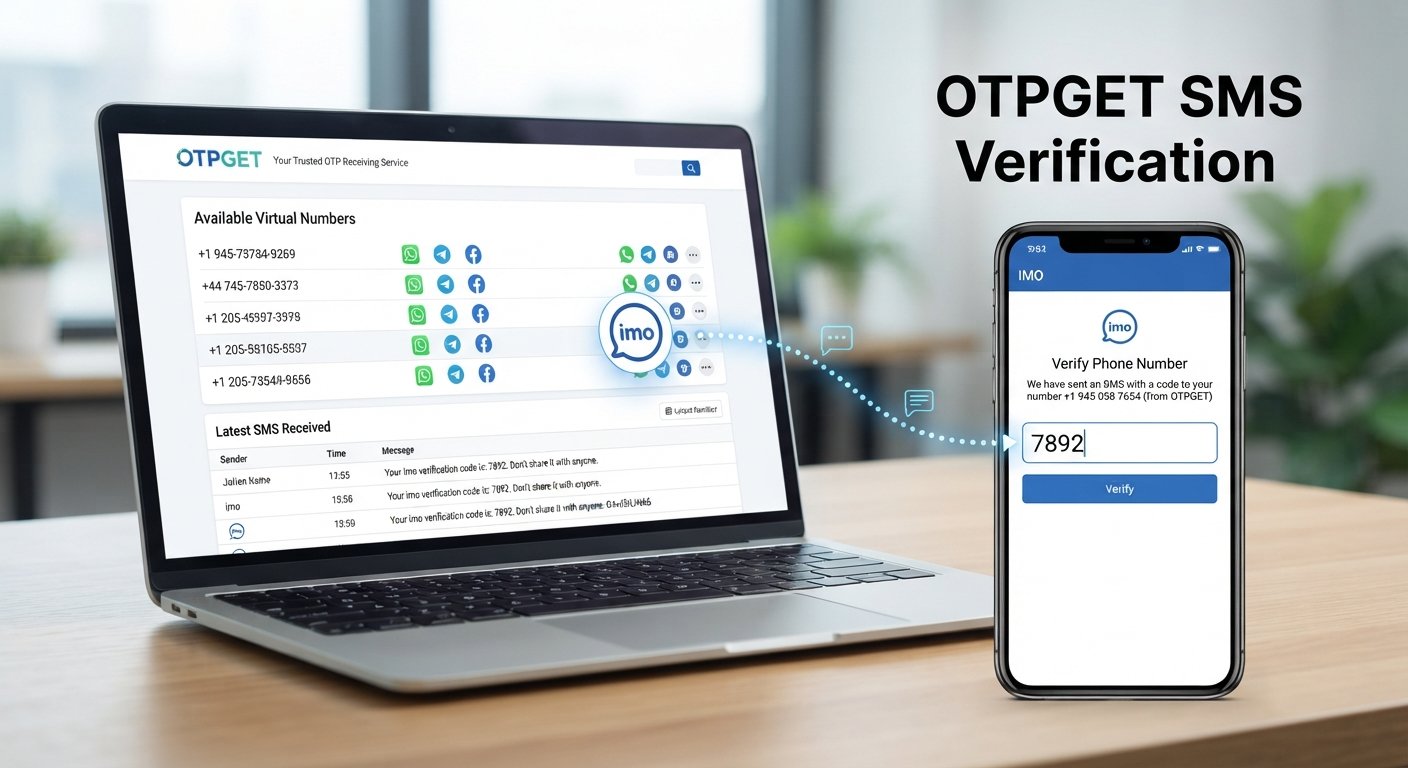
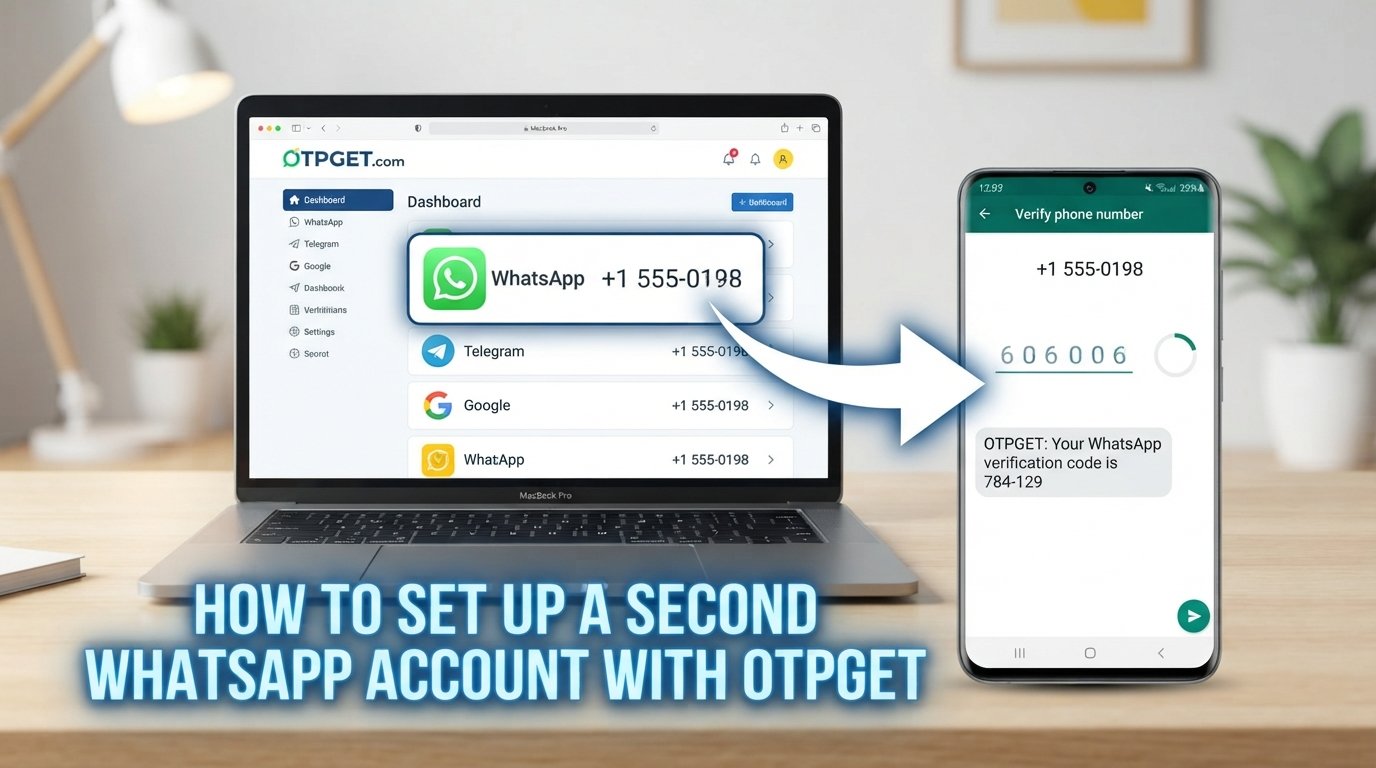
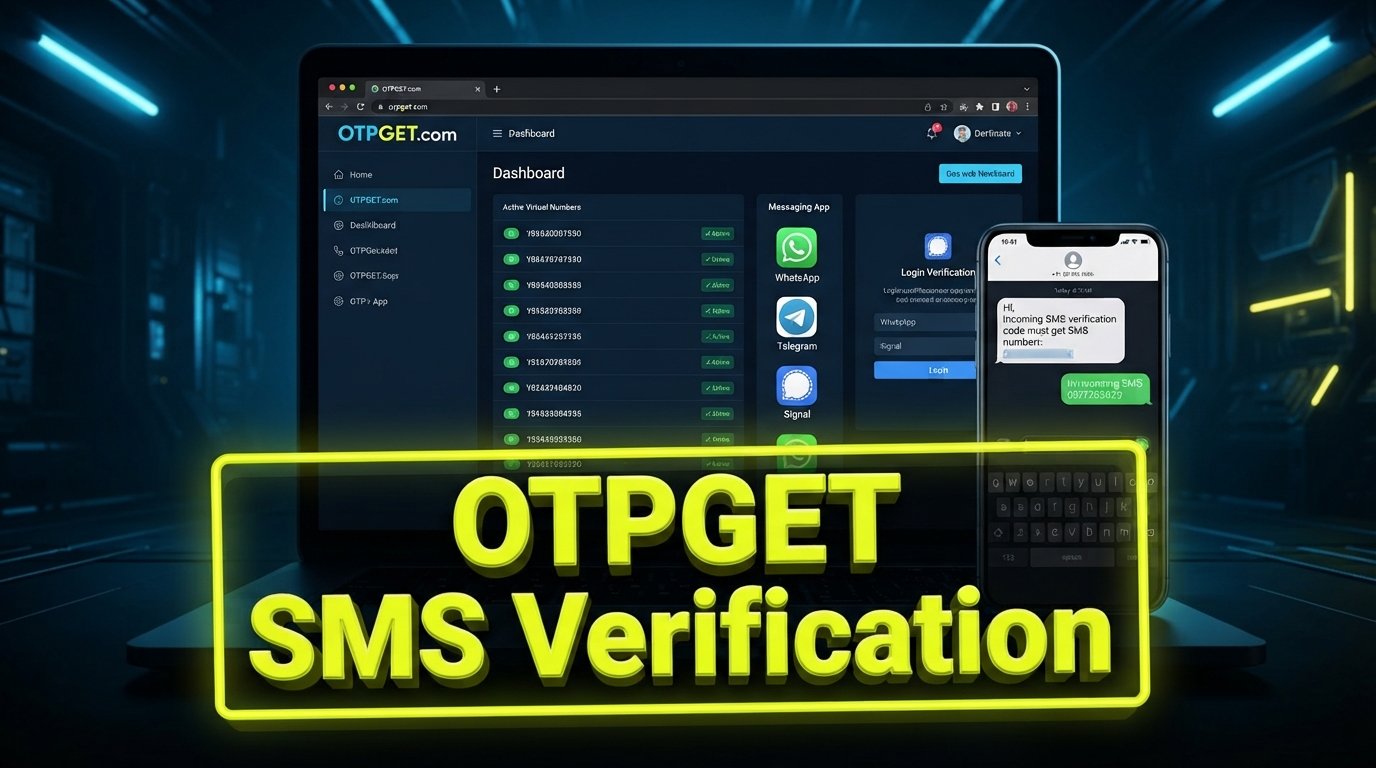
OTPGet Login: Access Your Virtual Numbers Dashboard With Ease
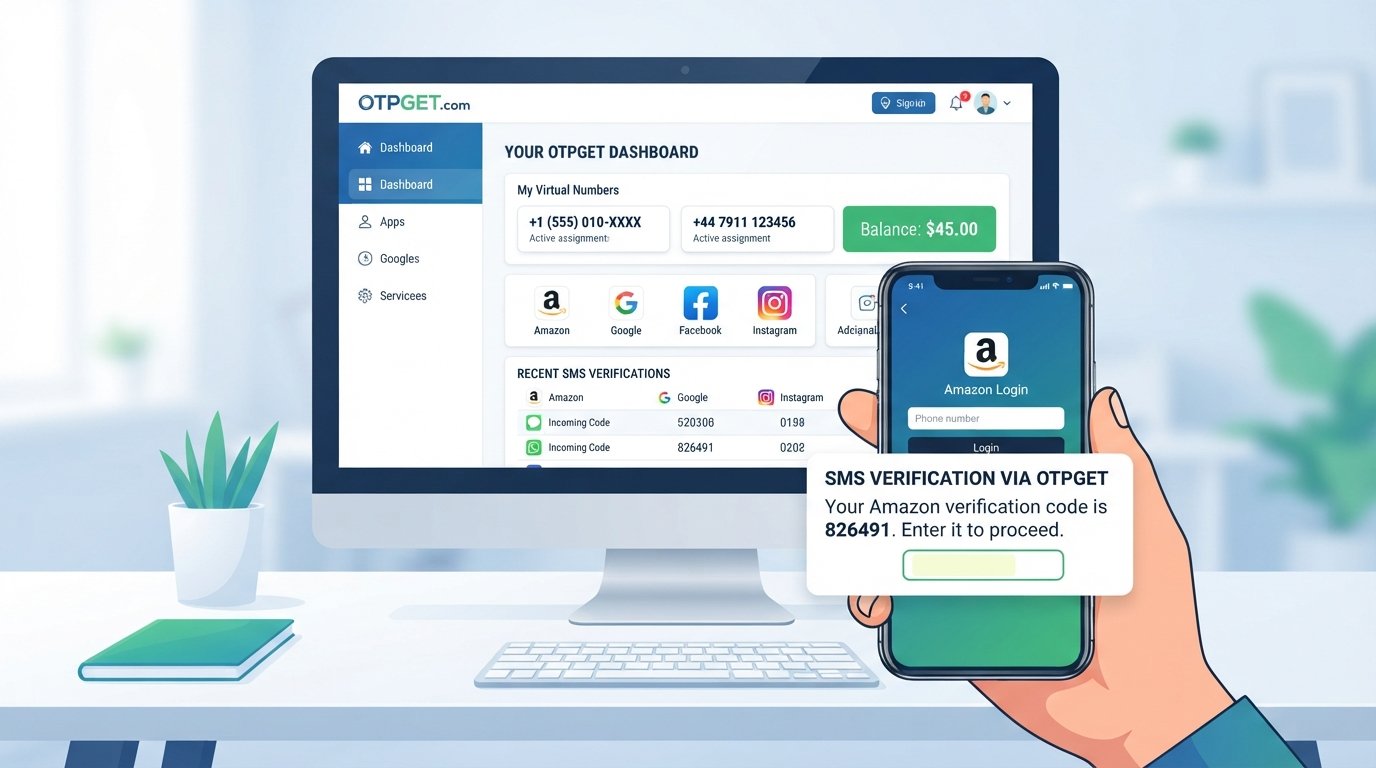
OTPGet Login: Access Your Virtual Numbers Dashboard With Ease
Finding a convenient way to manage virtual numbers can make online verification workflows easier to organize. Whether you need a temporary phone number for a legitimate verification task or want to keep personal communications separate from online services, a centralized dashboard can simplify the process.
OTPGET is positioned around this need, giving users a place to explore and manage virtual-number access where supported. For people searching for OTPGet login, the main goal is usually straightforward: reach their account, access the available virtual numbers dashboard, and handle verification-related tasks efficiently.
This guide explains what OTPGET and its dashboard mean, how the login process generally works, what virtual numbers can be used for, and how to troubleshoot common access or verification issues.
What Is OTPGET?
OTPGET is associated with the use of virtual numbers for online verification and SMS-based workflows. In general, a virtual number is a phone number that can be used without requiring a traditional physical SIM card in the user's device.
Virtual phone numbers can have several legitimate uses. One common use is receiving SMS messages or verification codes when a service supports virtual or temporary numbers.
For example, a website may ask a user to complete phone number verification by entering a code sent through SMS. A compatible virtual number may provide an alternative to using a personal mobile number, depending on the requirements of the service involved.
The important point is that virtual-number functionality varies by provider and by the website requesting verification. Not every service accepts every virtual or temporary number.
What Is OTPGet Login?
When someone searches for OTPGet login, they are generally looking for a way to access their OTPGET account and reach the platform's account area or virtual numbers dashboard.
Logging in provides a centralized point from which users can review whatever account and number-management options are available to them. Instead of treating each verification task as a separate process, a dashboard can make relevant information easier to organize.
For someone using an OTP receiving service, dashboard access can be particularly useful because the user may need to review available numbers or monitor incoming verification messages where supported.
The exact layout, login fields, authentication requirements, and dashboard functions can change. Users should therefore rely on the current interface presented by the official OTPGET website rather than following instructions based on an outdated screenshot or third-party guide.
How to Access the OTPGET Dashboard
The general login process is straightforward, although the exact interface may vary.
- Visit the official OTPGET website.
Start with the legitimate OTPGET source rather than an unofficial page or unfamiliar login link. - Locate the account or login option.
Look for the platform's current sign-in or account-access option. - Enter your account credentials.
Provide the information associated with your OTPGET account as requested. - Complete any verification step if requested.
If the service presents an additional verification requirement, follow the instructions shown on the screen. - Access the virtual numbers dashboard.
After successful authentication, proceed to the account area available to you. - Review the available options.
Depending on the account and the current platform interface, you may be able to review or manage available virtual-number resources.
Avoid relying on specific button names, URLs, or dashboard features unless they are confirmed directly through the current OTPGET platform.
What Can You Do With a Virtual Numbers Dashboard?
A virtual numbers dashboard can act as a central place for managing number-related activities. The exact capabilities depend on the service, but common concepts include:
- Managing virtual numbers associated with an account
- Reviewing available numbers where applicable
- Receiving SMS or verification messages where supported
- Checking incoming SMS verification codes
- Using a virtual number for an appropriate OTP verification workflow
- Organizing access to numbers used for separate online tasks
- Monitoring verification-related messages without mixing them with personal SMS
This can be useful when a user needs an online virtual number for a legitimate, supported purpose.
For example, someone may want to keep a personal mobile number separate from a particular online account. A temporary virtual number can sometimes provide that separation, provided the website or application accepts that type of number.
The dashboard itself is valuable because it puts relevant account information into one location rather than requiring users to manage number-related details through disconnected steps.
Why Use a Virtual Number for OTP Verification?
There are several practical reasons people consider a virtual number for OTP verification.
Convenience
Virtual numbers can provide an alternative to using a personal mobile number for certain online verification workflows. This may be useful when a service explicitly supports this type of number.
Separation of communications
Using a separate number can help distinguish personal communications from messages associated with online accounts or temporary verification needs.
Easier management
A centralized virtual number service can make it easier to keep track of numbers and verification messages, especially when handling multiple legitimate online workflows.
Temporary verification needs
Some users may need a temporary virtual number for a short-term purpose. Whether this is appropriate depends on the requirements and rules of the service being verified.
Privacy considerations
A virtual number may offer a degree of separation between an online account and a user's primary phone number. However, users should not assume that a virtual number provides complete anonymity or privacy.
Most importantly, always follow the terms of service and verification requirements of the website or platform involved. Some services restrict temporary or virtual phone numbers.
OTPGET as a Convenient Solution for Virtual Numbers
For users specifically searching for OTPGET virtual numbers, the main attraction is the ability to approach virtual-number management through a centralized platform.
The OTPGET dashboard is relevant because users looking for an OTPGet login are typically trying to move beyond simply finding a number. They want account access and a practical way to manage their available virtual-number resources.
That makes OTPGET a relevant option to consider for people researching:
- Virtual numbers for legitimate online workflows
- OTP verification and SMS-based verification
- A virtual number for OTP-related tasks
- Online phone verification
- SMS verification numbers
- Access to a virtual numbers dashboard
- Managing virtual numbers through an account
The most useful way to evaluate OTPGET is to focus on the functionality currently presented through its official platform and whether that functionality matches the verification requirements of the service you intend to use.
Rather than assuming every virtual number works everywhere, check the specific requirements of the destination website or application first. Compatibility is an important part of choosing an online SMS verification solution.
Tips for Using Virtual Numbers Responsibly
Virtual numbers are useful tools, but they should be used appropriately. Keep these practices in mind:
- Use virtual numbers for legitimate purposes.
- Follow the rules and terms of the website requiring verification.
- Keep your OTPGET account credentials private.
- Never share verification codes unnecessarily.
- Check whether the service accepts virtual or temporary phone numbers.
- Understand that some platforms may restrict numbers used for verification.
- Use the number only in ways permitted by the relevant service.
- Avoid assuming that a virtual number guarantees anonymity or permanent access.
A verification code is often an important part of account authentication. Treat it as sensitive information and handle it accordingly.
Common OTPGet Login Problems and Possible Solutions
Even a straightforward login can occasionally present problems. Here are some common situations and practical steps to consider.
Incorrect login credentials
If you cannot sign in, first check that the account information you entered is correct. Pay attention to spelling, capitalization, and accidental spaces.
If the platform provides an account-recovery option, use the current instructions displayed by the official OTPGET website.
Trouble accessing the account
Browser problems can sometimes interfere with login pages. Try refreshing the page, reopening the site, or using a current browser. If the problem continues, check whether the service is experiencing a temporary issue.
Verification code does not arrive
If an expected OTP does not appear, first check whether the number is appropriate for the service and whether the service actually supports virtual numbers. Also allow reasonable time for SMS delivery before repeating the request.
Number is unavailable
Virtual numbers can have availability limitations. If a desired number cannot be selected, review the alternatives currently presented by the platform rather than assuming a particular number or region will always be available.
Session or browser problems
Clearing an outdated session, reopening the browser, or trying a supported browser can sometimes resolve unexpected access behavior. Avoid entering credentials into unfamiliar third-party pages.
Temporary service issues
If everything appears correct but the platform still does not respond normally, the issue may be temporary. Waiting and checking the official source again can be more useful than repeatedly changing account settings.
Frequently Asked Questions About OTPGET
What is OTPGET?
OTPGET is associated with virtual-number and OTP/SMS verification use cases. Users interested in the service should review its current official platform information to understand the functionality available to their account.
How does OTPGet login work?
OTPGet login generally refers to accessing an OTPGET account through the platform's current account-access process. Users provide the requested credentials and complete any verification step shown by the service.
What is the OTPGET dashboard?
The OTPGET dashboard refers to the account area where users can access available virtual-number management functionality. The exact options can vary, so the current official interface should be treated as the authoritative reference.
What are virtual numbers used for?
Virtual numbers can be used for various legitimate online communication and verification purposes. Depending on the service, they may support SMS or OTP verification without requiring the user to rely on a primary personal mobile number.
Can a virtual number be used for OTP verification?
It can be used when the relevant website or service accepts virtual numbers for verification. Not every platform does, so users should check the specific verification requirements before proceeding.
What should I do if I cannot access my OTPGET account?
Check your credentials, refresh the login page, try a current browser, and use any account-recovery process provided by the official OTPGET website. If the issue appears to be service-related, check again later.
Why might an OTP verification code not arrive?
Possible reasons include delayed SMS delivery, an unsupported virtual number, incorrect number selection, or an issue with the service sending the message. Confirm that the destination service supports the type of number being used.
Final Thoughts
For users searching for OTPGet login, the underlying goal is usually simple: access an account, reach the virtual numbers dashboard, and manage virtual numbers for appropriate online verification tasks.
OTPGET can be considered by people looking for a centralized approach to virtual numbers, OTP verification, and SMS-based workflows. The key is to match the service's available functionality with the requirements of the website or platform where verification is needed.
Before using any virtual number, review the relevant service's rules and confirm that virtual or temporary numbers are accepted. Then, for account access and current functionality, use the official OTPGET website as your primary source.
If OTPGET fits your needs, explore its current platform and dashboard to see which virtual-number options are available to you.