Sign In to OTPGET and Receive OTP Verification Codes Instantly
Sign In to OTPGET and Receive OTP Verification Codes Instantly
Getting through an online verification step should not feel more complicated than the task itself. When a website or service asks for an OTP, the process usually comes down to one thing: receiving the correct verification code and entering it at the right time.
That is where OTPGET can provide a convenient solution for users who need access to OTP or verification codes as part of a legitimate online verification process.
If you are looking for information about an OTPGET login, want to understand how OTP verification works, or simply need a clearer way to manage verification codes, this guide explains the process in practical terms.
What Is OTPGET?
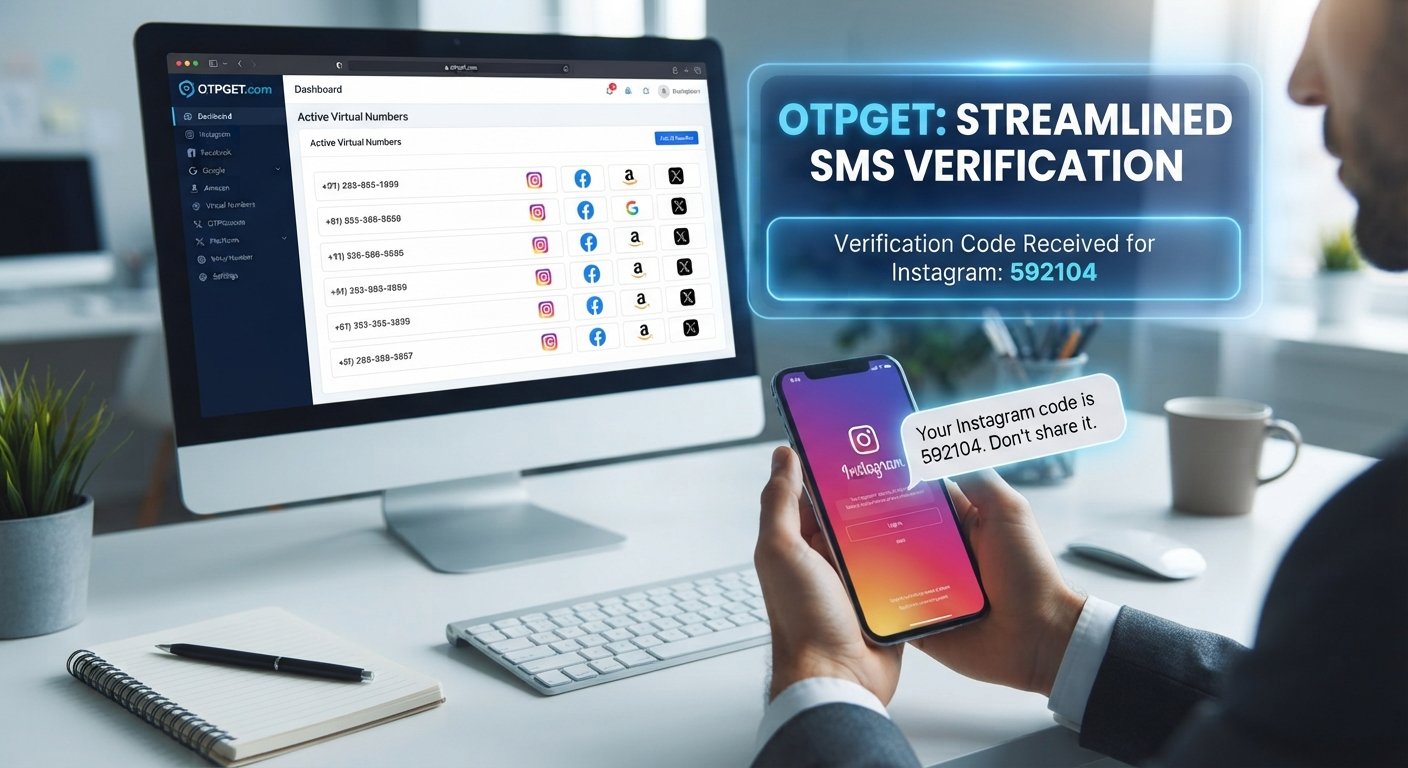
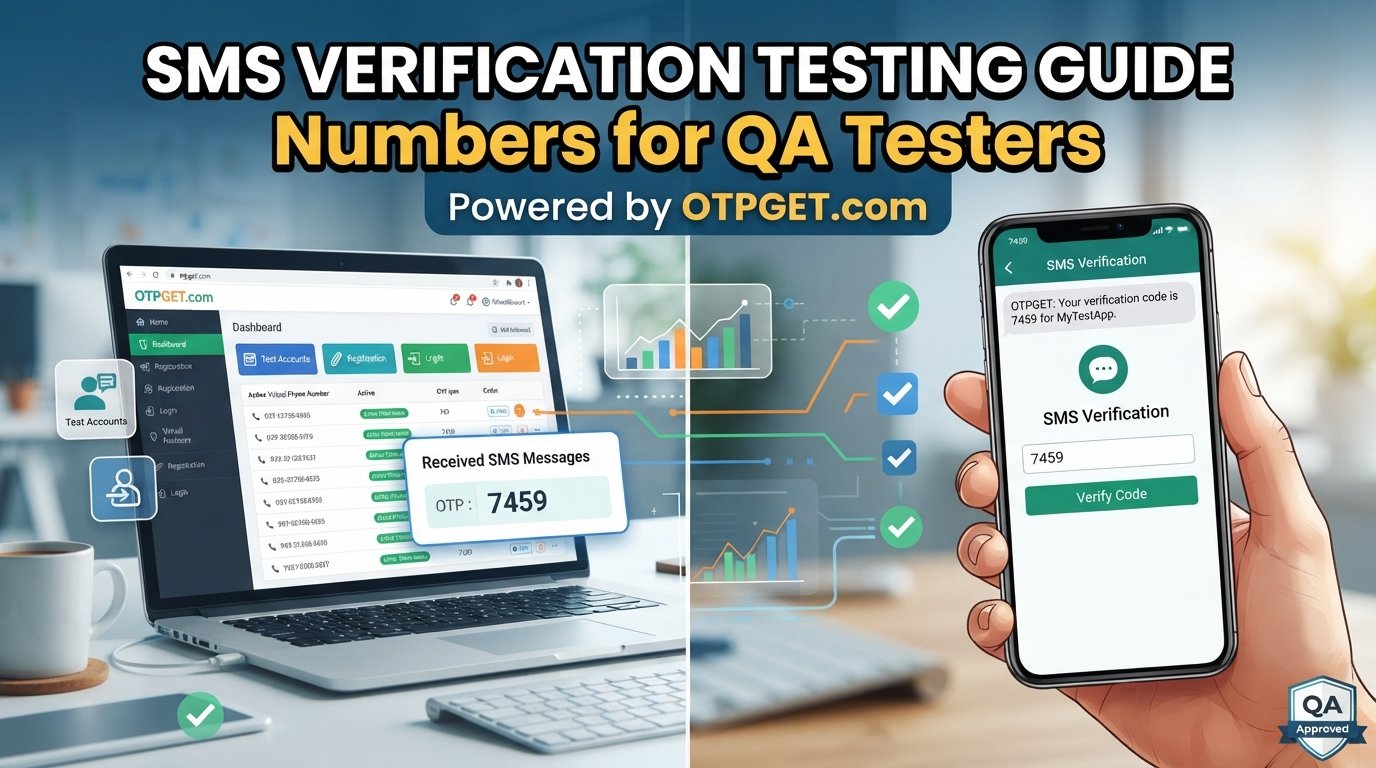
OTPGET is centered around the need to receive OTP and verification codes for online verification processes.
An OTP, or one-time password, is a temporary code used to confirm that a person is authorized to complete a particular action. Depending on the service involved, the code may be delivered through SMS or another supported verification channel.
For someone completing an online sign-in or verification step, the experience is straightforward in principle:
- A service requests verification.
- An OTP or verification code is generated.
- The code is delivered through the relevant channel.
- The user enters the valid code.
- The verification process is completed if the code is accepted.
OTPGET can serve users who want a practical way to receive OTP codes during legitimate verification activities.
Because specific interface options can vary, users should follow the current OTPGET sign-in and verification instructions displayed on the service.
Why OTP Verification Matters
OTP verification is widely used because passwords alone do not always provide enough confirmation for certain online actions.
A service may request a temporary verification code when a user is:
- Signing in to an account
- Confirming a phone number
- Completing a registration process
- Verifying access during an online transaction
- Confirming a particular account action
- Completing another legitimate identity or access check
The main purpose of an OTP is confirmation. Instead of relying only on a password or static account information, the service asks for a temporary code associated with the verification process.
This makes understanding the OTP workflow useful for both beginners and experienced internet users.
An OTP verification code is also generally time-sensitive. That means users should pay attention to which code is current and enter the appropriate code rather than relying on an older message.
How to Sign In to OTPGET
The exact OTPGET interface may change, so it is better to avoid assuming specific button names or menu locations. However, the general sign-in process is simple.
Follow the Sign-In Process
- Open the official OTPGET sign-in page or access point.
Use the legitimate OTPGET service rather than an unfamiliar website claiming to represent it. - Enter your required account information.
Provide the information requested by the current sign-in interface. - Complete any requested verification step.
If OTP verification is part of the process, follow the instructions shown on the screen. - Enter the valid verification code.
Use the current OTP provided for the specific verification request. - Continue after the code is accepted.
Once the verification step is completed successfully, proceed according to the service's instructions.
If you are having trouble signing in, first check that the information you entered is accurate. Avoid repeatedly requesting codes without first checking whether an earlier code has already arrived.
How to Receive OTP Codes With OTPGET
The basic purpose of an OTP code service is to make the verification-code stage easier to manage.
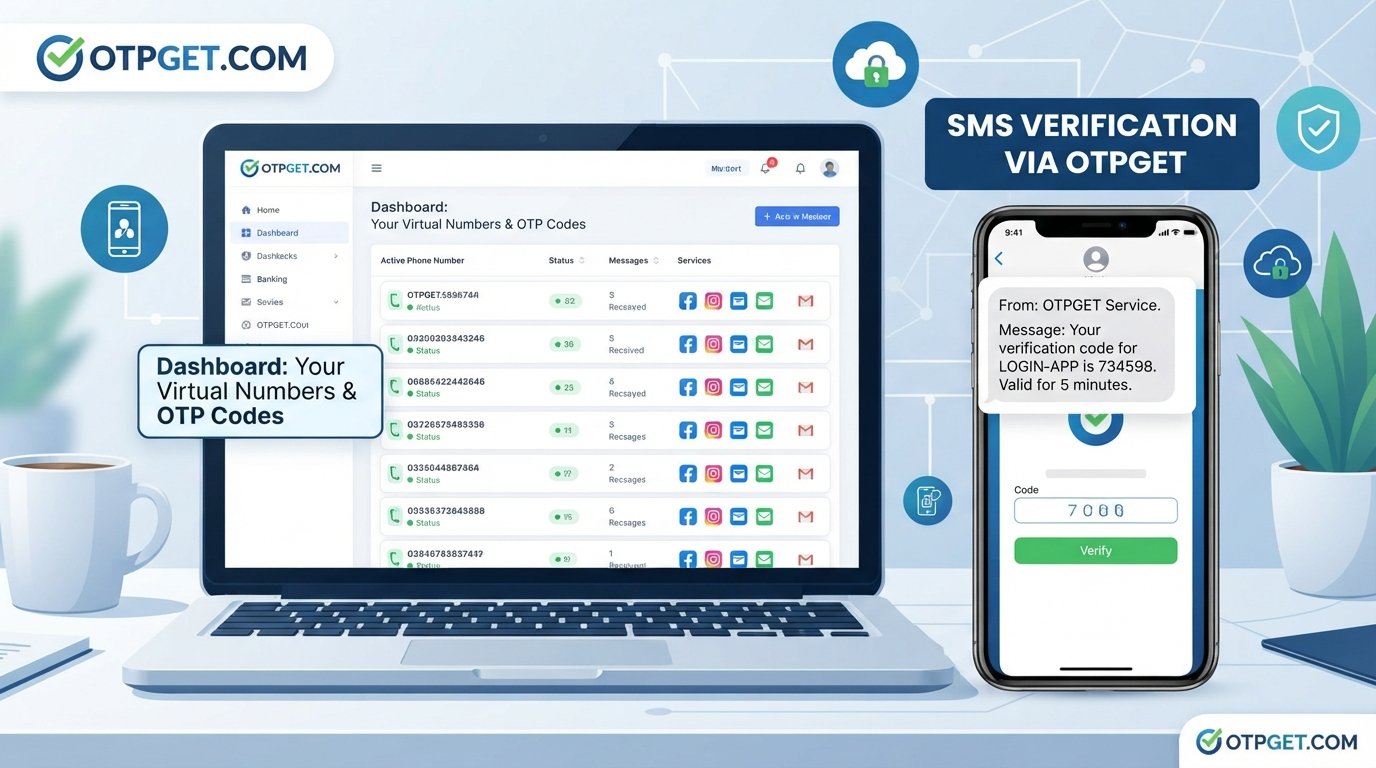
When a legitimate service requires verification, the relevant OTP needs to reach the intended recipient before it can be entered. OTPGET is positioned around this practical requirement, helping users access OTP or verification codes as part of their online verification workflow.
A typical process may look like this:
- Start the legitimate verification process.
- Provide the requested information accurately.
- Use the appropriate OTPGET workflow for receiving the code.
- Wait for the verification message or code to arrive.
- Identify the latest valid OTP.
- Enter the code into the service requesting verification.
The key point is that an OTP is tied to a specific verification event. Receiving a code does not automatically complete verification; the code generally needs to be entered into the service that requested it.
Benefits of Using OTPGET
For users who regularly encounter OTP verification, having a straightforward approach to receiving verification codes can make the overall process easier to understand.
Potential practical benefits include:
Convenient OTP Access
OTPGET focuses on the common need to receive OTP codes during online verification. Having a dedicated workflow can help keep the verification process organized.
A Simpler Verification Workflow
Instead of treating every OTP request as a confusing technical problem, users can approach the process step by step: initiate verification, receive the code, and enter the appropriate OTP.
Easier Access to Verification Codes
When an OTP is required, the important information is the current, valid verification code. A service focused on OTP access can be useful for users dealing with this type of verification requirement.
Practical Online Verification
OTP verification appears across many types of online services. Understanding how to receive and use verification codes can make routine sign-in and account-confirmation processes easier to navigate.
These benefits should be viewed in the context of legitimate verification. Users should always follow the requirements of the service they are trying to access.
OTPGET for Different Verification Needs
OTP verification can appear in many legitimate online situations.
For example, a user may encounter an OTP when creating an account, confirming contact information, signing in, or completing another action that requires additional confirmation.
OTPGET can be relevant when the user's task involves receiving an OTP or verification code through the supported process.
However, an OTP should only be used for authorized activity. Users should never attempt to obtain, use, or enter someone else's verification code, bypass authentication, or gain unauthorized access to an account.
A simple rule is worth remembering: use verification codes only for accounts, services, and actions you are authorized to access.
Tips for a Smooth OTP Verification Experience
Even a straightforward OTP process can become frustrating when a code is delayed or an incorrect code is entered. A few basic habits can help.
Check Your Information Carefully
Before requesting or expecting a verification code, confirm that the relevant phone number, account information, or other requested details have been entered correctly.
Give the Code a Moment to Arrive
If an OTP does not appear immediately, avoid repeatedly submitting new requests. First check the relevant message channel and wait briefly.
Use the Latest Valid Code
If several codes have been requested, an earlier OTP may no longer be the appropriate code to enter. Use the latest valid code associated with the current verification request.
Request a New Code When Appropriate
If the available code has expired or is no longer accepted, use the service's normal option for requesting another verification code.
Follow the Service's Instructions
Different websites and applications can have different verification requirements. Read the instructions shown during the process rather than assuming every OTP workflow works in exactly the same way.
Keep Account Details Accurate
Accurate account and contact information can reduce avoidable problems during verification. If the information connected to an account needs updating, use the legitimate account-management process provided by that service.
Why Choose OTPGET for OTP Verification?
The value of OTPGET comes down to a straightforward need: users sometimes require a convenient way to handle OTP and verification-code steps during legitimate online activities.
Rather than making the concept more complicated than it needs to be, OTPGET can be approached as a practical solution for people looking to receive verification codes and complete the associated verification workflow.
For users researching online OTP verification, the important factors are clarity, convenience, and using the correct verification process for the service involved. OTPGET gives the topic a clear focus by putting OTP access at the center of the experience.
It can be particularly useful to users who want to understand the relationship between receiving an OTP and completing an online verification step.
The best approach is to use OTPGET responsibly, follow the relevant instructions, and make sure every verification request relates to an account or activity you are authorized to access.
Frequently Asked Questions
What is OTPGET?
OTPGET is focused on helping users receive OTP or verification codes for legitimate online verification processes. Its purpose is connected to the practical need for access to a temporary verification code when a service requests one.
How do I sign in to OTPGET?
To sign in to OTPGET, access the legitimate OTPGET sign-in interface and follow the instructions currently provided there. Enter the requested account information and complete any verification step that appears.
How can I receive OTP codes through OTPGET?
The general process involves using the appropriate OTPGET workflow for the verification request, waiting for the relevant code, and entering the valid OTP into the service requesting verification. Specific steps can depend on the current interface and verification requirements.
What is an OTP verification code?
An OTP verification code is a temporary code used to confirm a user's authorization during a particular online action. It is generally intended for one verification event rather than permanent account access.
What should I do if an OTP does not arrive?
First, check that the relevant information was entered correctly and review the appropriate message channel. If the code still does not arrive, follow the service's normal process for requesting another verification code.
Is OTPGET useful for online verification?
OTPGET can be useful for users who need to receive OTP or verification codes as part of legitimate online verification activities. The exact usefulness depends on the user's particular verification requirement and the available OTPGET functionality.
Why do websites use OTP verification?
Websites use OTP verification to add a temporary confirmation step to certain actions, such as sign-ins, registrations, contact verification, or other account-related activities. The code helps confirm the verification request before the action continues.
Conclusion
OTP verification is a familiar part of many online sign-in and account-confirmation processes, but receiving and managing the correct code can still be a point of friction.
OTPGET provides a focused solution for users looking for a convenient way to receive OTP and verification codes during legitimate online activities. By understanding how OTP verification works, checking account details carefully, using the latest valid code, and following the relevant service instructions, users can approach the process with greater clarity.
If you need a practical way to handle OTP verification, explore OTPGET and use its available sign-in and verification workflow for your authorized online activities.