OTPGET Login: SMS Verification Made Easy for Secure OTP Access
Log In to OTPGET – SMS Verification Made Easy
A verification code should not turn a simple login or account setup into a frustrating process. When an SMS arrives late, a phone number needs to be confirmed, or a user is unsure what to do next, even a straightforward verification step can become a source of friction.
That is where a clear SMS verification workflow can make a difference.
OTPGET is positioned around the practical need for easier OTP and SMS-based verification. Whether the goal is account verification, phone number confirmation, or login verification, understanding how the process works can make the experience more straightforward.
This guide explains SMS verification, how OTP codes work, what people mean when they search for OTPGET login, and how OTPGET can fit into a simple verification workflow.
What Is OTPGET?
OTPGET is focused on making OTP and SMS verification easier for users who need to complete phone-based verification.
The basic concept is simple: a verification process requires a phone number and an OTP code, and the user needs a practical way to receive and use that code to complete verification.
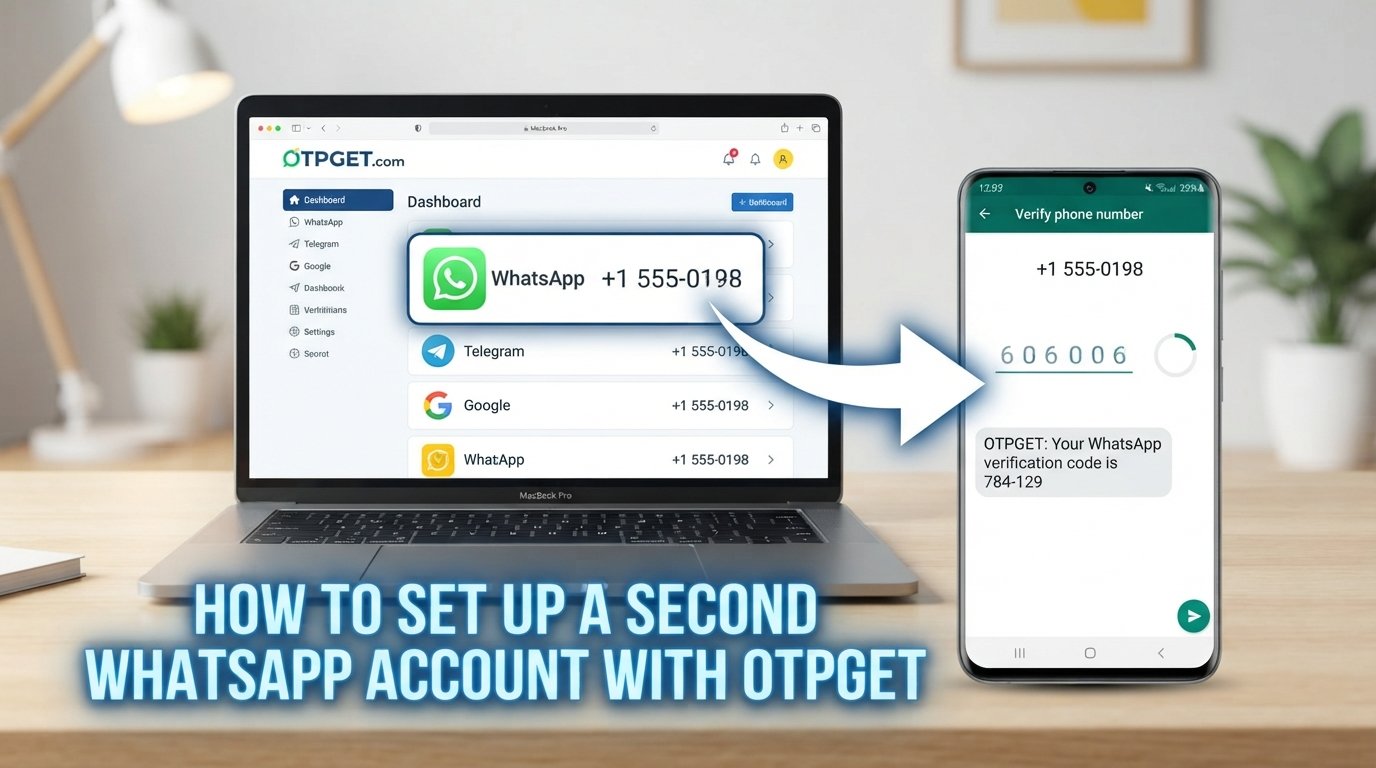
Rather than treating verification as a complicated technical process, OTPGET can be understood in terms of the user experience: start the verification process, receive the required SMS verification code, enter the code, and complete the relevant verification step.
The exact process can depend on the service or account being verified, so users should always follow the instructions presented by the relevant website or application.
What Is SMS Verification?
SMS verification is a method of confirming access to a phone number by sending a temporary verification code through a text message.
That code is commonly called an OTP, or one-time password.
For example, imagine that you are registering an account and the service asks you to confirm your mobile number. After entering the required phone information, the service may send a short verification code by SMS. You enter that code into the verification field, and the service checks whether it matches the expected code.
If the code is correct and valid, the verification step can be completed.
The basic flow is:
- Start the verification process.
- Provide the required phone information.
- Request or trigger an OTP.
- Receive the verification SMS.
- Enter the OTP code.
- Complete the verification step.
This straightforward process is one reason SMS remains a familiar approach to phone and account verification.
Why OTP Verification Matters
Verification helps services establish that a user can access a particular phone number associated with an account or action.
Legitimate applications include:
- Account registration: Confirming a phone number during signup.
- Login verification: Adding a phone-based step when accessing an account.
- Mobile number verification: Checking that a submitted number can receive messages.
- Account confirmation: Helping confirm information associated with an account.
- Security checks: Adding another verification step to certain workflows.
- User verification: Supporting services that need to confirm access to a phone number.
OTP verification should not be viewed as a perfect security solution. Like any authentication method, it has limitations and should be implemented and used responsibly.
Still, when a service needs a familiar and convenient way to confirm a phone number, SMS-based authentication can provide a straightforward user experience.
How OTPGET Makes Verification Easier
The value of OTPGET is easiest to understand by looking at the basic verification journey.
A typical SMS OTP verification workflow can involve these steps:
1. Start the Verification Process
Begin the account, login, registration, or phone verification process on the relevant service.
2. Enter or Select the Required Phone Information
Where applicable, provide the phone information required for the verification process.
3. Request an OTP
The verification process generates or requests a one-time password that can be delivered through SMS.
4. Receive the Verification SMS
The OTP arrives as a text message containing the verification code.
5. Enter the OTP
Enter the received code into the appropriate verification field.
6. Complete Verification
If the code is accepted, the relevant phone or account verification step is completed.
This simple sequence illustrates why an easy-to-understand verification workflow matters. Users generally do not want to navigate unnecessary complexity just to confirm a phone number or complete a login verification step.
OTPGET provides a practical way to think about that experience, with the emphasis on straightforward SMS and OTP verification.
Key Benefits of OTPGET
A useful verification process should be easy to understand and convenient to complete. OTPGET can be positioned around several practical benefits of SMS-based verification.
Simpler Verification
A clear OTP workflow reduces unnecessary complexity. Users can focus on receiving their verification code and entering it correctly.
Convenient OTP Access
SMS provides a familiar channel for receiving one-time passwords, making the verification process understandable to many users.
Reduced Login Friction
When phone verification is presented through a straightforward workflow, users can spend less time figuring out what the next step requires.
Straightforward User Experience
Simple instructions and a clear verification sequence can make account confirmation easier to navigate.
SMS-Based Convenience
For workflows that use phone verification, SMS provides a direct method of delivering a temporary verification code to the relevant phone number.
These benefits are practical rather than exaggerated. The goal is not to make verification sound complicated or mysterious. It is to make the process easier to understand and use.
OTPGET Login: What Are Users Looking For?
The search phrase OTPGET login can have several meanings depending on what the user is trying to accomplish.
Some users may be looking for information about accessing OTPGET. Others may want to understand how OTPGET works for SMS verification or are searching for a way to complete an OTP-based login or verification process.
If you are looking for a specific OTPGET login page, use the official OTPGET source and follow its current instructions rather than relying on an unverified third-party URL.
For users primarily interested in the concept, OTPGET login is closely connected to the broader need for convenient SMS verification and OTP-based authentication.
The important point is that the verification code itself is only one part of the process. A usable workflow also needs clear instructions so users know where the code comes from and where it should be entered.
OTPGET and SMS Verification
OTPGET and SMS verification naturally fit together because OTPs are commonly delivered through text messages.
An OTP, or one-time password, is intended for a specific verification event. Instead of relying only on a permanent password, a service can ask the user to enter a temporary code delivered through SMS.
This creates a familiar sequence:
Phone verification → SMS delivery → OTP code → Code entry → Verification
For users, this can make the purpose of the process easy to understand. For websites and applications, SMS OTP verification can serve as one component of a broader authentication or account-verification workflow.
The specific security design will vary between services, so users should always follow the verification requirements of the platform they are accessing.
Common Use Cases for SMS and OTP Verification
SMS and OTP verification can support a range of legitimate digital activities.
New Account Verification
A website or application may ask a new user to confirm a phone number during registration.
Login Verification
A service may use an OTP as an additional step when a user signs in.
Phone Number Confirmation
A verification SMS can help confirm that a user has access to the submitted mobile number.
App Registration
Mobile applications may use phone verification as part of their registration process.
Website Registration
Web-based services can use SMS OTP verification to confirm phone details during account creation.
User Authentication
OTP codes can form part of an authentication workflow where a temporary verification code is required.
Security Confirmation
A verification step may be used when a service wants additional confirmation before allowing a particular account action.
These use cases are legitimate when the user is verifying an account, phone number, or service they are authorized to access.
Security and Responsible Use
OTP verification can provide an additional layer of confirmation, but it should not be described as completely secure or immune to attacks.
Users should protect their verification codes and avoid sharing OTPs with other people. If a service sends a code for a login or account action that the user did not initiate, the situation should be treated carefully rather than assuming the code is safe to disclose.
Responsible use also matters when working with temporary phone verification. Verification tools should be used for legitimate account and identity-confirmation purposes, not to bypass security controls, create deceptive accounts, or gain unauthorized access.
Good security depends on the complete authentication process, not a single verification method.
Who Can Benefit From OTPGET?
OTPGET may be relevant to several types of users who encounter SMS or OTP verification.
Individuals can benefit when completing legitimate phone or account verification.
Website users may encounter OTP verification when registering for or accessing an online service.
App users may need to confirm their mobile number during an application workflow.
Digital services can use phone-based verification as part of a broader user-verification process.
Businesses that require user verification may also need to think carefully about how verification is presented from the user's perspective.
Across these situations, the common requirement is simple: users need a clear way to complete the verification step without unnecessary confusion.
Frequently Asked Questions
What is OTPGET?
OTPGET is focused on making SMS and OTP verification easier and more straightforward for users who need phone-based verification.
What is SMS verification?
SMS verification is a process where a verification code is sent to a phone number by text message. The user enters that code to complete a verification step.
What is an OTP code?
OTP stands for one-time password. An OTP code is a temporary verification code used for a particular authentication or verification process.
How does SMS OTP verification work?
A service initiates verification and sends an OTP through SMS. The user receives the code and enters it into the appropriate verification field. If the code is accepted, the verification process can be completed.
What does OTPGET login mean?
“OTPGET login” may refer to users looking for access to OTPGET or information about OTP-based login and verification through the service. If you need a specific login page, use the official source rather than an unverified link.
Why do websites use phone number verification?
Phone number verification can help a service confirm that a user has access to a particular phone number. It can be used during registration, login, account confirmation, or other security-related workflows.
Is OTP verification secure?
OTP verification can add a useful verification step, but no single authentication method should be considered completely secure. Users should protect their OTPs and follow responsible security practices.
When should SMS verification be used?
SMS verification can be appropriate for legitimate account registration, phone confirmation, login verification, and other situations where a service needs to confirm access to a phone number.
Conclusion: Make SMS Verification More Straightforward With OTPGET
Verification should not feel like an obstacle between a user and the account or service they are trying to access.
SMS verification and OTP-based authentication provide a familiar way to confirm phone access, but the overall experience still depends on having a clear and straightforward workflow.
That is where OTPGET can fit into the picture. By focusing on the practical need for SMS and OTP verification, OTPGET provides a clear solution for users looking for a simpler way to approach phone-based verification and OTP login workflows.
If you are exploring OTPGET login, SMS verification, or OTP-based account verification, learn more about OTPGET and explore how its verification solution can fit your legitimate verification needs.
13. INTERNAL LINK SUGGESTIONS
1. Anchor Text:
SMS Verification Guide
Suggested Page Topic:
A detailed guide explaining SMS verification, verification codes, and common verification workflows.
Why It Fits:
This naturally expands on the article's explanation of SMS-based authentication and gives readers a deeper educational resource.
2. Anchor Text:
How OTP Verification Works
Suggested Page Topic:
An educational guide covering OTPs, one-time passwords, code delivery, and verification steps.
Why It Fits:
Readers who want more technical or practical context can continue learning about the core concept behind OTPGET.
3. Anchor Text:
Phone Number Verification
Suggested Page Topic:
A guide to mobile number confirmation and legitimate phone-based account verification.
Why It Fits:
Phone verification is a central topic in the article and provides a strong contextual connection.
4. Anchor Text:
Secure OTP Login
Suggested Page Topic:
An article explaining OTP-based login, responsible authentication practices, and account security.
Why It Fits:
This supports users who arrive through the OTPGET login search intent and want additional security information.
5. Anchor Text:
OTP Verification Service
Suggested Page Topic:
A dedicated page explaining the OTP verification solution and how users can explore OTPGET.
Why It Fits:
This provides a natural commercial pathway for readers who have moved from researching SMS verification to exploring a verification solution.
14. IMAGE ALT TEXT
- OTPGET SMS verification interface showing an OTP security code on a mobile phone
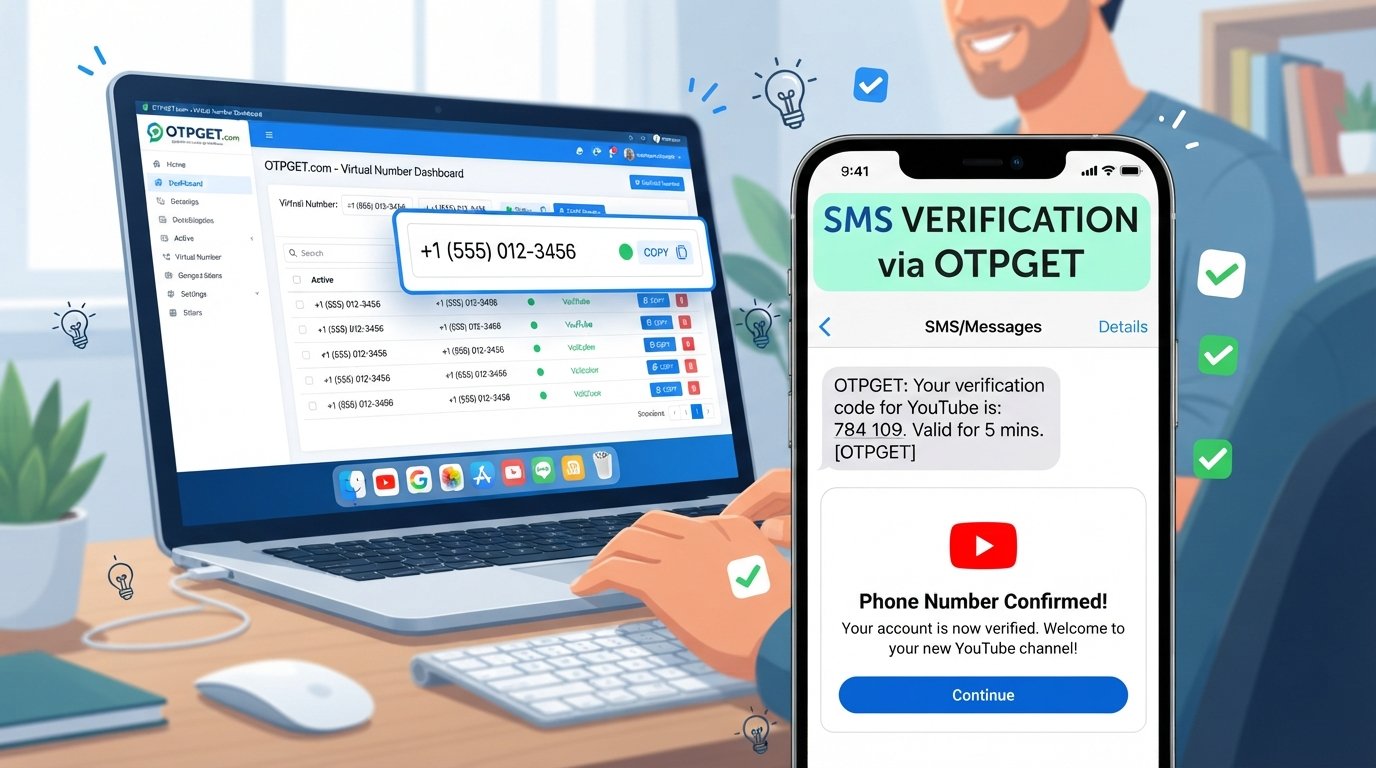
- Mobile phone displaying an OTP verification code for secure account login
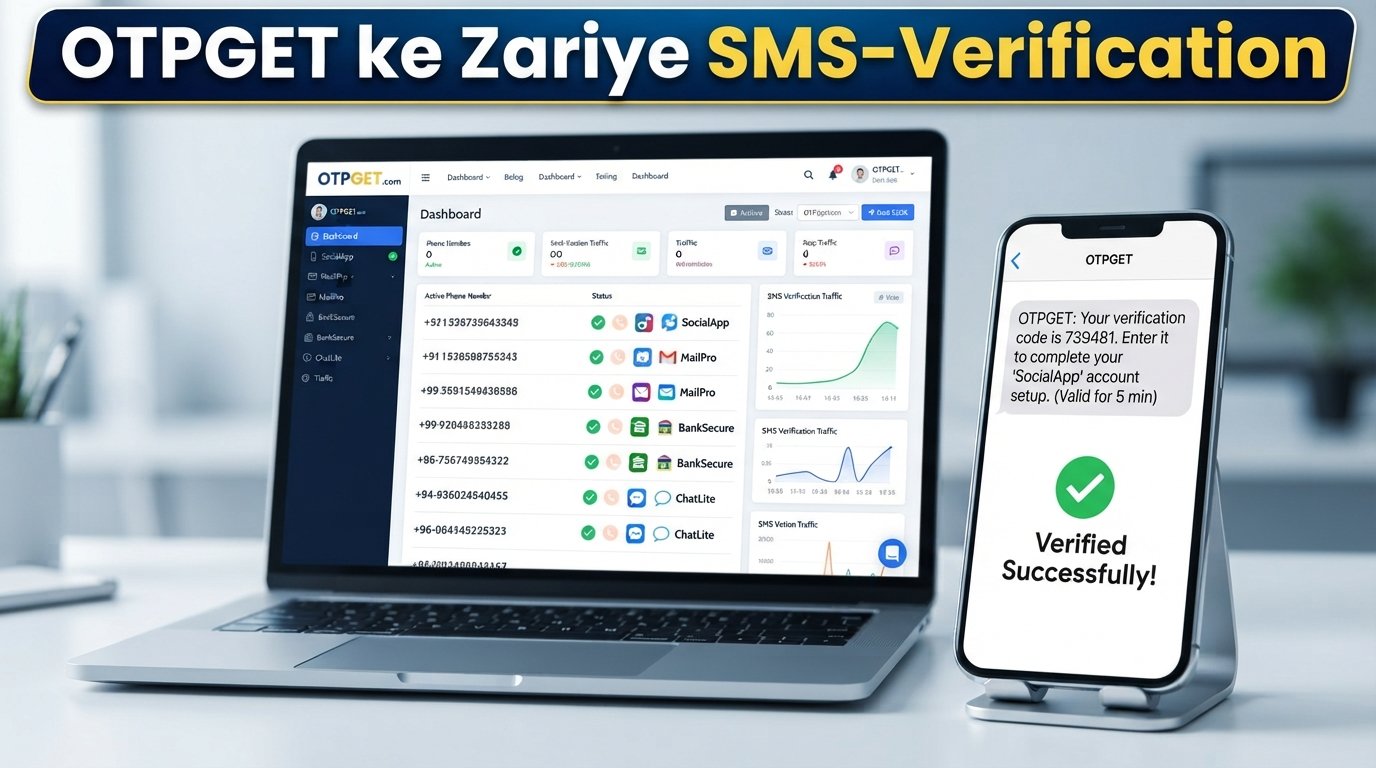
- OTPGET concept with smartphone, SMS verification message, and digital security icons