OTPGet Virtual Numbers for Online OTP Verification and Codes
Sign in to OTPGet and Get Virtual Numbers for Simple OTP Verification
8. Full Article
Phone verification can become an awkward extra step when a service asks for an SMS code before you can continue. You may need a number specifically for verification, while your regular phone number is already being used for personal communication. That is where virtual phone numbers can provide a practical alternative for supported use cases.
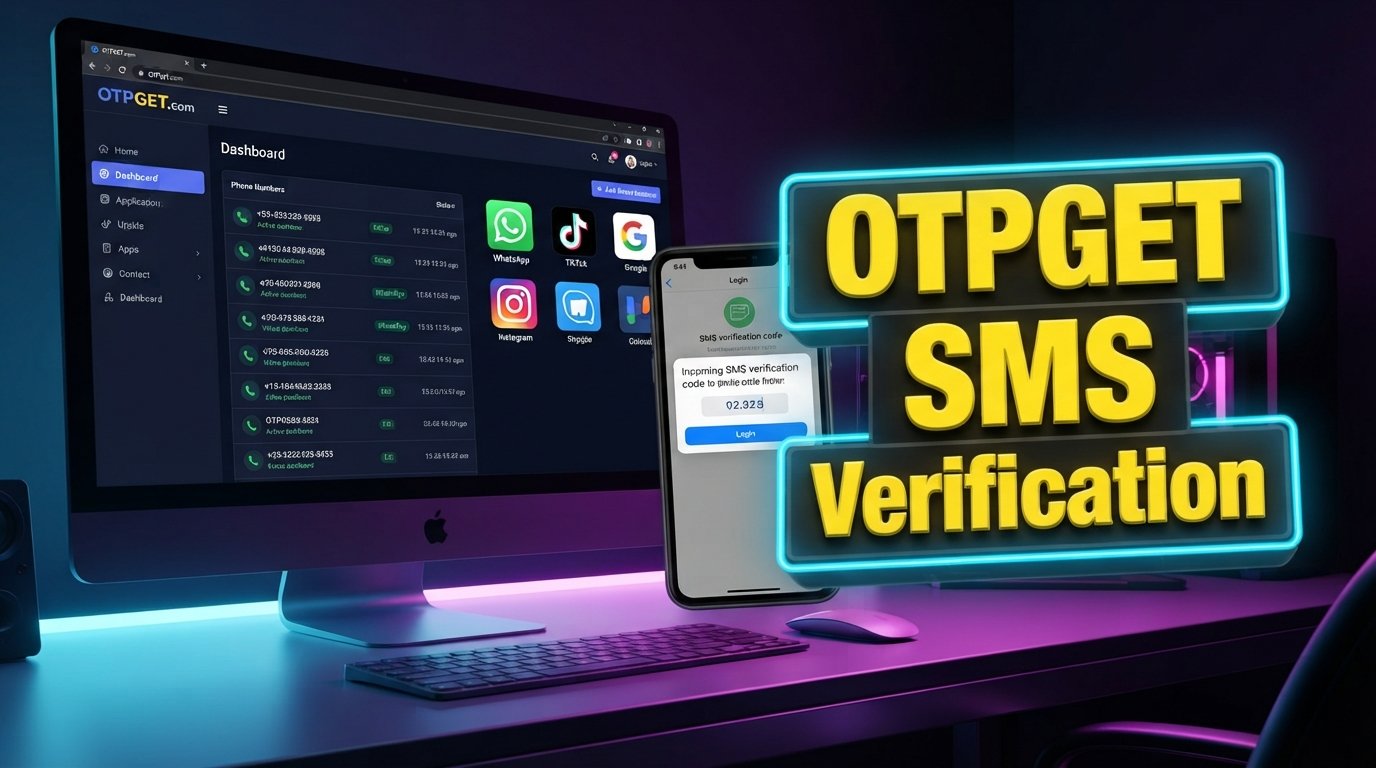
OTPGet brings this process into a simple dashboard. After you sign in, you can access virtual numbers and use them for receiving OTP or verification codes where supported. This can be useful for verification flows involving services such as WhatsApp, TikTok, and Google, provided the relevant service accepts the number.
If you are searching for OTPGet login information, virtual numbers for OTP verification, or a straightforward way to receive verification codes online, understanding how the service works can help you decide whether it fits your needs.
What Is OTPGet?
OTPGet is a platform that provides virtual phone numbers for receiving OTP and verification codes through a simple dashboard.
A virtual number works as a phone number that can be used for supported verification purposes without relying on your usual personal number for every verification request. When a service sends an OTP to the number, the code can be received through the OTPGet dashboard when supported.
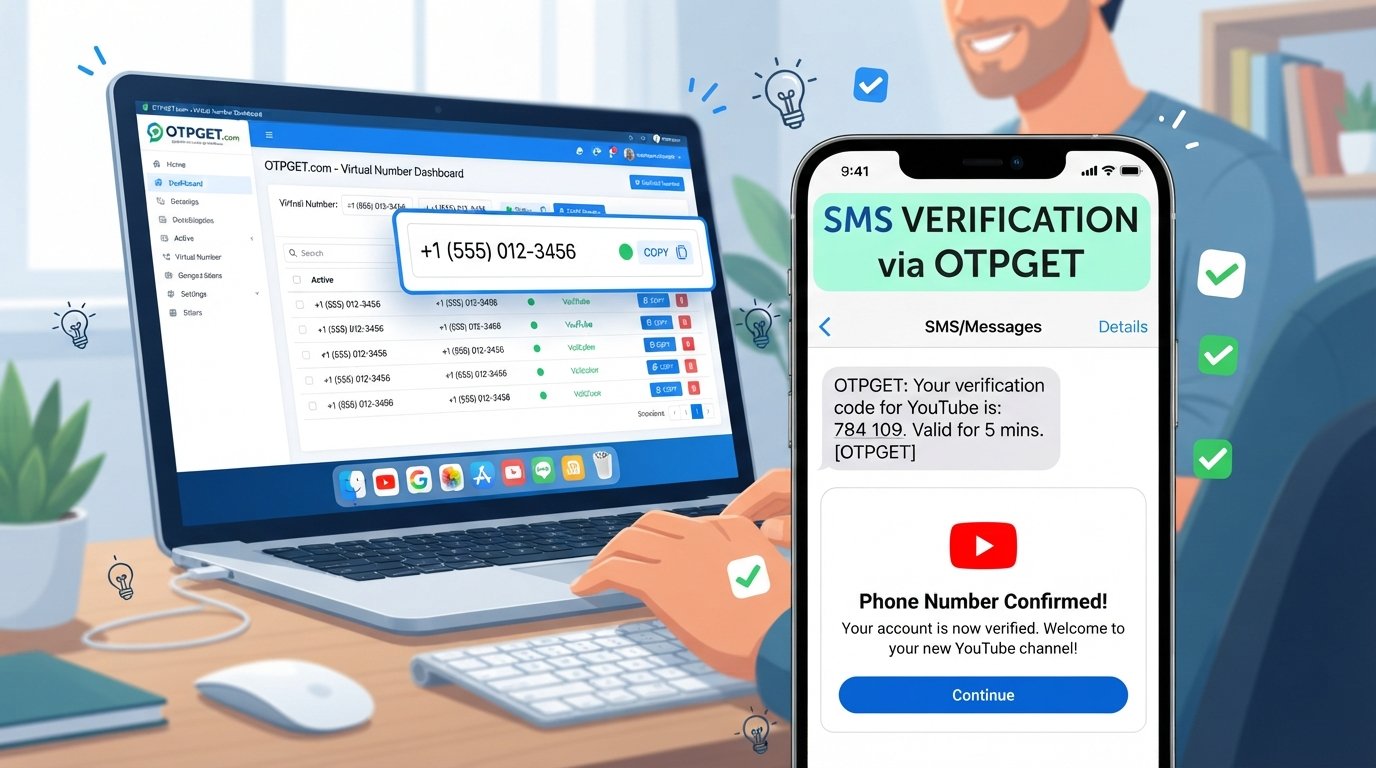
The basic process is straightforward: sign in to OTPGet, access a virtual number, use that number during a supported verification process, and check the dashboard for the incoming verification code.
This makes OTPGet relevant for people looking for an online virtual number, an OTP receiving service, or a virtual phone number for verification.
Why People Use Virtual Numbers for OTP Verification
Phone-based verification is common across online services. A platform may request a number before allowing a user to complete a particular action, and the verification code is then sent by SMS.
A virtual number can be useful in situations where someone wants to keep verification activity separate from their personal number. Instead of repeatedly using the same personal phone number, a user can use a virtual number for a supported verification workflow.
Common reasons for considering a virtual number include:
- Separation: Keep supported verification activity separate from a personal number.
- Convenience: Access verification codes through a dedicated dashboard.
- Centralized access: Keep the relevant OTP process in one interface.
- Practicality: Use a virtual phone number when a supported service requests SMS verification.
However, a virtual number should not be viewed as a guarantee of anonymity, privacy, or security. Its usefulness depends on the verification service, the number available, and the rules of the platform being used.
How OTPGet Works
The workflow is designed to be simple, making it easier to understand what happens from sign-in to verification.
Step 1: Sign in to OTPGet
Start by signing in to your OTPGet account. From there, you can access the available dashboard and the virtual-number functionality provided by the service.
Step 2: Choose a Virtual Number
Select a virtual number available to you through OTPGet. Specific number availability or options can vary, so users should rely on what is actually presented within the platform.
Step 3: Use the Number for Verification
When a supported service asks for a phone number for OTP verification, enter the virtual number where appropriate.
The number should only be used in accordance with the verification requirements and terms of the service involved.
Step 4: Receive the OTP
If the verification flow and number are supported, the OTP or verification code can appear through the OTPGet dashboard.
Step 5: Enter the Verification Code
Use the received code in the relevant verification screen. Once the service accepts the code, the applicable verification step is completed.
The important point is that OTPGet provides a centralized place for the virtual number and its supported OTP receiving process rather than requiring users to manage everything through their regular phone.
OTPGet for WhatsApp Verification
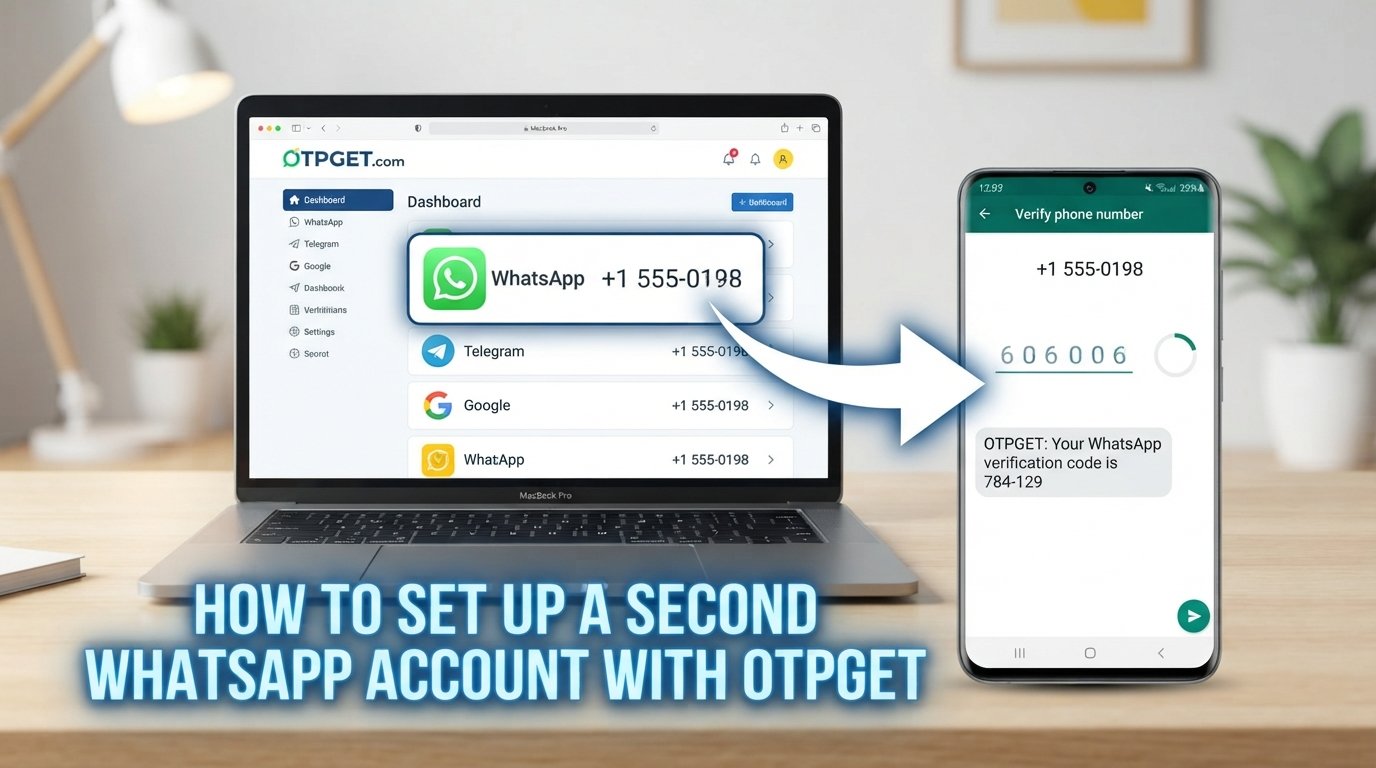
People searching for a virtual number for WhatsApp may be interested in using a virtual number when WhatsApp requests phone verification, where supported.
The general process is familiar: provide a number during the relevant verification flow, wait for the WhatsApp OTP, and enter the received code when prompted.
However, acceptance of virtual numbers can depend on the specific verification process and the policies of the platform. OTPGet should not be considered officially affiliated with WhatsApp, and there is no guarantee that every number or verification attempt will be accepted.
For that reason, use the service only where the applicable WhatsApp verification flow supports the number and follow the requirements presented by WhatsApp.
OTPGet for TikTok Verification
TikTok may use phone-based verification in certain account or security workflows. Where a virtual number is accepted, OTPGet can provide a potential option for users searching for a virtual number for TikTok.
The process generally involves entering the available virtual number when prompted and receiving a TikTok OTP through the supported OTP receiving workflow.
As with any third-party verification process, acceptance can vary. OTPGet is not presented as an official TikTok service or partner, and users should follow TikTok's own verification requirements rather than treating a virtual number as a way around them.
OTPGet for Google Verification
Users searching for a virtual number for Google may also encounter situations where Google offers phone-based verification. If the relevant verification method accepts the virtual number, the number can potentially be used to receive a Google verification code.
The important qualification is that Google verification methods can vary, and not every virtual number will necessarily be accepted for every verification flow.
OTPGet can provide a way to receive verification codes online through its dashboard where the relevant number and verification process are supported. Users should always follow Google's stated requirements for the specific verification step.
Why a Simple OTP Dashboard Matters
A verification code is usually needed at a specific moment. Having to switch between different devices or repeatedly check a personal phone can add unnecessary friction to that process.
A simple OTP dashboard provides a centralized interface for accessing the virtual-number and OTP workflow. Instead of making the process feel scattered, the relevant information can be available in one place.
The practical benefits include:
- Easier access to supported verification codes.
- A dedicated place for OTP activity.
- Less dependence on repeatedly checking a personal number.
- A straightforward workflow from number selection to code entry.
- Convenient access when completing supported verification processes.
The value is primarily about simplicity. OTPGet does not need a complicated workflow to be useful; its core purpose is to make access to virtual numbers and supported OTP codes more straightforward.
OTPGet vs. Traditional Phone Verification
A personal phone number and a virtual number serve different purposes. Neither option is universally better; the right choice depends on the verification situation and what the relevant service accepts.
| Feature | Traditional Personal Number | Virtual Number Through OTPGet |
|---|---|---|
| Number type | Personal phone number | Virtual phone number |
| OTP destination | Personal device/number | OTPGet dashboard when supported |
| Separation | Verification may share personal communication | Can separate supported verification activity |
| Access | Through the personal phone | Through the OTPGet dashboard |
| Convenience | Familiar and direct | Centralized virtual-number workflow |
| Best suited to | Personal verification needs | Supported verification use cases |
For someone who wants a dedicated option for supported online verification, an OTP receiving service such as OTPGet can offer a practical alternative to using a personal number.
Things to Consider Before Using a Virtual Number
Virtual numbers are useful, but they are not universally accepted. Before using one, it is important to understand the limitations of third-party verification systems.
Keep these points in mind:
- Not every platform accepts every virtual number.
- Verification policies can vary between services and individual verification flows.
- OTP delivery can depend on the platform and the availability of a suitable number.
- Users should follow the terms, policies, and verification requirements of the service they are using.
- A virtual number should not be treated as a method for bypassing platform rules or security controls.
These considerations are important because successful OTP verification depends on more than simply having a number. The receiving service, the number, and the platform's verification system all have a role to play.
Why Choose OTPGet?
For users who need a straightforward way to work with virtual numbers, OTPGet focuses on the essentials: sign-in access, virtual numbers, OTP receiving, and a simple dashboard.
That can make the service useful when you need to complete a supported verification process without making your personal number the default choice for every situation.
The main reasons to consider OTPGet include:
- Simple sign-in: Access the service through your OTPGet account.
- Virtual numbers: Use virtual phone numbers for supported verification scenarios.
- OTP receiving: Receive supported verification codes through the dashboard.
- Centralized workflow: Manage the relevant number and OTP process in one place.
- Practical use cases: Explore verification workflows involving services such as WhatsApp, TikTok, and Google where supported.
The emphasis is on convenience rather than complicated features. If your immediate need is a virtual number for OTP verification, OTPGet provides a focused way to approach that task.
9. FAQs
What is OTPGet?
OTPGet is a platform that provides virtual phone numbers for receiving OTP and verification codes through a simple dashboard. Users can sign in to OTPGet, access available virtual numbers, and use them for supported verification processes. Its potential use cases include phone verification involving services such as WhatsApp, TikTok, and Google, where the relevant verification flow accepts the number.
How do I sign in to OTPGet?
To sign in to OTPGet, access your OTPGet account and enter the credentials required by the service. Once signed in, you can use the available dashboard to access virtual-number functionality and supported OTP receiving features. The exact options available to you should be based on what is displayed within the OTPGet platform.
What is a virtual number for OTP verification?
A virtual number for OTP verification is a phone number that can be used in a supported verification process instead of a user's regular personal number. When the relevant service sends an SMS verification code to that number, the code may be available through the associated virtual-number service. Acceptance depends on the platform performing the verification.
Can I receive a WhatsApp OTP with OTPGet?
You may be able to receive a WhatsApp OTP through OTPGet when the relevant WhatsApp verification process accepts the available virtual number. OTPGet is not presented as an official WhatsApp service or affiliate. Because verification requirements can vary, users should follow the instructions and requirements shown by WhatsApp during the specific verification process.
Can I use OTPGet for TikTok verification?
OTPGet can potentially be used for a TikTok verification process where TikTok accepts the available virtual number and SMS verification is supported. A TikTok OTP can then be received through the supported OTP workflow. There is no guarantee that every virtual number will work for every TikTok verification request, so users should follow TikTok's requirements.
Can a virtual number receive a Google verification code?
A virtual number may receive a Google verification code when the relevant Google verification method accepts that number. However, Google can apply different requirements across its verification flows, so not every virtual number will necessarily be accepted. OTPGet provides virtual numbers and an OTP dashboard, but acceptance ultimately depends on the applicable Google verification process.
Do all services accept virtual numbers?
No. Different platforms can have different rules for phone verification, and some may not accept certain virtual numbers. Availability, number type, and the specific verification flow can also affect whether an OTP can be received. Before relying on a virtual number, check the requirements of the service you are trying to verify.
How does OTPGet's dashboard work?
OTPGet provides a simple dashboard for working with its virtual numbers and receiving supported OTP or verification codes. The basic workflow is to sign in, access a virtual number, use it for a supported verification request, and check the dashboard for the resulting code when available.