Receive OTP Codes Abroad: Stay Connected While Travelling Safely
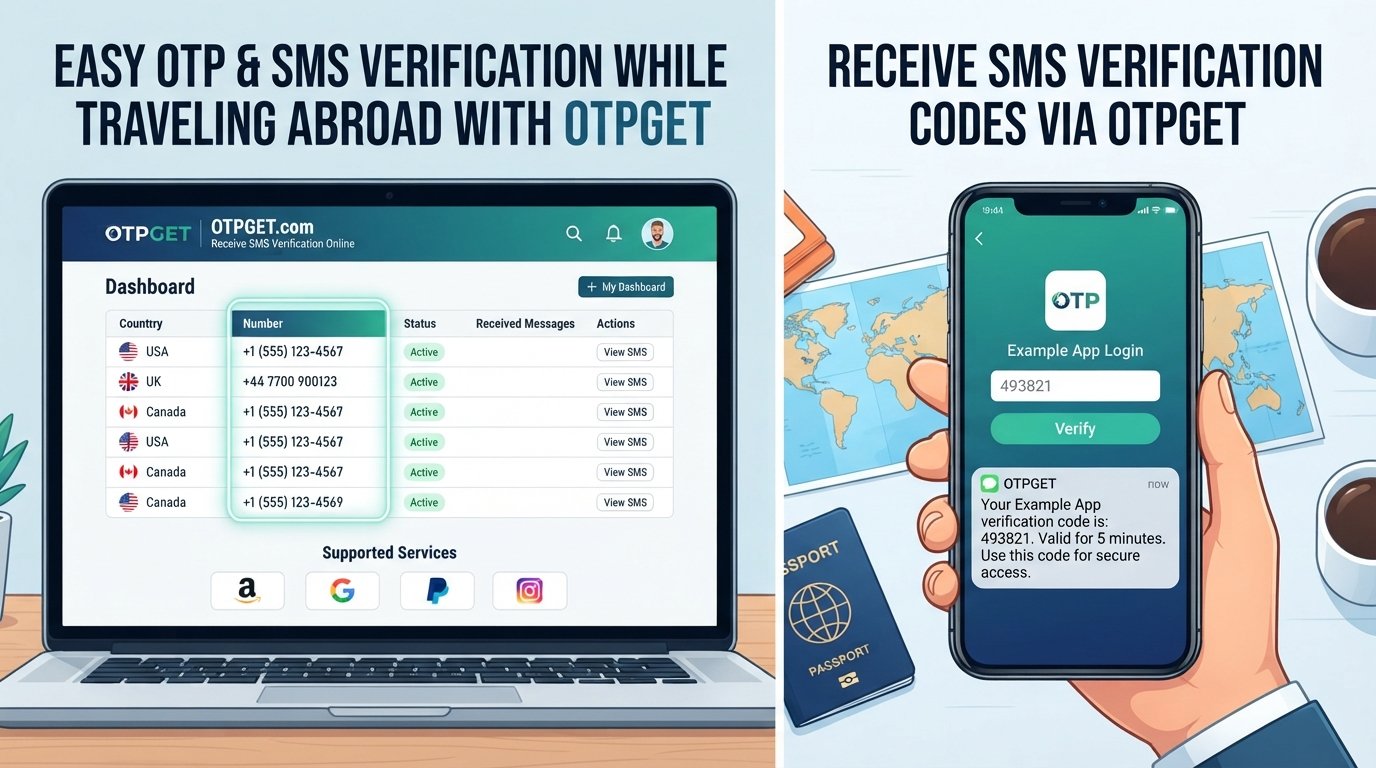
Why OTP Codes Can Be Difficult to Receive Abroad
An OTP, or one-time password, is a temporary verification code used to confirm that the person attempting to access an account or complete an action has access to a particular phone number or authentication method.
The problem is that your phone number does not automatically become fully accessible just because you cross a border.
Here are some common reasons travelers experience problems with OTP delivery.
International roaming restrictions
Your home carrier may require international roaming to be activated before your phone can connect to foreign networks. Depending on the carrier and plan, SMS services may also be subject to specific roaming arrangements.
Switching SIM cards
Travelers sometimes replace their home SIM with a local SIM to get mobile data or local calling. This can make the original number temporarily unavailable for incoming verification messages.
eSIM limitations
An eSIM can be extremely convenient for travel, but adding a travel eSIM does not necessarily mean your original number remains active for SMS. Your phone and carrier plan need to support the configuration you want to use.
Weak or unavailable network coverage
Even with roaming enabled, connectivity can vary. Your phone may connect to a network for data but experience difficulties with certain SMS services, or messages may be delayed.
Access to the registered phone number
Many verification systems send codes specifically to the number associated with an account. If you no longer have access to that number, changing your current connection does not automatically change the account's registered contact information.
These details explain why OTP while travelling abroad can sometimes be more complicated than expected.
Why OTPs Matter When Travelling
One-time passwords are commonly used as an additional layer of account security. They can appear at exactly the moment you need access to something important.
For example, you may need an OTP when:
- Logging into an account from a new device
- Confirming an online purchase
- Accessing a banking or financial app
- Verifying a travel booking account
- Signing into an email or cloud service
- Recovering an account
- Completing two-factor authentication
- Confirming a sensitive account change
Not every service uses SMS, and not every service supports the same authentication methods. Some use authenticator apps, push notifications, email codes, security keys, or backup codes instead.
That is why it is useful to understand your account's authentication options before you travel.
[Internal Link: OTP Verification Guide]
Common Ways to Receive OTPs Abroad
There is no single solution for every traveler. The right approach depends on your carrier, phone, account, destination, and the verification method supported by the service.
1. Use international roaming
Keeping your home SIM active with international roaming is one straightforward option.
Advantages:
- You keep access to your existing number.
- You do not need to update accounts with a new number.
- It can be convenient for travelers who only need occasional SMS.
Limitations:
- Roaming must be supported and configured correctly.
- Charges or plan restrictions may apply.
- Network availability can vary by destination.
Before departure, check your carrier's official roaming documentation.
2. Keep your home SIM active
Some travelers use a local data connection while keeping their original SIM active for calls or SMS.
Whether this works depends on your phone, SIM, carrier, and plan. Dual-SIM and eSIM-compatible devices can make this setup easier, but you should test it before leaving home.
3. Use an eSIM alongside your existing SIM
A travel eSIM can provide local or international data without requiring you to remove your physical SIM.
This can be useful when your primary concern is internet access while keeping your original number available for supported services.
However, an eSIM does not automatically provide SMS access to your home number. Check what your particular mobile plan supports.
4. Use another supported verification method
If your account offers an authenticator app, push notification, email verification, security key, or backup codes, you may not need an SMS at all.
This can be especially useful when you know you will have limited access to your normal mobile network.
5. Consider an OTP or SMS receiving service
For appropriate accounts and services, a reputable online SMS or OTP service may provide access to a temporary or alternative number.
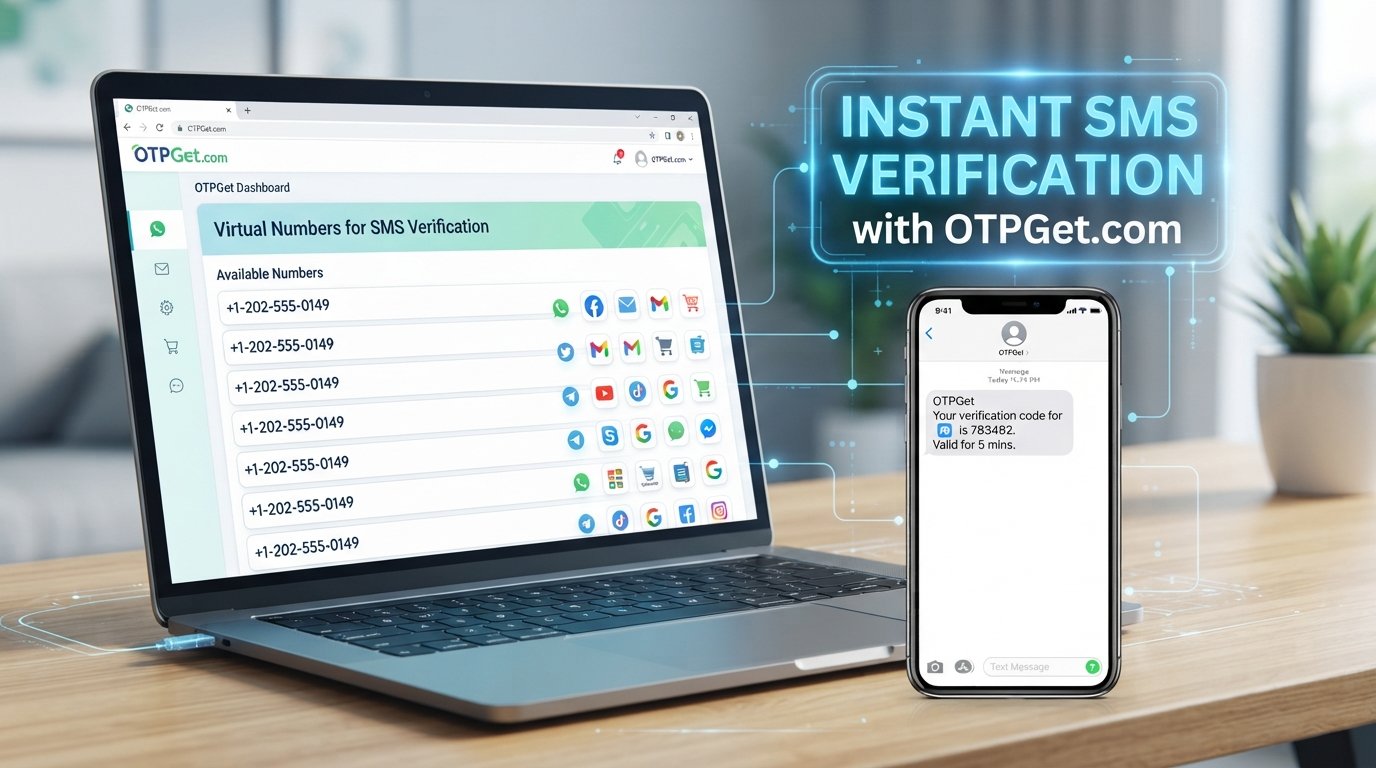
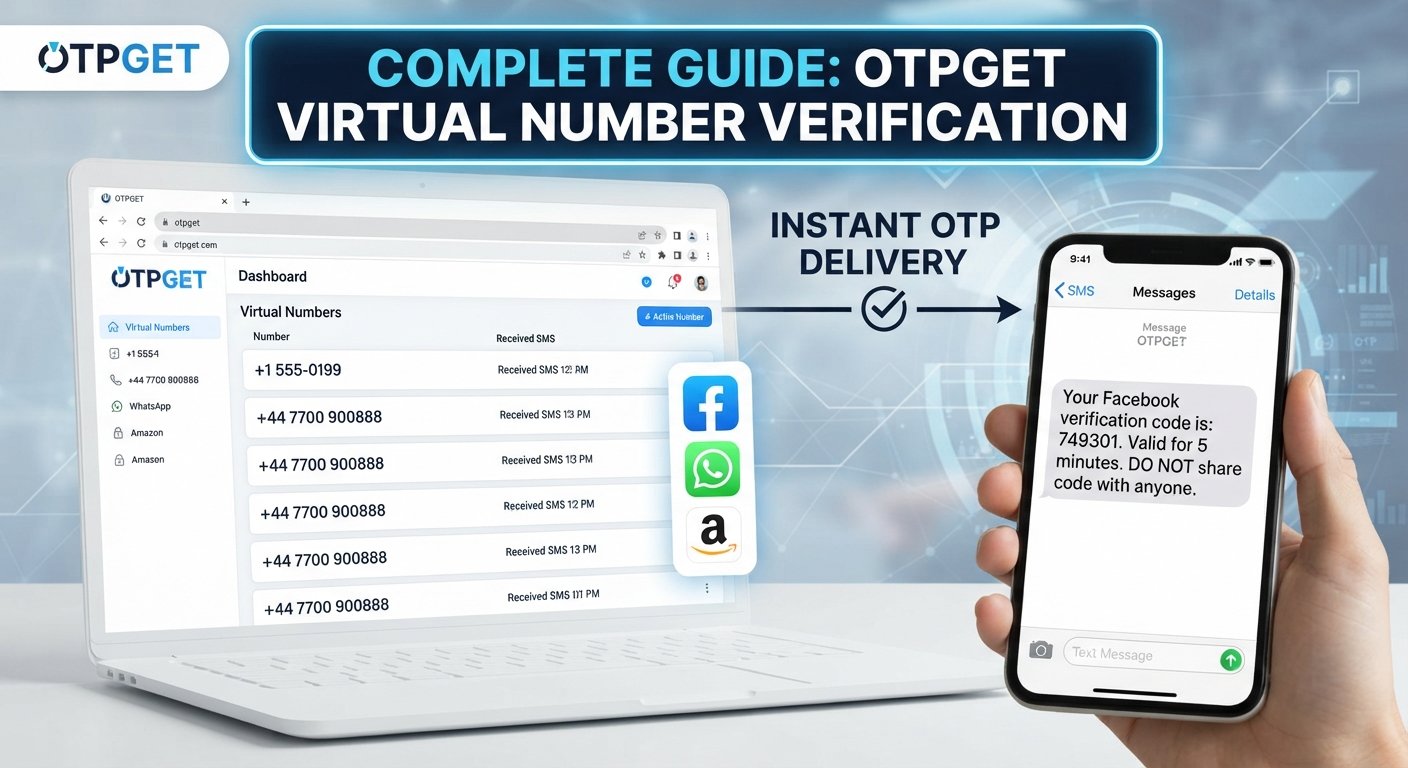
This is where OTPGET can fit into the picture. It may be useful for travelers who need supported verification messages without relying entirely on physical SIM availability.
The important point is to check whether the particular website or service accepts the type of number being used.
How OTPGET Can Help While Travelling
OTPGET can provide a practical option for users who need access to supported SMS verification messages while away from their usual mobile setup.
For a traveler, the appeal is straightforward: instead of making every verification request depend on having immediate access to a particular physical SIM, an appropriate online number may provide another way to receive a verification message where the service permits it.
Depending on the service and platform requirements, OTPGET can be considered when you need:
- Convenient access to supported verification messages
- An alternative to relying solely on a physical SIM
- A temporary phone number for OTP-related use cases
- Online access to SMS where supported
- A simpler way to handle certain verification needs while travelling
There is an important limitation: an OTP service is not guaranteed to work with every bank, website, app, or authentication system.
Some services restrict temporary or virtual numbers. Others may require the phone number to remain permanently associated with an account. Financial institutions and other sensitive services can also have their own verification policies.
Therefore, treat OTPGET as a practical option to evaluate for your particular use case—not as a universal replacement for your existing mobile number.
[Internal Link: OTPGET Features]
How to Use OTPGET While Travelling
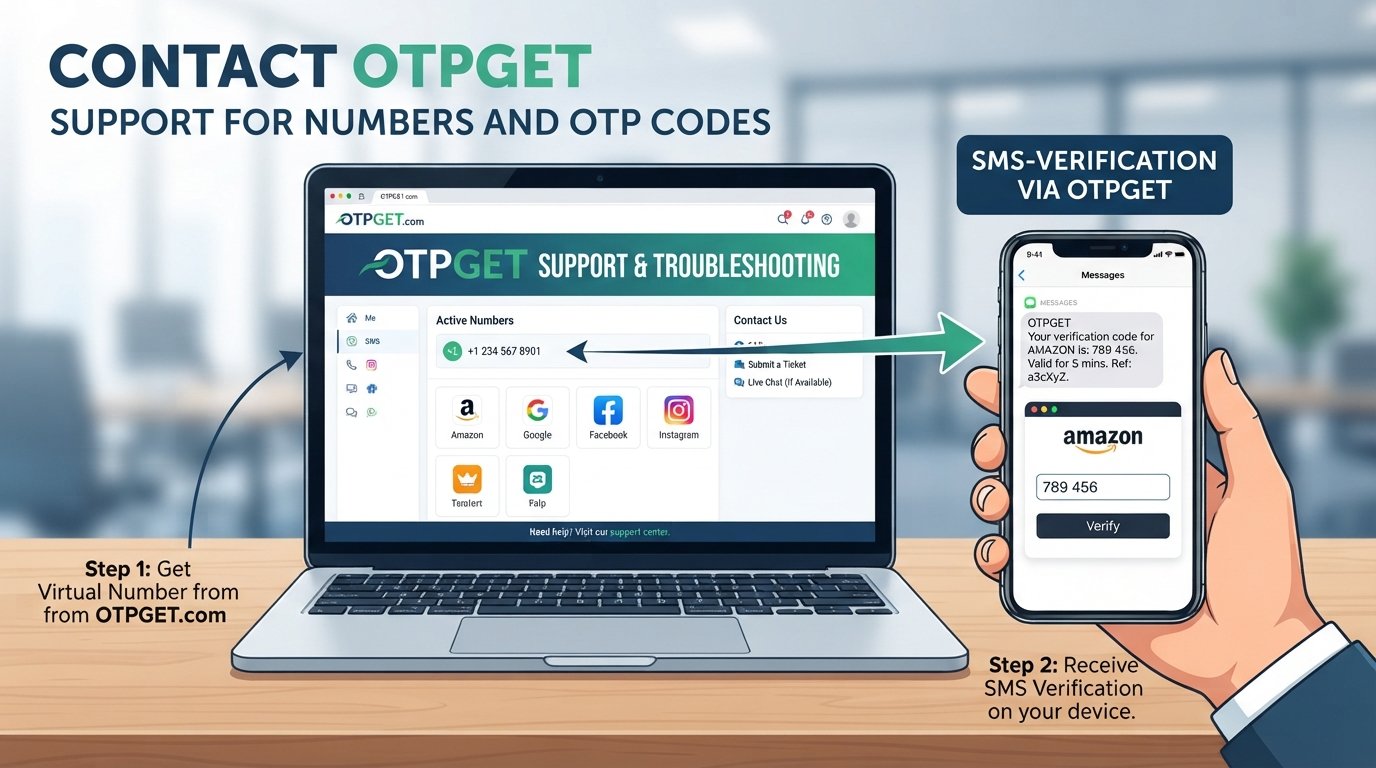
If you are considering OTPGET for supported verification, the basic process can be approached in a few simple steps.
Step 1: Identify the service requiring verification
First, determine which website, application, or account is requesting the OTP.
Step 2: Check its verification requirements
Confirm whether the service accepts SMS verification and whether it permits the type of phone number you intend to use.
Step 3: Select an appropriate OTPGET option
Where supported, choose a suitable OTPGET number or service option for your verification requirement.
Step 4: Request the verification code
Enter the appropriate number into the original service and request the OTP.
Step 5: Access the incoming message
Check the supported OTPGET interface or service area for the incoming verification message.
Step 6: Enter the OTP
Return to the original website or application and enter the received code.
Step 7: Complete verification
Finish the login, account action, or verification process according to the service's requirements.
Always follow the terms and security policies of the service you are accessing. Never use an alternative number to bypass security controls or restrictions imposed by a financial institution, platform, or other service.
OTPGET vs. Traditional Roaming
Both traditional roaming and an online OTP solution can have a place in a travel connectivity strategy. They simply solve different problems.
| Factor | Traditional Roaming | OTPGET |
|---|---|---|
| Dependence on home SIM | Generally relies on your home SIM | Can reduce dependence on physical SIM access for supported use cases |
| Travel convenience | Convenient if already configured | Can be convenient for supported online SMS verification |
| SMS access | Depends on carrier and roaming arrangements | Depends on the service and platform accepting the number |
| Setup considerations | Carrier plan and roaming settings | Service selection and verification compatibility |
| Best suited to | Travelers who want to keep their existing number | Travelers needing supported temporary or alternative numbers |
| Limitations | Roaming availability, charges, and network conditions | Not every service accepts temporary or virtual numbers |
Neither approach is universally right for every traveler.
If you need your established mobile number for banking, account recovery, or other important services, keeping that number accessible may remain essential. If you need a temporary number for a supported verification purpose, OTPGET may be an option worth exploring.
Tips for Avoiding OTP Problems Abroad
A little preparation can prevent a lot of frustration.
Check roaming before departure
Contact your mobile carrier or review its official documentation to confirm whether international SMS and roaming are supported at your destination.
Confirm your registered number
Check which phone number is attached to important accounts before you travel.
Test authentication methods
If an account offers an authenticator app, backup codes, or another approved method, set it up and test it before leaving.
Keep your phone charged
It sounds obvious, but a dead phone can make even a perfectly configured authentication system useless.
Keep your original SIM accessible
If you are using a travel SIM or eSIM, know how your phone handles the original number and whether it can remain active.
Save backup codes securely
Where a service provides backup codes, store them securely rather than keeping them exposed in a public note or message.
Use official apps and websites
When handling account verification, use the official service whenever possible. Be cautious of unexpected links requesting an OTP.
Never share an OTP
An OTP is intended for your verification process. Do not give it to another person, post it publicly, or enter it into an unfamiliar website.
Is OTPGET Right for You?
OTPGET may be worth considering if you are:
- A frequent international traveler
- A digital nomad who regularly changes locations
- Someone who needs temporary numbers for supported verification
- A traveler who sometimes cannot access a home SIM
- Someone looking for an online SMS option for appropriate use cases
On the other hand, your existing setup may be preferable if you already have reliable international roaming or if an account is permanently tied to your established mobile number.
An authenticator app, backup codes, eSIM, or another official authentication method may also be more appropriate depending on the service.
The key is to match the authentication method to the requirements of the account.
[Internal Link: Travel Connectivity Guide]
Final Takeaway
Traveling internationally should not turn a simple login into a search for a working phone signal.
When you receive OTP codes abroad, several factors can affect the experience, including roaming, SIM configuration, eSIM setup, network availability, and the verification policies of the service you're using.
The best approach is to prepare before departure and maintain more than one approved authentication option when possible.
For travelers who need supported SMS verification through a temporary or alternative number, OTPGET can be a practical option to explore. It can help reduce some of the hassles associated with accessing verification messages while away from your usual mobile setup.
Before using any OTP service, check the requirements of the specific platform involved. If the service accepts the number and the use case complies with its rules, OTPGET may fit naturally into your travel connectivity toolkit.
Explore OTPGET and consider whether its supported verification options match the accounts and services you expect to use while travelling.
FAQ
Can I receive OTP codes while travelling abroad?
Yes, potentially. International roaming, keeping your home SIM active, an eSIM configuration, alternative authentication methods, or an appropriate SMS service may help. The exact option depends on your carrier, device, and the service sending the OTP.
Why am I not receiving OTP SMS overseas?
Common causes include roaming restrictions, an inactive home SIM, network issues, SMS delivery delays, or the account requiring access to a specific registered number.
How can I receive verification codes without roaming?
Depending on the service, you may be able to use an authenticator app, backup codes, an eSIM setup that keeps your original number active, or a supported online SMS solution such as OTPGET.
Can OTPGET help me receive OTPs abroad?
OTPGET can provide access to supported SMS verification use cases through appropriate numbers. However, compatibility varies, and some websites, apps, and financial services may not accept temporary or virtual numbers.
Can I use an OTP service while travelling?
You can consider an OTP service for appropriate verification needs where the service you are accessing permits that type of number. Always follow the platform's terms and security requirements.
What should I do if my bank OTP does not arrive abroad?
First, check your roaming status, network connection, registered phone number, and the bank's official support guidance. If the bank offers another approved authentication method, such as an authenticator or in-app confirmation, consider using that instead.
Is a temporary number suitable for every verification service?
No. Some services may reject temporary, virtual, or online numbers. Sensitive accounts can have additional verification requirements, so check the service's official documentation before relying on a temporary number.