How to Receive Verification Codes Without a SIM Card Online
How to Receive Verification Codes Without a SIM Card
Getting a verification code usually seems simple: enter your phone number, wait for an SMS, and type in the code. But what happens when you do not have a physical SIM card available?
Maybe you are using a device without a SIM slot. Perhaps you are traveling and do not want to use your personal number for every online service. Or you may simply need a separate number for a legitimate temporary verification task.
In these situations, online SMS and virtual-number services can provide another option. Instead of receiving the message through a traditional mobile SIM, the verification SMS can be delivered to an online number through a compatible receiving service.
A service such as OTPGET can be considered when you need to receive verification messages online without relying on a physical SIM, provided the relevant service supports the number and permits this type of verification.
Can You Receive Verification Codes Without a SIM Card?
Yes, in some situations, you can receive verification codes without a physical SIM card.
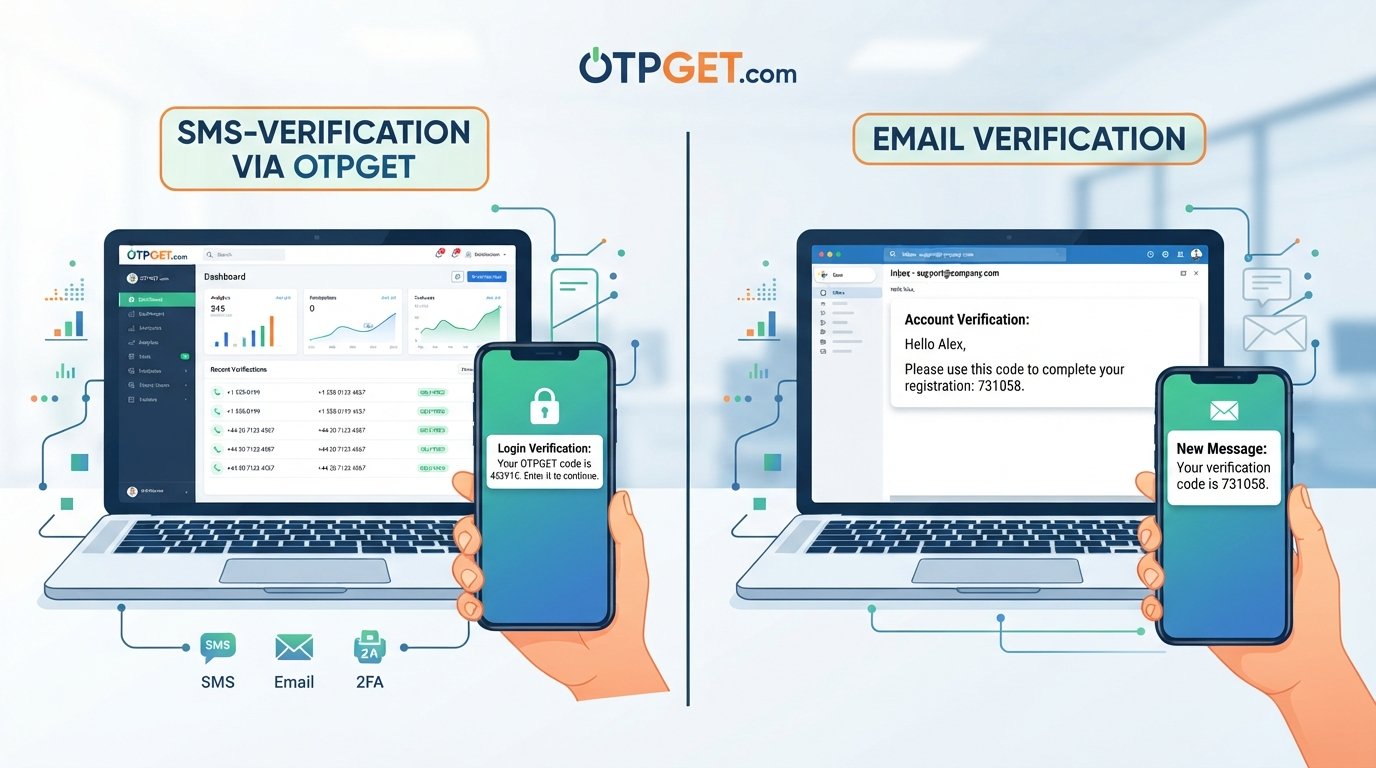
Traditional SMS verification sends a message to a mobile number associated with a SIM or mobile network account. An online SMS receiving service works differently. It provides access to a phone number that can receive SMS messages through an online platform rather than directly through a physical SIM in your device.
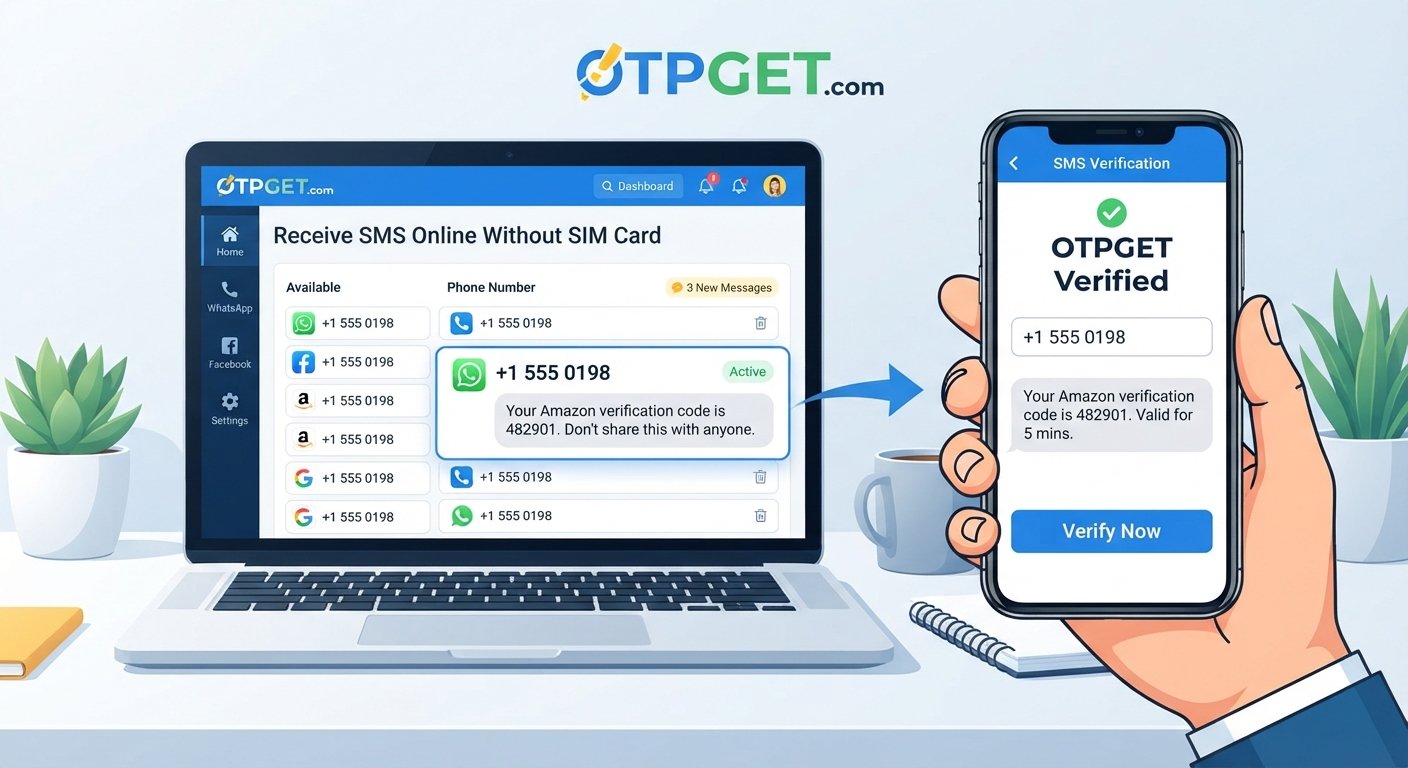
The basic process is straightforward:
- An online service provides an available phone number.
- You enter that number where SMS verification is supported.
- The website or app sends a verification message.
- The message is delivered to the receiving service.
- You view the code online and enter it into the original service.
This is commonly referred to as online SMS verification, SMS receiving, or using a virtual phone number for verification.
However, compatibility is important. Not every website or app accepts every virtual or temporary number. Some platforms may restrict numbers associated with online SMS services, so you should always check the relevant platform's requirements and terms.
Why Do People Need Verification Codes Without a SIM?
There are several legitimate reasons someone may want to receive an OTP without a SIM.
Traveling is one example. A person may be abroad and prefer not to depend on their usual mobile number for a particular temporary task.
Another situation involves devices without SIM support. Some tablets, computers, secondary devices, and other connected hardware may not have a traditional SIM slot.
There can also be a practical reason for keeping your personal number separate from online activities. A separate number can help organize verification messages without adding another SMS to your primary phone.
Online numbers can also be useful for testing services where permitted. Developers, testers, and businesses may sometimes need an SMS-capable number when evaluating a workflow, provided their testing follows the relevant platform rules.
Common use cases include:
- Temporary verification needs
- A secondary number for online services
- Devices without physical SIM support
- Travel or temporary access requirements
- Legitimate testing and development
- Keeping certain verification messages separate from a personal number
The important distinction is that an online number should be used for legitimate purposes and in accordance with the rules of the website or application requesting verification.
How to Receive Verification Codes Without a SIM Card
If you need to receive verification codes online, the general process is simple.
1. Choose an appropriate SMS receiving service
Start by finding an online SMS or OTP receiving service that fits your particular requirement. Look at its available options, supported services, number availability, and applicable terms.
OTPGET is one option users can explore when they need an online method for receiving verification messages.
2. Select an available number
If a suitable number is available for your intended use, select it through the receiving service.
Availability can depend on the service, geographic requirements, and the platform sending the verification message.
3. Enter the number where verification is requested
On the website or app requiring SMS verification, enter the selected number if virtual or temporary numbers are permitted by that service.
Do not use an online number simply to bypass a platform's security, identity checks, fraud controls, or account restrictions.
4. Request the verification code
Complete the normal verification process and request an SMS code.
The original service will attempt to send the verification message to the number you provided.
5. Check the online receiving service
Return to the SMS receiving service and check whether the verification message has arrived.
If delivery is supported and successful, the message should appear through the service's online interface.
6. Enter the code
Use the received verification code on the original website or application to complete the legitimate verification process.
This is the basic way to receive SMS online without putting a physical SIM card into your device.
How OTPGET Can Help You Receive Verification Codes
The main problem an online OTP receiving service addresses is simple: you need access to an SMS-capable number, but you may not want or be able to use a physical SIM.
OTPGET provides an online approach for users looking to receive verification messages without depending on a physical SIM card, where the relevant number and service are supported.
Instead of making your physical mobile number the only option, an online receiving service can provide a separate channel for SMS-based verification. This can be particularly convenient when the requirement is temporary or when you want to keep certain verification messages separate from your everyday phone.
The general workflow is easy to understand: obtain an appropriate online number, use it for a permitted verification request, monitor the receiving service for the incoming SMS, and enter the received code into the requesting platform.
The important word is supported. Online numbers are not universally accepted. A website or app may have its own policies regarding virtual numbers, temporary numbers, or SMS verification services. Before starting, check whether your intended platform permits the number type you plan to use.
For users who need a straightforward way to explore verification codes online, OTPGET can therefore be a practical option to consider rather than automatically purchasing another physical SIM.
Benefits of Using an Online Number for SMS Verification
Using an online number instead of a traditional SIM can offer several practical advantages.
No physical SIM required
The biggest difference is obvious: you do not need to insert or manage a physical SIM card in your device.
Convenient online access
When supported, verification messages can be accessed through an online SMS receiving service rather than relying entirely on a particular handset.
Useful for temporary needs
A temporary phone number for OTP can make sense when the requirement is limited and you do not need another permanent mobile line.
Separation from your personal number
An online number can provide a degree of separation between your everyday mobile number and a particular verification task.
Flexible device access
Because the receiving process takes place online, it can be useful when you are working from a computer or another device that does not support a physical SIM.
Simple SMS-based workflow
The basic process remains familiar: provide a number, request the SMS, retrieve the code, and complete verification.
These advantages do not mean that an online number is suitable for every situation. For important or long-term accounts, a permanent number you control may be more appropriate, particularly when future account recovery depends on SMS access.
Receive OTP Without SIM vs. Using a Traditional SIM
Both approaches can serve legitimate purposes, but they work differently.
| Feature | Traditional SIM | Online SMS/OTP Service |
|---|---|---|
| Physical SIM required | Yes | No |
| Online access | Limited | Yes |
| Temporary use | Usually less convenient | Often suitable |
| Separate number | Possible | Often available |
| Setup | Requires SIM/mobile service | Online process |
| Long-term account recovery | Often suitable | Depends on number availability and service policies |
The right option depends on what you are trying to accomplish. A traditional SIM may be more appropriate for a long-term personal account, while an online number can be useful for a temporary or separate SMS verification requirement where supported.
What to Check Before Choosing an OTP Receiving Service
Not all SMS receiving services operate in exactly the same way. Before choosing one, consider the following factors.
Supported services: Check whether the website or application you need to verify allows the type of number being offered.
Number availability: A suitable number may not always be available for your preferred use case or geographic requirement.
SMS delivery: Consider how the service handles incoming messages and whether the process is clear and accessible.
Privacy considerations: Understand what information the service displays, stores, or makes accessible through its platform before using it.
Number reuse policies: Find out whether numbers may be reassigned or reused. This is especially important when considering a number for an account you expect to keep for a long time.
Terms of service: Always follow both the SMS receiving provider's rules and the rules of the platform requesting verification.
Pricing: If the service charges for access, review the available pricing before proceeding.
Geographic availability: Some verification systems have geographic restrictions, so make sure the available number is appropriate for your intended use.
For important accounts, avoid treating a temporary number as a permanent recovery method unless you know you will retain reliable access to it.
8. Final Thoughts
You do not always need a physical SIM card to receive a verification message. Depending on the service involved, an online phone number or SMS receiving service can provide another way to receive verification codes online.
The basic process is straightforward: choose an appropriate service, select an available number, enter it where virtual numbers are permitted, request the SMS, and retrieve the code through the receiving platform.
OTPGET can be explored as an option for users who need to receive verification codes without a SIM card, subject to availability and compatibility with the service being verified.
Before using any online number, check the target platform's rules and consider whether a temporary or virtual number is appropriate for the account. For short-term verification needs, an online SMS solution can be a convenient alternative to obtaining another physical SIM.
8. FAQ Section
Can I receive an OTP without a SIM card?
Yes, in some cases. An online SMS or OTP receiving service can provide access to a number capable of receiving verification messages without requiring a physical SIM card. Compatibility depends on the service sending the OTP.
Can I receive SMS online without a phone?
Yes, an SMS receiving platform can allow you to view supported incoming messages online. The exact process depends on the provider and the type of number available.
Is a virtual number suitable for verification?
A virtual number can be suitable for some verification processes, particularly temporary ones, but acceptance varies between websites and apps. Always check the platform's rules before using one.
Can I use OTPGET to receive verification codes?
OTPGET can be considered for receiving verification messages online without relying on a physical SIM card, where supported. Availability and compatibility can vary, so check the current options and the requirements of the service you are trying to verify.
Do all websites accept virtual numbers?
No. Some websites and applications may accept virtual numbers, while others may restrict temporary, shared, or online numbers. A verification attempt can therefore depend on the specific platform and number available.
Are temporary numbers suitable for important accounts?
Not always. If an account is important and may require future recovery through SMS, a permanent number that you control may be more appropriate. Temporary numbers can be better suited to limited or short-term verification needs where permitted.
What should I do if a verification SMS does not arrive?
First, confirm that the number was entered correctly and that the receiving service supports the intended platform. Check whether the message has been delayed, review the service's available options, and follow the requesting platform's normal troubleshooting process. If the platform does not accept the number type, another permitted verification method may be necessary.
9. Internal Linking Suggestions
- Anchor text: "OTP receiving guide"
Suggested destination: A detailed guide explaining how OTP receiving services work and when to use them. - Anchor text: "SMS verification guide"
Suggested destination: An educational page explaining SMS-based verification, common workflows, and troubleshooting. - Anchor text: "virtual phone numbers"
Suggested destination: A guide explaining virtual numbers, common use cases, limitations, and considerations. - Anchor text: "OTPGET how-to guide"
Suggested destination: A step-by-step guide explaining how users can navigate OTPGET for supported verification-code receiving needs. - Anchor text: "online SMS services"
Suggested destination: An overview of online SMS receiving services, including their benefits, limitations, and appropriate use cases.