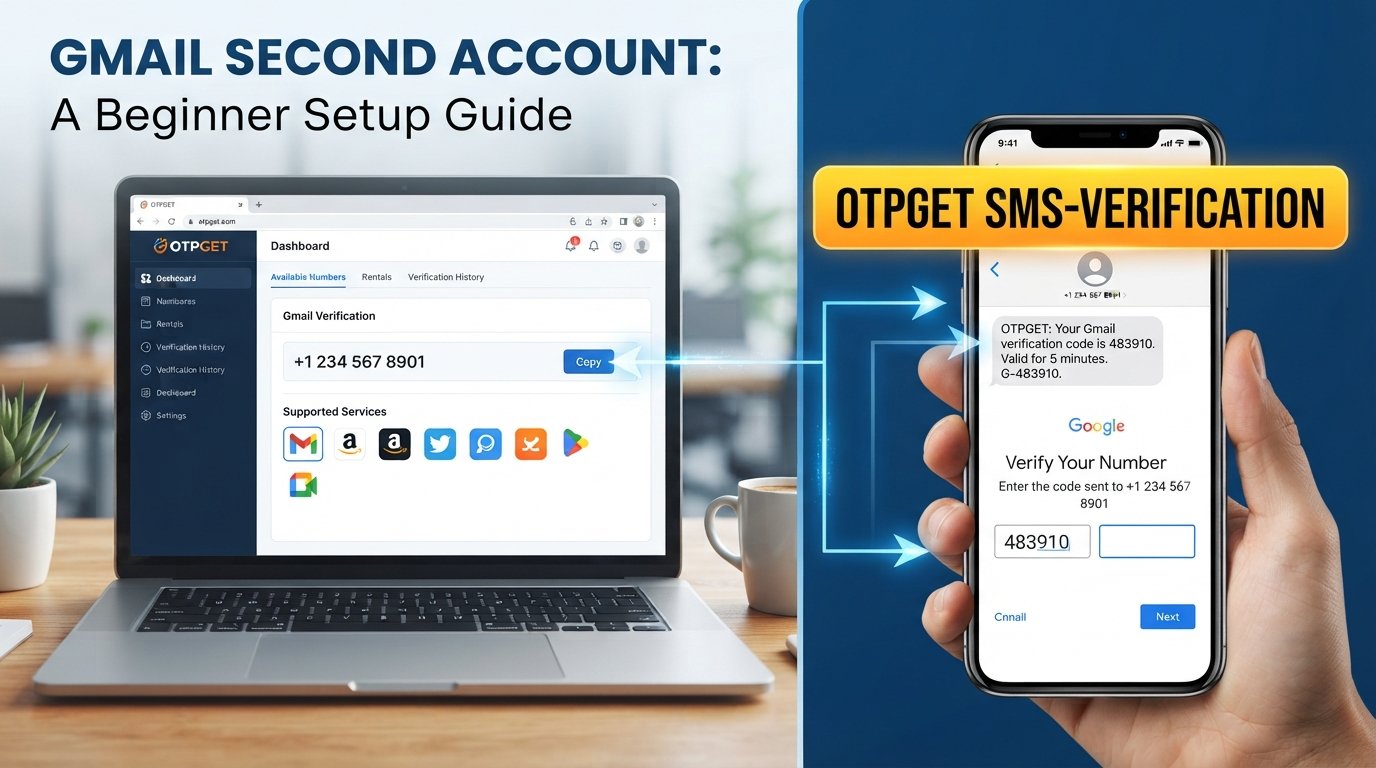
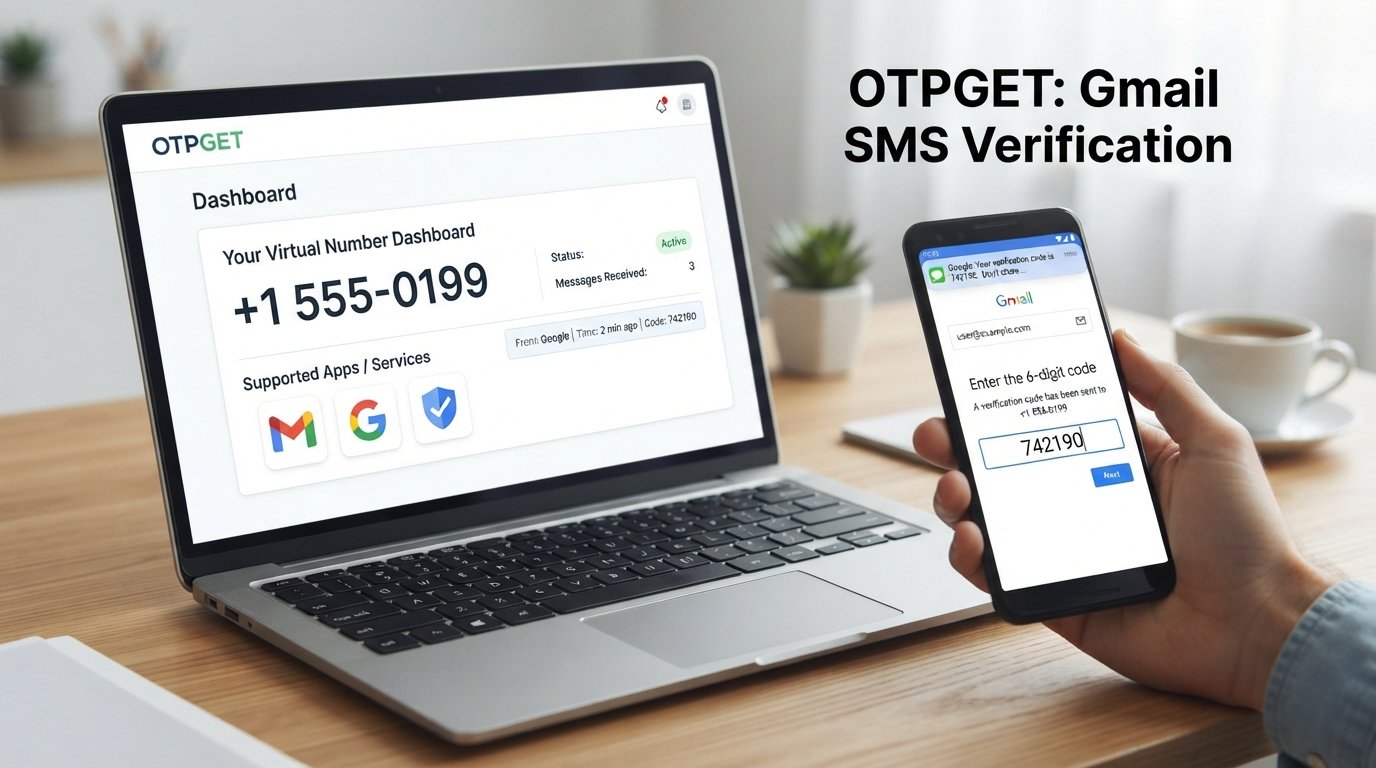
Sign Up for Gmail Using an OTPGet Number: Step-by-Step Guide
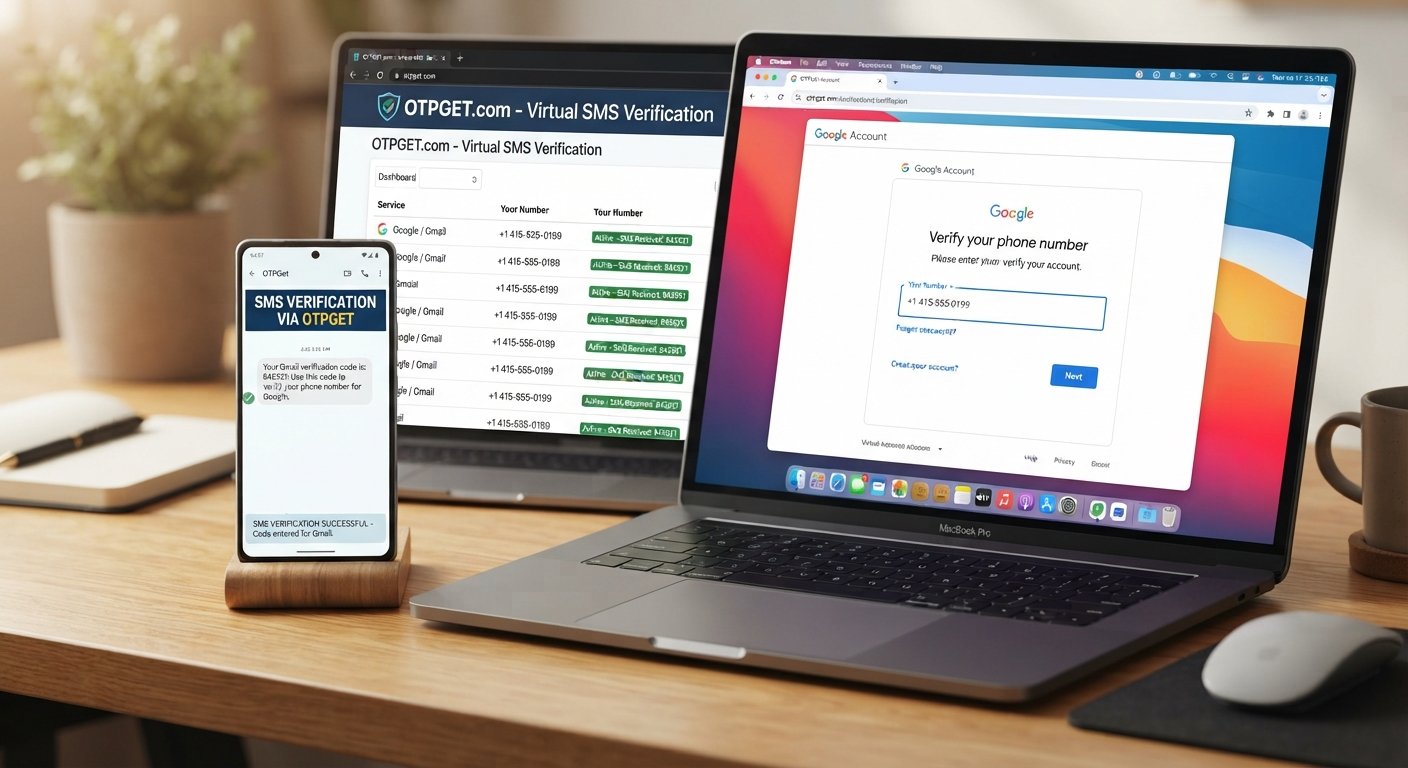
Sign Up for Gmail Using an OTPGet Number
Creating a new Gmail account is usually straightforward, but Google may ask for phone verification during the signup process. When a phone number is requested, some users prefer not to use their personal mobile number for every online registration.
This is where a service such as OTPGET can be useful. OTPGET provides virtual numbers designed for receiving SMS verification codes for supported services. Its website describes virtual numbers as numbers that can receive verification messages online without requiring a physical SIM card.
If Gmail presents a phone verification step during signup, an OTPGet number may provide a convenient option, provided the selected number is available and accepted by Google's verification system.
This guide explains why phone verification may appear, what an OTPGet number is, how the process works, what to do if an OTP does not arrive, and how to approach Gmail account verification responsibly.
Why Does Gmail Ask for Phone Verification?
Phone verification can be used as part of an account-creation or security process. A phone number can provide an additional way for a service to confirm that a signup request is associated with a reachable communication channel.
Verification may also help services address automated or abusive signup activity. However, users should not assume that every Gmail signup will require a phone number or that the same verification requirements will apply to every account.
If Google asks for a phone number, the signup page will normally provide the relevant instructions. When SMS verification is presented, you may receive a verification code that needs to be entered before continuing.
The important point is that Gmail's requirements can vary. Using a virtual number does not remove Google's requirements, and an online number is not necessarily accepted in every situation.
What Is an OTPGet Number?
An OTPGet number is a virtual phone number that can be used to receive SMS verification codes for supported services. According to OTPGET's own information, users can select available numbers based on country and service and receive incoming verification messages through the platform.
For someone completing Gmail signup, the basic idea is simple:
Gmail requests a phone number → you provide an available OTPGet number → Gmail sends a verification SMS if the number is accepted → you retrieve the code through OTPGET → you enter the code into the signup form.
OTPGET should be viewed as a separate service from Google and Gmail. It is not Google-owned or presented here as an official Google partner.
The availability of a particular number, the services that support it, and SMS delivery can change, so it is sensible to check the available options before starting verification.
Why Use OTPGet for Gmail Verification?
There are several practical reasons someone may consider an OTPGet number for Gmail phone verification.
Convenience
A virtual number can provide an online way to receive an SMS verification code without relying on a physical SIM card. OTPGET states that its virtual-number service is designed for SMS OTP verification across supported services.
Separating Personal and Signup Communications
Some users prefer to keep their personal mobile number separate from certain online registrations. Depending on the situation and the service's requirements, a virtual number may provide that separation.
Online OTP Access
Instead of waiting for an SMS on a personal phone, an OTPGet number allows the verification message to be accessed through the OTPGET service when supported.
Flexible Number Availability
OTPGET offers numbers from different countries and supports both short-term virtual numbers and longer-term rental options. Availability depends on the service and country selected.
These benefits do not mean every OTPGet number will work for every Gmail signup. Google's systems determine whether a particular number is accepted.
How to Sign Up for Gmail Using an OTPGet Number
If Gmail asks for phone verification, you can follow this general workflow.
1. Open the Google Account Signup Process
Start the normal Google account creation process and enter the requested information, such as your name and preferred Gmail address.
Use accurate information and follow the instructions shown on Google's signup page.
2. Continue Until Phone Verification Appears
Depending on the signup flow, Google may or may not request a phone number.
If no phone verification is requested, there is no need to add a number simply because you are following this guide.
If a phone number is requested, continue to the verification step.
3. Open OTPGET
Sign in to OTPGET and review the available virtual-number options.
Choose a number and service option that is actually available for your intended verification. OTPGET's platform provides virtual numbers for supported services and countries.
4. Enter the OTPGet Number
Copy the available number carefully and enter it into the phone-number field in the Gmail signup process.
Double-check the country code and number before submitting the form.
5. Request the Verification Code
Submit the phone number through Google's verification screen.
If the number is accepted, Google may send an SMS containing a verification code.
Remember that SMS delivery and number acceptance are not guaranteed.
6. Check OTPGET for the SMS
Return to OTPGET and check the relevant number or activation for the incoming message.
OTPGET's documentation describes an SMS status process that allows users to check whether a verification code has been received.
7. Enter the Gmail Verification Code
Once the SMS arrives, carefully enter the verification code into the Google signup form.
Avoid sharing the code with anyone else. An OTP is intended for the verification process associated with your account.
8. Finish Setting Up the Account
Complete the remaining Gmail or Google Account setup steps shown on screen.
After the account is created, review the available security and recovery settings.
9. Secure the New Account
Choose a strong, unique password and enable available security features that are appropriate for your account.
The verification number should not be treated as a substitute for good account security.
What If the Gmail Verification Code Does Not Arrive?
An SMS verification code may not always arrive immediately. Several factors can affect delivery.
Possible issues include:
- The selected number is unavailable.
- The number is not accepted for the requested service.
- There is an SMS delivery delay.
- The number or country selection was entered incorrectly.
- The provider has temporary service limitations.
- Google has temporarily limited or interrupted the verification attempt.
- Network or platform issues are affecting delivery.
If your Gmail verification code does not arrive, first check that you entered the OTPGet number correctly. Then check the OTPGET status for the selected number.
If the number is unavailable or not accepted, follow the service's normal instructions rather than repeatedly rotating through numbers or attempting to evade verification restrictions.
You can also wait before requesting another code. Repeated requests in a short period may create additional delays or verification limitations.
Tips for a Smooth Gmail Signup
A few simple practices can make the Gmail signup process easier:
- Double-check the phone number before submitting it.
- Confirm the country code is correct.
- Check OTPGET for incoming SMS after requesting the code.
- Enter the verification code carefully and avoid unnecessary delays.
- Do not repeatedly request OTPs within a short period.
- Use accurate account information during signup.
- Create a strong, unique password for the new account.
- Review recovery and security options after account creation.
- Follow Google's displayed requirements rather than trying to bypass them.
- Keep verification codes private and never share them with another person.
These steps help keep the process focused on legitimate account creation rather than attempts to circumvent security controls.
OTPGet vs. Using Your Personal Number
Both approaches can have a place depending on your circumstances.
| Consideration | Personal Mobile Number | OTPGet Number |
|---|---|---|
| Physical SIM required | Usually yes | Not necessarily |
| SMS access | Through your mobile device | Through the OTPGET platform |
| Personal number involved | Yes | Can be kept separate |
| Availability | Depends on your carrier | Depends on OTPGET inventory |
| Acceptance by Gmail | Subject to Google's requirements | Subject to Google's requirements |
| Long-term account considerations | Easier to associate with you | Depends on the type and duration of number |
A personal number may be the more straightforward choice for an account that you expect to depend on that number for recovery or future security checks.
An OTPGet number can be useful when an online verification number is appropriate for the situation. However, users should understand whether a number is temporary or rented and consider the implications before using it for an account they expect to keep for a long time.
Neither option should be viewed as a guaranteed method of passing verification.
Frequently Asked Questions
Can I sign up for Gmail using an OTPGet number?
If Google requests phone verification, you may be able to use an available OTPGet number if Google accepts that number for the verification step. Acceptance and SMS delivery can vary, so there is no guarantee that every number will work.
How does Gmail phone verification work?
When phone verification is requested, Google may send an SMS containing a verification code to the phone number entered during signup. The code is then entered into the relevant verification field.
How do I receive a Gmail verification code?
If your signup requires SMS verification, enter an eligible phone number and request the code. When using an OTPGet number, check the corresponding OTPGET service for the incoming SMS after submitting the number.
What should I do if my OTP does not arrive?
Check the number, country code, and OTPGET status first. SMS delivery can sometimes be delayed, and a selected number may not be accepted. Avoid repeatedly requesting codes in quick succession.
Is a phone number always required to create a Gmail account?
Not necessarily. Google can determine what information is required during a particular account-creation process. If a phone number is not requested, you should follow the signup flow shown to you.
Can I use an online number for Gmail verification?
An online or virtual number may be usable when a service accepts it for SMS verification. However, acceptance is controlled by the service being verified, so an OTPGet number should not be considered universally compatible with every Gmail signup.
What is an OTPGet number?
An OTPGet number is a virtual phone number offered through OTPGET for receiving SMS verification codes for supported services. OTPGET provides both virtual-number and rental-number options.
Is OTPGET affiliated with Google?
OTPGET and Google are separate services. This article does not represent OTPGET as being owned, operated, or officially endorsed by Google.
Final Thoughts
If Gmail asks for phone verification during account creation, an OTPGet number can be a convenient option for obtaining a verification number and receiving an SMS code online, provided the selected number is available and accepted by Google's verification system.
The key is to approach the process realistically. Gmail's verification requirements can vary, OTP delivery can experience delays, and not every virtual number will necessarily be accepted.
OTPGET can simplify the number-selection and SMS-receiving side of the process by providing virtual numbers for supported verification services.
If you need a phone number for Gmail signup, explore the available OTPGET options first, choose a number appropriate for your situation, and follow Google's account-creation requirements throughout the process.