Telegram Code Not Arriving? Try an OTPGET Number
Telegram Code Not Arriving? Try an OTPGET Number
Waiting for a Telegram verification code that never shows up can be surprisingly frustrating. You check your phone, request the code again, check your messages one more time—and still nothing.
If you're dealing with a Telegram code not arriving, the problem may not necessarily be with your Telegram account. Your phone number, mobile carrier, network connection, SMS delivery, or even an existing Telegram session can affect how the verification process works.
The good news is that there are several things you can check before trying anything else. And if your current number simply isn't suitable for receiving the required message, using an alternative verification number may be worth considering.
For users in that situation, OTPGET can provide a practical option for obtaining a number intended for receiving verification codes, where available.
Why Is My Telegram Verification Code Not Arriving?
Why is my Telegram code not arriving?
A Telegram verification code may fail to arrive because of an incorrect phone number, weak cellular service, SMS delivery delays, carrier restrictions, repeated verification requests, or temporary issues affecting the verification process. In some cases, Telegram may also provide the login code through an existing Telegram session rather than relying only on SMS.
Before assuming something is seriously wrong, check the basics.
1. The phone number is incorrect
A single incorrect digit can prevent the verification message from reaching you. The country code is especially important when entering an international number.
2. Your mobile connection is weak
SMS messages depend on your mobile network. If you're in an area with poor cellular coverage, messages may be delayed or fail to arrive normally.
3. SMS delivery is delayed
Mobile carriers can occasionally experience delays or filtering issues. This can make it appear as though the Telegram verification code has not been sent when the message is simply taking longer to arrive.
4. You've requested too many codes
Repeatedly pressing the resend button isn't always helpful. Multiple requests can complicate the process or trigger temporary restrictions designed to prevent abuse.
5. Telegram is already active somewhere else
If your account is already logged in on another device or Telegram session, the login instructions may direct the verification code there instead of relying exclusively on an SMS.
6. The number itself may be unsuitable
Sometimes the issue follows the number rather than the device. A number with SMS delivery limitations may simply be a poor choice for receiving verification messages.
If you're also troubleshooting broader account access problems, an article such as [Internal Link: Telegram login problems] can provide a useful supporting resource.
What to Check Before Requesting Another Telegram Code
Before switching numbers, take a few minutes to work through these steps.
-
Confirm the phone number and country code.
Make sure every digit is correct and that the selected country matches the number. -
Check your cellular connection.
If your signal is weak, move somewhere with better reception and try again. -
Make sure your phone can receive SMS.
Send a test message to the number if appropriate and check that your messaging service is functioning normally. -
Look at your other Telegram sessions.
If Telegram is already open on another device, check there for login instructions or a verification message. -
Avoid repeatedly requesting codes.
If you have already requested several codes, stop and give the process some time instead of repeatedly tapping resend. -
Refresh your connection.
A device restart or temporary network refresh may help if the problem is related to connectivity. -
Check whether the number can receive verification messages.
Not every number is equally suitable for every verification service. -
Try again carefully.
Once you've checked the above, make another controlled attempt rather than generating multiple requests in quick succession.
For a broader explanation of the process, you could also add an internal resource such as [Internal Link: Telegram verification guide].
When a Different Number Can Solve the Problem
Sometimes troubleshooting your phone won't fix the issue because the number itself is the weak point.
For example, your current number may have trouble receiving SMS, your carrier may be experiencing delivery problems, or you may simply need a separate number for service-related verification.
A different number can also be useful if you prefer to keep your personal phone number separate from accounts and services that require SMS verification.
This is where an OTP number for Telegram may become relevant.
Rather than repeatedly requesting a code on a number that isn't receiving messages, you can consider a suitable alternative number intended for receiving verification messages.
That doesn't mean every alternative number will work with Telegram. The number still needs to be eligible and available for the service, and Telegram controls its own verification process.
What Is OTPGET?
OTPGET is a service designed around access to numbers for receiving verification codes, where available.
In simple terms, an OTPGET number can provide an alternative route for receiving an OTP when your existing number isn't suitable for the verification process.
This can be useful when:
-
Your current number is not receiving the required SMS.
-
You're experiencing carrier-related delivery problems.
-
You need a separate number for verification purposes.
-
You want to avoid repeatedly troubleshooting an unsuitable number.
-
You need an alternative SMS verification number for a legitimate account setup.
The important distinction is that OTPGET provides the number option; Telegram remains responsible for its own verification and login systems.
There is no reason to assume that every number will work with every service, so users should always check the number's suitability and availability before proceeding.
Need another option for receiving a Telegram verification code? Explore OTPGET and see whether a suitable verification number is available for your needs.
How to Use an OTPGET Number for Telegram Verification
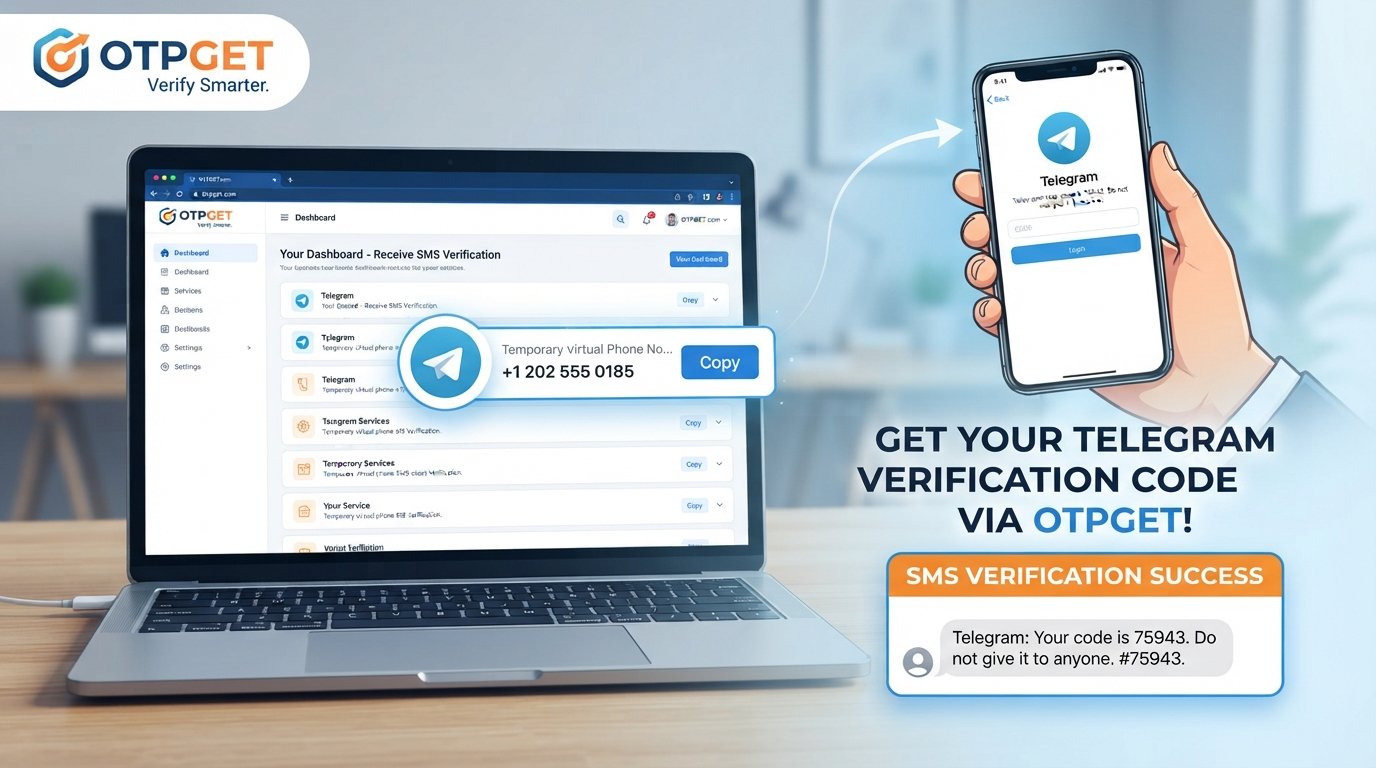
If your existing number isn't receiving the Telegram OTP and an alternative number is appropriate for your situation, the general process is straightforward.
Step 1: Choose a suitable number
Select an available OTPGET verification number that is appropriate for the intended verification process.
Pay attention to the number details before using it. Availability and eligibility can vary, so don't assume that any number will automatically work with Telegram.
Step 2: Enter the number in Telegram
Open Telegram's login or registration process and enter the selected number in the required format.
Double-check the country code and phone number before continuing.
Step 3: Request the verification code
Proceed with Telegram's normal verification process. If Telegram sends an SMS verification message to the number, the message will be directed to that number.
Step 4: Check OTPGET for the incoming code
Return to the relevant OTPGET interface and check for the incoming verification message.
If a message is delivered, identify the current verification code rather than using an older message or previously requested code.
Step 5: Enter the code in Telegram
Enter the received OTP into Telegram's verification screen and continue following Telegram's instructions.
Important: Successful verification depends on Telegram's systems and the availability and eligibility of the selected number. An OTPGET number can provide another option for receiving a code, but it does not guarantee that Telegram will accept every number or that delivery will occur every time.
For readers who want more background, an internal article such as [Internal Link: how OTP verification works] can explain the broader verification process.
Why Use OTPGET Instead of Waiting for a Telegram Code?
If your existing number isn't receiving the message, continuing to press "resend" may not solve the underlying problem.
An alternative number can offer a more practical troubleshooting path.
Alternative number availability
OTPGET may provide access to numbers that can be used for receiving verification messages, where available.
Convenience
Instead of spending a long time trying to determine why a particular number isn't receiving an SMS, an appropriate alternative can simplify the process.
Separating personal and verification use
Some users prefer keeping their primary personal number separate from numbers used for service verification.
Another route around carrier-related problems
If the original issue is related to SMS delivery through your carrier, a different number may help by changing the number receiving the verification message.
The key is to treat this as an alternative—not a guarantee. Telegram decides whether and how a number can be used for its verification process.
Common Mistakes to Avoid When Receiving a Telegram OTP
A few simple mistakes can make a Telegram verification problem harder to resolve.
-
Entering the wrong country code: Always verify the complete number before requesting the code.
-
Requesting too many codes: Repeated requests can create additional delays or restrictions.
-
Using an unsuitable number: Not every number is compatible with every verification service.
-
Sharing your verification code: Never give your Telegram OTP to another person.
-
Using an old code: If multiple messages arrive, use the current valid code rather than an expired one.
-
Ignoring Telegram's instructions: Check whether Telegram is directing the login process to another active session.
-
Assuming every number works everywhere: Service eligibility can vary between numbers and platforms.
Never share your Telegram verification code
Treat a Telegram login code like a password. If someone asks you to send them the code, don't do it.
A legitimate verification process should not require you to hand your login code to another person.
Telegram Code Still Not Arriving? Try This Checklist
If you're still dealing with a Telegram code not coming, run through this quick checklist:
-
☐ Verify the phone number
-
☐ Confirm the country code
-
☐ Check cellular/network connectivity
-
☐ Make sure SMS messages can reach the device
-
☐ Check other active Telegram sessions
-
☐ Stop repeatedly requesting codes
-
☐ Wait briefly before trying again
-
☐ Confirm the number is suitable for verification
-
☐ Consider an alternative verification number
-
☐ Try OTPGET if an alternative number is appropriate
This simple process can help distinguish a temporary delivery problem from an issue with the number itself.
Why OTPGET Can Be a Practical Alternative
When someone searches for “Telegram code not arriving,” the first instinct is often to keep requesting another code. But if the underlying problem is the phone number or its SMS delivery, more requests may not address the real issue.
That's why an OTPGET number can be worth considering.
If your current number cannot reliably receive the required verification message, OTPGET gives you another potential route: use a suitable verification number and check whether Telegram's OTP is delivered to it.
The benefit is primarily practical. You're changing the number being used for verification instead of endlessly repeating the same failed attempt.
For legitimate users who need another number for account verification, OTPGET for Telegram verification can therefore be a useful option to explore.
Just keep expectations realistic. OTPGET provides the number option, while Telegram controls whether the number is accepted and whether its verification message is delivered.
If you're researching related options, a supporting resource such as [Internal Link: virtual phone numbers] can help explain how alternative numbers are generally used.
Final Thoughts
A missing Telegram verification code doesn't always mean your account is broken.
Start with the basics: check the number, confirm your country code, verify your cellular connection, look at other Telegram sessions, and avoid repeatedly requesting new codes.
If those steps don't resolve the problem and your existing number remains unsuitable for receiving verification messages, an alternative number may be the next practical step.
OTPGET can be considered when you need a suitable number for receiving an OTP and want another option beyond your current phone number.
Need another route for your Telegram verification attempt? Explore OTPGET and check whether a suitable verification number is available for your needs.
FAQ
1. Why is my Telegram verification code not arriving?
A Telegram verification code may not arrive because of an incorrect number, poor cellular reception, SMS delivery delays, carrier restrictions, repeated verification attempts, or Telegram directing the login process to another active session.
2. Why am I not receiving the Telegram SMS code?
Check that your number is correct, your phone can receive SMS messages, and your cellular connection is working. Also check whether Telegram is already active on another device.
3. Can I use another number for Telegram verification?
An alternative number may be an option if your existing number cannot receive the required verification message. However, the number must be suitable and Telegram ultimately controls its verification process.
4. What is an OTPGET number?
An OTPGET number is a number provided through OTPGET for receiving verification messages, where available. It can be considered when an existing number is unsuitable for a particular OTP verification process.
5. How does OTPGET help with Telegram verification?
An OTPGET number can provide another number for the verification attempt. If Telegram sends a verification message to that number, the user can check the relevant OTPGET interface for the code and enter it in Telegram.
6. What should I do if my Telegram OTP expires?
Request a new verification code through Telegram and use the current valid code. Avoid repeatedly requesting codes in rapid succession, as this can complicate the verification process.
7. Is it safe to share a Telegram verification code?
No. You should never share your Telegram verification code with another person. Treat it as sensitive login information and enter it only through the legitimate Telegram verification process.