Telegram Verification Problems: Causes, Fixes & OTP Guide
Telegram Verification Problems: Causes and Quick Fixes
8. Full Blog Article
Getting stuck on a Telegram verification screen is frustrating, especially when you are ready to log in and the expected code simply does not appear. You may check your phone repeatedly, request another OTP, and still see nothing—or receive a code that has already expired.
These Telegram verification problems can happen for several reasons. SMS delivery delays, network conditions, an incorrectly entered phone number, repeated verification requests, carrier restrictions, or Telegram's own verification process can all affect whether a code arrives successfully.
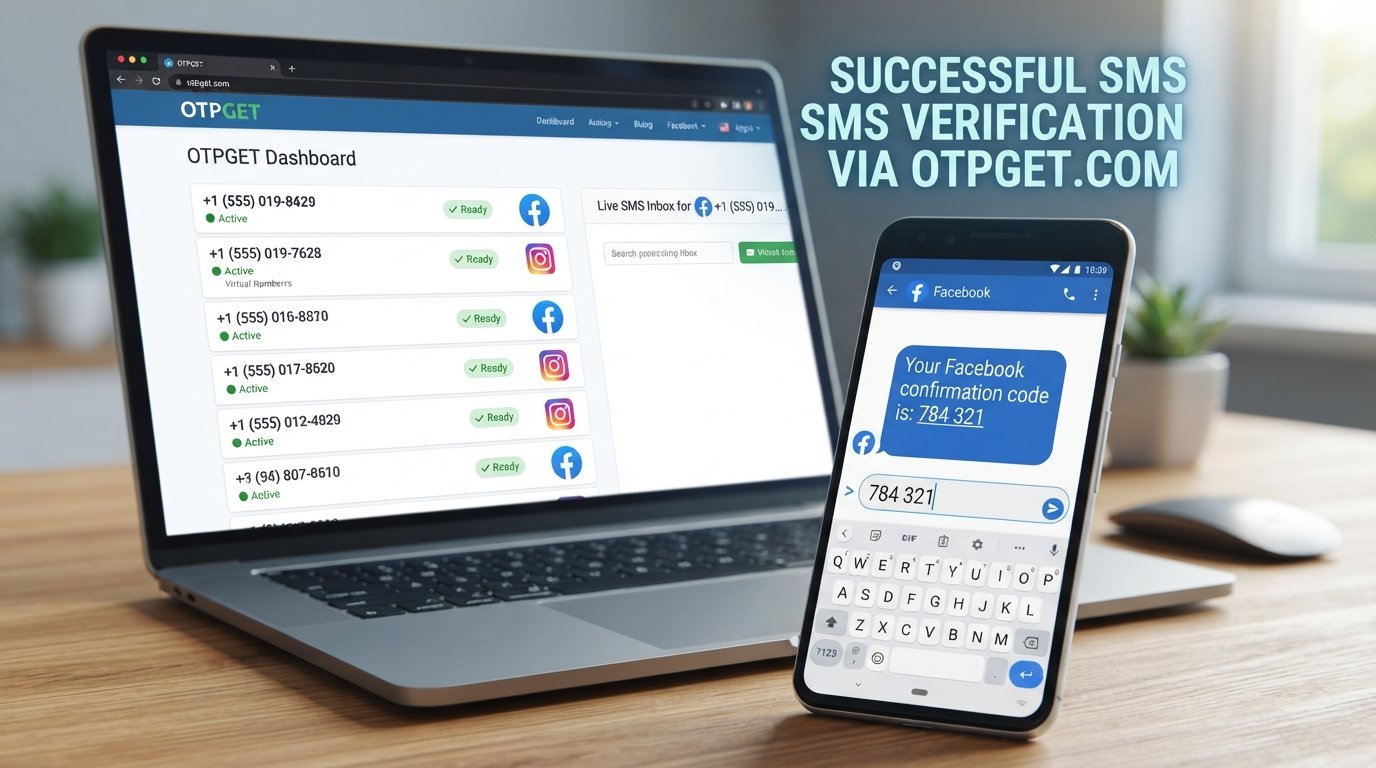
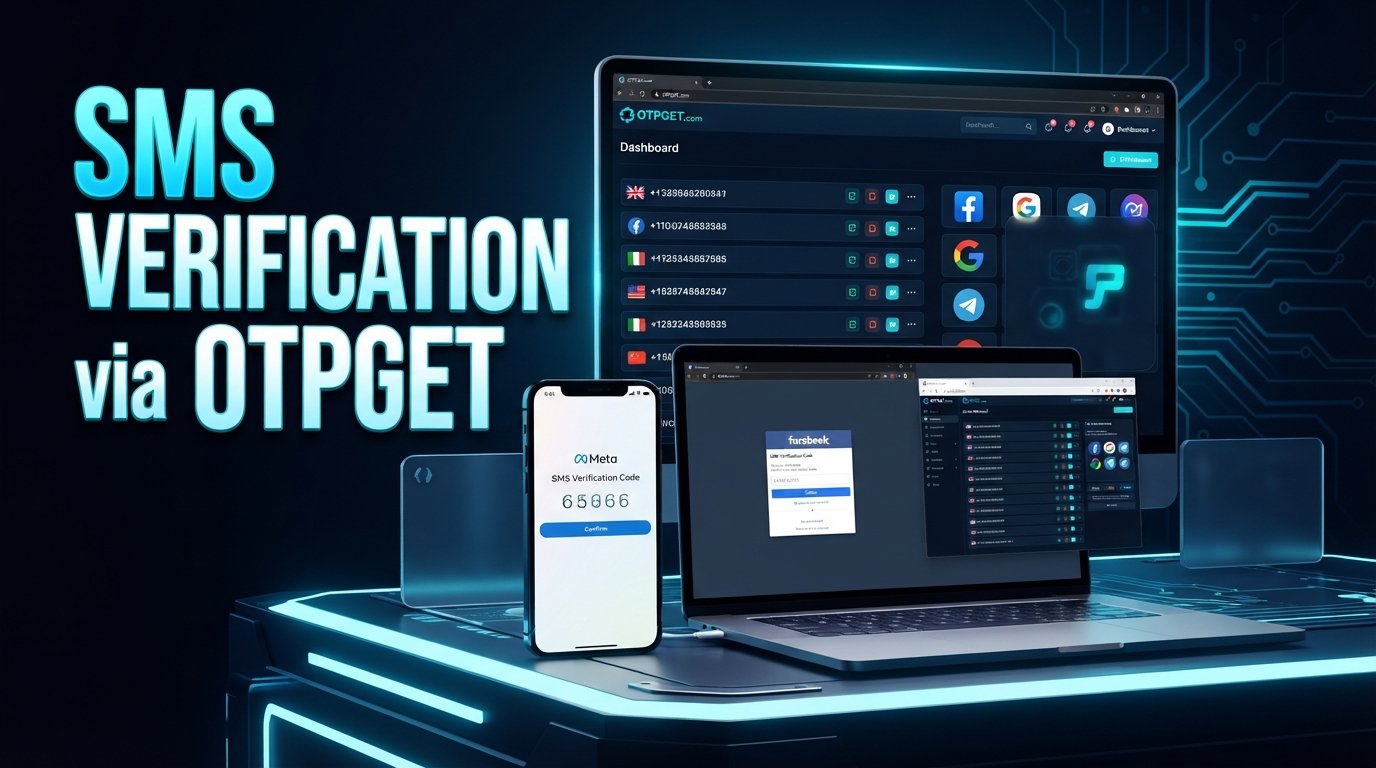
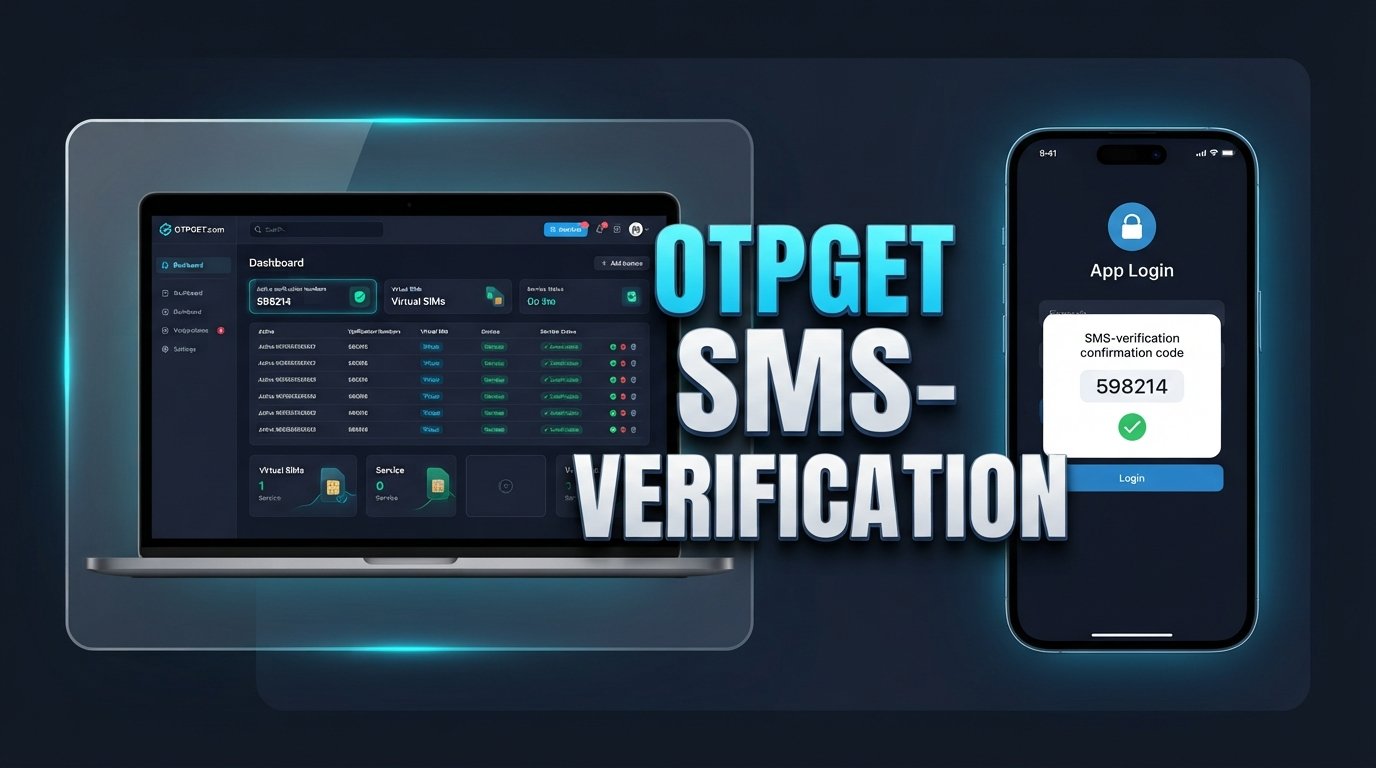
The good news is that many verification issues can be resolved with a few simple checks. If standard SMS delivery continues to be unreliable, an alternative OTP verification option may also be worth considering. OTPGET can be considered by users looking for another option for OTP-related verification needs, depending on availability and the requirements of the verification service involved.
Let's look at the most common causes and the practical steps you can take.
Why Telegram Verification Problems Happen
A Telegram verification code does not depend on just one thing. Several systems work together to deliver the code, so a problem at any point can cause a delay or failed verification.
SMS delivery delays
Sometimes the verification message is simply delayed. Mobile networks can experience congestion or temporary routing problems, particularly when SMS traffic is busy.
Requesting several codes in quick succession may also make the situation more confusing because you could receive an older code after requesting a newer one.
Weak or unstable network connections
Your phone needs a reliable connection to communicate with Telegram and, depending on the verification method, receive the necessary message. Poor mobile coverage, unstable data, or temporary network problems can interfere with the process.
Incorrect phone number or country code
A small mistake in the phone number can prevent the verification message from reaching you.
Before requesting another code, check:
- The selected country is correct.
- The country code is correct.
- The phone number contains the correct digits.
- You have access to the number being used for verification.
Too many verification attempts
Repeatedly asking for a new code can make troubleshooting harder. Verification systems may introduce temporary restrictions or delays after multiple attempts.
If you have already requested several codes, waiting briefly before trying again can be more useful than repeatedly pressing the verification option.
Carrier restrictions
Mobile carriers do not all handle automated or international SMS traffic in exactly the same way. Certain routing conditions, filtering systems, or carrier restrictions can affect whether an OTP reaches your device.
Device or app issues
An outdated Telegram app, temporary application error, device connectivity problem, or notification issue can also contribute to a frustrating login experience.
The code may be sent to another active Telegram session
One commonly overlooked situation is having Telegram already active on another device or session. Depending on the login circumstances, Telegram may deliver a login code through another active Telegram session instead of relying solely on SMS.
Temporary verification restrictions
A verification system may temporarily limit requests when there are unusual, repeated, or unsuccessful attempts. This does not automatically mean that your account is permanently blocked.
Telegram Verification Code Not Received? Try These Quick Fixes
If your Telegram verification code is not received, work through the following checks before looking for another solution.
1. Check the phone number and country code
Confirm the complete number carefully. A wrong country selection or missing digit can send the verification process in the wrong direction.
2. Confirm your network connection
Make sure your phone has a functioning mobile or Wi-Fi connection. If the connection is unstable, moving to a location with stronger coverage or switching networks may help.
3. Check your SMS inbox
Look through your normal SMS inbox and any spam, blocked, filtered, or unknown-sender folders supported by your phone. Do not assume that a missing notification means the message was never delivered.
4. Stop repeatedly requesting codes
If you have already requested several OTPs, give the system some time. Repeated requests can result in multiple codes arriving out of sequence, making it unclear which one is current.
5. Check another active Telegram session
If you have Telegram open on another phone, computer, or other active session, check there for a login notification or verification code.
6. Restart the app or device
A simple restart can clear temporary app or connectivity problems. Close Telegram completely, reopen it, and try the verification process again.
7. Update Telegram if necessary
Using an outdated application can sometimes create avoidable problems. If an update is available through your normal app store, installing it may help.
8. Try again after a reasonable delay
If everything appears correct but the Telegram OTP is not coming, waiting before making another attempt can be more effective than repeatedly requesting new codes.
9. Consider an alternative OTP option
If normal SMS verification repeatedly fails, you can consider an OTP verification service such as OTPGET, provided the available option is suitable for your situation and Telegram's verification requirements.
What If Telegram OTP Still Doesn't Arrive?
When basic troubleshooting does not work, the problem may be outside your direct control.
OTP delivery can depend on several factors, including:
- Your mobile carrier
- Geographic availability
- SMS routing
- The type of phone number being used
- Local network conditions
- Temporary delivery problems
- Telegram's own verification systems
This is why there is not always one universal fix for a Telegram OTP problem.
For example, your phone may be working perfectly while an SMS route between the verification system and your carrier is experiencing a temporary problem. In another situation, the number itself may not be suitable for the particular verification method being attempted.
If conventional SMS verification continues to fail, an alternative OTP service can provide another route worth considering. OTPGET is one option users can explore for OTP-related verification needs. Whether it works for a particular Telegram verification attempt can depend on availability, the number or service involved, geographic factors, and Telegram's verification process.
The important point is to treat an OTP service as an alternative option—not as a guaranteed workaround for every Telegram login problem.
How OTPGET Can Help With Telegram Verification
When standard SMS verification becomes a repeated obstacle, the goal is to find a practical alternative without unnecessarily complicating the process.
OTPGET can be considered as an alternative OTP verification solution for users who need another option for receiving verification codes. This may be useful when someone is experiencing persistent SMS delivery difficulties or would prefer not to rely on their personal number for a particular verification need.
Potential advantages of considering an OTP service include:
- Convenient access to OTP-related verification options
- Less dependence on a personal phone number where appropriate
- A potentially simpler verification workflow
- An alternative when ordinary SMS delivery is unreliable
- A practical option for users troubleshooting recurring OTP issues
However, successful verification can still depend on the platform being verified, the availability of the relevant number or service, location, network conditions, and other factors.
If Telegram's normal SMS verification is causing repeated problems, OTPGET can be considered as an alternative OTP verification solution rather than continuing to request the same code over and over.
Users should also review the applicable requirements and availability before starting a verification attempt.
How to Use OTPGET for OTP Verification
The exact options available through an OTP platform can vary, so it is best to follow the service's current instructions rather than relying on assumptions about specific buttons or menus.
A general process is:
- Visit OTPGET.
- Select the relevant OTP or verification option available on the platform.
- Follow the instructions provided by OTPGET.
- Use the provided verification details where appropriate.
- Wait for the verification code and enter the received OTP into the relevant verification screen.
- Complete the verification process according to the instructions shown by the service you are verifying with.
Availability can vary by service, location, phone number type, and other conditions. If a particular option is unavailable, avoid repeatedly attempting the same process and check what alternatives are currently offered.
Most importantly, never share a verification code with someone who is asking for it unnecessarily. An OTP should be treated as sensitive authentication information.
Common Telegram Verification Mistakes to Avoid
Some Telegram login problems are caused or prolonged by simple mistakes. Avoid these common errors:
- Requesting too many codes: Give the system time instead of repeatedly requesting another OTP.
- Entering the wrong number: Double-check every digit before starting verification.
- Using the wrong country code: The country selection must match the number being used.
- Entering an expired OTP: Use the current code and avoid relying on an older message.
- Sharing your OTP: Never give a Telegram verification code to another person simply because they request it.
- Using unreliable services: If you choose an OTP provider, consider its suitability, availability, and terms before proceeding.
- Ignoring security warnings: Treat unusual login alerts or verification messages seriously.
- Assuming every delay means your account is blocked: A delayed SMS can have many possible causes and does not automatically indicate a permanent account restriction.
Security should remain the priority throughout the process. Convenience is useful, but it should never come at the cost of handing authentication information to an untrusted person or service.
Telegram Verification Problems vs. OTP Solutions
The table below provides a simple way to identify what might be happening and what to try next.
| Problem | Possible Cause | What to Try |
|---|---|---|
| Telegram code does not arrive | SMS delay or routing issue | Check signal, SMS inbox, and wait before requesting again |
| OTP arrives very late | Carrier or network congestion | Avoid requesting multiple codes and wait for delivery |
| Code says invalid | Expired or outdated OTP | Use the latest valid code |
| Number is rejected | Incorrect format or country code | Recheck the complete phone number |
| No SMS after several attempts | Temporary restriction or delivery problem | Stop repeated requests and try again later |
| Telegram asks for verification on another device | Existing active session | Check other logged-in Telegram sessions |
| SMS verification repeatedly fails | Carrier, number, geographic, or routing issue | Consider an alternative OTP option such as OTPGET |
| Login remains unsuccessful | Multiple factors may be involved | Recheck the number, connection, session, and verification method |
An OTP service such as OTPGET fits primarily into the last stages of troubleshooting: when the normal verification route is repeatedly unsuccessful and an alternative OTP option is appropriate.
9. FAQ Section
Frequently Asked Questions
Why am I not receiving my Telegram verification code?
The code may be delayed because of SMS routing, carrier conditions, network problems, an incorrect phone number, repeated requests, or Telegram's verification process. Check your number and other active Telegram sessions before requesting another code.
Why is my Telegram OTP delayed?
An OTP can be delayed by mobile network conditions, carrier routing, geographic factors, or temporary verification-system issues. Waiting before requesting another code can help prevent confusion between multiple OTPs.
What should I do if Telegram says my code is invalid?
Make sure you are entering the most recent code and that it has not expired. If you requested several codes, an older OTP may no longer be valid.
Can I receive a Telegram OTP online?
An online OTP service may provide verification options depending on its current availability and the requirements of the service being verified. OTPGET can be considered as one potential option for OTP-related verification needs.
How can OTPGET help with OTP verification?
OTPGET can be considered when users need an alternative OTP verification option, particularly when conventional SMS delivery is causing repeated difficulties. Availability and successful verification can vary depending on the service, number, region, and other factors.
Is it safe to share a Telegram OTP?
No. A verification code is sensitive authentication information. Do not share it with another person simply because they ask for it, and be cautious of messages or calls requesting your code.
Why does Telegram send a code to another device?
If Telegram is already active on another session, the service may use that existing session as part of its login verification process. Check other devices where you may already be signed in.
What should I do if SMS verification keeps failing?
First, confirm the number, country code, network, SMS inbox, and active Telegram sessions. If the normal route continues to fail, you can consider an alternative OTP verification service such as OTPGET, subject to availability and Telegram's verification requirements.
10. Final Thoughts
Telegram verification problems can be caused by something as simple as an incorrect country code or as unpredictable as an SMS routing or carrier issue. Before trying anything else, verify your number, check your network and SMS inbox, look for an active Telegram session on another device, and avoid repeatedly requesting new codes.
If the Telegram OTP is still not received after reasonable troubleshooting, an alternative OTP option may be worth considering. OTPGET can be explored as a practical option for users looking for another approach to OTP verification, although availability and successful verification will depend on the specific circumstances.
The key is to troubleshoot methodically rather than repeatedly requesting codes. If conventional SMS verification continues to cause problems, explore OTPGET and see whether an available OTP verification option fits your needs.