TikTok Verification Problems: Causes, Quick Fixes & OTP Solutions
TikTok Verification Problems: Causes and Quick Fixes
Trying to log in to TikTok only to discover that the verification code never arrives? Or perhaps the TikTok OTP arrives late, expires immediately, or keeps being rejected even though you entered it correctly.
These situations can be surprisingly frustrating, especially when verification is the final step between you and your account.
The good news is that most TikTok verification problems have a practical explanation. SMS delivery delays, incorrect phone numbers, weak mobile service, blocked messages, repeated code requests, device issues, and temporary restrictions can all interfere with verification.
This guide explains the most common causes and the steps you can take to resolve them. It also looks at OTPGET as a potential option for users who need legitimate OTP/SMS verification assistance.
What Are TikTok Verification Problems?
TikTok verification problems can happen at several points during account access, phone verification, or login confirmation.
Common examples include:
- The TikTok verification code is not received.
- An OTP arrives several minutes late.
- The verification code has already expired.
- TikTok says the code is invalid.
- SMS verification repeatedly fails.
- A phone number cannot be verified.
- TikTok keeps asking for another verification code.
- Login verification does not complete successfully.
Not every failed verification means there is something wrong with your TikTok account. Sometimes the issue is as simple as an SMS being delayed by the mobile network.
The first step is identifying whether the problem is with the phone number, SMS delivery, your device, your network, or the verification request itself.
Why Is TikTok Not Sending a Verification Code?
There are several reasons a TikTok verification code may not appear on your phone.
1. The phone number is incorrect
A small mistake in the country code or phone number can send the verification message somewhere else—or prevent delivery entirely.
Before requesting another code, carefully check the number displayed in TikTok.
2. Mobile service is weak
Poor cellular coverage can delay incoming SMS messages. If your phone has limited signal, move somewhere with better reception and try again.
If other SMS messages are also delayed, the problem may be related to your carrier rather than TikTok.
3. SMS delivery is delayed
Verification messages can occasionally take longer than expected to arrive. Requesting multiple codes while waiting can make the situation more confusing because older codes may no longer be useful.
Give the message some time before requesting another one.
4. Too many verification requests
Repeatedly requesting OTPs within a short period can lead to temporary verification issues.
If you have already requested several codes, stop for a while instead of repeatedly pressing the resend button.
5. Messages are being filtered
Your phone, messaging application, or mobile carrier may filter certain automated messages. Check blocked numbers, spam folders, message filters, and other SMS settings.
6. SIM or device problems
A SIM that is inactive, incorrectly installed, or experiencing network problems can prevent verification messages from arriving.
Restarting the phone and confirming that ordinary SMS messages work can help identify the problem.
7. A temporary service issue
Sometimes verification systems or communication networks experience temporary problems. If everything on your side appears correct, waiting and trying again later may be the simplest solution.
Common TikTok Verification Problems and Their Causes
1. TikTok OTP not received
If the TikTok OTP never arrives, first confirm the phone number and country code. Then check your mobile signal, SMS inbox, blocked messages, and spam filtering.
If regular text messages are arriving normally but the verification SMS is not, waiting before requesting another code can be useful.
2. Verification code expired
Verification codes are generally intended to be used promptly. If you wait too long, a code may no longer work.
Request a fresh code and enter the newest code rather than repeatedly trying an older message.
3. TikTok code not working
An apparently correct code may fail if it has expired, if a newer code was requested, or if there was a typing error.
Avoid copying spaces or extra characters when entering the code, and use the most recently issued verification code.
4. SMS verification failed
A failed SMS verification attempt can result from network problems, SMS filtering, an inactive SIM, incorrect account information, or temporary verification restrictions.
Check the basics before assuming the account itself is damaged.
5. Phone number cannot be verified
If TikTok cannot verify your phone number, make sure you are using a valid number that you can actually access.
Also check whether the issue occurs only on one device or network. That distinction can help narrow down the cause.
6. Too many verification attempts
Repeated attempts can make troubleshooting harder rather than easier.
If you have requested several codes without success, pause instead of continuing to request more. Then try again after a reasonable delay.
7. Login verification keeps repeating
If TikTok repeatedly asks you to verify your login, check whether the issue occurs after switching devices, networks, or account access methods.
Keeping the app updated and restarting the device can also eliminate temporary application problems.
How to Fix TikTok Verification Problems
Try these troubleshooting steps in order rather than requesting dozens of new codes.
Step 1: Check your phone number
Confirm that the number shown for verification is correct, including the country code.
If the number is wrong, correcting it is more useful than repeatedly requesting another OTP.
Step 2: Check your mobile signal
Look at your phone's cellular signal and make sure the SIM is connected to the network.
If reception is weak, move to an area with better coverage before trying again.
Step 3: Confirm that SMS works
Ask yourself whether normal text messages are arriving.
If you are not receiving ordinary SMS messages either, investigate the phone, SIM, or carrier connection first.
Step 4: Check blocked and filtered messages
Look through your messaging app's blocked contacts, spam folder, and filtering settings.
Some phones and carriers treat automated messages differently from ordinary personal texts.
Step 5: Stop requesting codes repeatedly
If you have requested several verification codes, pause.
Multiple requests can leave you with several messages containing different codes. When you try again, use the newest valid code available.
Step 6: Restart your phone and app
A simple restart can clear temporary device or connectivity issues. You can also close and reopen TikTok before trying verification again.
If an app update is available, installing it may also help when the problem appears to be device-specific.
Step 7: Try to identify whether the problem is network-specific
If possible, determine whether the problem occurs only on your current mobile connection or device.
This can help distinguish an account-related issue from a connectivity or device problem.
Step 8: Use an available legitimate verification method
If TikTok provides another supported way to verify your identity or access your account, consider using that method rather than attempting to bypass security controls.
Never use a workaround designed to defeat account protections.
How OTPGET Can Help With OTP Verification
When the main problem is receiving a legitimate SMS verification code, the delivery method matters.
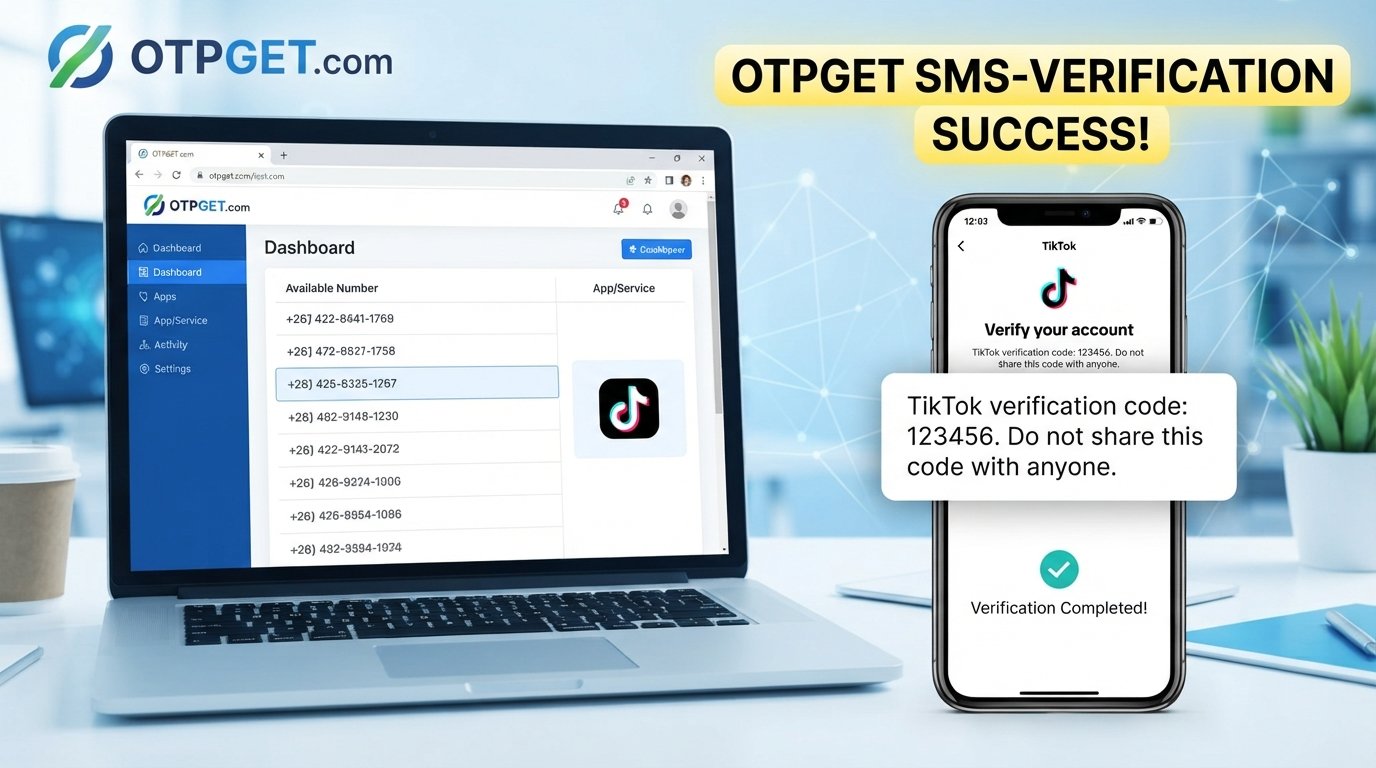
OTPGET can be considered as an option for users looking for OTP/SMS verification assistance. A service in this category may be useful when someone needs access to a suitable phone-number-based verification capability rather than relying on a problematic SMS setup.
The important distinction is that an OTP service should support legitimate verification—not bypass it.
If you are considering OTPGET, look at how its service fits your particular verification requirement and make sure your intended use follows TikTok's terms, applicable laws, and relevant security requirements.
OTPGET should not be viewed as a guarantee that every TikTok verification issue will disappear. Problems caused by account restrictions, incorrect information, application errors, or TikTok's own verification requirements may need to be addressed separately.
For users specifically dealing with legitimate OTP/SMS delivery needs, however, exploring an OTP-focused service can be a practical part of the troubleshooting process.
OTPGET vs. Common Verification Troubleshooting
The two approaches solve different parts of the problem.
| Approach | Best for | What to do |
|---|---|---|
| Troubleshoot your existing phone/SMS setup | Codes are delayed, blocked, or missing | Check your number, signal, SIM, SMS filters, and device |
| Use a legitimate OTP/SMS service such as OTPGET | You need an alternative OTP/SMS verification option | Review the service and use it only for permitted verification purposes |
In other words, don't reach for an OTP service before checking the basics. If your existing number simply has poor reception or your SMS inbox is filtering messages, fixing that underlying problem may be faster.
Tips to Avoid Future TikTok Verification Problems
A few habits can reduce the likelihood of repeated verification issues.
- Keep your account information accurate. Make sure your registered contact details are current.
- Use a valid phone number. You need reliable access to the number used for verification.
- Avoid excessive OTP requests. Repeatedly requesting codes can create additional confusion.
- Keep your phone and app updated. Updates can resolve certain compatibility or application issues.
- Monitor SMS filtering. Check spam and blocked-message settings if codes do not appear.
- Use trusted verification methods. Avoid unofficial tools that claim to bypass account security.
- Protect your credentials. A verification code should be treated as sensitive account information.
- Never share an OTP with strangers. Someone asking for your verification code may be attempting to gain access to your account.
Frequently Asked Questions
Why am I not receiving my TikTok verification code?
Check the phone number, mobile signal, SIM status, SMS filtering, and network connection. If you have requested several codes, wait before trying again.
Why is my TikTok OTP not working?
The OTP may have expired, you may be entering an older code, or there may be a temporary verification issue. Request a new code and use the most recent one.
How do I fix TikTok verification code problems?
Start by checking your phone number and cellular connection. Then check SMS filters, restart your phone and app, avoid repeated requests, and try again after a reasonable delay.
Why does TikTok say my verification code is invalid?
An invalid-code message can occur when a code has expired or a newer verification code has replaced an earlier one. Carefully enter the latest code you received.
Can OTPGET help with OTP verification?
OTPGET can be considered by users looking for legitimate OTP/SMS verification assistance. Whether it is suitable depends on the specific verification requirement and the service's available capabilities.
How long should I wait before requesting another TikTok code?
There is no universal waiting period that applies to every situation. If a code has not arrived, avoid repeatedly requesting new ones in rapid succession. Give SMS delivery time and try again later.
Is it safe to share a TikTok verification code?
No. Treat verification codes as private security credentials. Do not share them with strangers, websites, or people claiming they need the code to “verify” your account.
Conclusion
TikTok verification problems can come from surprisingly simple sources: an incorrect number, weak mobile signal, delayed SMS, blocked messages, an inactive SIM, expired codes, or too many verification requests.
The best approach is to troubleshoot systematically. Check your number, confirm that SMS is working, review message filters, restart your device and app, and avoid repeatedly requesting new codes.
If the issue is specifically related to legitimate OTP/SMS verification needs, OTPGET can be worth exploring as a potential option. Just remember that an OTP service is not a way to bypass TikTok security, and no service should be treated as a guarantee of account access.
Start by fixing the underlying verification problem. Then, if you need additional OTP/SMS assistance, learn more about OTPGET and determine whether its service fits your legitimate use case.