Why Is My Verification SMS Delayed? Causes, Fixes & Solutions
Why Is My Verification SMS Delayed?
You enter your phone number, tap “Send code,” and wait. Nothing happens. You check your signal, refresh your messages, and request another code—only to end up with two OTPs arriving several minutes later, or none at all.
So, why is my verification SMS delayed?
A delayed verification SMS can be caused by mobile network congestion, weak connectivity, an incorrect phone number, carrier filtering, overloaded SMS gateways, platform-side traffic, or international routing. In some cases, the message is sent successfully but takes longer than expected to reach your device.
If verification SMS problems happen regularly, understanding where the delay occurs can help you troubleshoot the issue—or consider a more convenient verification option such as OTPGET for legitimate phone verification needs.
Why Is My Verification SMS Delayed?
A verification SMS usually passes through several systems before it appears on your phone. A problem at any point can create a delay.
Here are the most common causes.
1. Mobile network congestion
When a carrier network is busy, SMS messages may be queued before delivery. This can be especially noticeable when many people are using the network at the same time.
The result is simple: the verification code has been generated, but the SMS reaches your phone later than expected.
2. Weak or unstable mobile connectivity
A weak signal can interfere with normal SMS delivery. If your phone is moving between coverage areas or has an unstable connection, a verification message may take longer to arrive.
Checking your signal and moving to an area with better coverage can sometimes resolve the problem.
3. Incorrect phone number or country code
A single incorrect digit can prevent an OTP from reaching you.
Before requesting another verification code, confirm:
- The phone number is correct.
- The country code is correct.
- The destination number can receive SMS.
- You have not accidentally entered a landline or unsupported number.
4. Carrier-level SMS filtering
Mobile carriers use filtering systems to identify unwanted or suspicious messaging traffic. Some automated verification messages may be delayed, filtered, or restricted depending on carrier policies and routing conditions.
This can make it appear as though the verification service never sent the OTP when the issue is actually occurring during delivery.
5. SMS gateway congestion
The company sending the verification code may rely on an SMS gateway to deliver messages to different carriers and regions.
During traffic spikes, messages can enter a delivery queue. A busy gateway can therefore contribute to an SMS delivery delay.
6. High traffic on the platform
A popular website or app may experience a sudden increase in verification requests. If its messaging infrastructure is under heavy demand, OTP generation or delivery may take longer.
7. Temporary service-side problems
Sometimes the problem is on the sender's side. A temporary outage, routing issue, or messaging service problem can affect verification messages.
In this situation, repeatedly requesting an OTP usually does not solve the underlying problem.
8. Too many OTP requests
Repeatedly pressing “Resend code” can create confusion. You may receive several codes at once, while older codes become invalid.
It's usually better to wait briefly before requesting another code.
9. Expired verification codes
An OTP is generally designed for temporary use. If a message is delayed long enough, the code may expire before you enter it.
Always use the newest valid code when multiple messages arrive.
10. International SMS routing
International verification messages may travel across multiple carrier and messaging networks. Differences between countries, carriers, and routing systems can affect delivery time.
11. Device or messaging-app problems
Your phone may be receiving messages normally while a device setting, messaging application, storage issue, or filter prevents the notification from appearing as expected.
Checking your messaging settings can help rule this out.
12. Blocked or filtered messages
Some devices and messaging apps automatically filter unknown senders or suspected spam. If a verification SMS is being filtered, you may not see it in your normal inbox.
Why Am I Not Receiving My OTP?
There is an important difference between a delayed OTP and an OTP that never arrives.
If the code arrives after several minutes, the problem is likely related to delivery timing or routing. If nothing arrives at all, the issue could involve an incorrect number, unsupported destination, carrier restrictions, message filtering, or a problem with the service generating the code.
If you are asking, “why am I not receiving OTP?”, work through these checks:
- Confirm the complete phone number.
- Verify the country code.
- Check your mobile signal.
- Look for blocked or filtered messages.
- Make sure your inbox can receive new SMS messages.
- Check whether the service supports your destination number.
- Avoid requesting multiple codes in quick succession.
- Wait for the previous code to expire before requesting another when appropriate.
- Try an alternative verification method if the service provides one.
If the same problem continues across different verification attempts, the issue may not be your phone at all. It could be related to the sender, carrier, routing, or the specific verification service.
What to Do When Your Verification Code Is Not Received
When an SMS verification code does not arrive, use this simple troubleshooting sequence.
Step 1: Confirm your number
Check every digit and make sure the correct country code is selected.
Step 2: Check your signal
If your mobile connection is weak, move somewhere with stronger coverage and wait briefly.
Step 3: Wait before requesting another OTP
Avoid repeatedly tapping the resend button. Multiple requests can result in several codes arriving together and can make it harder to determine which one is valid.
Step 4: Check message filters
Look through blocked numbers, filtered messages, spam folders, or other messaging categories.
Step 5: Restart your phone if appropriate
A restart can help resolve temporary device or network registration issues.
Step 6: Check destination support
Some services do not support every type of number or every region. Confirm that your number is eligible for the verification process.
Step 7: Try an alternative method
If email, an authenticator application, voice verification, or another legitimate verification option is available, consider using it.
Step 8: Request a fresh code
If the previous verification code has expired, request a new one and use the latest valid OTP.
For people who repeatedly encounter verification SMS problems, a dedicated option such as OTPGET may also be worth considering for appropriate verification workflows.
Why Do SMS Verification Codes Get Delayed?
The technical process is easier to understand with a simple example.
Imagine you request an OTP from an online service. The service generates the code and sends a request to its SMS provider. That provider routes the message through messaging infrastructure toward your mobile carrier. The carrier then processes the message before it reaches your phone.
That means an OTP can encounter delays at several stages:
Online service → SMS gateway → messaging route → mobile carrier → phone
A delay at any stage can affect delivery.
Common factors include:
- SMS gateways: Systems that route messages from online services to mobile networks.
- Delivery queues: Messages may wait when traffic is unusually high.
- Carrier filtering: Networks may apply filtering rules to automated messages.
- International routing: Cross-border SMS can involve additional routing complexity.
- Regional availability: Some verification services may have limited support for particular destinations.
- Sender restrictions: Certain messaging routes may have restrictions that affect automated SMS.
This is why an OTP can be generated immediately but still take time to appear on your phone.
Common OTP Verification Problems
| Problem | Possible Cause | What to Try |
|---|---|---|
| OTP not received | Incorrect number, filtering, carrier issue | Confirm number and check filtered messages |
| Delayed OTP | Network or routing congestion | Wait briefly before requesting another |
| OTP expired | Code arrived too late | Request a fresh code |
| Multiple OTPs arrive | Repeated resend requests | Use the newest valid code |
| Invalid OTP | Older or incorrect code | Enter the latest code carefully |
| SMS verification failure | Service or carrier issue | Try again later or use another method |
| Number not supported | Regional or number restrictions | Check supported destinations |
| Repeated resend requests | Multiple codes in the delivery queue | Stop requesting temporarily and wait |
Understanding the specific error can save time. Instead of assuming the phone is responsible, consider the entire verification process.
How OTPGET Can Help With Verification SMS
When verification SMS issues become a recurring inconvenience, users may want a more practical way to handle legitimate OTP and phone verification requirements.
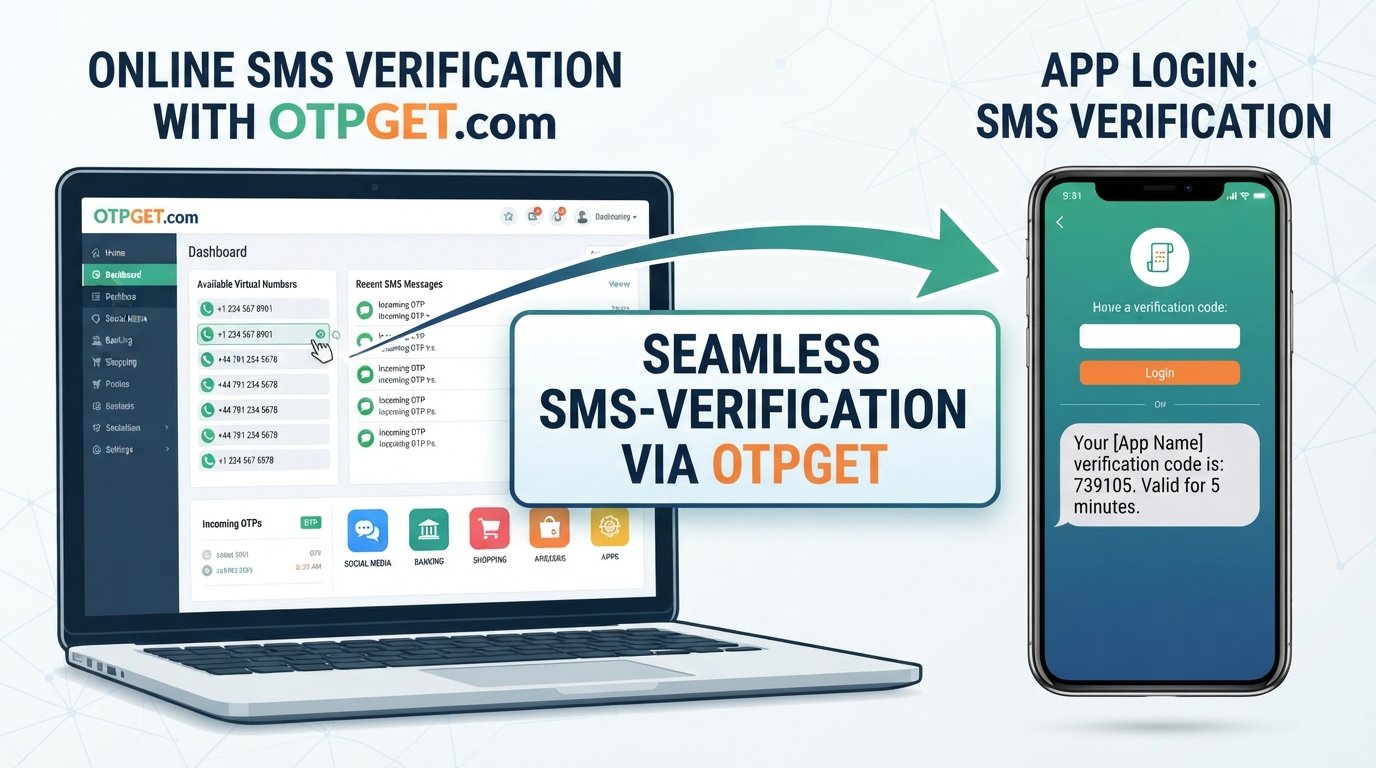
OTPGET can be a practical option for users looking for a convenient approach to receiving verification SMS and managing temporary verification needs.
Rather than repeatedly troubleshooting the same delivery problem, a phone verification service can simplify the workflow when the relevant use case and service requirements support it.
OTPGET may be particularly relevant when you need a straightforward way to handle an OTP receiving task without turning every verification attempt into a lengthy troubleshooting exercise.
Potentially useful situations include:
- Temporary phone verification needs
- Account verification workflows
- Login verification where an SMS OTP is required
- Situations where receiving a verification code is inconvenient
- Legitimate online services that require phone number verification
The key point is that OTPGET should be used for legitimate verification purposes and within the rules of the service you are accessing. It is not a tool for bypassing security controls, defeating authentication, or accessing accounts that do not belong to you.
If your main problem is recurring OTP delivery issues, exploring a dedicated verification option can be more convenient than repeatedly waiting for a delayed SMS.
OTPGET vs. Traditional SMS Verification Troubleshooting
Traditional troubleshooting can work well when the issue is temporary. You check the number, verify your signal, inspect message filters, wait for delivery, and request a new code if necessary.
However, repeated verification SMS delays can become frustrating.
| Consideration | Traditional Troubleshooting | OTPGET |
|---|---|---|
| Convenience | Requires identifying and resolving the delivery problem | Provides an alternative approach for appropriate OTP needs |
| Troubleshooting effort | May involve checking several possible causes | Can simplify the verification workflow |
| OTP delays | You may need to wait for the original SMS | Offers an option to explore when handling temporary verification needs |
| Verification workflow | Dependent on the original SMS process | Designed around OTP receiving needs |
| Best suited for | One-off delivery problems | Users looking for a convenient verification SMS option |
This does not mean every delayed SMS requires an alternative service. If the problem is a temporary network issue, basic troubleshooting may be enough.
But if verification SMS not coming has become a recurring problem, OTPGET may be worth exploring as part of a more convenient verification workflow.
How to Reduce Verification SMS Delays
You can often reduce unnecessary OTP problems by following a few simple habits:
- Enter your phone number carefully.
- Select the correct country code.
- Make sure your phone has adequate mobile connectivity.
- Check blocked and filtered messages.
- Wait before requesting another OTP.
- Avoid excessive resend attempts.
- Use the newest valid verification code.
- Check whether the service supports your destination number.
- Use another legitimate verification method when available.
- Consider a suitable OTP solution such as OTPGET when temporary verification needs make it appropriate.
These steps help distinguish a genuine SMS delivery problem from a simple input or device issue.
Frequently Asked Questions About Delayed Verification SMS
1. Why is my verification SMS delayed?
A verification SMS may be delayed because of mobile network congestion, weak connectivity, carrier filtering, SMS gateway traffic, international routing, or temporary problems on the service sending the message.
2. Why am I not receiving my OTP?
Check your phone number, country code, signal, message filters, and whether the destination number is supported. If everything looks correct, the issue may be related to the sender, carrier, or SMS routing.
3. How long should I wait for a verification code?
There is no universal delivery time because SMS routing depends on the service, carrier, network conditions, and destination. Wait briefly before requesting another code to avoid creating multiple active requests.
4. Why does my OTP expire before I receive it?
OTP codes are temporary. If SMS delivery is delayed, the code may become invalid before it reaches you. Requesting a fresh code after the previous one expires can resolve this situation.
5. Why do I receive multiple OTP messages?
Multiple OTPs commonly result from repeated resend requests. Several messages may eventually arrive together, and older codes may no longer be valid.
6. Can network problems delay SMS verification?
Yes. Weak coverage, network congestion, or temporary carrier issues can contribute to SMS delivery delays.
7. What should I do if my verification code never arrives?
Confirm your number, check your signal and message filters, wait before requesting another code, and verify that the service supports your destination number. If the problem continues, use an available alternative verification method or consider an appropriate service such as OTPGET.
8. How can OTPGET help with verification SMS?
OTPGET can provide a practical option for users who need a convenient way to handle legitimate OTP and temporary phone verification requirements. It can be worth exploring when recurring SMS delivery problems make traditional verification inconvenient.
Final Thoughts
A verification SMS delayed situation can happen for many reasons. Mobile network congestion, carrier filtering, SMS gateway queues, international routing, incorrect phone details, expired codes, and service-side traffic can all affect OTP delivery.
The first step is to troubleshoot methodically: confirm your number, check your connection and message filters, avoid repeated resend requests, and make sure the destination is supported.
If delayed or missing verification messages continue to cause friction, OTPGET can be a practical option to explore for legitimate OTP receiving and temporary phone verification needs. It provides an alternative approach for users who want a more convenient verification workflow.
Explore OTPGET to see whether its verification SMS approach fits your particular use case and requirements.
10. FAQ Schema Content
Question: Why is my verification SMS delayed?
Answer: A verification SMS may be delayed because of mobile network congestion, weak connectivity, carrier filtering, SMS gateway traffic, international routing, or temporary problems on the service sending the message.
Question: Why am I not receiving my OTP?
Answer: Check your phone number, country code, mobile signal, message filters, and whether the destination number is supported. The issue may also be related to the sender, carrier, or SMS routing.
Question: How long should I wait for a verification code?
Answer: There is no universal delivery time because SMS routing depends on the service, carrier, network conditions, and destination. Wait briefly before requesting another code to avoid multiple active requests.
Question: Why does my OTP expire before I receive it?
Answer: OTP codes are temporary. If SMS delivery is delayed, the code may become invalid before it reaches you. Request a fresh code after the previous one expires.
Question: Why do I receive multiple OTP messages?
Answer: Multiple OTP messages commonly result from repeated resend requests. Several messages may arrive together, while older codes may no longer be valid.
Question: Can network problems delay SMS verification?
Answer: Yes. Weak coverage, network congestion, or temporary carrier issues can contribute to SMS delivery delays.
Question: What should I do if my verification code never arrives?
Answer: Confirm your number, check your signal and message filters, wait before requesting another code, and verify that the service supports your destination number. You can also use an available alternative verification method or consider OTPGET where appropriate.
Question: How can OTPGET help with verification SMS?
Answer: OTPGET can provide a practical option for users who need a convenient way to handle legitimate OTP and temporary phone verification requirements. It may be useful when recurring SMS delivery problems make traditional verification inconvenient.