How to Verify Telegram Without Your Own Phone Number: A Guide
How to Verify Telegram Without Your Own Phone Number
Want to use Telegram but would rather not connect your personal phone number? You are not alone. Some people want to keep messaging separate from their primary number, while others need a secondary number for work, account management, privacy, or accessibility reasons.
Telegram normally uses a phone number as part of account registration and verification. Depending on the situation, the verification code may be delivered through SMS or another supported Telegram login method. Telegram also states that accounts are connected to mobile numbers, not landlines.
That does not necessarily mean you must use your everyday personal number. Where Telegram accepts an alternative number and that number can receive the required verification code, a virtual or temporary number can provide another route.
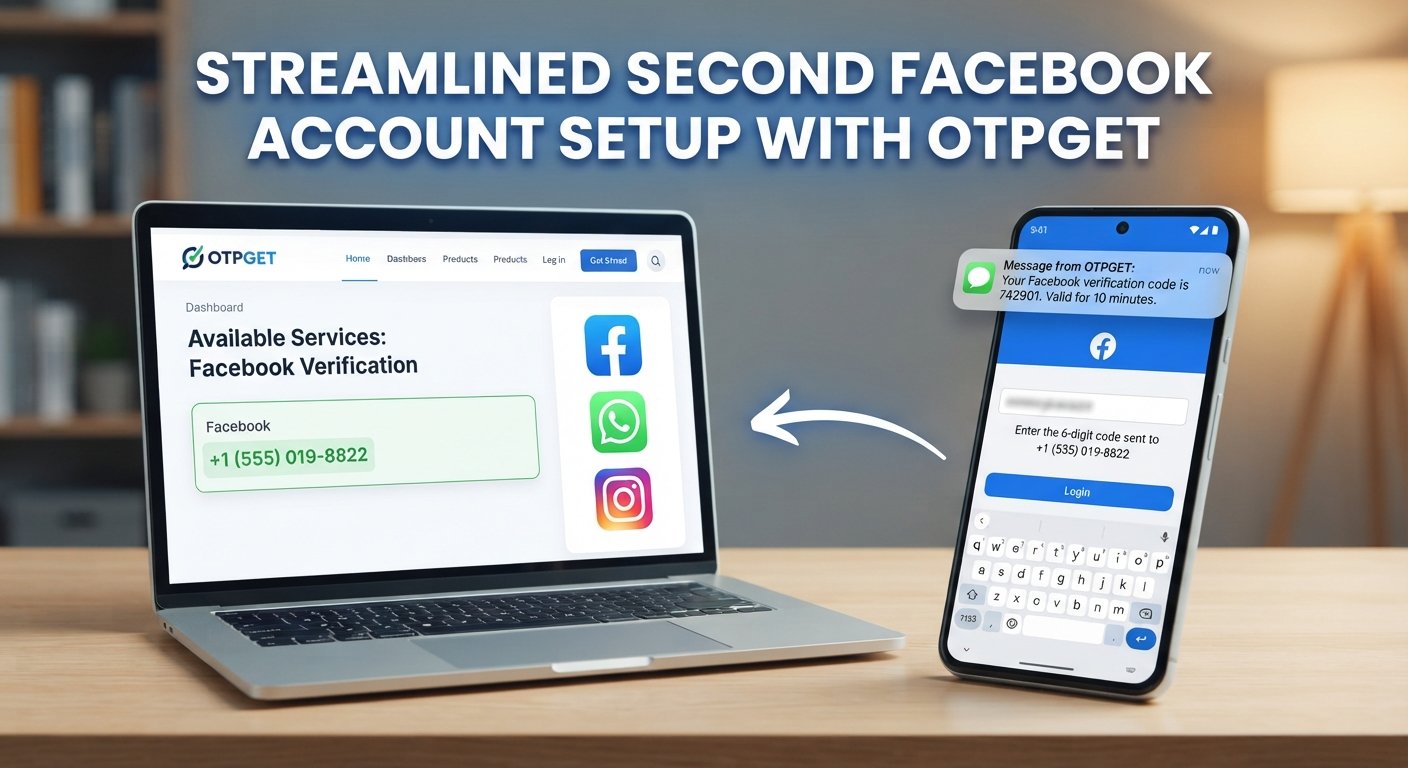
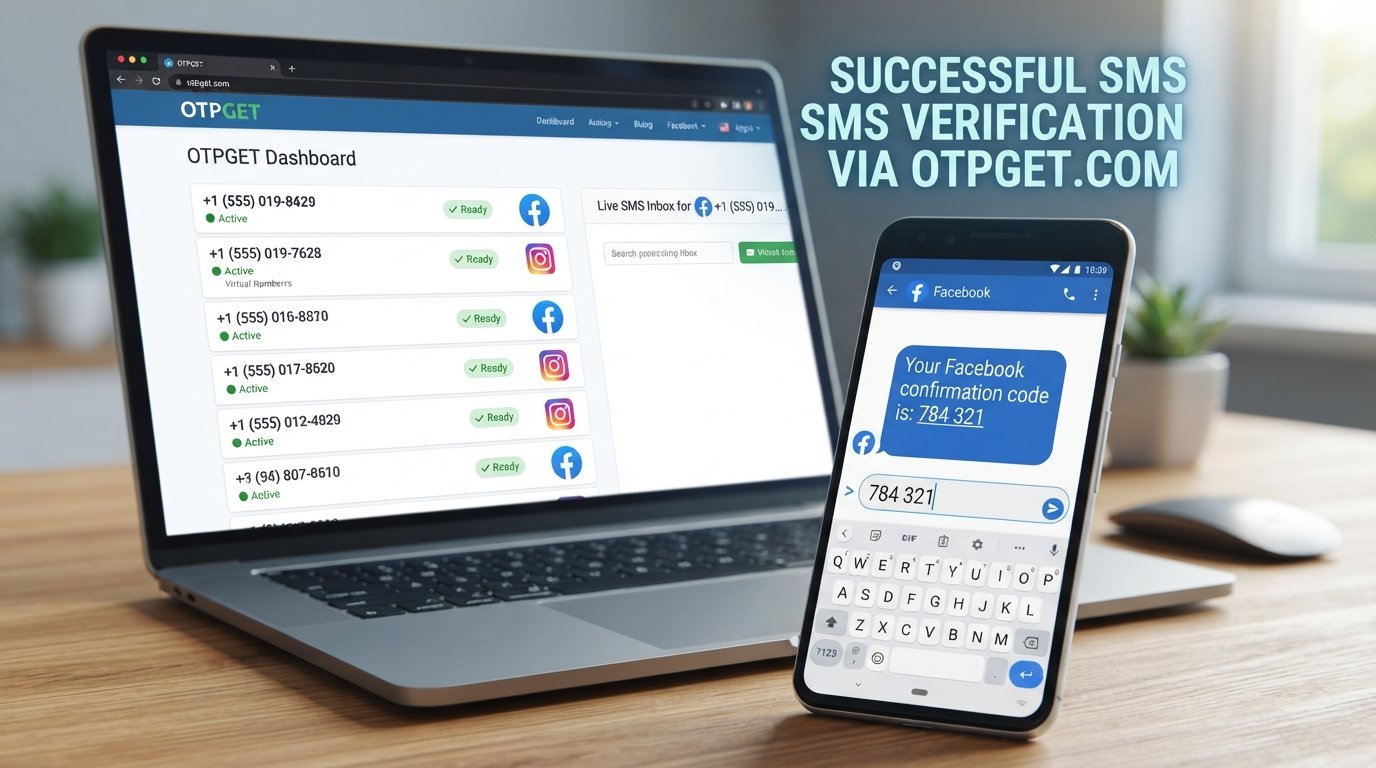
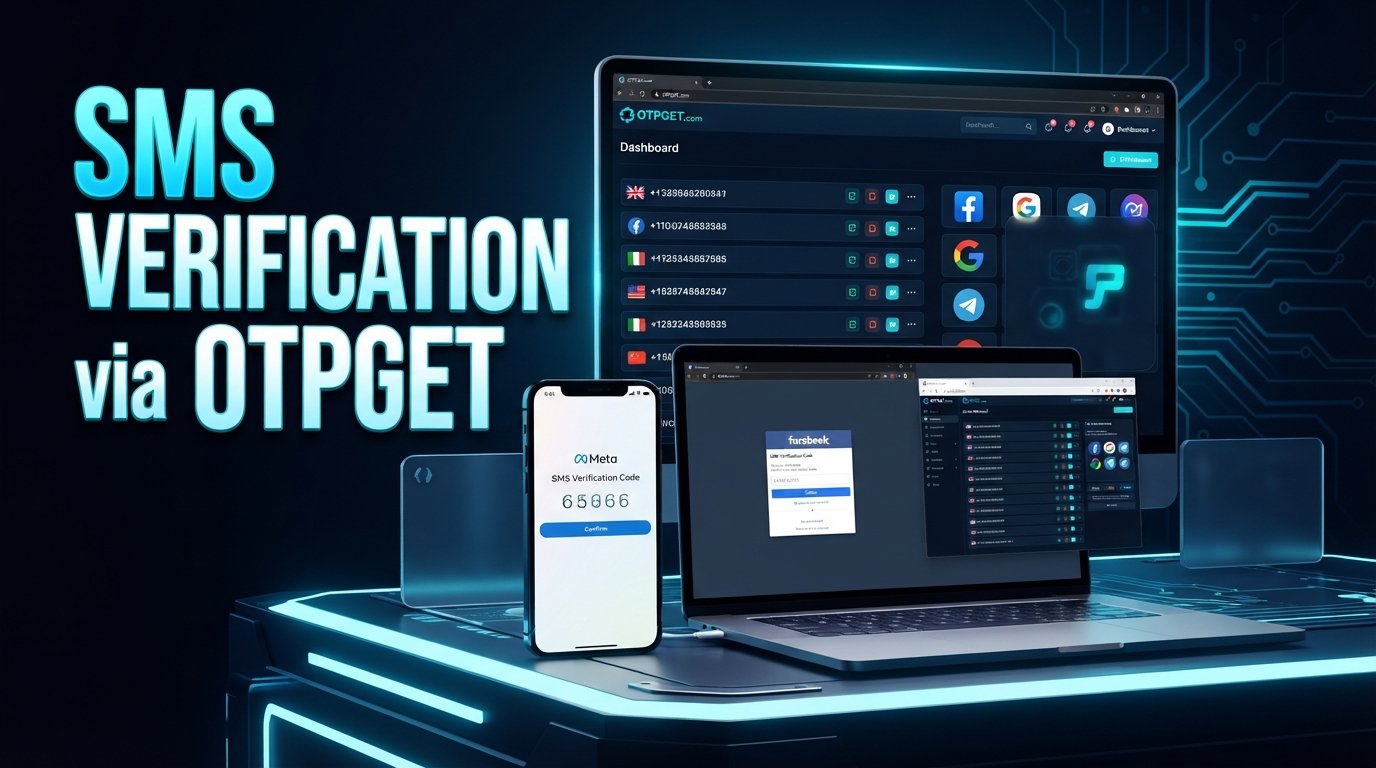
For users exploring this option, OTPGET offers a practical way to obtain an alternative number for online OTP verification, subject to number availability and Telegram accepting the selected number. OTPGET's documentation describes temporary phone numbers and longer-term rental numbers for online verification, with Telegram listed among supported services in its SMS OTP workflow.
Let's look at how the process works, what to expect, and what to consider before choosing an alternative number.
Why Does Telegram Require a Phone Number?
A phone number gives Telegram a way to associate an account with a mobile identity and confirm that the person registering or logging in can access that number.
During verification, Telegram can send a Telegram OTP or verification code to the number supplied during the process. Telegram's own documentation shows phone-number verification as part of login and registration, while its API requires a phone number in international format when sending an authentication code.
This system can also help distinguish legitimate account activity from certain types of automated or abusive registration.
For the user, however, the question is often simpler: Do I really need to give Telegram my primary personal number?
If you have a legitimate reason to keep your personal and secondary communications separate, an alternative mobile number may be worth considering.
Can You Verify Telegram Without Using Your Personal Number?
Yes, potentially—but there is an important distinction.
You cannot simply skip Telegram's phone-number requirement and expect verification to work without a number. Telegram accounts are connected to mobile numbers, so the practical alternative is to use another mobile number that Telegram accepts and that you can access for verification.
That alternative might be:
-
A secondary mobile number you control
-
A suitable virtual number
-
A temporary number capable of receiving SMS
-
A longer-term rented number, where appropriate
Not every virtual or temporary number will work. Telegram can reject a number, a code may fail to arrive, or a number may already be associated with an account.
So the goal is not to bypass Telegram's security. The goal is to provide a legitimate, accessible number capable of completing the normal verification process.
What Is a Virtual Number for Telegram Verification?
A virtual number is a phone number that can be managed through an online service rather than being tied to the physical SIM card in your everyday phone.
For SMS verification, the basic concept is straightforward:
-
You obtain an eligible alternative number.
-
You enter that number in Telegram.
-
Telegram sends a verification SMS if SMS delivery is used.
-
The SMS is received through the service handling the number.
-
You enter the verification code into Telegram.
The key difference is control and separation. Instead of attaching your primary personal number to another account, you can use a separate number for an appropriate use case.
This can be useful for people managing separate personal and work identities, keeping a secondary messaging account separate, or avoiding unnecessary exposure of their primary number.
How to Verify Telegram Without Your Own Phone Number
If you want to verify Telegram without your own phone number, the process generally looks like this.
1. Choose a suitable alternative number service
Start with a service that provides numbers capable of receiving verification SMS. Look for clear information about how the number is provided and how incoming OTP messages are accessed.
OTPGET is one option to explore for this purpose. Its official documentation describes an SMS OTP workflow for requesting a number, waiting for an incoming SMS, and retrieving the received verification code.
2. Select an available number
Choose a number that is currently available for the intended verification service.
Availability matters. A number that exists in a particular country does not automatically mean Telegram will accept it.
3. Enter the number in Telegram
Enter the alternative number in Telegram using the appropriate international format.
Telegram specifically recommends entering mobile numbers in international format when troubleshooting registration or login issues.
4. Request the verification code
Continue through Telegram's normal registration or login process.
If Telegram uses SMS for the verification step, it will send a Telegram SMS code to the number you entered.
5. Receive the Telegram OTP
Check the service providing your alternative number for the incoming SMS.
With OTPGET, the documented SMS OTP workflow allows a requested number's activation status to be checked until the SMS code is received.
6. Enter the verification code
Once the code arrives, enter it into Telegram's verification screen.
Never share a Telegram login code unnecessarily. Telegram explicitly warns that login codes for your Telegram account should not be shared with other people or services.
7. Complete your Telegram account setup
After successful verification, continue with Telegram's normal account setup.
If you intend to keep the account long term, think carefully about future access to the number before proceeding. Losing access to the associated number can create account-recovery complications.
How OTPGET Helps With Telegram Verification
If your main concern is keeping your personal number separate from a Telegram account, OTPGET can provide a practical alternative.
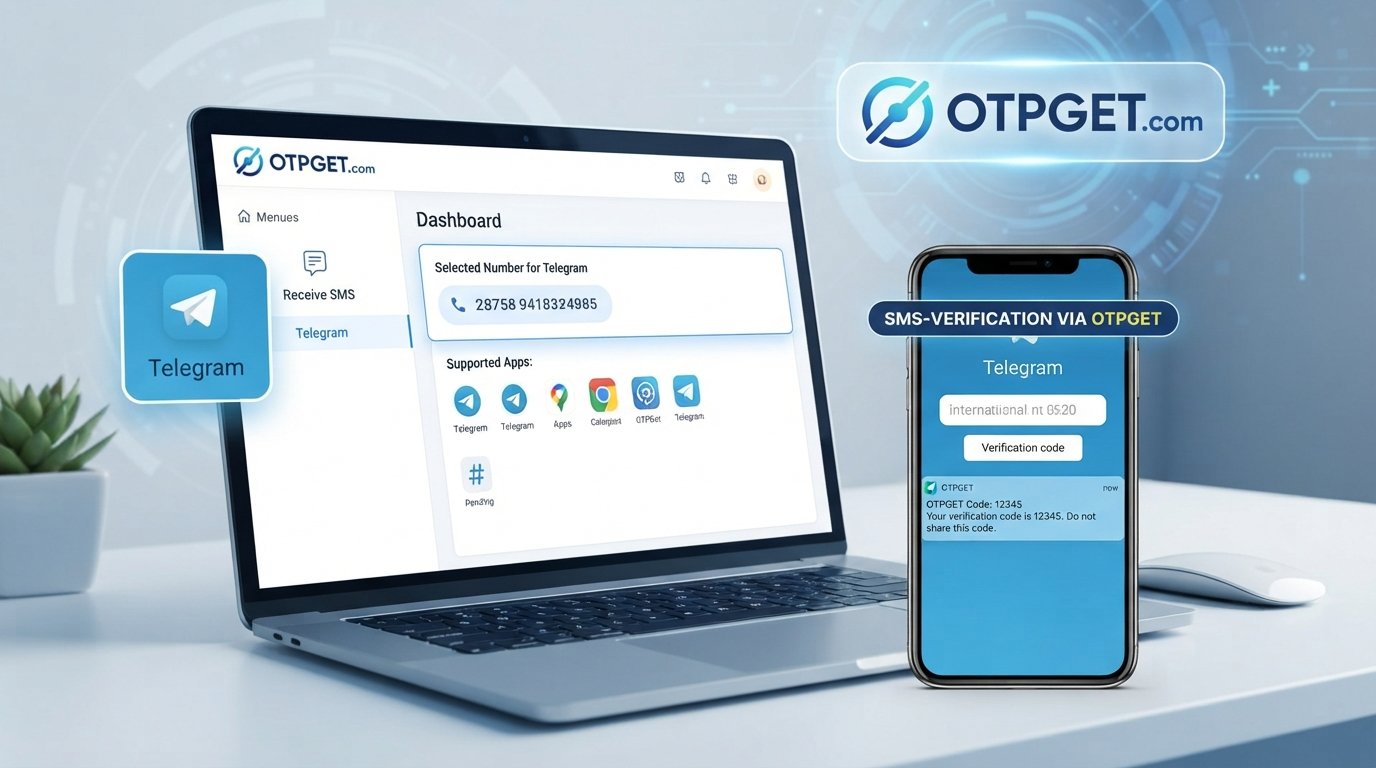
OTPGET describes its service as providing temporary phone numbers and rental numbers for online verification and account registration. Its SMS OTP documentation includes Telegram as a service and explains a general flow in which a user selects an available service and country, requests a number, waits for the incoming SMS, and retrieves the verification code.
For a first-time user, the concept is simple:
Choose an appropriate number → enter it in Telegram → request the OTP → retrieve the SMS through OTPGET → enter the code in Telegram.
The important qualification is that OTPGET does not override Telegram's verification rules. A number still needs to be available and accepted by Telegram for the process to work.
That makes OTPGET best viewed as an alternative-number and OTP solution—not as a way to bypass Telegram security.
Why Use OTPGET Instead of Your Personal Number?
There are several legitimate reasons someone may prefer an alternative number.
-
Separate accounts: Keep a secondary Telegram account distinct from your everyday personal number.
-
Less exposure: Avoid giving your primary number to a service when an alternative number is appropriate.
-
Convenience: An online OTP workflow can be useful when you need to receive an SMS without relying on your primary SIM.
-
Account management: Separate numbers can make appropriate personal or work-related account management easier.
-
Flexibility: Temporary or rental-number options can suit different verification needs.
The benefit is separation—not guaranteed anonymity. Using an alternative number does not remove Telegram's rules, security controls, or account requirements.
Things to Know Before Using an Alternative Number
An alternative number can solve one problem while creating another if you do not plan ahead.
Keep these points in mind:
-
Number availability varies. A desired country, service, or number may not always be available.
-
Telegram acceptance varies. Telegram may reject particular numbers or require a different verification method.
-
SMS can be delayed. Network or service delays can prevent the code from arriving immediately.
-
Temporary numbers may not be permanent. If you later lose access to the number, recovering the account may become harder.
-
Consider account recovery. For an account you expect to keep, a number you can continue to access may be preferable to a one-time number.
-
Follow Telegram's rules. An alternative number should be used for legitimate account purposes, not to circumvent platform restrictions.
-
Protect the OTP. Treat a Telegram verification code like a password. Do not give it to someone who asks for it.
Telegram itself recommends keeping an up-to-date phone number under your control because losing access to the number can put account access at risk.
Common Problems When Receiving a Telegram Verification Code
OTP not arriving
Wait briefly and check that the number and country code are correct. If the message still does not arrive, the number or delivery route may not be suitable for Telegram.
Number not accepted
Telegram may reject a number even when it is technically valid. Try another eligible number rather than repeatedly requesting codes for the same rejected number.
Verification session expired
Verification codes and sessions can expire. If Telegram indicates that the code is no longer valid, restart the verification process and request a fresh code.
SMS is delayed
SMS delivery is not always immediate. Avoid repeatedly requesting new codes in quick succession, since excessive requests can trigger restrictions. Telegram's authentication system includes errors for requesting codes too frequently.
Incorrect number format
Check the international format, including the correct country code. This is one of Telegram's own troubleshooting recommendations.
Number is already associated with another account
A number may already have an account history. If Telegram does not allow the intended registration or login flow, choose a different number or follow Telegram's instructions for the existing account.
Temporary number becomes unavailable
This is one of the biggest reasons to think beyond the initial OTP. If you need the Telegram account long term, make sure you understand how long you can access the number and whether your chosen service provides continued access.
Is Using an Alternative Number Safe for Telegram Verification?
It can be a reasonable approach when used responsibly, but there is no need to treat any alternative number as a magic privacy shield.
Choose a reputable service, protect your account credentials, and never share Telegram login codes unnecessarily. Also understand what information the number service itself may collect and how its service operates.
OTPGET's published terms state that its services are intended for online verification and account registration and prohibit illegal, fraudulent, abusive, or harmful use.
Most importantly, consider future account access. If a Telegram account matters to you, retaining access to the associated number can be important for future verification or recovery.
Who Might Benefit From Using an Alternative Number?
An alternative number can make sense for legitimate situations such as:
-
People separating personal and work-related messaging
-
Users who prefer not to expose their primary number unnecessarily
-
People managing separate, appropriate Telegram accounts
-
Users who need a mobile number capable of receiving SMS verification
-
People who cannot conveniently use their primary SIM for a particular registration
The objective should be sensible account separation and convenient verification—not creating fake identities, evading restrictions, or abusing the platform.
Frequently Asked Questions
Can I verify Telegram without my personal phone number?
Yes, where Telegram accepts an alternative mobile number capable of receiving the required verification code. You generally cannot skip the phone-number requirement entirely.
Can I use a virtual number for Telegram?
A virtual number may work if Telegram accepts that particular number and it can receive the required verification method. Not every virtual number is guaranteed to work.
How do I receive a Telegram OTP?
Enter an eligible mobile number during Telegram's verification process. If SMS verification is used, Telegram sends the code to that number. An appropriate OTP service such as OTPGET can provide an alternative number and an interface for receiving the SMS where supported.
What should I do if my Telegram verification code does not arrive?
Check the international number format, wait for possible delivery delays, and avoid repeatedly requesting codes. If the problem continues, try another eligible number or follow Telegram's official troubleshooting guidance.
Is OTPGET useful for Telegram verification?
OTPGET can be useful for users looking for an alternative number for SMS-based verification. Its documentation specifically describes Telegram as an available SMS OTP service and provides a process for requesting a number and retrieving the received code. Availability and Telegram acceptance can still vary.
Can I use a temporary number for Telegram?
You may be able to, provided Telegram accepts the number and it can receive the required verification code. Think about future account access before relying on a number that may not remain available.
Will every virtual number work with Telegram?
No. Number availability, carrier or provider characteristics, previous use, and Telegram's own verification controls can affect acceptance.
Do I need access to the number after Telegram verification?
It is wise to retain access when possible, particularly for an account you plan to keep. Telegram recommends maintaining an up-to-date phone number that you control because losing access can create account-access problems.
Final Thoughts
You don't necessarily have to use your everyday personal number when setting up Telegram. If you have a legitimate reason to keep your personal and secondary communications separate, an appropriate alternative mobile number can be a practical option.
The important point is to keep expectations realistic. A virtual or temporary number is not a guaranteed workaround, and Telegram may accept some numbers while rejecting others. The number also needs to remain accessible if you expect to rely on it for future account recovery.
For users who want to explore an alternative number for receiving a Telegram OTP, OTPGET is a practical solution to consider. Its documented workflow is designed around obtaining numbers for online verification and receiving SMS codes, including Telegram verification where the selected number and service are supported.
If keeping your primary number separate is your goal, explore OTPGET and see whether an available alternative number fits your Telegram verification needs.