How to Verify WhatsApp Without Phone Number Safely with OTPGET
How to Verify WhatsApp Without Phone Number Safely with OTPGET
Want to use WhatsApp without exposing your primary personal number?
There are plenty of legitimate reasons to look for an alternative. You may want to keep business conversations separate from personal chats, protect your privacy when testing a communication workflow, or simply avoid giving your main number to every service that requires phone verification.
The important distinction is that you cannot activate WhatsApp with absolutely no number at all. WhatsApp normally requires an active phone number and a registration code to confirm access to that number. Its official guidance says the code can be delivered through SMS or a phone call, depending on the registration scenario.
If you want to verify WhatsApp without your personal phone number, the practical approach is to consider an appropriate alternative number that can receive the required OTP. This is where OTPGET can be useful for legitimate verification use cases.
Can You Verify WhatsApp Without Your Personal Phone Number?
Yes, but there is an important clarification.
You can avoid using your personal phone number, but you generally still need an eligible number capable of receiving WhatsApp's verification code. WhatsApp's registration process is designed to confirm that you have access to the number being registered.
That means there is a major difference between:
- Not using your personal number: possible when an appropriate alternative number is available and accepted.
- Not using any number: generally not possible for standard WhatsApp registration.
The verification process still applies. An alternative or temporary number is not a way to bypass WhatsApp's security system. It simply gives you another number to use for a legitimate situation where you do not want to expose your primary number.
Users should also understand that WhatsApp ultimately determines whether a particular number can be used for account verification.
Why Use an Alternative Number for WhatsApp?
Your phone number can be closely connected to your personal identity and everyday communication. Using an alternative number can therefore make sense in several ordinary situations.
Protect personal privacy
If you do not want your primary number shared unnecessarily, an alternative number can help create separation between your personal identity and a particular communication use case.
Separate business and personal communication
Freelancers, small businesses, consultants, and support teams may prefer to keep work-related communication separate from their personal messaging.
Test communication workflows
Developers and testers may need an appropriate number for legitimate testing or verification workflows. A separate number can make testing easier without involving a primary personal number.
Maintain a secondary communication channel
Some users simply prefer having a secondary number for specific projects, services, or communication needs rather than relying on one number for everything.
The key is to use an alternative number responsibly. It should not be used to impersonate someone, create fraudulent accounts, send spam, or circumvent a platform's security controls.
How OTPGET Can Help
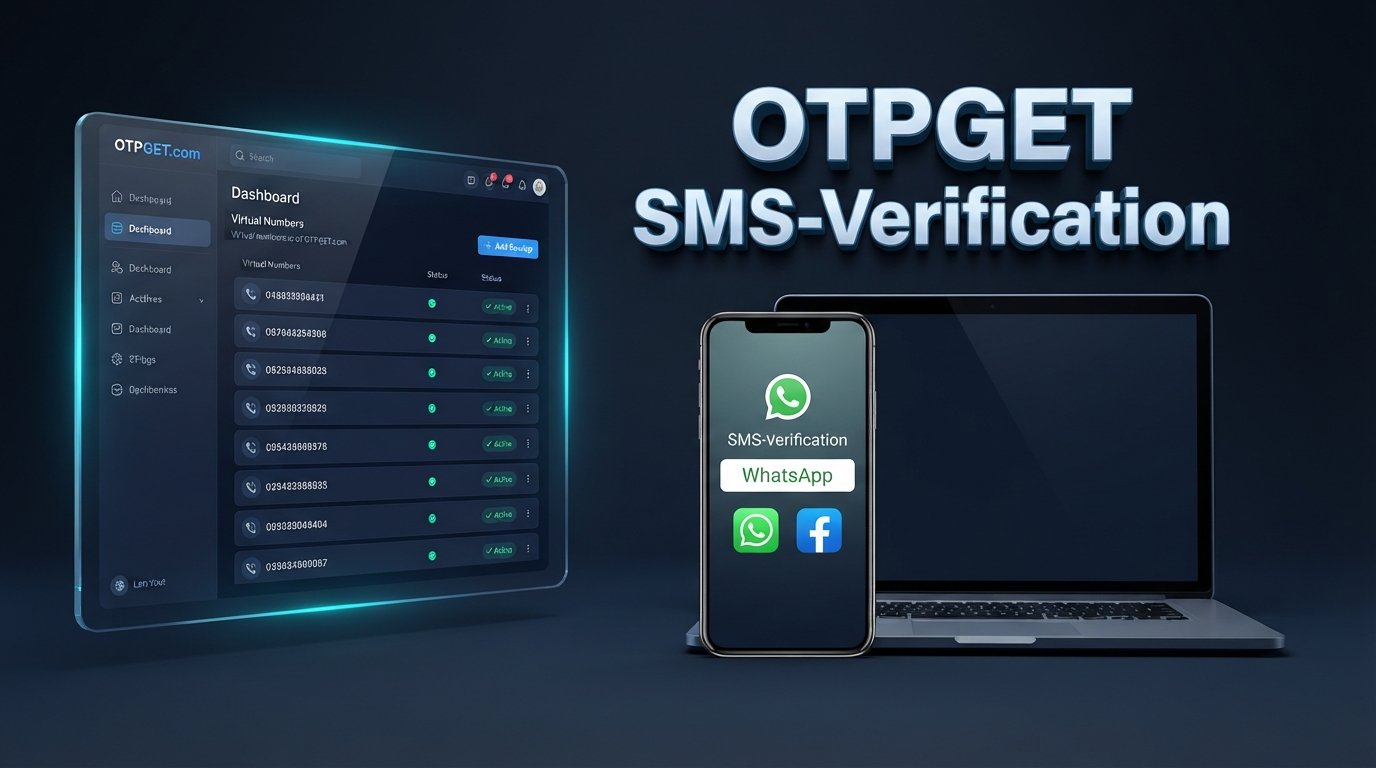
OTPGET provides virtual numbers and SMS OTP verification services that can be considered when you need an alternative number for a supported verification purpose. Its published documentation describes selecting services and countries, obtaining a number, and checking for incoming SMS verification messages.
OTPGET's service information also lists WhatsApp among supported services, although availability and compatibility can vary.
The important point is that OTPGET does not bypass WhatsApp verification. WhatsApp still performs its normal OTP verification process. You are simply using an alternative number as the destination for that legitimate verification code when the number and use case are supported.
At a high level, the process works like this:
- Choose an appropriate number or service through OTPGET.
- Enter that alternative number in WhatsApp's registration screen.
- Request the WhatsApp verification code.
- Check OTPGET for the incoming SMS when the service supports the requested verification.
- Enter the legitimate OTP into WhatsApp.
- Complete the normal WhatsApp account setup process.
Before purchasing or attempting verification, check that the selected number is suitable for your intended use. Neither a virtual-number provider nor any third party can guarantee that WhatsApp will accept every number.
Step-by-Step Guide to Verify WhatsApp Without Your Personal Number
If your goal is to verify WhatsApp without phone number access to your personal number, follow the normal verification process using an appropriate alternative number.
Step 1: Choose an appropriate alternative number
Start by selecting a number through OTPGET that is available for your intended verification purpose.
Pay attention to the service and country options presented to you. Availability can change, so use the information currently shown by OTPGET rather than assuming that every number supports every service.
Step 2: Enter the number in WhatsApp
Open WhatsApp and follow its normal registration process.
Enter the alternative number in the correct international format, including the appropriate country code. A simple formatting mistake can prevent the verification SMS from reaching the intended destination.
Step 3: Request the WhatsApp OTP
Ask WhatsApp to send its verification code through the method provided on the registration screen.
The code is part of WhatsApp's standard account verification process. Do not try to bypass the screen or use unofficial methods to avoid verification.
Step 4: Check OTPGET for the SMS
If the selected number and service are supported, check OTPGET for the incoming verification message.
OTPGET's documentation describes an activation-status process for checking whether an SMS has been received for an order.
Step 5: Enter the verification code
Once the legitimate WhatsApp verification code arrives, enter it into WhatsApp's verification screen.
Never share the code with another person. A WhatsApp OTP should be treated as sensitive account-security information.
Step 6: Complete account setup
After successful verification, continue with WhatsApp's standard account setup.
Remember that using an alternative number does not change WhatsApp's security requirements. The number still needs to be accepted by WhatsApp and used in accordance with applicable rules.
Why Choose OTPGET Instead of Sharing Your Personal Number?
For legitimate users, the biggest advantage of considering OTPGET is number separation.
Instead of automatically giving your primary number to every situation that requires SMS verification, you can explore an alternative-number workflow where appropriate.
Potential benefits include:
- Privacy: Keep your primary number out of situations where it is not necessary.
- Separation: Maintain clearer boundaries between personal and business communication.
- Convenience: Use a separate number for supported verification scenarios.
- Temporary use cases: Consider a temporary number when your situation does not require a long-term personal number.
- Centralized OTP access: OTPGET provides an interface and documented tools for handling supported SMS verification workflows.
These benefits should be viewed realistically. An alternative number is not automatically accepted by every platform, and temporary numbers can have limitations. OTPGET's own terms also make clear that its services must not be used for illegal, fraudulent, abusive, or harmful activity.
Common Problems When Verifying WhatsApp With an Alternative Number
Even when the process is straightforward, verification may not always work on the first attempt.
OTP not arriving
Check that the number was entered correctly and that the selected service supports the intended verification. SMS delivery can also be affected by network or provider conditions.
Incorrect country code
Make sure the country code matches the selected number. Incorrect formatting can prevent delivery.
Number already associated with an account
A number may have an existing account history or other restrictions. Follow WhatsApp's instructions rather than attempting to work around them.
Number type is not accepted
WhatsApp may not accept every virtual, temporary, or online number. This is controlled by WhatsApp and can vary by number and circumstance.
Temporary number expires
If you are using a temporary number, pay attention to its available usage period. Do not assume you will retain access indefinitely.
Verification attempts are limited
Repeatedly requesting codes can trigger waiting periods or other restrictions. If a code does not arrive, follow the timer and instructions shown by WhatsApp rather than repeatedly retrying.
WhatsApp requests additional verification
Additional security checks can occur. Complete the verification steps presented by WhatsApp and avoid unofficial workarounds.
Is It Safe to Use an Alternative Number for WhatsApp?
An alternative number can be useful, but safety depends heavily on how you use and manage it.
First, protect your verification codes. Never send a WhatsApp OTP to someone who asks for it unexpectedly. The code is intended to verify access to the number and can be highly sensitive.
Second, choose a service carefully. Review the provider's terms, privacy information, number policies, and the specific conditions attached to temporary numbers.
OTPGET publishes terms explaining how its temporary numbers work, including conditions surrounding SMS receipt, cancellation, and refunds.
Finally, use an alternative number for legitimate purposes only. Do not use it to impersonate another person, deceive users, distribute spam, operate scams, or evade account restrictions.
Privacy is valuable, but it should work alongside responsible account security—not against it.
Who Can Benefit From an Alternative WhatsApp Number?
An alternative number may be useful for people who have a legitimate reason to keep their primary number separate.
Examples include:
- Privacy-conscious users who want to limit exposure of their personal number.
- Freelancers who want to separate client communication from personal messaging.
- Small businesses that need a distinct communication channel.
- Customer-support teams managing appropriate business workflows.
- Developers and testers working with legitimate communication or verification tests.
- People separating work and personal communication who prefer distinct numbers.
- Users with specific temporary verification needs where an alternative number is appropriate and accepted.
The purpose should always be legitimate. An alternative number is a privacy and organizational tool—not a way to conceal abusive activity or defeat platform safeguards.
Final Verdict
If you want to verify WhatsApp without phone number access to your primary personal number, the answer is not to bypass WhatsApp's verification system. The practical approach is to use an appropriate alternative number that can receive the required verification code and is accepted for your intended use.
OTPGET can be a useful option to explore for legitimate alternative-number and SMS OTP verification needs. Its published documentation provides a process for obtaining numbers and checking incoming verification messages, while its terms establish responsible-use requirements.
Before proceeding, check the current availability and suitability of the number you select. WhatsApp controls its own verification process, so no alternative-number service should be presented as a guaranteed method of account activation.
For users who value privacy, want to separate personal and professional communication, or need an alternative number for an appropriate testing or verification scenario, OTPGET offers a practical place to explore available options.
10. SEO-Friendly FAQ Section
Can I verify WhatsApp without my personal phone number?
Yes, you may be able to use an appropriate alternative number instead of your personal number. However, WhatsApp still requires its normal verification process and a number capable of receiving the required registration code.
Do I still need a number to receive the WhatsApp OTP?
Yes. Standard WhatsApp registration requires an active phone number for verification. WhatsApp sends a registration code through an available verification method, such as SMS or a phone call.
Can OTPGET provide a number for WhatsApp verification?
OTPGET's published service information describes virtual numbers for SMS OTP verification and lists WhatsApp among its supported services. Availability and compatibility can vary, so check the current options before proceeding.
How do I receive a WhatsApp verification code?
Enter an eligible number in WhatsApp, request verification, and wait for WhatsApp to send the registration code. If you are using an alternative number through OTPGET, check the relevant OTPGET interface for the incoming SMS when supported.
Why is my WhatsApp OTP not arriving?
Possible causes include an incorrect number or country code, network or SMS delivery issues, an unsupported number type, or too many recent verification attempts. Check your details, follow WhatsApp's waiting timer, and use only the verification options provided by WhatsApp.
Can I use a temporary number for WhatsApp?
A temporary number may be suitable in some circumstances, but not every temporary or virtual number will be accepted by WhatsApp. WhatsApp controls whether a particular number can complete its verification process.
Is it safe to share a WhatsApp verification code?
No. Treat your WhatsApp verification code as private security information. Never give the code to strangers or enter it into an unexpected website or form.
Can every virtual number be used for WhatsApp?
No. Virtual-number acceptance can vary. WhatsApp ultimately controls which numbers are eligible for its verification process, so an OTPGET number should be checked for suitability rather than assumed to work.