How to Use a Virtual Number for Online Account Verification
How to Use a Virtual Number for Online Account Verification
Signing up for an online service often comes with one extra step: phone verification. A website may ask for your number and send a one-time password (OTP) before allowing you to finish registration.
For many people, that raises a simple question: Do I really need to use my personal phone number?
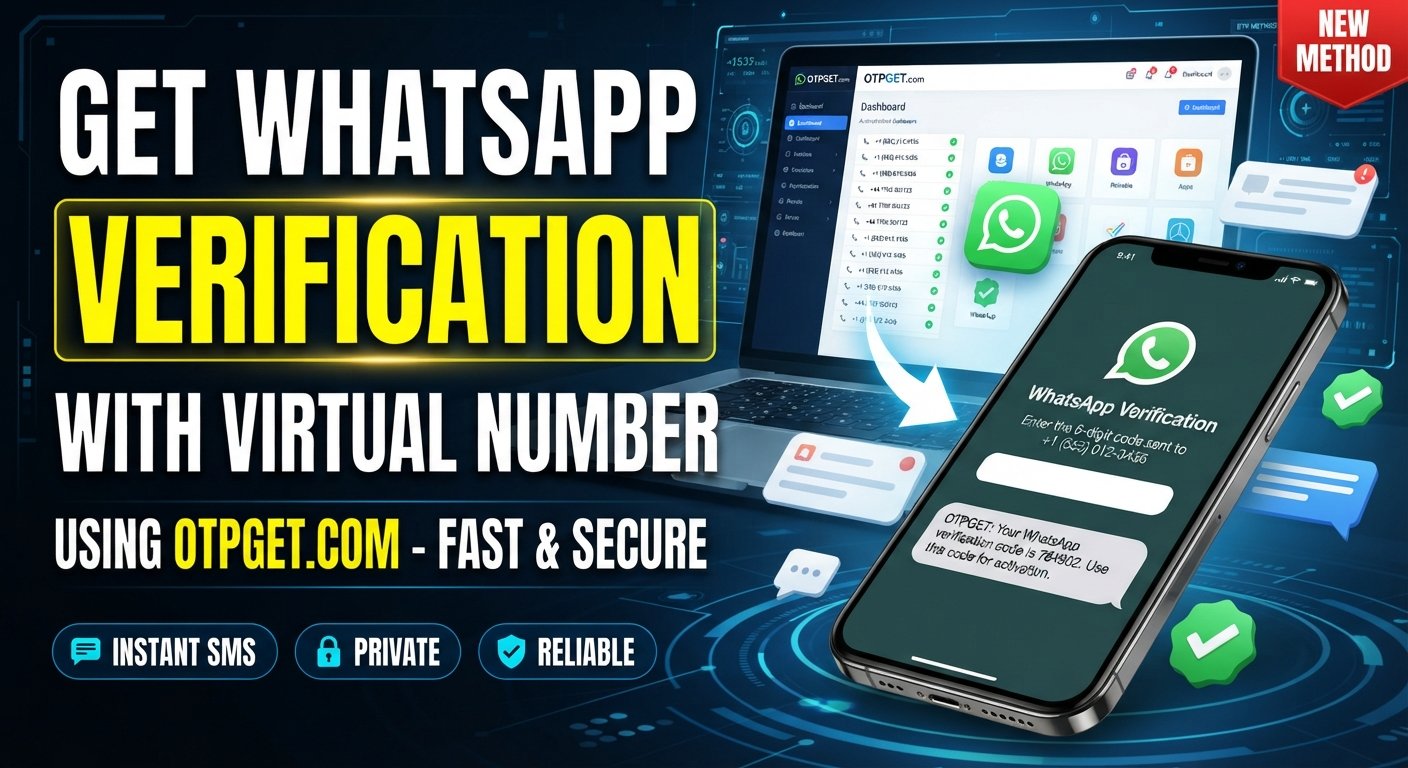
A virtual number for online account verification can provide an alternative in situations where a compatible online number is accepted. Instead of connecting verification messages directly to your everyday mobile number, a virtual phone number can be used to receive an SMS verification code.
Services such as OTPGET can make this process more convenient by providing access to virtual numbers intended for receiving verification messages. However, virtual numbers are not universally accepted, so understanding how they work and their limitations is important before using one.
What Is a Virtual Number?
A virtual number is a phone number that is provided through an online communication service rather than being tied directly to a traditional physical SIM card in your phone.
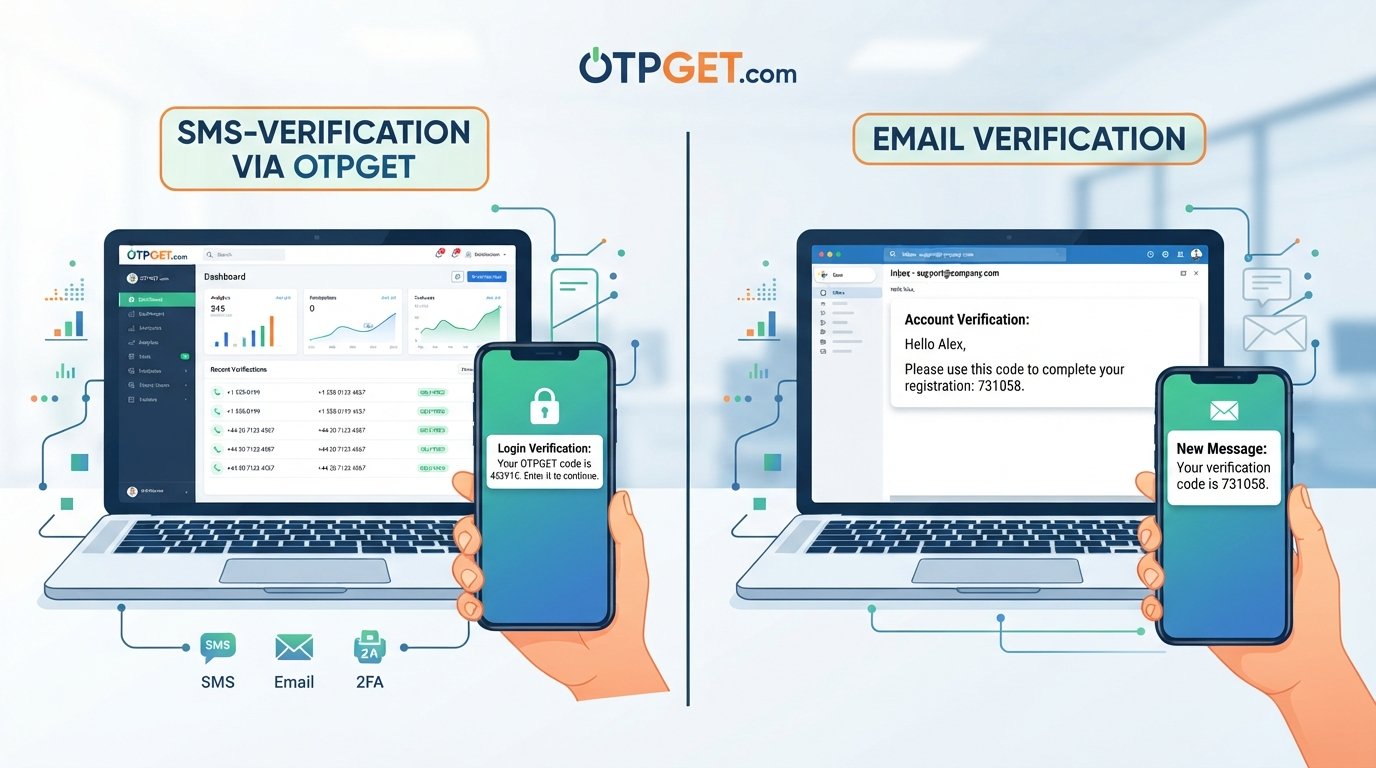
Depending on the service, a virtual number may be capable of receiving SMS messages, calls, or both. For online verification, the relevant function is usually SMS reception because many websites send an OTP or verification code by text message.
The basic idea is straightforward:
- You obtain a compatible virtual number.
- A website sends an SMS to that number.
- The service receives the message.
- You retrieve the verification code.
- You enter the code on the website or app.
This can be useful when you want to separate online account activity from your personal phone number. It can also make verification messages easier to manage, particularly when you regularly create or manage legitimate online accounts.
A virtual number is different from simply having another physical SIM. It is generally managed through an online platform, which can make the number accessible without requiring another physical mobile connection.
How Does Online Account Verification Work?
Phone-based verification is usually a simple process. Although the exact interface differs between websites and apps, the general workflow looks like this:
- A website requests a phone number.
During registration or account setup, the platform asks you to provide a number. - You enter a compatible number.
This may be your personal number or an accepted virtual number. - The platform sends an OTP.
The service generates a temporary verification code and sends it through SMS. - The number receives the message.
If the virtual number is supported, the SMS appears through the provider's receiving interface. - You retrieve the verification code.
You view the OTP associated with the incoming message. - You enter the code.
The code is submitted on the original website or application. - The platform completes verification.
If the code is valid and the number meets the platform's requirements, phone verification is completed.
This is the basic mechanism behind many forms of account verification by SMS and online phone verification.
Why Use a Virtual Number for Online Account Verification?
There are several legitimate reasons someone may prefer a virtual number instead of their personal number.
Privacy
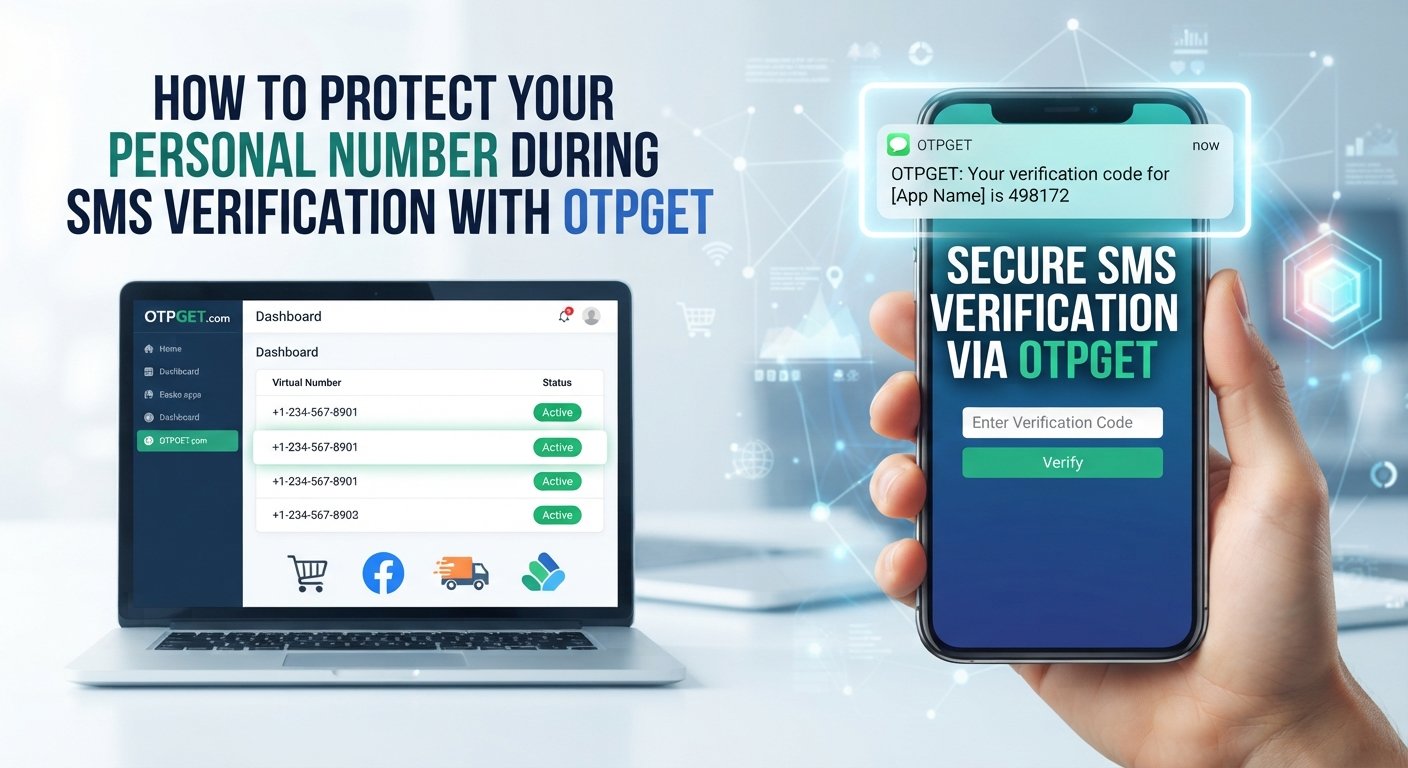
Using a separate number can reduce the number of services that receive your everyday mobile number. This may be useful when signing up for services where you would rather keep personal and online contact details separate.
It does not make you anonymous, however. A virtual number should be viewed as a privacy-conscious option, not a guarantee of anonymity.
Separation of Online Activity
A dedicated number can help distinguish verification messages from personal calls and texts. This separation can be especially convenient for people who manage multiple online services.
Convenience
A virtual number for verification can be useful when you need to receive an SMS without relying on your primary mobile number. The process can be managed through the provider's online interface.
Easier Verification Management
If you frequently encounter legitimate services that require phone verification, using a dedicated verification number can keep those messages separate from your regular communications.
Reduced Exposure of a Personal Number
Some users simply prefer not to provide their personal number whenever an online service requests phone verification. A suitable virtual number can provide an alternative where the platform permits it.
How to Use a Virtual Number for Online Account Verification
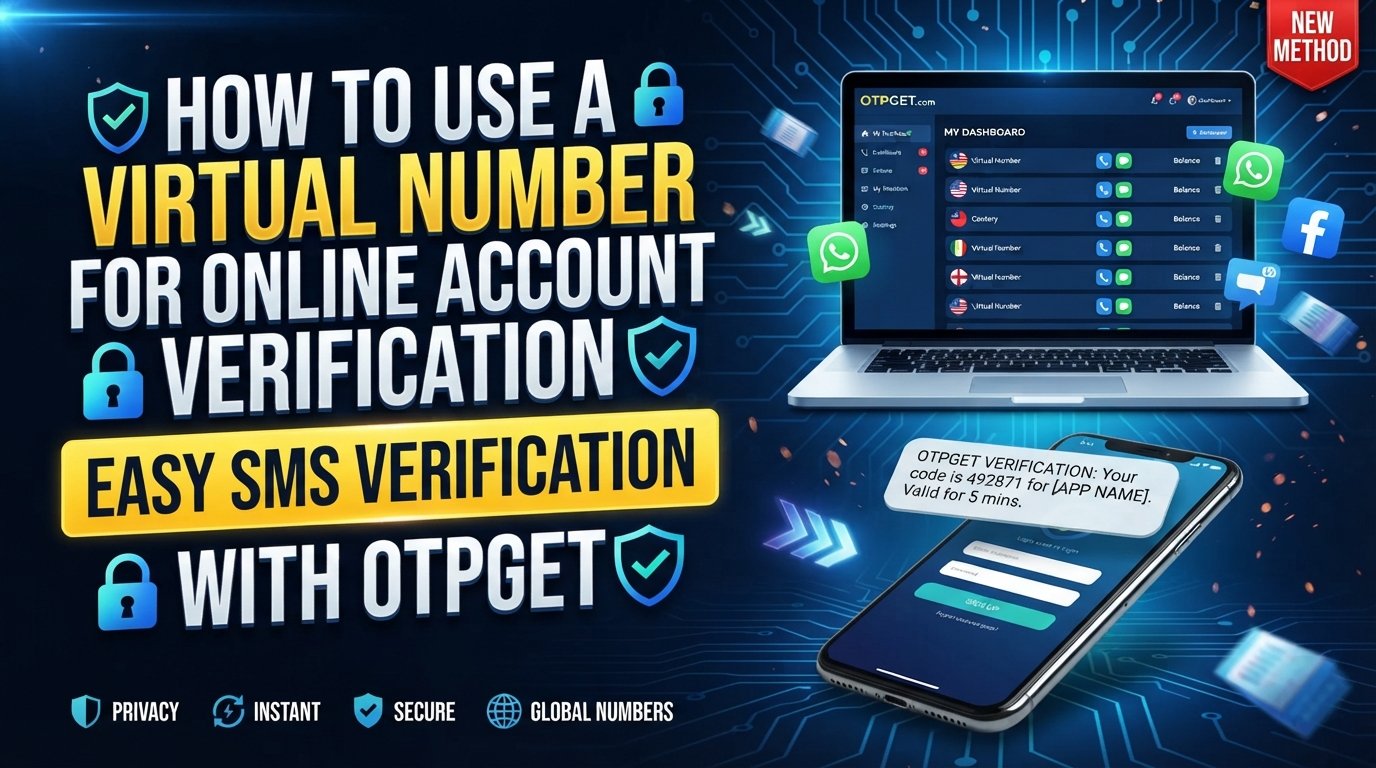
The exact process varies between providers, but the general approach is easy to understand. OTPGET can fit into this workflow when you need a virtual number capable of receiving a verification SMS.
1. Choose a Virtual Number Provider
Start by selecting a provider that offers virtual numbers for your intended purpose. Consider its privacy practices, number availability, receiving process, and terms of service.
OTPGET is one option to consider when your goal is to obtain a virtual number and receive an OTP or verification message.
2. Select a Suitable Number
Choose an available virtual number appropriate for the verification requirement.
Before proceeding, check whether the website or app you're using accepts virtual or non-mobile numbers. Some platforms distinguish between different types of numbers and may reject certain numbers automatically.
3. Enter the Number During Registration
When the platform asks for a phone number, enter the virtual number provided through OTPGET.
Make sure the country or area format is entered correctly and that you have selected the number specifically for a service that permits this type of verification.
4. Request the OTP
Continue with the website's verification process. The platform should send an SMS containing a one-time verification code if the number is accepted.
5. Receive the Verification Code
Return to the relevant OTPGET interface and check for the incoming verification message.
The availability and delivery time of SMS messages can vary. A delay does not necessarily mean that the process has failed, so following the provider's normal receiving procedure is useful.
6. Enter the OTP
Copy the verification code and enter it into the website or app requesting verification.
Never share an OTP with another person. Verification codes are intended to authorize a specific verification attempt.
7. Complete Account Setup
Once the platform accepts the code, continue with the remaining registration steps.
For accounts that you expect to use long term, consider whether you will need the same number later for password recovery or additional security checks.
Why OTPGET Can Be a Practical Solution
OTPGET can be considered when you need a virtual phone number for verification and want a separate channel for receiving verification SMS messages.
Its role in the process is relatively straightforward: rather than putting your personal number at the center of every online verification workflow, you can use an appropriate virtual number and retrieve the relevant verification message through the service.
That can be useful for people who value separation between personal communications and online registrations.
The practical advantages depend on the particular verification requirement and the number available. A platform may accept one virtual number while rejecting another, so OTPGET should not be viewed as a universal solution for every website.
The most useful approach is to treat OTPGET as a convenient tool within a broader verification workflow: choose a suitable number, confirm that the target service permits it, receive the OTP, and complete the verification normally.
Virtual Number vs. Personal Phone Number
Both options can serve legitimate verification purposes, but they have different practical characteristics.
| Factor | Personal Number | Virtual Number |
|---|---|---|
| Privacy | Directly associated with your personal mobile service | Can provide separation from your personal number |
| Convenience | Already available on your phone | Managed through a virtual-number service |
| Separation of online accounts | Less separation | Can separate verification activity |
| SMS verification | Commonly supported, depending on platform | Support varies by platform |
| Number management | Usually under your direct mobile account | Managed according to the provider's terms |
The right choice depends on the account, the platform's requirements, and whether long-term access to the number matters.
What to Consider Before Choosing a Virtual Number
Not every virtual number works for every verification request. Before using one, consider several practical factors.
Platform compatibility: Some websites do not accept virtual numbers. Check the service's requirements before starting.
SMS delivery: Receiving an OTP depends on successful message delivery. Delays or failed messages can occur.
Number availability: The specific type of number you need may not always be available.
Rental or ownership period: Understand how long you can access the number and what happens when that period ends.
Privacy practices: Review how the provider handles account information and received messages.
Account recovery: If an account is important, consider whether you will need access to the same number later.
Reusability: Do not assume a number can always be reused for another verification attempt or account.
Platform terms: Always follow the terms and verification policies of the website or application you are using.
Common Problems With Virtual Number Verification
Even when the process appears straightforward, online verification can sometimes fail.
The Platform Rejects the Number
Some services specifically restrict virtual numbers or certain number types. If the number is rejected, check the platform's requirements rather than repeatedly requesting codes.
The OTP Does Not Arrive
SMS delivery can be delayed. Confirm that the number was entered correctly, wait for the expected delivery period, and follow the provider's troubleshooting guidance.
The Number Is Already Associated With an Account
A number may have previously been used by another person or account. If the platform reports that the number is already registered, another compatible number may be necessary.
The Number Expires
Temporary numbers may only remain accessible for a limited period. This is particularly important for accounts that might require future verification.
Platform-Specific Restrictions
Some services use additional checks beyond receiving an OTP. Successfully receiving an SMS therefore does not guarantee that every verification requirement will be satisfied.
Best Practices for Using Virtual Numbers
For a smoother and more secure experience:
- Use reputable virtual-number services.
- Check whether the target platform accepts virtual numbers.
- Never disclose your OTP to another person.
- Keep your password and recovery information secure.
- Read the provider's terms before using a number.
- Avoid temporary numbers for accounts requiring reliable long-term recovery.
- Keep important account credentials in a secure location.
- Use online SMS verification services responsibly and in accordance with the platform's rules.
The key principle is simple: a virtual number can help with verification, but it should not replace good account-security practices.
Is a Virtual Number Safe for Online Verification?
A virtual number can reduce the need to expose your personal number, which may offer a useful privacy benefit. But the number itself is only one part of the security picture.
You still need to protect your passwords, authentication credentials, recovery methods, and OTPs. The security and privacy of the overall process also depend on the virtual-number provider and the website you're using.
A virtual number should therefore be understood as a privacy-friendly verification option, rather than a guarantee of complete security or anonymity.
For important accounts, consider whether the number will remain accessible for future recovery. A temporary virtual number may be convenient for a one-time verification task but unsuitable for an account you expect to maintain for years.
Frequently Asked Questions
What is a virtual number for online account verification?
It is a phone number provided through an online service that can, where supported, receive SMS verification codes from websites and applications. It can provide an alternative to using a personal mobile number.
Can I receive OTPs on a virtual number?
Yes, some virtual numbers can receive OTPs through SMS. Whether a particular OTP can be received depends on the number, provider, and platform sending the message.
How does SMS verification with a virtual number work?
You enter the virtual number on a website, request verification, receive the SMS through the virtual-number service, and enter the OTP into the website or app.
Can I use a virtual number instead of my personal phone number?
You can use one when the website or application accepts the relevant type of virtual number. Some platforms restrict or reject virtual numbers.
Why might a website reject a virtual number?
A platform may have verification policies that restrict virtual, temporary, or previously used numbers. The rejection can be specific to the platform or number type.
Is a virtual number safe for account verification?
It can provide additional separation from your personal number, but it does not guarantee anonymity or complete security. Choose providers carefully and protect your account credentials and OTPs.
How does OTPGET help with online verification?
OTPGET can be used as a practical option for obtaining a virtual number and receiving verification messages when the target service accepts that type of number.
Can a virtual number be used for every website?
No. Acceptance varies between websites and applications. Always check the target platform's verification requirements before relying on a virtual number.
Conclusion
A virtual number for online account verification can be a practical way to separate verification activity from your personal phone number. The basic process is simple: obtain a suitable number, enter it during registration, receive the OTP by SMS, and submit the code to complete verification.
However, virtual numbers are not universally accepted, and temporary numbers may not be appropriate for accounts that require long-term recovery. Platform policies, SMS delivery, number availability, and provider practices should all be considered.
For users looking for a convenient way to manage verification messages, OTPGET can be considered as part of that workflow. By using a suitable virtual number responsibly and checking the target platform's requirements first, you can approach online verification with greater convenience and better separation between personal and online communications.
If you need a virtual number for a legitimate verification task, explore OTPGET and choose a number that fits the requirements of the service you're trying to verify.