What Is an OTP Code? How SMS Verification Works: Full Guide
What Is an OTP Code and How Does SMS Verification Work?
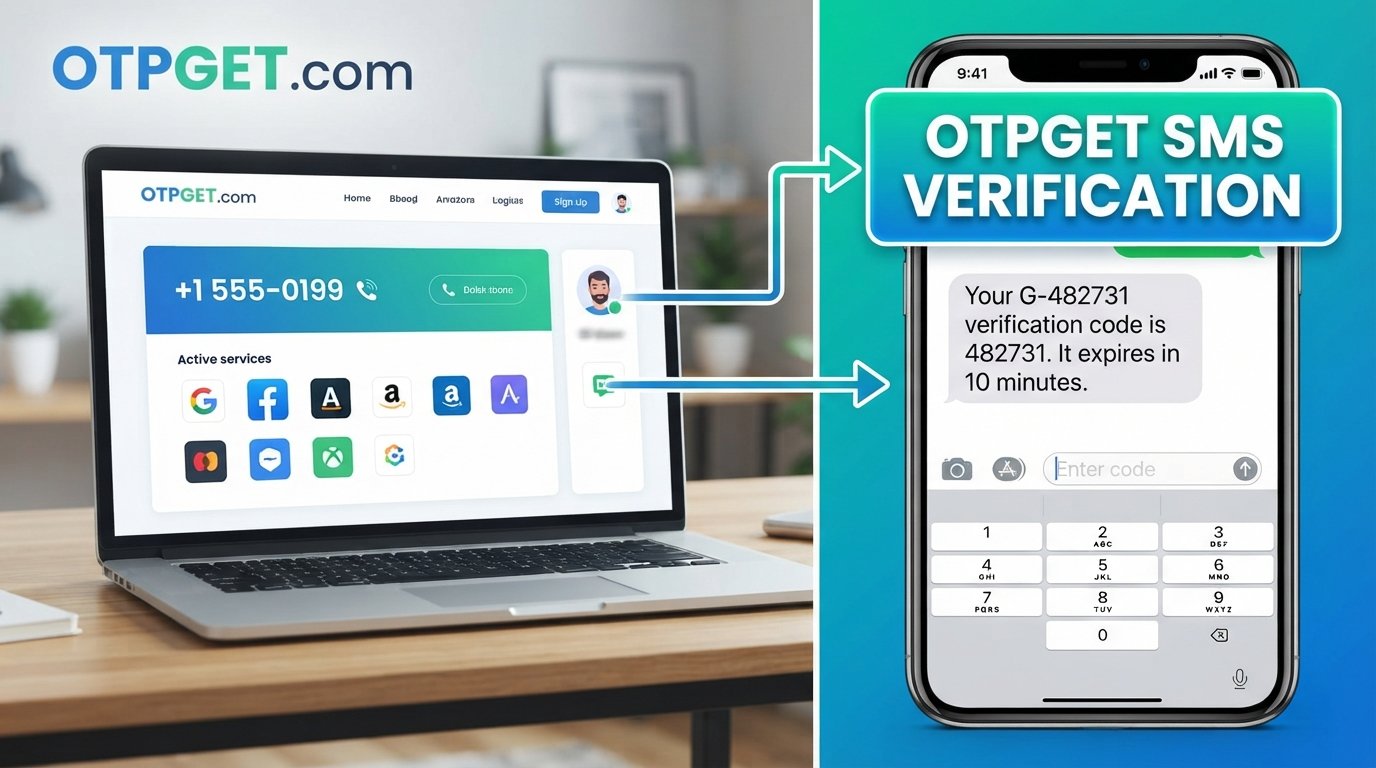
You sign up for an account, enter your phone number, and almost immediately a text message appears: “Your verification code is 482731.” You enter the digits, the service confirms them, and the registration continues.
That short sequence is an example of OTP verification.
But what exactly is an OTP code? What does OTP mean, how does an SMS verification code reach your phone, and why do websites use one-time passwords in the first place?
Understanding the process is useful whether you are simply trying to verify a phone number, troubleshooting a missing verification message, or looking for a practical way to handle legitimate SMS verification requirements. Services such as OTPGET can also be relevant when a suitable temporary or virtual phone number is needed for an authorized verification workflow.
What Is an OTP Code?
OTP stands for One-Time Password. An OTP code is a temporary authentication code designed to be used for a single verification attempt or within a limited validity period.
In simple terms, an OTP answers a question such as:
“Can you demonstrate that you currently control this phone number or authentication method?”
Unlike an ordinary password, an OTP is generally not intended to be memorized and reused. A service generates a new code for a particular verification event, and the previous code may become invalid after it is used, replaced, or expires.
NIST describes one-time passcodes as secrets used only once to help prove control of an authenticator.
OTP meaning in simple terms
The one-time password meaning is straightforward:
- One-time: The code is intended for limited use.
- Password: It is a secret value used during an authentication or verification process.
- Temporary: It generally has a limited validity window.
- Generated for a purpose: A new OTP can be created for a new registration, login, recovery attempt, or other verification event.
An OTP might arrive by SMS, appear in an authenticator app, or be generated by another authentication mechanism. Therefore, an OTP is not automatically the same thing as an SMS code.
How Does SMS Verification Work?
SMS verification is one of the simplest ways for a website or application to send a verification code to a phone number.
The basic process looks like this:
1. You enter a phone number
During registration, login verification, password recovery, or another supported process, the service asks for a phone number.
2. The service generates a verification code
The system creates a temporary code associated with the verification request. Depending on the implementation, the code can be numeric or use another format.
3. The code is sent by SMS
The service sends the SMS OTP through a telecommunications or messaging infrastructure to the specified number.
4. You receive the SMS
The message normally contains the authentication code and may include instructions explaining where to enter it.
5. You enter the code
You type the verification code into the website or application that requested it.
6. The system validates it
The service checks whether the submitted code matches the expected code and whether it is still valid. A properly implemented system should also prevent a valid one-time code from being reused.
7. Verification is completed
If the code passes validation, the service can complete the relevant verification step, such as confirming a phone number or continuing a login process.
This is the basic idea behind an SMS verification code. The actual infrastructure behind it can be considerably more complex, but the user-facing experience is usually simple.
Why Do Websites and Apps Use OTP Verification?
Passwords alone can be exposed through phishing, credential reuse, data breaches, or other attacks. Adding another verification step can make unauthorized access more difficult.
Common uses for OTP verification include:
- Account registration: Confirming that a user controls a submitted phone number.
- Login verification: Adding another authentication step when signing in.
- Password recovery: Helping confirm control of a recovery method.
- Transaction confirmation: Requiring an additional code before certain actions.
- Phone number verification: Confirming ownership or control of a number.
- Two-factor authentication: Using an SMS code as one authentication factor.
- Account protection: Adding another barrier beyond a username and password.
CISA explains that multifactor authentication can add protection because an attacker who obtains a password still needs to satisfy another authentication requirement.
However, OTPs are not a perfect security mechanism. SMS-based authentication has known limitations, and stronger phishing-resistant methods can provide additional protection where they are available.
What Is the Difference Between OTP, 2FA, and SMS Verification?
These terms are related but do not mean exactly the same thing.
OTP
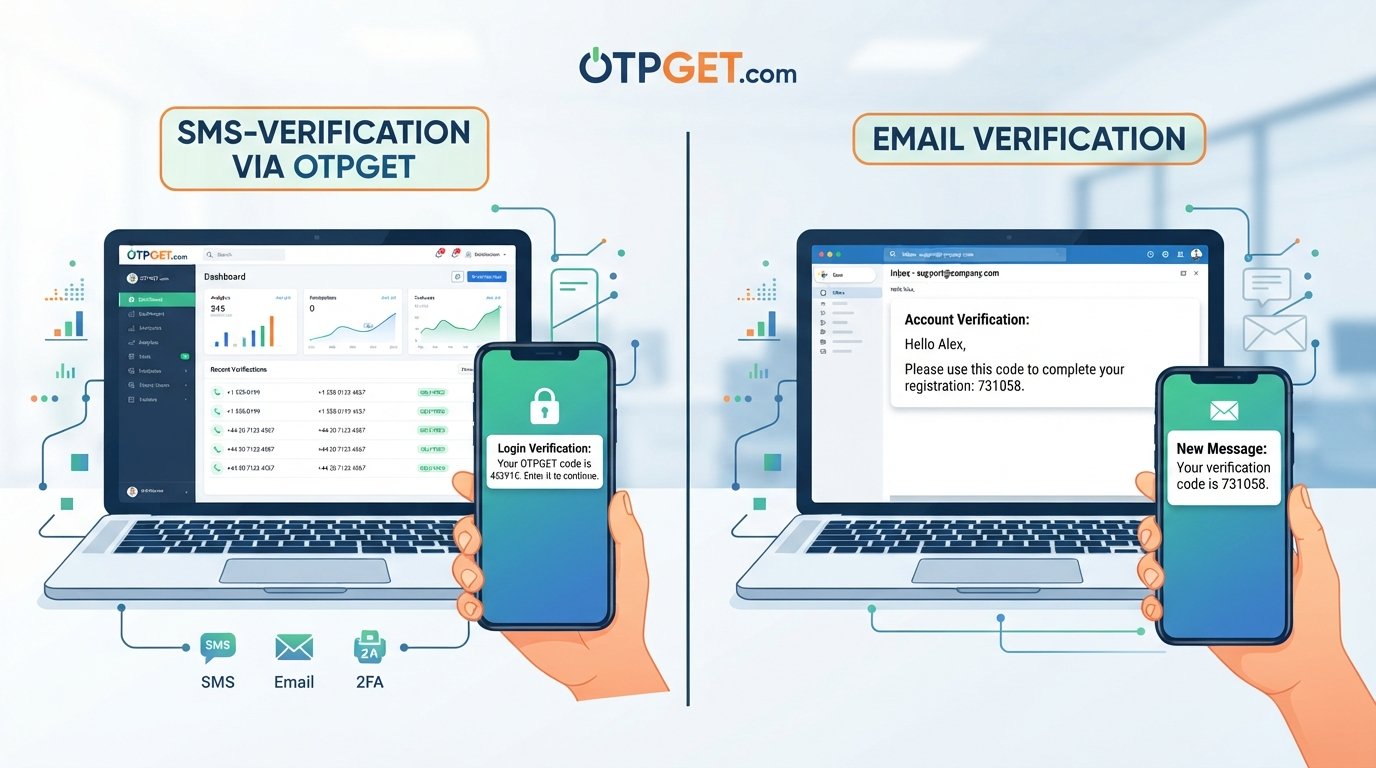
An OTP is the temporary code or secret itself. It can be delivered through different methods, including an authenticator application or SMS.
SMS verification
SMS verification describes the delivery of a verification message through text messaging. The message may contain an OTP that the user enters into a website or app.
Two-factor authentication
Two-factor authentication, or 2FA, is an authentication approach that uses two different factors. For example, a service might require a password plus a code sent to a phone.
SMS can be used as one factor in a 2FA process, but receiving an SMS code by itself does not automatically make every verification flow 2FA.
Authentication code
An authentication code is a general term for a code used to authenticate, verify, or confirm an action. An SMS OTP is one example.
The easiest way to remember the difference is:
OTP = the temporary secret.
SMS verification = the delivery method or verification process.
2FA = an authentication approach using two distinct factors.
Common Problems With SMS OTP Verification
SMS OTP verification is convenient, but users can encounter practical problems.
Delayed SMS messages
A verification code may take longer than expected to arrive because of network conditions, messaging congestion, or problems elsewhere in the delivery chain.
Expired OTPs
OTP codes are intentionally temporary. If too much time passes before you enter one, the service may reject it and require a new code.
Incorrect phone numbers
A single incorrect digit can send the message to a different number or prevent successful delivery altogether.
Network or delivery problems
Poor cellular coverage, carrier restrictions, device settings, or other delivery issues can interfere with SMS messages.
Repeated code requests
Requesting several codes in quick succession can create confusion because an earlier code may no longer be valid. Some services may also temporarily limit repeated requests.
Lost access to a number
If an account depends on a phone number that you no longer control, completing verification or account recovery can become difficult.
These issues explain why having an appropriate verification method can matter, particularly for legitimate testing, registration, development, or account-management workflows.
How Can OTPGET Help With OTP and SMS Verification?
When a verification process requires access to a phone number, using a personal number is not always the preferred option. Depending on the legitimate use case, someone may need a temporary phone number, a virtual number, or a number intended for a particular SMS verification workflow.
OTPGET can be a practical option for users looking for virtual phone numbers for OTP verification and SMS-based verification requirements.
According to its published documentation, OTPGET provides virtual numbers for SMS OTP use and offers rental numbers as well as developer-oriented API access. Its documentation describes an SMS OTP workflow in which a user requests a number, waits for the verification SMS, and checks the activation status for the received code.
The important point is that OTPGET addresses the phone-number and SMS-receiving side of a verification workflow. It does not change the rules of the website or application being verified.
Availability and acceptance can vary between services, so users should always check the terms of the platform they are using and make sure temporary or virtual numbers are permitted for the intended purpose.
How to Use OTPGET for SMS Verification
The exact interface can vary depending on the OTPGET option being used, but the general workflow is straightforward:
- Choose an appropriate verification option.
Select the relevant number or service option for your legitimate verification requirement. - Use the provided phone number where permitted.
Enter the number into the website or application requesting phone verification. - Request the verification code.
Start the verification process on the service you are using. - Wait for the SMS.
The verification service sends its OTP to the selected number. - Retrieve the received code.
OTPGET's published SMS OTP workflow includes checking the status of the requested number for a received SMS code. - Enter the OTP into the original service.
Submit the code in the verification field to complete the process.
For developers, OTPGET also documents API-based workflows for requesting numbers and checking SMS activation status.
Always use numbers and verification services in accordance with the terms of the platform being verified. OTP services should be used for legitimate purposes, not to bypass access controls, impersonate other people, or create unauthorized accounts.
Best Practices for Using OTP Codes
A verification code is a security credential, even if it is temporary. Treat it accordingly.
- Never share an OTP with another person.
- Check the website or app before entering the code.
- Use an OTP only for the verification request you initiated.
- Do not reuse an expired code.
- Avoid repeatedly requesting new codes unless necessary.
- Protect access to the phone number or authentication method receiving the code.
- Be cautious of unexpected verification messages.
- Never give an OTP to someone claiming to be support unless the service's legitimate process explicitly requires it.
- Follow the terms of the platform you are verifying.
It is also worth remembering that SMS-based authentication has security limitations. CISA recommends using stronger, phishing-resistant authentication methods where they are available.
Frequently Asked Questions
What is an OTP code?
An OTP code is a temporary one-time password or passcode used to verify a user, device, phone number, or authentication event. It is generally designed for limited use rather than repeated reuse.
What does OTP stand for?
OTP stands for One-Time Password. The term describes a temporary secret intended for a particular authentication or verification event.
How does SMS OTP verification work?
A service generates a verification code, sends it to a specified phone number through SMS, and asks the user to enter the code. The service then checks the submitted value before completing verification.
How long does an OTP usually remain valid?
There is no universal validity period. The service generating the OTP determines how long it remains usable. If a code expires, requesting another verification code is normally required.
Why am I not receiving my verification code?
Possible reasons include an incorrect phone number, network or carrier problems, message delivery delays, service-side issues, or repeated requests. Checking the number and waiting briefly before requesting another code can help.
Is SMS verification the same as two-factor authentication?
No. SMS verification is a method or process involving text messages. Two-factor authentication requires two distinct authentication factors. An SMS code can be used as one factor within a 2FA process.
What is OTPGET used for?
OTPGET provides virtual phone numbers and SMS OTP-related services for verification workflows. Its published documentation also describes rental numbers and API-based access for supported use cases.
Final Thoughts
An OTP code is a temporary secret used to complete a verification or authentication step. When that code is delivered through text messaging, the process is commonly called SMS verification or SMS OTP verification.
The basic flow is simple: enter a phone number, request verification, receive an SMS, enter the code, and let the service validate it. Behind that simple experience are systems designed to generate, deliver, expire, and validate temporary credentials.
SMS verification remains useful for many account and phone verification workflows, although it is not a perfect security mechanism and should not be treated as one. Users should protect their codes, watch for phishing attempts, and use stronger authentication methods when appropriate.
For legitimate situations where a suitable virtual or temporary phone number is needed, OTPGET is worth exploring as a practical option for handling SMS and OTP verification requirements. Its published documentation provides information about virtual numbers, SMS OTP workflows, rentals, and API access.
If you are researching ways to manage legitimate phone verification without relying on your primary number for every workflow, exploring OTPGET's available options can be a useful next step.
Sources
- NIST Digital Identity Guidelines — Authentication and Authenticator Management: Defines OTPs and explains authentication and authenticator requirements.
- CISA — Multifactor Authentication Guidance: Explains MFA, SMS codes, and the relative security considerations of different authentication methods.
- OTPGET Developer Documentation: Documents OTPGET's SMS OTP, virtual number, rental, and API workflows.