WhatsApp Second Account Setup: A Complete Guide for Beginners
WhatsApp Second Account Setup: A Complete Guide for Beginners
You may want a second WhatsApp account for a simple reason: your personal chats and work conversations are getting mixed together.
Maybe you want one account for family and friends and another for customers. Or perhaps you manage different communication needs and prefer to keep each group of contacts separate.
Whatever the reason, a WhatsApp second account can make everyday communication easier to organize. The key thing to understand is that a second account needs its own phone number and must go through WhatsApp's verification process. WhatsApp's multiple-account feature supports using two accounts on one mobile device where the feature is available.
That second-number requirement is often the part beginners find most difficult. This guide explains the setup process, common verification problems, and how OTPGET can help with the number and OTP side of the process where supported.
Why Would You Need a WhatsApp Second Account?
There are several practical reasons to create a second WhatsApp account.
Personal and work separation: Keeping professional conversations away from personal chats can make it easier to stay organized and respond appropriately.
Business communication: A separate account can be useful for customer conversations, inquiries, or other legitimate business communication.
Better organization: If you regularly communicate with different groups of people, separate accounts can reduce the clutter in your main inbox.
Different communication needs: Some people simply prefer to use two numbers for different purposes rather than giving everyone the same contact number.
The important point is that a second account is a genuinely separate WhatsApp account. It is not simply another profile inside your existing account. Each account is associated with its own registered phone number.
Can You Use Two WhatsApp Accounts on One Phone?
Yes. WhatsApp supports two different accounts on the same mobile device where its multiple-account feature is available. Each account requires a separate phone number, and you can switch between the accounts after they have been registered.
This means you do not necessarily need two physical smartphones.
WhatsApp's multiple-account functionality is designed to let eligible users keep two accounts on one mobile device. However, exact availability and menu names can vary by device, app version, operating system, and region.
Another legitimate option is using WhatsApp alongside WhatsApp Business when that arrangement fits your needs. The important distinction is that the accounts still require appropriate phone numbers and verification.
If you do not see the account-switching option, check that WhatsApp is updated and that your device supports the feature. WhatsApp also recommends troubleshooting basics such as restarting the phone or switching between Wi-Fi and mobile data when account setup encounters problems.
What You Need to Create a Second WhatsApp Account
The requirements are straightforward:
-
A compatible mobile phone
-
A second phone number
-
An internet connection
-
Access to the verification method offered by WhatsApp
-
The WhatsApp verification code
-
A profile name and optional profile information
The phone number is the most important part.
WhatsApp uses the number you register and verify as the identity of the account. During registration, WhatsApp normally asks you to confirm ownership of the number with a six-digit registration code sent through an available verification method.
This is why simply having a dual-SIM phone does not automatically create a second account. You still need to register the second number as a separate WhatsApp account.
How to Set Up a WhatsApp Second Account
Once you have a suitable second number, the WhatsApp second account setup is relatively simple.
-
Prepare a legitimate second phone number. Make sure you can access the number and its verification messages or calls.
-
Open WhatsApp. Go to the account or profile settings and look for the option to add another account. The exact menu can differ depending on your device and app version.
-
Choose the add-account option. Follow WhatsApp's registration instructions for creating another account.
-
Enter your second number. Use the correct international format, including the appropriate country code.
-
Request the verification code. WhatsApp will provide the available verification method for that number.
-
Receive the OTP. Check the appropriate SMS, call, or other supported verification method.
-
Enter the verification code. Type the six-digit registration code into WhatsApp.
-
Complete your profile. Add your name and, if you want, a profile photo and other profile information.
-
Test the account. Send a message or make a test call to confirm that the new account is working as expected.
WhatsApp's published account-switching instructions describe entering the second phone number, receiving a six-digit code, and then completing the profile setup.
If the account option is not visible, do not repeatedly attempt registration. First check the WhatsApp version, your connection, and whether the feature is supported on your device.
The Biggest Challenge: Getting a Second Number for WhatsApp
For many beginners, the hardest part isn't installing WhatsApp. It is getting a number that can actually complete verification.
Buying another SIM may mean visiting a mobile provider, managing another subscription, keeping another physical SIM safe, or maintaining access to the number for future account recovery.
There can also be practical verification problems. SMS messages may be delayed, a number may already have an account history, or WhatsApp may not accept a particular number for registration.
There is another important consideration: access to the number matters after initial registration too. WhatsApp advises users to maintain access to the registered number, and repeated switching between numbers or devices can create verification restrictions.
That is why choosing a number should not be treated as a one-time technical step. Think about whether you can legitimately access and manage it when needed.
How OTPGET Can Help With WhatsApp Number Verification
If obtaining a suitable second number is the main obstacle, an online OTP service can be a convenient option to explore.
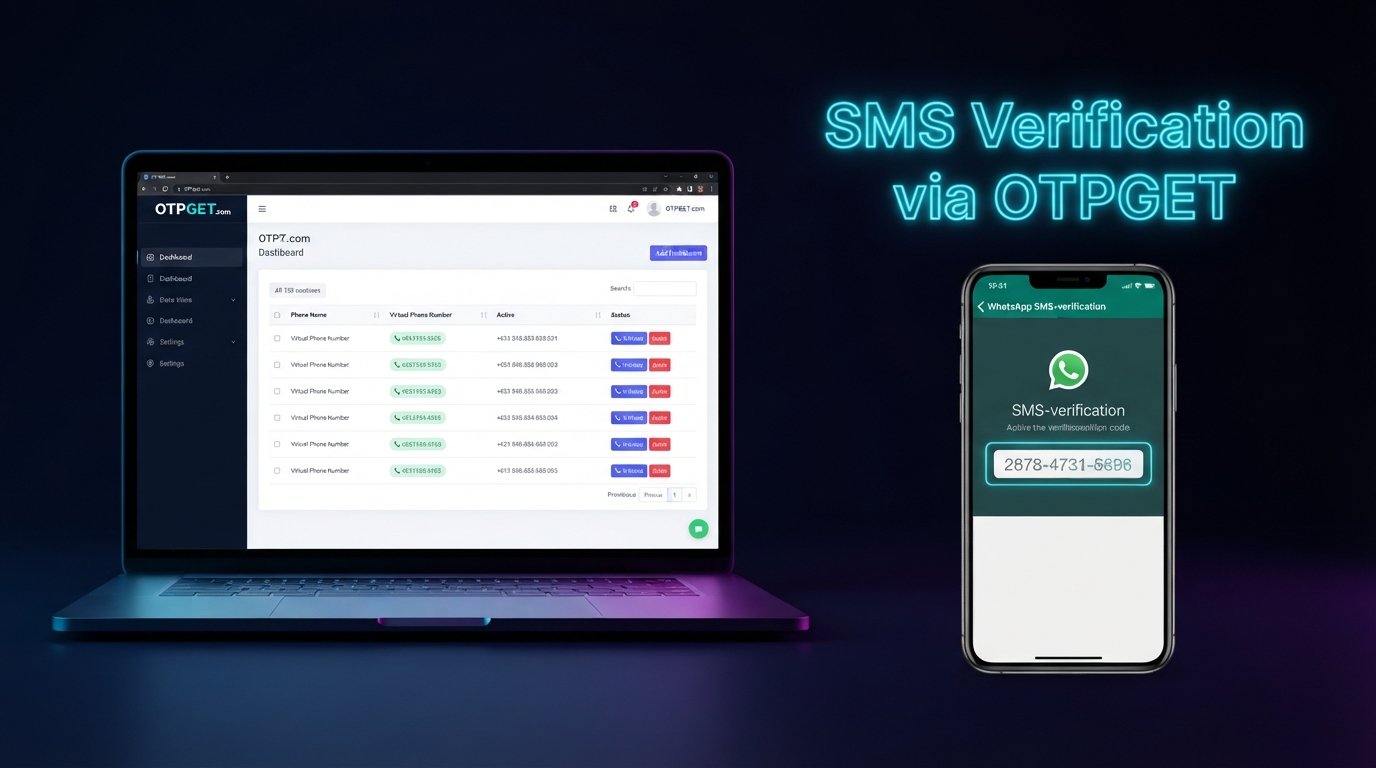
OTPGET provides virtual-number and SMS OTP functionality, with published service information showing options for temporary numbers, number rentals, and receiving SMS verification messages. Its service documentation also lists WhatsApp among available services. Availability can vary by service, country, number type, and current inventory.
The basic workflow can look like this:
-
Visit OTPGET and review the available number or service options.
-
Choose an available option that fits your legitimate use case.
-
Obtain the number according to the service's instructions.
-
Enter that number in the relevant WhatsApp registration flow.
-
Request the WhatsApp verification code.
-
Check OTPGET for the incoming verification message where supported.
-
Enter the received verification code into WhatsApp.
-
Complete the account setup if WhatsApp accepts the number and verification.
The important qualification is that no third-party number service can guarantee that every number will be accepted by WhatsApp. Number availability and service compatibility can change, and WhatsApp controls its own registration and verification process.
OTPGET should therefore be viewed as a practical number and OTP-access option, not as a way to bypass WhatsApp's security requirements. Users should use numbers legitimately and follow WhatsApp's terms and applicable laws.
If you need a second number and want to avoid immediately obtaining another physical SIM, exploring the available options on OTPGET can be a practical next step.
OTPGET vs. Getting Another Physical SIM
Both approaches can make sense depending on what you need.
| Factor | Physical SIM | OTPGET |
|---|---|---|
| Convenience | Requires obtaining and managing a SIM | Online access can be more convenient |
| Setup | May involve a carrier or retailer | Choose from available online options |
| Number management | You physically manage the SIM | Management depends on the number option selected |
| Verification messages | Received through the mobile network | SMS access is provided where supported |
| Flexibility | Tied to the carrier and SIM | Availability can vary by country and service |
| Long-term access | Depends on keeping the number active | Depends on the selected OTPGET number option |
A physical SIM may be preferable when you need long-term, direct control of a number. OTPGET can be more convenient when your legitimate use case calls for online access to a verification number.
Before choosing either option, consider whether you will need continued access to the number for future verification or account recovery.
Common Problems When Setting Up a Second WhatsApp Account
The verification code does not arrive
Check the number and country code first. Make sure the number can receive the selected verification method and that your connection is working.
Avoid repeatedly requesting codes in quick succession. WhatsApp may temporarily restrict verification attempts.
The number format is incorrect
Enter the number using the international format requested by WhatsApp. Do not add extra digits or country codes.
WhatsApp does not accept the number
A number being available does not guarantee that WhatsApp will accept it for registration. Try a legitimate alternative number if necessary and follow WhatsApp's verification guidance rather than attempting to bypass its controls.
The number is already associated with an account
A number can have an existing WhatsApp account history, particularly if it has been previously assigned to another person. Follow WhatsApp's account recovery or registration instructions if this occurs.
You have tried too many times
Repeated registration attempts can make verification harder. Stop and allow any temporary restriction to clear rather than repeatedly requesting codes.
Tips for Managing Two WhatsApp Accounts
Once your WhatsApp multiple accounts setup is complete, a few habits can make things much easier:
-
Give each account a clearly identifiable profile name.
-
Use different profile photos if that helps you recognize accounts quickly.
-
Keep personal and business conversations in the appropriate account.
-
Protect the phone and account settings with strong security controls.
-
Never share a WhatsApp OTP or registration code with another person.
-
Keep access to important phone numbers secure.
-
Consider enabling WhatsApp's additional account-security features.
-
Back up important conversations where appropriate.
-
Follow WhatsApp's Terms of Service and avoid spam, deception, or abusive behavior.
WhatsApp specifically warns users never to share their six-digit registration code or password.
Frequently Asked Questions
Can I have two WhatsApp accounts on one phone?
Yes, WhatsApp supports two accounts on one mobile device where its multiple-account feature is available. Each account needs its own phone number and must be registered separately.
Do I need a second number for WhatsApp?
Yes. A second WhatsApp account requires a separate phone number. A second SIM slot alone does not create another WhatsApp account; the additional number must be registered and verified.
Can I use WhatsApp and WhatsApp Business together?
Yes, they can be useful for separating personal and business communication where the apps and device configuration support that arrangement. You still need appropriate phone numbers for separate accounts.
How do I get a WhatsApp verification code?
During registration, WhatsApp asks you to verify the phone number with a registration code. Depending on the circumstances, WhatsApp may offer SMS, a phone call, or another supported verification method.
Can OTPGET help me receive an OTP?
OTPGET provides virtual-number and SMS OTP services, including service-specific options where available. It can help provide access to verification messages for supported uses, but WhatsApp must still accept the particular number and registration attempt.
Is a second WhatsApp account free?
WhatsApp does not generally charge a separate account-creation fee. However, obtaining a second phone number may involve costs, and third-party number or OTP services may have their own pricing.
Why am I not receiving my WhatsApp verification code?
Check your number format, network connection, SMS or call access, and whether you have requested too many codes. If verification has been temporarily restricted, wait and follow WhatsApp's troubleshooting guidance rather than repeatedly trying.
Can every verification number work with WhatsApp?
No. There is no guarantee that every virtual, temporary, or rented number will be accepted. Compatibility and availability can vary, so always use a number legitimately and ensure the intended use complies with WhatsApp's requirements.
Final Thoughts
A WhatsApp second account can be a useful way to separate personal, professional, or other legitimate communication needs without carrying a second smartphone.
The basic process is straightforward: get a suitable second number, add another account where supported, complete phone number verification, and keep the two profiles organized.
The more difficult part is often obtaining a number that can receive the required verification code. For users who prefer an online option, OTPGET can help with access to virtual numbers and OTP messages where its services and the intended WhatsApp registration are supported.
If you need a convenient way to explore a second verification number, check OTPGET's available options and choose one that fits your legitimate use case. Just remember that WhatsApp controls its own verification process, so acceptance of any particular number cannot be guaranteed.