Why Do Verification Codes Expire? Causes, Security & Fixes Guide
Why Do Verification Codes Expire?
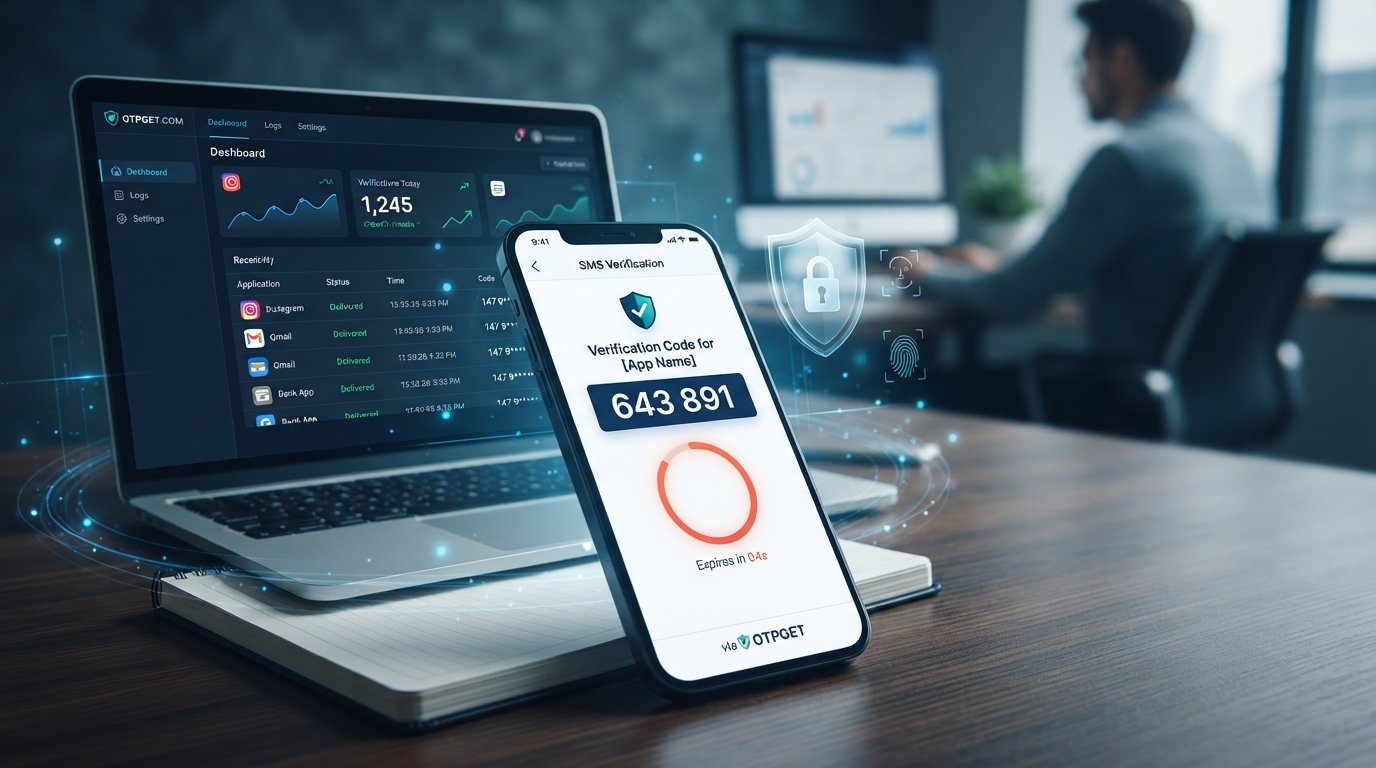
Entering a verification code should be simple: request the code, receive the SMS, type it in, and continue. But sometimes the message arrives late, you enter the numbers you saved a moment ago, and the screen responds with an annoying message: “Verification code expired.”
So, why do verification codes expire?
The short answer is security. A verification code is designed to be temporary. Keeping it valid for only a limited period reduces the opportunity for someone else to use a stolen, intercepted, or accidentally exposed code. Expiration also ensures that authentication attempts remain tied to a specific moment rather than creating a reusable password.
The problem is that delays can make this security feature frustrating. Understanding OTP expiration, what causes it, and how to handle verification-code problems can make the entire process much easier. For people who regularly need temporary verification codes, a convenient service such as OTPGET can also simplify the receiving side of the process.
What Is a Verification Code?
A verification code is a short, temporary sequence of numbers or characters used to confirm that a person can access a particular phone number, account, device, or authentication method.
You may encounter a verification code when:
- Creating or verifying an online account
- Logging in from a new device
- Resetting a forgotten password
- Completing two-factor authentication
- Confirming a transaction or identity
- Verifying a phone number
- Completing an online verification process
An OTP, or one-time password, is one of the most common forms of verification code. An SMS OTP is typically sent to a phone number after a user requests authentication.
Unlike a normal password, a temporary verification code is not intended to remain useful indefinitely. It exists for a particular verification attempt and is generally designed to become unusable after a limited period or after successful use.
Why Do Verification Codes Expire?
The main reason verification codes expire is to limit the amount of time in which a code could be misused.
Imagine receiving a code that remained valid for several hours. If somebody gained access to that message, there would be a much larger window in which they could attempt to use it. A short validity period significantly reduces that opportunity.
Here are the main security reasons behind OTP expiration.
Preventing Unauthorized Access
Verification codes are often an additional security layer between an attacker and an account. If a code is stolen, its usefulness is limited when it expires quickly.
For example, suppose someone sees an authentication code that was sent to your phone. If the code is already expired by the time they try to use it, the information is no longer useful for that verification attempt.
Reducing the Risk of Stolen Codes
SMS messages can sometimes be viewed accidentally, exposed on a shared device, or accessed by someone who should not have them. Temporary validity limits the potential damage.
The shorter the useful lifetime of a code, the less valuable an old code becomes.
Limiting Replay Attacks
A replay attack occurs when someone attempts to reuse authentication information that was previously generated.
OTP systems are designed to make this difficult. A code that expires or becomes invalid after use cannot simply be submitted repeatedly as though it were a permanent password.
Protecting Against Old Codes Being Reused
Users sometimes request multiple verification codes. Without proper expiration rules, an older code could remain active alongside newer ones, creating unnecessary security risks and confusion.
Expiration helps authentication systems keep verification attempts temporary and controlled.
Keeping Authentication Temporary
A one-time password is supposed to prove something right now, not provide permanent access.
Think of an OTP like a temporary key. It opens the intended door during a limited window, then stops working. That temporary nature is an important part of OTP security.
How Long Does an OTP Usually Stay Valid?
There is no universal OTP validity period that applies to every service.
Different platforms can use different expiration windows depending on their authentication design, risk level, delivery method, and security requirements. Some systems provide only a short window, while others may allow a somewhat longer period.
The important point is that an OTP is temporary by design.
If an SMS verification code arrives, it is best to use it promptly rather than assuming it will remain valid. The message may also contain instructions from the service about what to do if the code expires.
What Happens When a Verification Code Expires?
When a verification code expires, the authentication system generally rejects it.
Instead of completing verification, you may see messages such as:
- “Verification code expired”
- “OTP expired”
- “Code is no longer valid”
- “Request a new code”
- “Invalid or expired code”
In most cases, the solution is straightforward: request a new verification code and use the newest code.
If you repeatedly request codes, however, you may create additional confusion. Some systems can also introduce temporary delays or restrictions after repeated verification attempts.
The safest approach is to stop using the old code and follow the service's normal process for requesting another one.
Why Does My Verification Code Expire Before I Use It?
An expired verification code does not necessarily mean something is wrong with your account. Often, the problem is related to timing or delivery.
Common causes include:
Delayed SMS Delivery
An SMS verification code may take longer to arrive than expected because of network conditions, carrier delays, or other delivery issues. If the message arrives near the end of its validity window, you may have very little time to use it.
Requesting Multiple Codes
If you press “send code” several times, you may receive multiple messages. Depending on how the service works, a newer request may make an older code unusable.
Always check which code belongs to the latest verification attempt.
Using an Older Code
It is easy to copy a code from an earlier SMS without noticing that a newer message has arrived. When several verification messages are present, using the most recent applicable code is usually the best approach.
Network Delays
Poor mobile connectivity can affect both the request and delivery process. A weak connection may contribute to delays that make a temporary code harder to use in time.
Entering the Code Too Late
Even if the SMS arrives promptly, leaving the verification screen open for too long can cause the validity period to end before submission.
Why Am I Not Receiving My OTP?
Sometimes the issue happens before expiration: the OTP simply does not arrive.
Before requesting another code repeatedly, check these basics:
- Confirm that the phone number is correct.
- Check your mobile network connection.
- Look through your SMS inbox carefully.
- Check whether messages from the service may be blocked or filtered.
- Make sure your phone can receive SMS messages.
- Check whether the service is experiencing delivery problems.
- Consider whether you have already requested multiple codes.
If a code eventually arrives after a long delay, avoid immediately assuming it is the newest one. Compare the messages and use the code associated with the current verification request.
For people who frequently need temporary verification codes, having a convenient OTP receiving solution can make the process less frustrating.
How to Avoid Expired Verification Codes
A few simple habits can prevent many OTP problems.
Request the Code When You're Ready
Avoid requesting a verification code and then leaving the verification screen for several minutes. Start the process when you are prepared to enter the code.
Use the Newest Code
If you have requested multiple OTPs, carefully identify the latest applicable verification message. Older codes may no longer work.
Enter the Code Promptly
Temporary passwords are designed for short-term use. Once the verification SMS arrives, enter the code rather than postponing the process.
Check Your Connection
Make sure your phone has adequate network connectivity and that SMS messages are working normally.
Avoid Repeated Requests
Repeatedly pressing the resend button can make it harder to determine which code is current. It can also contribute to additional waiting or restrictions on some services.
Use a Convenient OTP Receiving Solution
When a legitimate verification workflow requires receiving a temporary code, a convenient service can help simplify the process. This is where OTPGET can be useful for users looking for an easier way to manage verification-code receiving.
How OTPGET Can Help With Verification Codes
Dealing with delayed SMS messages can turn a simple verification step into a frustrating interruption. OTPGET provides a practical option for users who need a convenient way to receive verification codes as part of temporary verification workflows.
The value is straightforward: easier access to verification codes can reduce the time and frustration associated with waiting for messages, especially when a verification code has a limited validity period.
OTPGET can be useful when you want to simplify the receiving side of an OTP verification process rather than repeatedly waiting, checking messages, or dealing with delayed delivery.
It is important to remember that OTPGET should be viewed as a convenience solution for legitimate verification needs. It does not change the security requirements of the service you are verifying with, and users should always follow the applicable platform's rules and authentication procedures.
If verification-code delivery is regularly slowing you down, explore OTPGET to see whether its approach fits your verification workflow.
Expired OTP vs. Invalid OTP: What's the Difference?
An expired OTP and an invalid OTP can produce similar error messages, but they are not necessarily the same problem.
An expired OTP was once associated with a valid verification attempt but is no longer usable because its validity period has ended.
An invalid OTP, on the other hand, can mean several things. The code might have been entered incorrectly, may belong to a different verification attempt, may have already been used, or may otherwise fail the service's validation rules.
For example, entering the wrong six-digit number can produce an invalid-code error even if that number has not expired.
If you are unsure what happened, requesting a fresh code and entering it carefully is usually the simplest legitimate troubleshooting step.
Are Expiring Verification Codes More Secure?
Yes, expiration is an important security feature of temporary authentication.
A permanent code creates a larger window for misuse. A short-lived OTP reduces that window and makes old authentication information less valuable.
Expiration also works alongside other security controls, such as one-time use, account lockout protections, rate limits, and two-factor authentication.
The goal is not to make authentication inconvenient. The goal is to balance usability with digital account security by ensuring that verification credentials are useful only for a limited purpose and period.
When an OTP expires, that can be annoying—but the inconvenience is closely connected to the security benefit.
FAQ Section
Frequently Asked Questions About Verification Codes
Why do verification codes expire?
Verification codes expire primarily to improve security. A temporary code limits the amount of time in which stolen, intercepted, or accidentally exposed authentication information could potentially be used.
How long is an OTP valid?
OTP validity varies by service and authentication system. There is no single expiration period that applies everywhere. Always use a verification code promptly and follow the instructions provided by the service.
What should I do if my verification code expires?
Request a new verification code and use the newest code as soon as it arrives. Avoid repeatedly requesting codes unless necessary, because multiple requests can make it harder to identify the correct OTP.
Why am I receiving expired OTP codes?
Delayed SMS delivery, network problems, multiple verification requests, or waiting too long before entering the code can all contribute to expired OTP messages. Check your connection and avoid requesting several codes in quick succession.
Can I use an old verification code?
Usually, you should use the newest code associated with your current verification attempt. An older OTP may have expired, been replaced by a newer code, or already been invalidated.
Why am I not receiving my OTP?
Check your phone number, mobile connectivity, SMS inbox, message-blocking settings, and whether you have requested multiple codes. If delivery continues to be unreliable, a convenient OTP receiving solution such as OTPGET may help simplify legitimate verification workflows.
How can OTPGET help with verification codes?
OTPGET can provide a convenient approach for receiving verification codes, helping reduce frustration caused by delayed messages and making temporary verification workflows easier to manage.
SEO-Friendly Conclusion / CTA
Final Thoughts
So, why do verification codes expire? Because temporary authentication is safer than leaving a verification code active indefinitely.
Expiration limits the usefulness of stolen or old codes, reduces opportunities for unauthorized reuse, and keeps authentication tied to a specific verification attempt. When a code expires, the normal solution is to request a fresh one and enter it promptly.
If delayed messages, repeated requests, or difficult OTP delivery are making verification unnecessarily frustrating, OTPGET offers a convenient way to approach verification-code receiving. Explore OTPGET and see whether it can make your legitimate SMS verification workflows simpler and more convenient.