YouTube Second Account: A Beginner Setup & Verification Guide
YouTube Second Account: A Beginner Setup Guide
Want to separate your personal videos from a new niche, business idea, or experimental content strategy? Creating a second YouTube presence can make that organization much easier.
The good news is that you don't always need an entirely separate Google Account to create another YouTube channel. YouTube supports multiple channels under a Google Account, including channels associated with Brand Accounts. The part that can cause confusion for beginners is verification: depending on what you're doing, YouTube or Google may ask for a phone number or verification code.
That is where understanding the difference between an account and a channel—and knowing your legitimate OTP options—can save time.
[Internal Link: YouTube Account Guide]
Why Create a Second YouTube Account?
There are plenty of legitimate reasons to want another YouTube presence.
For example, you might want to:
-
Keep personal videos separate from business content.
-
Build a channel around a specific niche.
-
Create a dedicated channel for a brand or organization.
-
Target a different audience with a different content style.
-
Experiment with a new content strategy without changing your main channel.
-
Organize several projects under separate channel identities.
A second YouTube channel can also make branding clearer. Imagine that your main channel covers technology tutorials while another focuses on cooking. Keeping those audiences and content libraries separate can make both channels easier to manage.
The important point is that a second channel does not necessarily mean creating a completely new Google Account. YouTube provides channel-management options that can let one Google Account manage multiple channels.
YouTube Account vs. YouTube Channel: What's the Difference?
This distinction causes a lot of beginner confusion.
A Google Account is the account you use to sign in to Google services, including YouTube. A YouTube channel is the public-facing presence you use to upload videos, comment, create playlists, and build an audience.
Think of it this way:
-
Google Account: Your login and underlying account.
-
YouTube channel: Your public identity on YouTube.
-
Brand Account/channel setup: A way to have a YouTube presence with a different name and potentially allow multiple Google Accounts to manage it.
YouTube says a Brand Account can have more than one owner or manager, while you can also switch between channels connected to the same Google Account.
So before creating a second Google Account, ask yourself whether you actually need one. If you simply want another channel for a different project, a separate YouTube channel may be the cleaner option.
How to Set Up a Second YouTube Account or Channel
There are two different approaches: create another Google Account, or create another YouTube channel under an account you already use.
Option 1: Create another Google Account
If you genuinely want a separate login, follow Google's account-creation process:
-
Go to the Google Account sign-in page.
-
Select Create account.
-
Choose the appropriate account type.
-
Enter the requested information.
-
Create a username and password.
-
Add recovery information where appropriate.
-
Complete any verification Google requests.
Google notes that you don't necessarily need a Gmail address to create a Google Account; an existing non-Gmail email address can also be used in supported flows.
Option 2: Create another YouTube channel
If your goal is simply to create another YouTube presence, this may be the more straightforward approach.
-
Sign in to YouTube.
-
Open your profile/settings area.
-
Go to Add or manage channel(s).
-
Choose the option to create a new channel.
-
Select a profile picture and enter the channel name and handle.
-
Create the channel.
-
Customize the channel before publishing content.
YouTube's official instructions also explain how to create a channel using a business or other name. This creates a Brand Account associated with the new channel.
[Internal Link: How to Create a YouTube Channel]
Once your channel exists, complete the basics: profile image, banner, description, handle, links, and initial content plan. Keeping the new channel visually distinct from your primary one can also reduce mistakes when switching between them.
Why YouTube May Ask for Phone or OTP Verification
Phone verification is different from simply signing in to YouTube.
An OTP, or one-time password, is a temporary verification code sent to a phone number or another supported verification method. When YouTube requests phone verification, it can send a code by text message or voice call.
YouTube explains that phone verification helps protect its community and combat spam and abuse. Phone verification can also unlock certain features, including custom thumbnails, live streaming, longer video uploads, and certain appeal capabilities.
This is why verification can become a hurdle when setting up or managing another channel.
Common issues include:
-
The verification SMS doesn't arrive.
-
Your carrier doesn't support Google's messages or calls.
-
Delivery is delayed.
-
A number has already reached a verification-use limit.
-
You entered the wrong phone number.
-
You're unsure whether Google or YouTube is requesting the verification.
Google similarly notes that phone verification can sometimes be required to help confirm that a person is real and limit abuse.
If a verification code doesn't arrive, don't repeatedly submit random numbers. Check the number carefully, wait briefly, try an available alternative verification method, and follow the official recovery or verification instructions.
Need an OTP for YouTube Verification? Here's Where OTPGET Fits
When you need a phone number specifically for legitimate verification, using your personal number isn't always the only consideration. Some users prefer a dedicated virtual number for supported verification services.
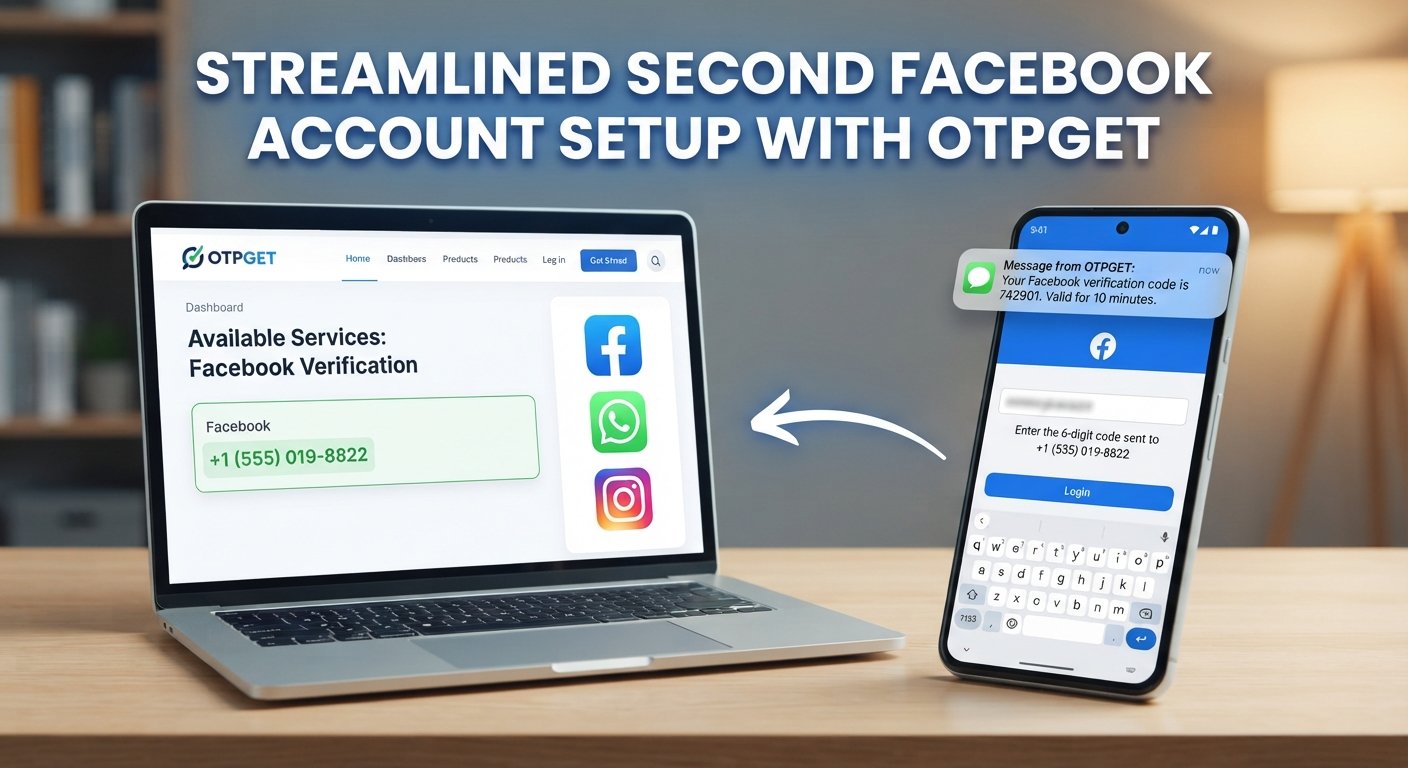
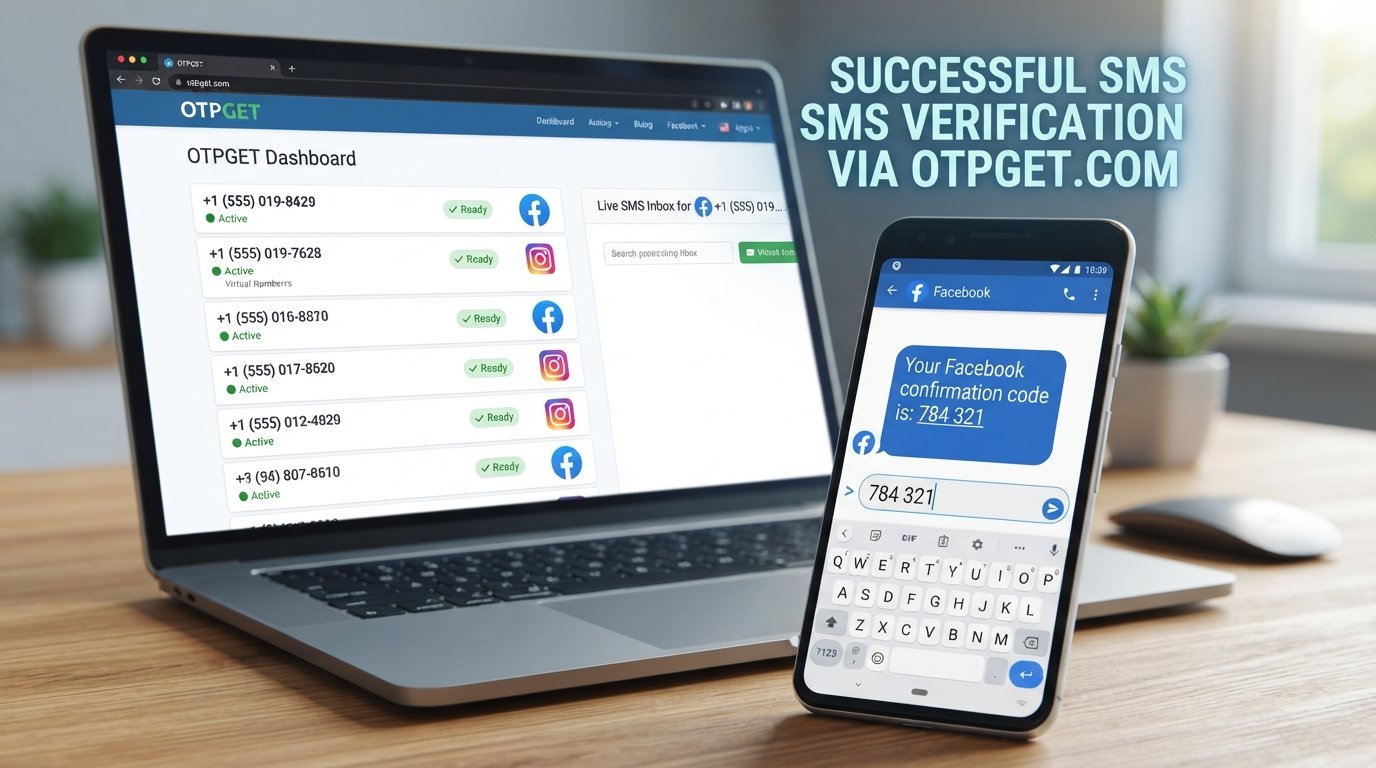
OTPGET provides virtual numbers and SMS OTP functionality through its platform. Its official information describes virtual numbers for OTP verification, rental numbers, and an SMS OTP API. The service documentation also explains that users can request numbers and retrieve received SMS verification codes through its system.
That makes OTPGET a practical option to investigate when a supported service legitimately requires an OTP and you need an appropriate number to receive the code.
How the process works
The exact availability can vary by country and service, so check OTPGET before starting. In general, the process is:
-
Visit OTPGET and create or access your account.
-
Check the available countries and services.
-
Select an appropriate virtual number if the relevant verification service is supported.
-
Use the number in the legitimate verification flow.
-
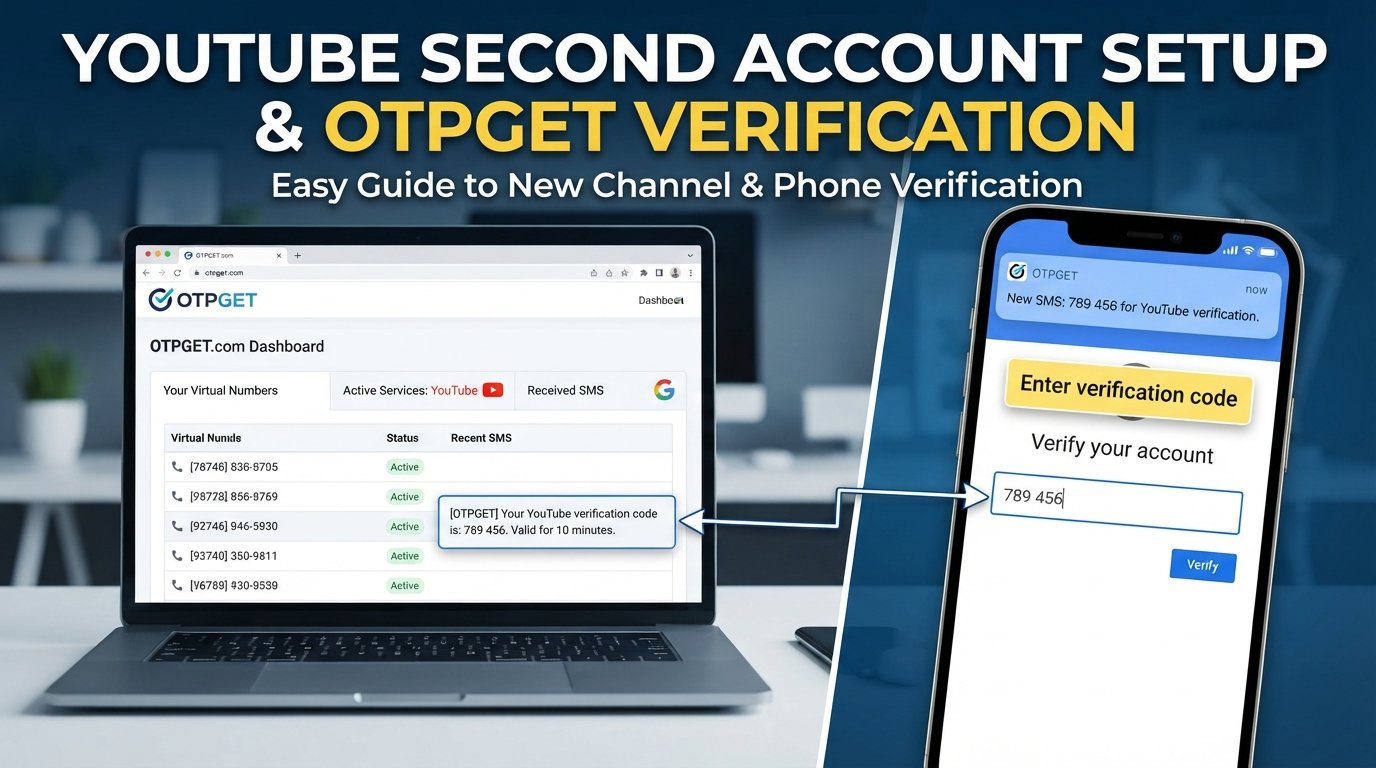
Monitor the OTPGET dashboard for the incoming SMS.
-
Enter the verification code into the service requesting it.
OTPGET's published documentation specifically describes functions for obtaining a virtual number and checking the status of the received SMS.
Important: A virtual number is not a way to bypass YouTube's security systems or platform restrictions. If YouTube or Google rejects a number, imposes a verification limit, or requires another form of verification, follow the platform's instructions rather than attempting to circumvent them.
[Internal Link: OTP Verification Guide]
A practical OTPGET use case
Suppose you've created a legitimate second YouTube channel and YouTube asks for phone verification before you can access a feature. If you don't want to use your everyday number, you can check whether OTPGET has an appropriate number and whether that verification service is supported.
If it is, OTPGET can simplify the process of obtaining and viewing the verification SMS in one place.
Always review the terms of the service you're verifying and use any virtual number only for legitimate purposes.
How to Choose an OTP Verification Service
Not every OTP situation is identical, so don't choose a service based solely on price.
Look for:
-
Service availability: Check whether the relevant service and country are actually supported.
-
Number availability: A number needs to be available when you need it.
-
Ease of use: The process for obtaining the number and viewing the SMS should be understandable.
-
Transparency: Look for clear information about how numbers and verification messages work.
-
Privacy considerations: Understand what information you provide and what happens to verification messages.
-
Pricing clarity: Check the current cost before ordering.
-
Ongoing access: If you need more than one verification message, determine whether a temporary number or rental arrangement is more appropriate.
-
Support: A clear help or documentation section is useful if something goes wrong.
OTPGET publishes documentation covering its SMS OTP and rental-number systems, including number availability and SMS retrieval.
That transparency makes OTPGET worth considering when its available services match your legitimate verification requirement.
Common Problems When Setting Up a Second YouTube Account
Even a simple YouTube second account setup can run into small problems.
Verification code not arriving
First, confirm that the number is correct. YouTube notes that carrier support and delivery delays can affect verification messages. An available voice-call option may also help in some situations.
The number cannot be used
A phone number may have reached a usage limit. YouTube says a phone number can be associated with no more than two channels per year for verification purposes.
If you see a limit message, don't try to work around it. Use another legitimate verification method or follow Google's/YouTube's instructions.
Confusing a Google Account with a channel
Remember that one Google Account can manage multiple YouTube channels. You may not need another Google login simply because you want another channel.
Switching to the wrong channel
Before uploading, commenting, or changing settings, check which channel is currently active. This simple habit can prevent publishing content under the wrong identity.
Losing access later
Keep recovery information current. Google recommends maintaining recovery options so you have a better chance of regaining access if you forget credentials or encounter account-security problems.
Tips for Managing Multiple YouTube Accounts or Channels
Once you have more than one channel, organization becomes just as important as setup.
Try these habits:
-
Use clear channel names and branding. Make each project visually distinct.
-
Keep credentials organized. A reputable password manager can reduce login confusion.
-
Track ownership. Know exactly which Google Account controls each channel.
-
Check the active channel before publishing.
-
Keep recovery information updated.
-
Separate content strategies. Give each channel a clear purpose and target audience.
-
Follow YouTube's policies. Don't use multiple channels to spam, evade restrictions, or manipulate the platform.
-
Review permissions. If other people manage a Brand Account, only grant access they actually need.
[Internal Link: YouTube Channel Management Tips]
A simple spreadsheet or project-management document can also help if you're managing several legitimate projects. Record the channel name, purpose, owner, content niche, and recovery contact without storing sensitive passwords in plain text.
Is a Second YouTube Account Right for You?
A second YouTube presence may make sense if you can answer "yes" to several of these questions:
-
Do you have a genuinely different content niche?
-
Would another audience benefit from separate content?
-
Are you building a distinct brand?
-
Do you want to separate business and personal publishing?
-
Can you consistently maintain another channel?
-
Can you keep ownership and recovery information organized?
If you're simply looking for a place to upload a few unrelated videos, creating another channel may add unnecessary management work.
The best setup is the simplest one that matches your actual needs.
Final Thoughts
Creating a YouTube second account doesn't have to mean juggling a collection of unrelated Google logins. In many cases, you can create another YouTube channel under an existing Google Account and keep each content project organized separately.
The part beginners often underestimate is verification. Phone verification may be required for certain YouTube features, and problems such as delayed SMS messages, unsupported carriers, or number limits can interrupt the setup process.
If you legitimately need an OTP receiving option, OTPGET is worth considering when its available numbers and supported services fit your verification needs. Its official documentation provides information about virtual numbers, SMS OTP retrieval, and rental numbers.
Set up your channels with a clear purpose, protect your account access, and always follow YouTube and Google rules. Used responsibly, a second channel can be a useful way to organize your content without making your overall workflow unnecessarily complicated.