YouTube Verification Problems: Causes, Errors & Quick Fixes Guide
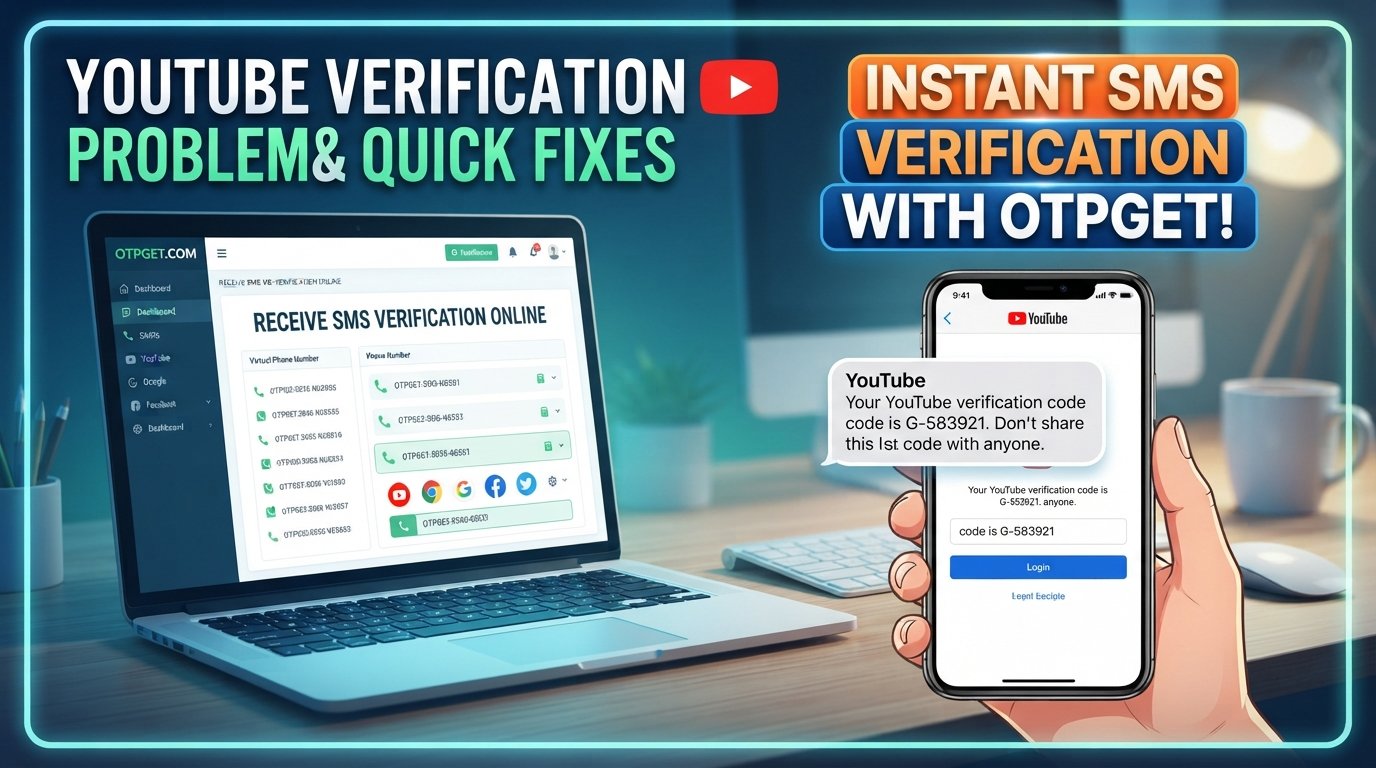
YouTube Verification Problems: Causes, Errors & Quick Fixes Guide
You enter your phone number, request a verification code, and wait. Nothing arrives. You check your messages again, request another OTP, and still have no luck.
If that sounds familiar, you're dealing with one of the more frustrating YouTube verification problems. A verification SMS can be delayed, blocked, rejected, or simply fail to arrive when you need it.
The good news is that many verification issues have straightforward causes and practical fixes. This guide explains why YouTube verification codes may not arrive, what to check before requesting another code, and what options you can consider when traditional SMS delivery becomes unreliable.
For users who need a convenient way to receive verification messages, OTPGET can also be worth considering as an alternative OTP reception option where appropriate.
Why YouTube Verification Problems Happen
A missing verification code does not necessarily mean something is wrong with your YouTube account. The problem can occur at several points between the verification request and the delivery of the SMS.
Common causes include:
- Delayed SMS delivery: Mobile networks can sometimes take longer than expected to deliver automated messages.
- Weak network coverage: Poor cellular reception may interfere with receiving SMS messages.
- Incorrect phone number: A single incorrect digit can send the verification code somewhere else.
- Carrier restrictions: Some mobile providers may restrict certain automated, international, or short-code messages.
- Too many verification attempts: Repeatedly requesting codes can trigger temporary limitations or make it difficult to identify the newest code.
- Blocked messages: Your phone, messaging app, spam filter, or carrier may classify an automated SMS incorrectly.
- Unsupported numbers: Some numbers or number types may not work with a particular verification workflow.
- Device issues: Messaging-app problems, SIM issues, or temporary phone glitches can prevent an SMS from appearing normally.
- Temporary service problems: Occasionally, the verification service or SMS delivery network may experience a temporary disruption.
Understanding the likely cause makes troubleshooting much easier.
Common YouTube Verification Problems
YouTube Verification Code Not Received
When a YouTube verification code is not received, start with the basics.
First, confirm that the phone number is correct and that the phone has cellular service. Check your regular SMS inbox as well as blocked, filtered, or spam messages.
If everything looks normal, avoid immediately requesting several more codes. Waiting a little before trying again can prevent a chain of outdated or conflicting OTPs.
YouTube SMS Verification Not Working
YouTube SMS verification can fail because of network conditions, carrier filtering, or problems with the receiving device.
Try moving to an area with better cellular reception. If possible, send or receive a normal SMS to confirm that the phone's messaging service is functioning.
You can also restart the phone and check whether your carrier has restrictions affecting automated verification messages.
YouTube OTP Arrives Too Late
An OTP is time-sensitive. If the message arrives after you have already requested another code, the older code may no longer be useful.
This can happen because of network congestion, carrier processing delays, or temporary delivery problems.
When a code is delayed, resist the temptation to request multiple replacements immediately. Instead, wait for the latest request to arrive and use the newest valid code.
YouTube Verification Code Is Invalid
A verification code can appear invalid when it has expired or when you're entering an older OTP after requesting a newer one.
If you request several codes, always use the most recent code available. Enter it carefully and avoid repeatedly submitting an OTP that has already failed.
YouTube Phone Verification Keeps Failing
Repeated YouTube phone verification failures may be related to the number, carrier, verification limits, or repeated attempts.
If you have tried several times without success, pause instead of continuing to submit requests. Check that your number is supported and that you can normally receive SMS messages.
If the issue continues, consider another supported verification option if one is offered.
Quick Fixes for YouTube Verification Problems
If you're experiencing YouTube verification problems, work through these steps in order:
- Check the phone number.
Make sure every digit and the selected country or dialing information is correct. - Check your mobile signal.
A weak or unstable cellular connection can delay incoming SMS messages. - Wait before requesting another code.
Multiple requests can create confusion between old and new OTPs. - Check your SMS inbox carefully.
Look for filtered, blocked, archived, or spam messages. - Restart your phone.
A quick restart can resolve temporary device or network registration issues. - Check whether your carrier blocks certain SMS messages.
Contact your mobile provider if automated or international verification messages appear to be restricted. - Try another supported verification method.
If YouTube provides an alternative method for your account or situation, it may be worth using. - Avoid repeated failed attempts.
Continuously requesting codes is unlikely to solve an underlying delivery problem. - Try again later if the issue appears temporary.
A short-lived service or network problem may resolve without any changes to your account. - Consider a reputable OTP receiving solution when appropriate.
If ordinary SMS delivery is consistently unreliable, an OTP service such as OTPGET may provide a more convenient way to receive verification messages, subject to the service and platform's supported verification requirements.
These steps address many common YouTube verification issues without unnecessary troubleshooting.
How OTPGET Can Help With Verification Code Problems
When traditional SMS verification becomes frustrating, users may look for a more convenient way to receive OTP messages.
OTPGET is an option for users who need access to verification messages through an OTP receiving service. Instead of repeatedly troubleshooting a delayed personal SMS, a suitable OTP service can simplify the process of receiving a verification code where the number and verification workflow are supported.
The key benefit is convenience. If you're dealing with YouTube OTP not received problems because your normal SMS delivery is unreliable, OTPGET can be considered as another way to receive an OTP message.
That does not mean OTPGET bypasses YouTube's security systems or guarantees that every verification attempt will work. Verification remains subject to YouTube's own requirements, supported number types, and verification controls.
For legitimate verification needs, users might consider OTPGET because it can offer:
- Convenient OTP reception when traditional SMS delivery is inconvenient.
- A simpler verification workflow for supported verification messages.
- An alternative to repeatedly troubleshooting delayed SMS.
- Potentially less dependence on a personal phone number where an appropriate alternative number is accepted.
- Time savings when normal SMS delivery is unreliable.
- A practical option for receiving verification SMS when the service and platform support the chosen number.
Before using any OTP service, make sure the number is appropriate for the intended verification and that its use is consistent with the relevant platform's requirements and policies.
The goal should be to make legitimate verification more convenient—not to circumvent security controls.
Tips to Avoid Future Verification Problems
Preventing an OTP problem is usually easier than troubleshooting one after it happens.
Keep your account and phone information accurate, and make sure the device you use for SMS verification can reliably receive messages.
A few habits can also reduce unnecessary verification failures:
- Use a supported phone number and verification method.
- Keep your messaging app functioning normally.
- Maintain adequate mobile signal when requesting an SMS code.
- Avoid requesting multiple OTPs within a short period.
- Use the newest verification code rather than an older message.
- Check your blocked and filtered-message settings.
- Contact your carrier if automated SMS messages are consistently missing.
- Avoid unreliable or unsupported numbers.
- Consider a reputable OTP solution such as OTPGET when an alternative receiving method is appropriate.
Good verification habits can prevent a simple delivery problem from turning into a long troubleshooting session.
Frequently Asked Questions
Why am I not receiving my YouTube verification code?
The issue may be caused by weak mobile reception, an incorrect phone number, carrier restrictions, filtered SMS messages, too many requests, or a temporary delivery problem. Check the number and SMS settings before requesting another code.
How long should I wait for a YouTube verification SMS?
Delivery time can vary depending on the mobile network and messaging service. If a code does not arrive promptly, avoid repeatedly requesting new codes. Check your signal and message filters, then try again after waiting.
Why does my YouTube OTP expire?
Verification codes are generally time-sensitive for security reasons. If you request a newer code, an earlier code may also no longer be the one you should use. Always enter the latest valid OTP.
Why is YouTube phone verification not working?
Possible causes include an unsupported number, carrier restrictions, repeated attempts, network problems, or temporary verification limitations. Confirm the number, check SMS delivery, and avoid making repeated requests.
Can OTPGET help when a verification SMS is delayed?
OTPGET can be considered as an OTP receiving option when traditional SMS delivery is unreliable and the relevant verification workflow accepts the number being used. It does not guarantee successful verification or bypass platform security.
Is OTPGET useful for receiving OTP verification messages?
OTPGET is designed as an OTP reception option. Its usefulness depends on the verification service, number availability, and whether the platform accepts the particular verification method or number.
What should I do if my YouTube verification keeps failing?
Stop repeatedly requesting codes and review the phone number, network connection, SMS filters, and carrier restrictions. If another supported verification method is available, consider using it. An appropriate OTP service may also be an option for legitimate verification needs.
Conclusion
YouTube verification problems can be caused by something as simple as a weak signal or filtered SMS, but repeated failed attempts can make the process even more frustrating.
Start with the basics: confirm your phone number, check your mobile connection, review blocked messages, wait between OTP requests, and use the newest verification code. If the problem appears to be related to SMS delivery rather than your account, consider whether another supported verification method is available.
For users who need a convenient way to receive verification messages, OTPGET can be another option to explore when appropriate. It can help simplify OTP reception without relying on repeated requests to a personal number, provided the number and verification workflow are supported.
The best approach is simple: troubleshoot the delivery problem first, avoid unnecessary repeated attempts, and choose a legitimate verification option that fits the platform's requirements.
If receiving verification codes through ordinary SMS continues to be inconvenient, explore OTPGET to see whether its OTP reception options are suitable for your verification needs.
10. Suggested Internal Link Anchors
- How OTP verification works
- Best practices for receiving OTP codes
- What to do when SMS verification fails
- OTP verification troubleshooting guide
- How OTPGET works
::