Why Telegram Sends the Code by Call Instead of SMS — and When a Call Number Saves the Signup
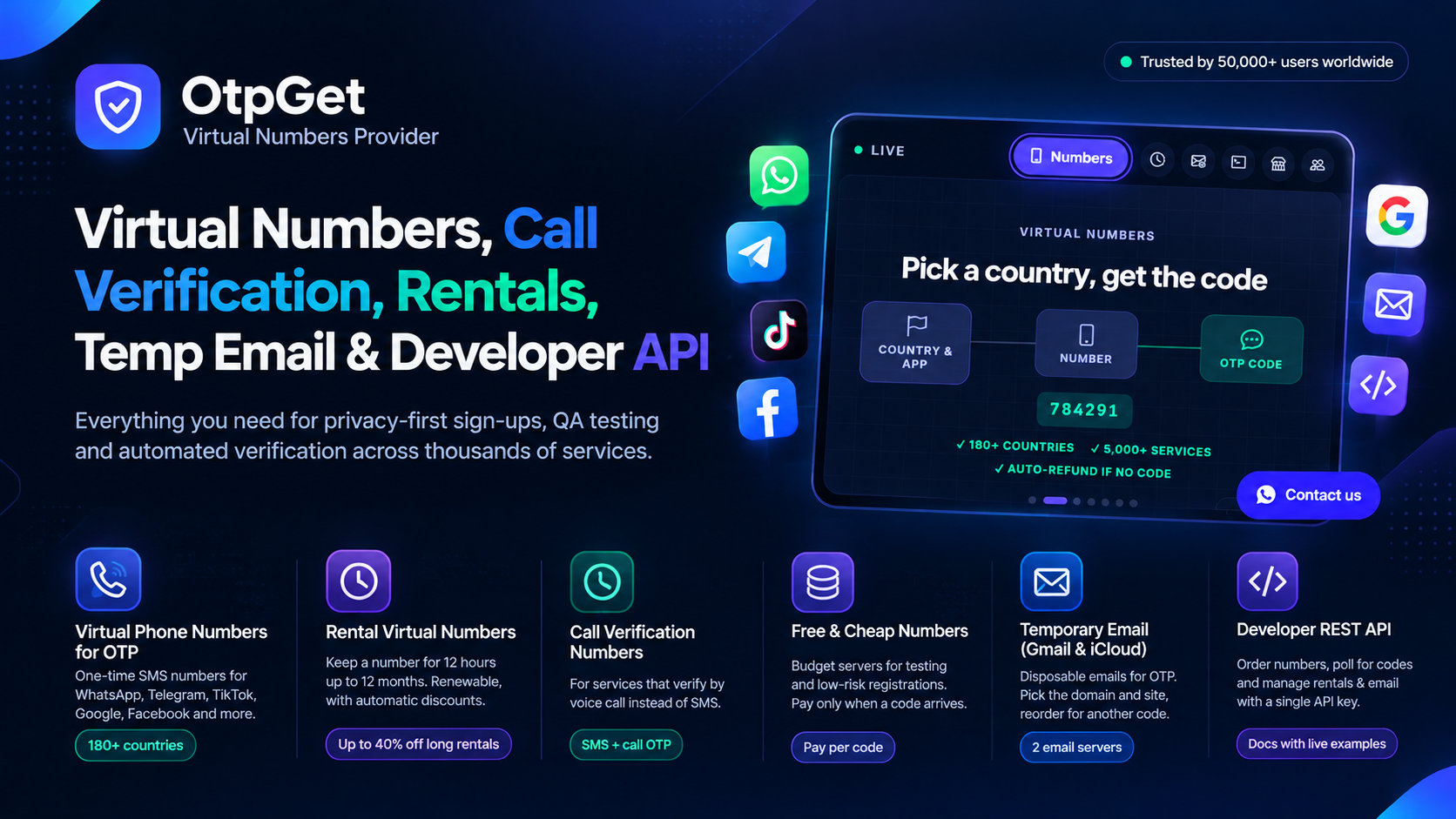
You tap for a code, wait for a text that never comes, and then your phone rings with a robot reading numbers out loud. A telegram verification code by call not sms is one of those moments that feels like a bug, but it is usually Telegram working as designed. The app tried the usual route, something in the way, and it fell back to a voice call. This guide explains why Telegram switches to a call, and when a call number from OTPGet saves the signup instead of ending it.
Telegram sends codes in a strict order. First it tries the app itself, pushing the code to a device where you are already logged in. Then it tries SMS. Only when SMS is unavailable, blocked, or too slow does it offer a voice call that reads the code aloud. If you are signing up fresh with no other device logged in, the in-app route does not exist, so the choice is between SMS and a call. OTPGet runs call verification numbers on its premium servers for exactly this situation: numbers that can receive a voice call as well as a text, so a signup that moves to a call does not die on the spot. One-time numbers, rentals from 12 hours to 12 months, and temporary Gmail and iCloud email all sit in the same wallet, topped up with JazzCash, PayFast or USDT.
Telegram Verification Code by Call Not SMS: The Reasons Behind the Switch
The most common reason is carrier filtering. Some mobile networks, and some countries, delay or drop automated SMS from short codes, and Telegram notices the failure quickly. A number that has already been used for many Telegram accounts is another trigger: Telegram may refuse to spend an SMS on it and offer a call instead, or refuse both. A third reason is the number type itself. Virtual numbers that only accept texts cannot take a call, so Telegram's fallback has nowhere to land, and the signup stalls with no code at all. Roaming, a weak signal, and an inbox full of old messages can produce the same result on a real SIM. The call is not a punishment. It is Telegram saying the text route did not work and offering the only other channel it has.
When a Call Number Saves the Signup
A call number saves the signup in three situations. The first is a fresh registration where SMS is filtered for your country or carrier, and the call is the only code Telegram will send. The second is a login on a new device when your old SIM is gone: the call reaches a number you can actually answer, while the SMS would go to a SIM sitting in a drawer. The third is a second verification a day later, when Telegram re-checks the number and again prefers a call. In each case the number has to accept voice calls, and that is the detail people miss when they buy the cheapest SMS-only number and then wonder why nothing arrives. Check the number type before you buy, not after the code fails to show up.
How to Use a Call Number With Telegram
- Create a free OTPGet account and look for Telegram in the service list, checking live stock before you pay.
- Pick a premium server and a number that supports call verification, not an SMS-only number.
- Top up with JazzCash, PayFast or USDT, keeping the amount small for a first test.
- Enter the number in Telegram with the country code, exactly as OTPGet shows it.
- Request the code and watch the order card. If Telegram offers a call, accept it and write the digits down as the voice reads them.
- Enter the code in Telegram promptly, because a spoken code expires just as fast as a texted one.
- If no call arrives within a few minutes, cancel the waiting order for a refund within 10 minutes instead of requesting again and again.
Frequently Asked Questions
Why did Telegram call me instead of texting?
Usually the SMS route failed or was filtered for your number. Telegram falls back to a voice call reading the code aloud.
Can a virtual number receive a Telegram call code?
Only if the number supports voice calls. OTPGet premium servers carry call verification numbers; SMS-only numbers cannot take a call.
What if the call never comes either?
Wait out the timer, then cancel the order for a refund and try once with a different number or country. Repeated requests can trigger a temporary block.
Do I still need two-step verification after a call code?
Yes. Set a two-step password and a recovery email the moment the account opens, so a lost number does not lock you out later.
Final Word on Telegram Call Codes
A telegram verification code by call not sms is Telegram telling you the text route failed, and the fix is a number that can answer a call. OTPGet premium numbers cover that case, with more than 180 countries behind them and a refund when no code arrives. Buy the right number type, accept the call, write the digits down, and then protect the account with a two-step password, because the code gets you in once, and the password is what keeps the account yours.