Temporary Gmail, Outlook and Disposable Email
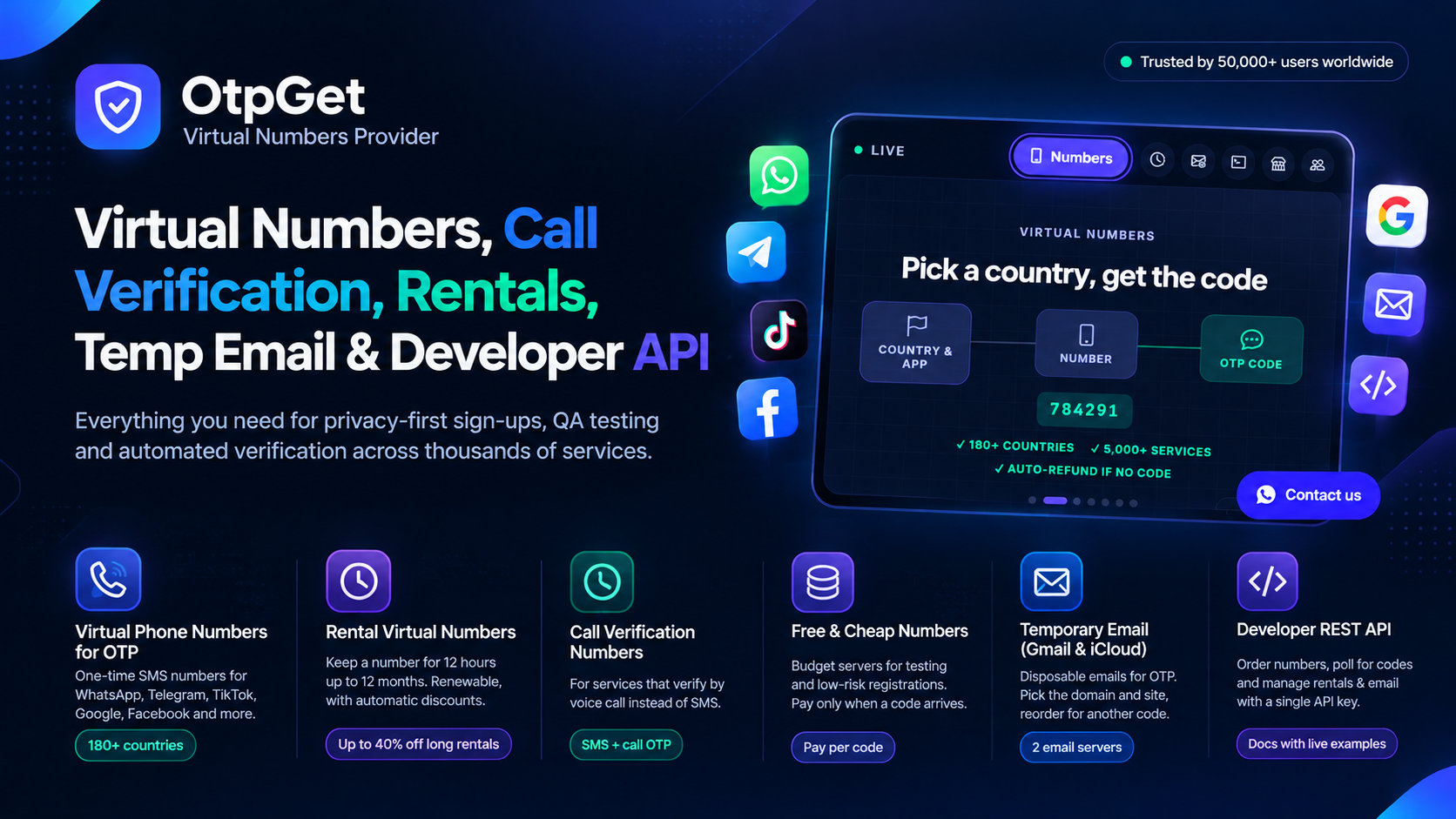
Some sign-ups ask for an SMS code. Others ask for an email code — and handing over your personal inbox for every trial, tool and marketplace is how that inbox ends up buried in marketing mail for years. Temporary Gmail, temporary Outlook-style inboxes and disposable email are the answer: a mailbox you rent for a single verification, read the code from, and leave behind.
On OtpGet, temporary email sits inside a complete verification platform — virtual numbers from 180+ countries, rentals from 12 hours to 12 months, call verification and email OTP, all paid from one wallet. This guide explains the three kinds of temporary inbox, how OtpGet's two email servers work, what the domains and prices look like in practice, and the one feature most rivals do not have: reorder, which brings a second code to the same mailbox.
The Three Kinds of Temporary Inbox
Temporary Gmail
A temporary Gmail is a receiving inbox on gmail.com that a platform like OtpGet supplies for one job. You never create a Google account, never pick a password and never open gmail.com itself. The sender's message — usually a numeric code — is delivered to your OtpGet dashboard (or returned by the API), you type it into the site that asked, and the transaction is finished.
Because gmail.com is the most recognised mailbox domain on earth, verification systems treat it as an ordinary user address. That single fact is what separates a temporary Gmail from the throwaway addresses described below.
Outlook and Other Big-Provider Domains
Searchers often ask for a "temporary Outlook" for the same reason: they want a disposable inbox that still sits on a mainstream provider domain — outlook.com, hotmail.com, mail.com, gmx.com and their peers — instead of an obscure one. The honest, practical answer is that availability is a live list, not a promise. On OtpGet, the domains you can buy are whatever the two email servers currently stock for your purpose: the documented Server 1 list is led by gmail.com and icloud.com, with additional domains such as mailnestpro.com, mailburstx.com and others rotating in, while Server 2 lists domains per website — the documented examples include gmail.com, mail.com and gmx.com. If a big-provider domain is in the live list for the site you are verifying, you buy it exactly the same way as a Gmail. Always read the list first; this guide shows you where below.
Disposable Email
Disposable email is the umbrella term — temp mail, throwaway mail, burner mail. At the free end of the market it means a web page that hands everyone an address on a disposable domain. Those domains are catalogued and blacklisted, so demanding platforms reject them outright, and on several free sites the inbox is readable by anyone who types the address. Disposable email is a sound idea; the free implementation is what fails. A paid inbox on a clean, mainstream domain is the same idea executed properly — which is why OtpGet describes its email domains as clean email domains and shows stock for each one.
How OtpGet Temporary Email Works: Two Servers
OtpGet runs temporary email on two servers, and choosing the right one is the only real decision in the process.
Server 1 — Buy by Service
Server 1 is organised around the service you need a code from:
- Ask for the domain list — the API's example response shows
gmail.comwith stock of 1,200 across 35 services andicloud.comwith stock of 80 across 12 services. - Pick a domain and view the services available on it, each with its price and stock.
- Buy with the service's ID plus the domain. You receive an
email_idand the address itself. - Poll for the code. A reply of
202means the mailbox is still waiting;200delivers the message and its code.
Server 2 — Buy by Domain + Website
Server 2 is organised around the website where the address will be used:
- Send the site — for example
instagram.com— and receive the domains stocked for that site, each with a price in PKR and a live count. The documented example lists gmail.com at Rs 6.50 with 340 in stock and mail.com at Rs 3.20 with 1,200. - Buy using the same domain and the same site value (sending a different site later is the most common beginner mistake; if you omit the site, telegram.com is assumed).
- Poll for the code every few seconds in the dashboard or through the API.
- Reorder if you need another code — Server 2 can request a fresh code on the same mailbox, billed like a new purchase, so a platform that asks for a second email OTP does not force you to start over with a new address.
Refunds, Stated Plainly
While an email order is still waiting, you can cancel it and the price returns to your wallet. If no code shows up at all, the order is cancelled and refunded automatically after 30 minutes. Once a code has been received, the order is complete and is no longer refundable. Those three sentences are the whole policy — no ticket, no negotiation.
Temporary Gmail vs Disposable Free Mail vs Your Own Second Account
| Question | OtpGet Temporary Gmail / iCloud | Free Disposable Email Sites | Your Own Extra Gmail |
|---|---|---|---|
| Domain quality | gmail.com, icloud.com and other listed domains | Disposable domains, widely blacklisted | gmail.com |
| Who can read the code? | Only you, in your account | Anyone with the address, on some sites | Only you |
| Price | Per email, in PKR (example: Rs 6.50 for gmail.com on a site) | Free | Free |
| Stock visibility | Live count per domain/service | None | N/A |
| Second code on same mailbox | Yes — reorder on Server 2 | Rarely possible | Yes |
| Refund when no code arrives | Cancel while waiting, or auto-refund after 30 minutes | No | N/A |
| API access | Full JSON API | No | No |
| Setup effort | Buy and use in about a minute | Instant, but unreliable | Google sign-up flow, possibly phone verification |
Step by Step: Your First Temporary Email on OtpGet
- Register free at otpget.com — an email address is enough, and no card is needed to look around at countries, services and prices.
- Load the wallet with a local gateway such as JazzCash or PayFast, or with crypto such as USDT. Prices are held in PKR, and the dashboard can display them converted into other currencies.
- Open Temp Email and decide your server: Server 1 if you think in services ("I need a code from Telegram"), Server 2 if you think in websites ("this address is for instagram.com") and want the reorder option.
- Choose the domain — gmail.com for maximum acceptance, icloud.com or a cheaper listed domain when the platform is less strict.
- Buy and copy the address OtpGet issues, together with its order card in your dashboard.
- Register on the target site with that address and trigger its verification email.
- Copy the code from your OtpGet order the moment it lands — live order cards carry one-click copy for exactly this.
- If the site later demands another email code, use reorder (Server 2) instead of purchasing a different mailbox.
For the most searched use case of all, our companion walkthrough covers temporary Gmail for Amazon account verification end to end, and our ranking of the best services for temporary Gmail shows how OtpGet compares with the free sites.
Who Uses Temporary Email on OtpGet?
- Freelancers and marketers who register regional profiles and tools without entangling a personal inbox
- Developers and QA teams who script email OTP into test pipelines through the API, including a sandbox key that practises the entire flow on a virtual balance
- Resellers who connect the email API to their own bot or store and set their own margins
- Privacy-conscious users who simply refuse to feed their real address to every new website
Developer Corner: The Email Handler
Everything the dashboard does is available at https://otpget.com/stubs/email-handler.php, always answering in JSON. The working set, from the official documentation:
action=getEmailDomains— domains with stock (Server 1) or domains for a site, with prices (Server 2)action=getEmailServices— services on a domain (Server 1); the same domain list on Server 2action=getPrice— the exact price of one email product before you commitaction=buyEmail— purchase; Server 1 needsservice_id+domain, Server 2 needsdomain+siteaction=getEmailCode— poll withemail_id;200code received,202waiting,300cancelledaction=cancelEmail— cancel a waiting order for a refundaction=reorderEmail— Server 2 only: a new code on the same mailboxaction=getEmailHistory— your previous email orders, paginated
One requirement worth knowing before you integrate: the account behind the API key must have a verified email and a phone number on file, or calls come back with ACCOUNT_NOT_VERIFIED.
Sensible-Use Rules
- Keep accounts that guard money, irreplaceable orders or your only password-reset path on an inbox you permanently own.
- Complete the verification in the same sitting; a temporary mailbox is a tool for the present moment.
- Treat a received code like a password while it is valid — never post it publicly.
- Respect each platform's own terms and your local law. OtpGet is built for privacy, testing and legitimate verification work.
Frequently Asked Questions
Does OtpGet sell temporary Outlook addresses?
OtpGet sells the domains its two email servers currently stock. Gmail and iCloud headline the Server 1 list, and Server 2 lists domains per website — mail.com and gmx.com appear in the documented examples alongside gmail.com. Check the live domain list for your site; any mainstream domain shown there can be bought in the same flow.
What is an iCloud temporary email, and why does it matter?
It is a disposable inbox on icloud.com, Apple's domain. Some services that scrutinise Gmail traffic accept iCloud addresses without friction, so having both domains on one platform gives you an instant alternative when one is out of stock or rejected.
How much does a temporary Gmail cost on OtpGet?
Pricing is per email and quoted in PKR, with live stock attached. In the API documentation's Server 2 example, gmail.com for instagram.com costs Rs 6.50 while mail.com costs Rs 3.20; your dashboard always shows the current figure before you buy, and can display it converted to another currency.
What happens if the verification email never turns up?
Cancel the order while it is waiting and the amount returns to your wallet. Do nothing, and a code-less order is cancelled and refunded on its own after 30 minutes.
Can a temporary mailbox receive more than one code?
On Server 2, yes — the reorder function requests another code for the same address after the first one arrives, charged as a fresh purchase. That is the feature to use when a site asks for email confirmation twice.
Is there a subscription or a minimum top-up habit to follow?
No subscription is involved. You fund one wallet and spend it across numbers, rentals and email, paying per successful order type as you go.
Wrapping Up
Temporary Gmail gives you a mainstream domain without a Google account. Disposable email gives you distance from your real inbox. OtpGet combines both ideas with the operational details that decide whether verification succeeds: two servers, live stock, PKR pricing with currency display, a 30-minute automatic refund when no code arrives, reorder for a second code, and a JSON API over all of it.
Open a free account on OtpGet and run your first temporary inbox — service-first on Server 1, or site-first on Server 2.