How to Get Pakistan Temporary OTP Numbers for WhatsApp, Gmail and Facebook
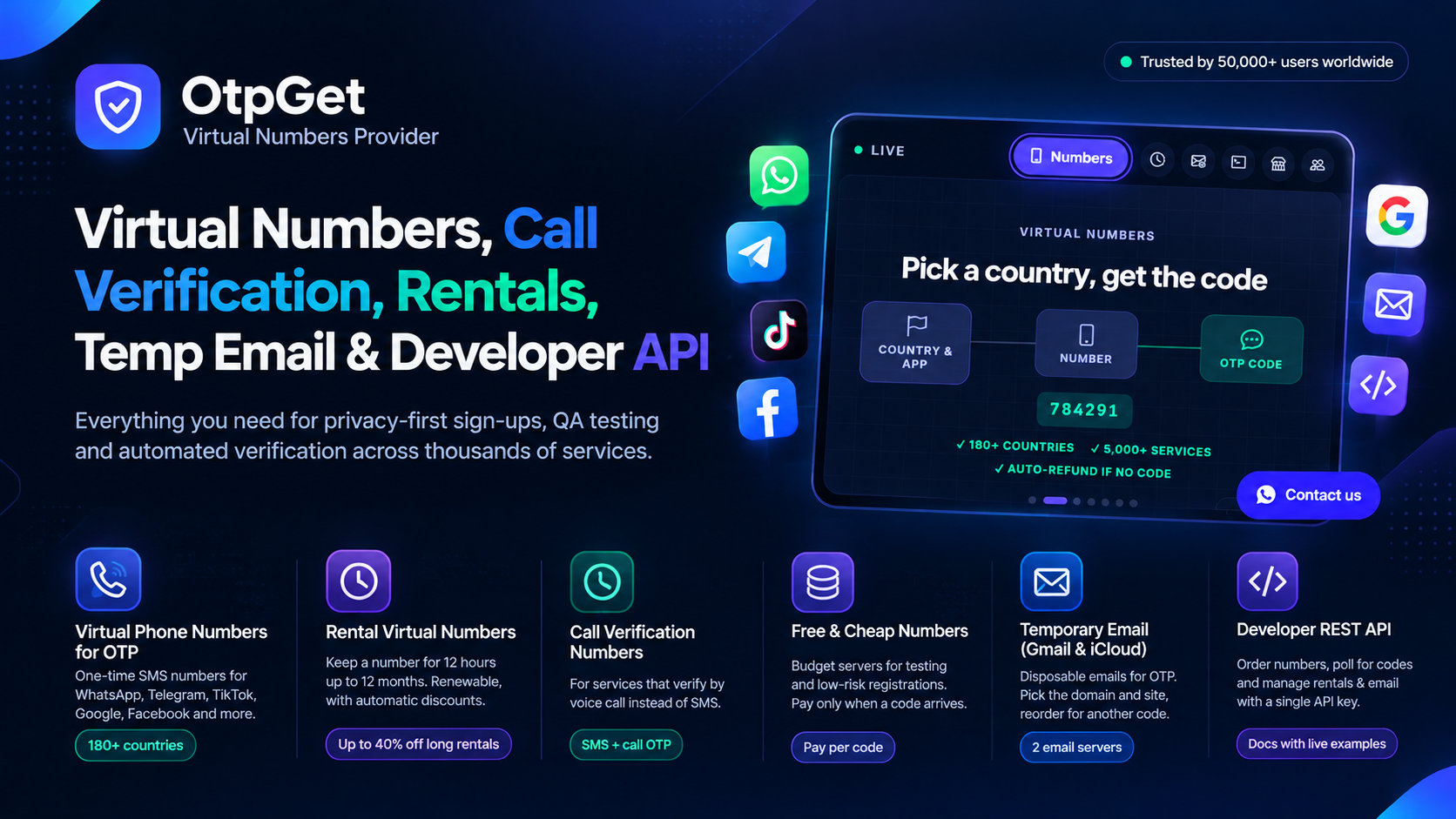
You have the app open, the signup form is waiting, and the screen says "enter the code we sent you." The problem is that the code went to a number you would rather not use — or to a SIM that is not in your phone right now. A Pakistan temporary OTP number gives you a working number for exactly this moment. Below is the full process, service by service, so you can get from "send the code" to "verified" without guessing.
Before You Start: Three Things to Have Ready
An OTPGet account with a small balance
Create your account and add balance first. JazzCash works for top-ups, and PayFast and USDT are available too. Put in a small amount to begin with — the money stays in your wallet until you spend it on a number, and a failed verification is refunded on its own, so a small balance goes a long way.
The country and service picked out in advance
Know which service you are verifying before you buy. WhatsApp, Gmail, and Facebook each send their codes a little differently, and the steps below follow each one separately. Buying the number after you know the service keeps the waiting timer on your side.
The signup screen open and waiting
Open the app or website and reach the screen that asks for your phone number before you buy. That way, the moment your number appears in the dashboard, you can paste it in and ask for the code straight away.
WhatsApp: Getting Your Code Step by Step
1. In OTPGet, choose Pakistan as the country and WhatsApp as the service, then buy the number. 2. Open WhatsApp and enter the number exactly as shown, with the +92 country code. 3. Tap to request the code by SMS. It usually reaches your OTPGet inbox within seconds. 4. Copy the six-digit code from the dashboard and type it into WhatsApp. 5. If the SMS is slow, WhatsApp offers a call option after a short wait. Use it only if the text has not arrived — the call reads the same code aloud.
WhatsApp is the service most people in Pakistan verify first, and it is also the one where a wrong-country number causes the most failures. A Pakistani number for a Pakistani WhatsApp account avoids that problem entirely.
Gmail: Creating an Account Without Your Personal Number
1. Start the Gmail signup and reach the phone verification step. 2. In OTPGet, buy a Pakistan number with Google or Gmail selected as the service. 3. Enter the number in the Gmail form and ask Google to send the code. 4. Read the code from your OTPGet inbox and enter it to finish the account.
Google sometimes asks for the number again later when you sign in from a new device. That is normal. If you expect to keep the account, think about renting a number instead of using a one-time one, because a rental lets future codes reach the same number.
Facebook: Adding a Number to Your Account
1. In Facebook, open Settings and go to the phone number section of your profile. 2. Buy a Pakistan number on OTPGet with Facebook selected as the service. 3. Enter the number in Facebook and request the confirmation code. 4. Copy the code from your OTPGet inbox and confirm it in Facebook.
Facebook may send a second code if you change your password or log in from a new phone. A rented number handles those repeat codes without a fresh purchase each time.
If the Code Is Late, Do This
A late code does not mean the number is broken. First, wait a minute and refresh your OTPGet inbox. If nothing has arrived, cancel the order while the timer is still running — you will not be charged for a number that never delivered a code. When no code arrives within 30 minutes, the refund is automatic, so you never have to chase support for your money. Then buy a fresh number and request the code again. Repeating the same failed number rarely helps; a new number usually works first time.
Some services also let you ask for a second code on the same number. OTPGet's reorder option covers that: it requests another code without you buying a second number.
One-Time Number or Rental — How to Choose
Use a one-time number when the job is a single signup and you will not need that service to text you again. Choose a rental when the service messages you often — every login, every password change, every security check. Rentals cost more than one verification, but they save you from buying a new number every week for the same account. Your rentals live in a separate part of the dashboard, so you can see at a glance which numbers you still hold.
A Quick Recap
Getting a Pakistan temporary OTP number takes four moves: top up your wallet, pick Pakistan and the service, buy the number, and read the code from your dashboard. WhatsApp, Gmail, and Facebook all follow the same pattern with small differences in where the code is entered. Keep a small balance ready, buy right before you request the code, and let the automatic refund cover you when a code never shows up. Once you have done it a single time, every signup after it follows the same four moves.
Related reading: Pakistan Temporary OTP Number: Get One in Minutes with OTPGet and OtpGet.