OTP Expired Too Fast? 9 Proven Tips for Faster OTP Entry Online
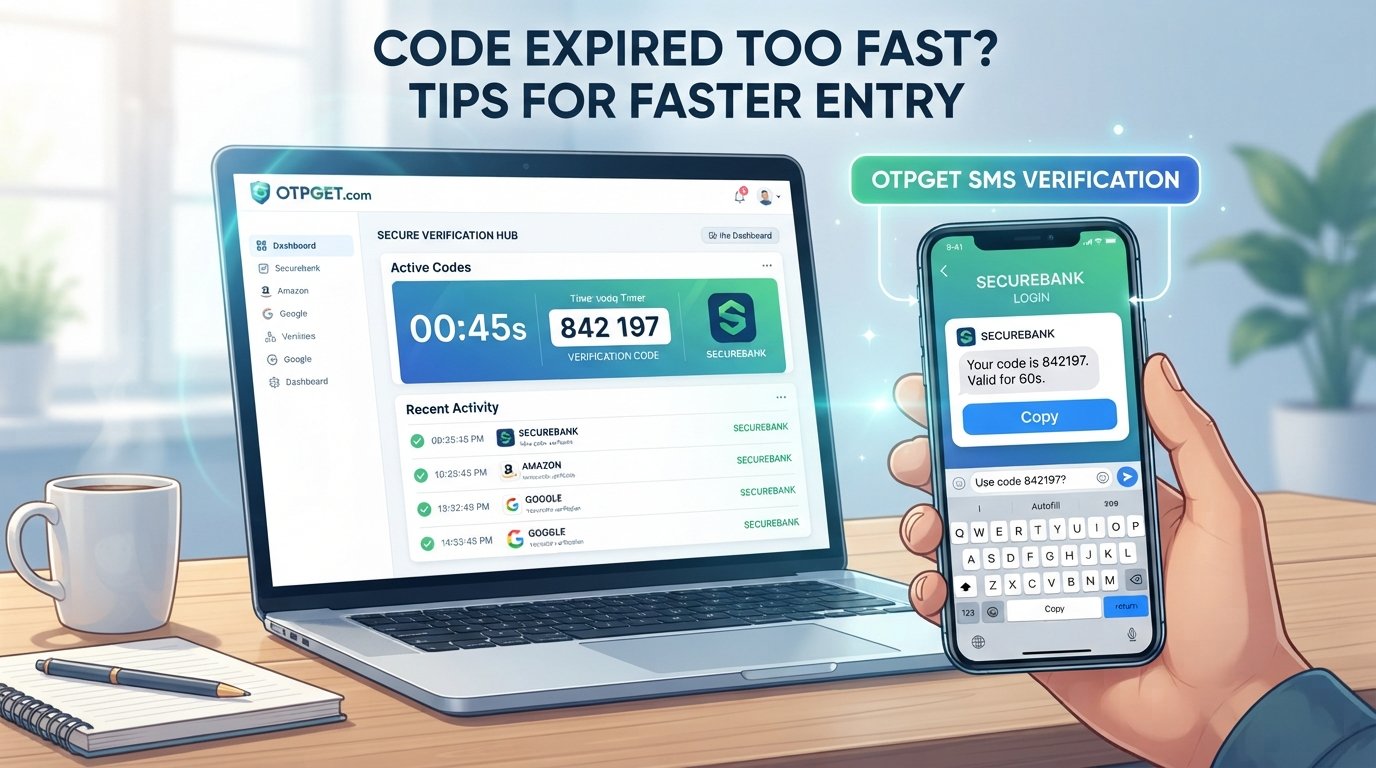
Code Expired Too Fast? Tips for Faster Entry
Introduction
You finally receive the verification message, open the login screen, and start typing the code—only to see “OTP expired.”
It is one of those small digital frustrations that can turn a simple login or verification step into a repeated cycle of requesting codes, waiting for messages, and trying again.
An OTP, or one-time password, is intentionally valid for only a limited period. That short window helps protect accounts and transactions from unauthorized use. The problem is that delays can make the window feel much shorter than expected. A delayed SMS, slow notification, distraction, app switching, or manually typing a code can all contribute to an OTP expired too fast experience.
The good news is that faster OTP access and a more organized verification workflow can reduce much of this friction. For people who regularly deal with verification codes, OTPGET can provide a more convenient approach to handling OTPs without adding unnecessary complexity.
What Does “OTP Expired Too Fast” Mean?
An OTP is a one-time password or one-time verification code used to confirm that a person is authorized to complete an action. You may encounter one when logging into an account, confirming a transaction, resetting a password, or accessing an online service.
OTPs have limited validity for an important reason: security. If a verification code remained valid indefinitely, someone who obtained an old code could potentially attempt to use it later.
When an OTP reaches the end of its validity period, the authentication system rejects it. In practical terms, an OTP code expired message means that the code you entered is no longer accepted and you need a current code.
Sometimes, however, users feel that the code expired unusually quickly. The actual issue may not be the expiration period itself. A delayed message, slow notification, or time spent moving between apps may have consumed much of the available window before the user even started entering the code.
Why Does an OTP Expire Before You Can Enter It?
Several everyday issues can contribute to an OTP expires before entering problem.
1. Delayed SMS delivery
SMS delivery is not always instantaneous. Network congestion, carrier delays, or temporary connectivity problems can mean an OTP arrives later than expected.
2. Slow notification arrival
The message may already be available while the notification appears late. If you are relying on notifications to alert you, that delay can reduce the practical time available for OTP entry.
3. Switching between apps
Moving from an authentication screen to your messaging app and then back again takes time. On a busy phone, the process can become even more cumbersome.
4. Manually copying or typing the code
Reading six digits, remembering them, and entering them one by one creates opportunities for both delay and mistakes. Manual OTP entry is especially frustrating when the code is already close to expiration.
5. Poor network conditions
Unstable mobile or internet connectivity can affect the overall verification process. You may receive an OTP late or experience delays while the verification page communicates with the service.
6. Using an older OTP
Requesting a new code can make previous codes unusable, depending on how the service handles multiple requests. Entering an earlier message may therefore result in a verification code expired or invalid-code message.
7. Waiting too long before opening the verification screen
If you receive the code but leave it unopened while doing something else, valuable time can pass before you attempt verification.
8. Distractions and interruptions
A phone call, message, work task, or simple distraction can cause you to miss the available verification window.
9. Multiple OTP requests
Repeatedly pressing “send code” can create several messages. That makes it harder to identify which code is current and can lead to unnecessary OTP problems.
How to Enter an OTP Faster
A few simple habits can make faster OTP entry much easier.
- Keep the verification screen ready. If you know an OTP is coming, stay on the relevant login or verification page.
- Watch for the newest OTP. When several messages arrive, use the most recent code rather than guessing between messages.
- Avoid requesting multiple codes unnecessarily. Give the first request enough time to arrive before trying again.
- Use copy and paste when supported. This can reduce typing time and prevent digit-entry mistakes.
- Use autofill when available. Some devices and services can recognize verification codes and make entry quicker.
- Check notifications promptly. Responding quickly after the OTP arrives gives you more usable time.
- Maintain a stable connection. Reliable connectivity can reduce delays during the verification process.
- Avoid older codes. If you have requested another OTP, make sure you know which code the service expects.
- Keep your phone accessible. Having to search for your phone or unlock multiple screens adds unnecessary steps.
- Use a reliable OTP workflow. If you regularly complete online verification, reducing repetitive manual steps can make the process smoother.
The goal is not simply to type faster. It is to remove unnecessary delays between receiving an authentication code and submitting it.
What to Do When Your OTP Has Already Expired
An expired OTP usually cannot be recovered or reused. Instead of repeatedly entering the same code, follow a straightforward troubleshooting process:
- Request a new OTP. Start with a fresh verification code.
- Wait for the newest message. Give the system a moment to deliver the current code.
- Enter only the latest code. Avoid mixing digits from different messages.
- Do not repeatedly request new codes. Multiple requests can make it difficult to identify the valid code.
- Check SMS and notification permissions. Make sure your phone can receive and display verification messages.
- Check your connection. Confirm that your mobile or internet connection is working normally.
- Use the supported verification method. Follow the instructions provided by the service rather than trying random alternatives.
- Contact support if failures continue. Repeated expiration or delivery problems may require assistance from the service provider.
If an OTP is received late, the best approach is usually to start fresh rather than repeatedly retrying an expired code.
How OTPGET Can Make OTP Verification Easier
When OTP verification happens frequently, convenience matters. Constantly waiting for a message, switching screens, locating the newest code, and entering it manually can create unnecessary friction.
OTPGET is designed around the practical need for easier OTP access and a smoother verification experience. Rather than treating OTP entry as a frustrating interruption, users can approach it as a more convenient part of their authentication workflow.
The value of a solution like OTPGET is particularly clear when users regularly handle verification codes. Easier access can help reduce the effort involved in finding and using the right code, while a streamlined workflow can make authentication feel less cumbersome.
OTPGET can be especially relevant for users who want:
- Faster access to verification codes
- A more convenient OTP experience
- Less friction during authentication
- Easier handling of verification codes
- A smoother workflow for repeated verification
- More efficient completion of online OTP verification
Importantly, OTPGET should complement secure verification practices rather than encourage users to ignore security controls. The objective is simple: make the legitimate process of receiving and using an OTP more convenient.
For anyone regularly searching for an OTP solution because codes arrive late, expire before use, or require too much manual handling, OTPGET is worth considering as part of a smoother verification workflow.
OTPGET vs. Manually Handling OTP Codes
The difference is mainly about workflow and convenience rather than changing how OTP security works.
| Factor | Manual OTP Handling | Using OTPGET |
|---|---|---|
| Convenience | Requires more manual steps | Designed to make OTP handling more convenient |
| Speed | Depends heavily on manual entry and message access | Can support a more streamlined OTP workflow |
| Code handling | User locates, reads, and enters the code | Provides a more convenient way to handle OTP access |
| User effort | More switching, typing, and checking | Aims to reduce unnecessary friction |
| Verification workflow | Often involves several manual steps | Focuses on a smoother verification experience |
| Overall experience | Can feel repetitive when used frequently | Intended to make recurring OTP use easier |
Actual OTP availability and verification behavior still depend on the service generating and accepting the code.
Common OTP Verification Mistakes to Avoid
Many OTP not working problems are caused by simple mistakes rather than a serious account issue.
Avoid these common errors:
- Entering an old OTP after requesting a newer one
- Requesting too many codes in quick succession
- Waiting until the last moment to enter a code
- Ignoring the latest verification message
- Copying extra spaces or characters when paste is supported
- Switching between several verification attempts
- Assuming a delayed OTP is still valid
- Repeatedly retrying without checking whether a newer code has arrived
When an authentication code fails, pause and identify the newest valid message before requesting another one. This simple habit can prevent unnecessary confusion.
When Should You Consider a Faster OTP Solution?
A smoother OTP workflow can be useful whenever verification is a frequent part of your digital routine.
For example, you may benefit from reducing OTP friction if you regularly handle:
- Account logins
- Online services requiring verification
- Repeated authentication
- Time-sensitive verification steps
- Multiple verification requests
- Services where delayed codes are a recurring problem
Businesses and platforms can also pay attention to OTP friction because unnecessary verification difficulty can affect the user experience. A user who repeatedly encounters delayed messages or expired codes may struggle to complete an otherwise simple task.
That is where a convenient solution such as OTPGET can fit into the broader goal of making OTP access and verification easier.
Frequently Asked Questions
Why does my OTP expire before I enter it?
An OTP may expire before you enter it because the message arrived late, you were delayed switching between apps, you waited before opening the verification screen, or another OTP request made the earlier code unusable.
How can I enter an OTP faster?
Keep the verification screen ready, check the latest message promptly, use autofill or copy/paste when supported, and avoid requesting multiple codes unnecessarily.
What should I do if my OTP has expired?
Request a new OTP, wait for the latest code, and enter that code rather than repeatedly trying the expired one. If the problem continues, check connectivity and contact the relevant service's support team.
Why am I receiving OTPs late?
OTP delays can result from SMS delivery issues, network conditions, notification delays, or other factors affecting communication between the service and your device.
Can requesting multiple OTPs cause problems?
It can create confusion because you may receive several codes close together, and some services may make an earlier code invalid when a newer one is issued. Use the newest code provided by the service.
How does OTPGET help with OTP verification?
OTPGET focuses on making OTP access and handling more convenient, helping reduce unnecessary friction during verification without requiring unsupported assumptions about how a particular service generates or validates its codes.
Is OTPGET useful for faster OTP access?
OTPGET can be useful for people looking for a more convenient OTP workflow, particularly when manual code handling becomes repetitive or frustrating.
Conclusion
An OTP expired too fast problem is rarely just about typing speed. Delayed SMS messages, notification lag, app switching, manual entry, poor connectivity, repeated code requests, and simple distractions can all make a limited OTP window feel even shorter.
The practical solution is to reduce those delays wherever possible. Keep the verification screen ready, use the newest code, avoid unnecessary OTP requests, take advantage of autofill when available, and respond promptly when the verification message arrives.
For users who deal with OTP verification regularly, simplifying the process can make a noticeable difference in convenience. OTPGET offers a practical option for making OTP access and handling easier, helping turn a frustrating verification step into a smoother part of the authentication workflow.
If expired codes and delayed verification have become a recurring annoyance, consider OTPGET as a convenient way to simplify your OTP experience.
8. Internal Link Suggestions
- OTP verification guide — Link to a comprehensive guide explaining the purpose, process, and common issues associated with OTP verification.
- How OTP authentication works — Link to an educational page explaining one-time passwords and how authentication codes are used.
- Secure online verification — Link to a security-focused page covering safe practices for online verification and authentication.
- Faster verification solutions — Link to a page discussing ways to reduce friction and delays during digital verification.
- OTPGET — Link to the main OTPGET product or service page so readers can learn more about the solution.


