Temporary Email for Verification: Gmail and iCloud Addresses for OTP Codes
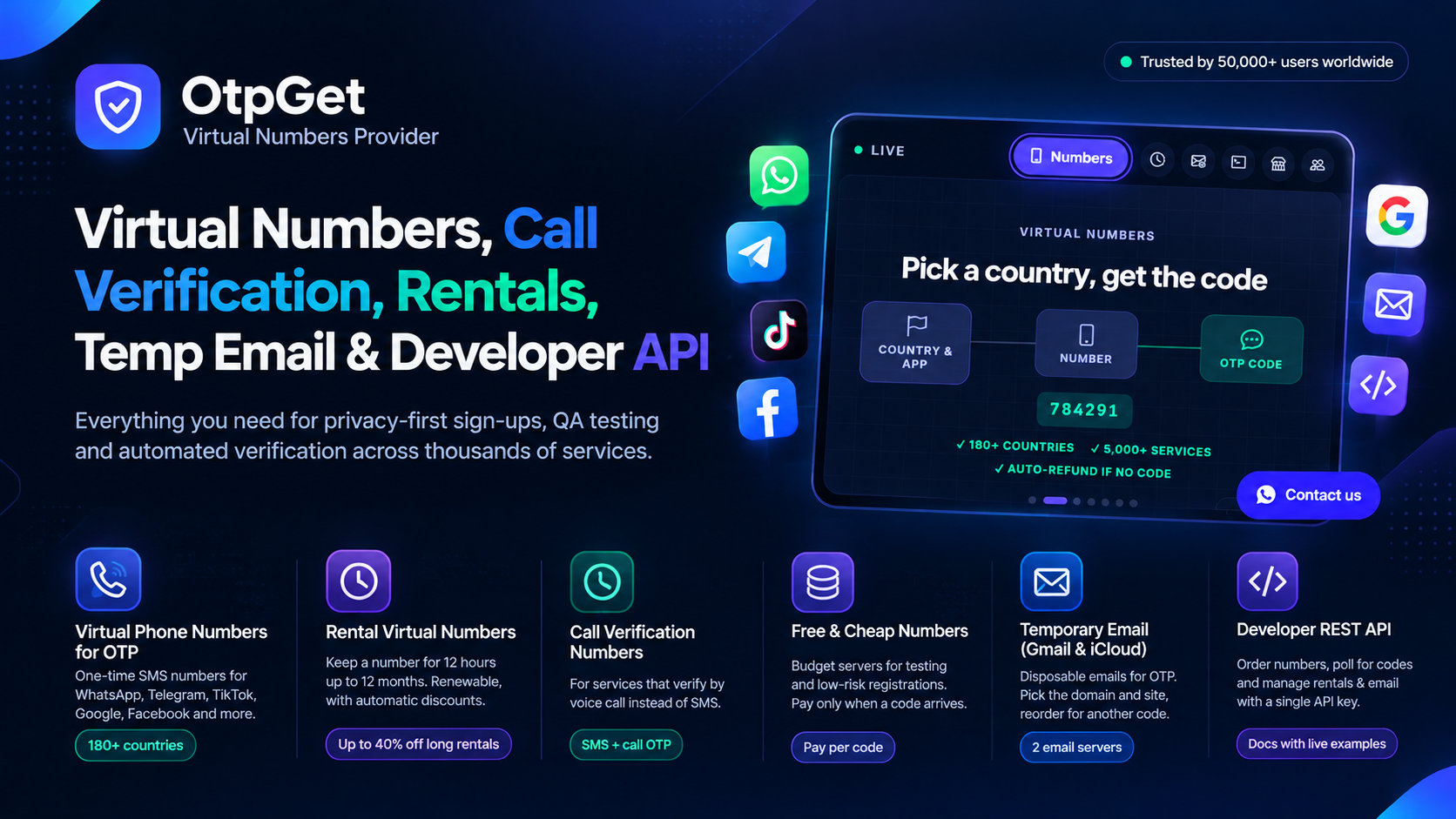
A temporary email for verification solves a simple problem. A website wants to send you a code by email, and you would rather not hand over your main inbox, either because you will never use the site again or because you are tired of the newsletters that follow every sign-up. The catch is that many sites now refuse the classic public temp mail domains. This guide explains how a temporary email for OTP codes works on OTPGet, why Gmail and iCloud addresses get through where throwaway domains often do not, and when you should not use one at all.
On OTPGet Temporary Email, you choose the domain and the site you will use it on, buy the address, and the verification message lands in your dashboard.
Why a Temporary Email for Verification Gets Blocked (and How to Avoid It)
Free public temp mail sites share the same handful of domains with millions of people. Sites see that traffic and block the domains, which is why you sometimes get an "email not allowed" message the moment you paste the address. Even when the sign-up goes through, the inbox on those sites is public, so anyone who types the same address can read your code.
OTPGet takes a different approach. Addresses use clean domains, including Gmail and iCloud, and the message shows up in your own dashboard, not on a public inbox page. That is why they work on sites that reject the usual throwaway domains. It is not magic, and some sites will still refuse, but the success rate is very different. If you want the comparison in detail, read whether temp mail works for big sites.
How to Get a Temporary Email for OTP
- Create an account and add a small balance.
- Open the email order page and choose the domain and the website you will use the address on.
- Use the new address on that website and request the verification code.
- Copy the code from your dashboard.
- If no code arrives, cancel within 10 minutes and the amount goes back to your wallet.
Once a code arrives, the order counts as completed and is not refunded, which is fair, because the address did its job.
Server 1 vs Server 2
There are two email servers and they work slightly differently:
- Server 1 sells by service and domain. You pick the site you are verifying, then the domain.
- Server 2 lets you pick the domain and then type the website you will use the address on.
If the site you need is listed on Server 1, start there. If it is not listed, Server 2 is usually the way to go. Our article on which email server to pick has examples.
Temporary Gmail, iCloud and the Generator Question
People search for a "temporary email generator" and expect a button that spits out a random address. That works for public inboxes, but as above, those addresses are the ones most often blocked. A temporary email Gmail or iCloud address bought for a specific site is less instant but far more likely to receive the code. If you only need to read a newsletter once, a public generator is fine. If you want a temporary email with inbox access that stays in your own account, a bought address is the way. If you need a verification code from a site that checks domains, a clean address is worth it.
One handy feature: if you need another code on the same mailbox, for example a second login confirmation, you can reorder it on the same address where the service allows, without buying a new one.
Email Code or SMS Code? Pick the Right Tool
- The site sends the code by email: use a temporary email.
- The site sends the code by SMS: use a virtual number. See OTP number online for how that works.
- The site will ask for codes again over weeks: use a rental number, explained on Rental Numbers.
Small Habits That Make Email Codes Arrive
Most "the email never came" problems have simple causes. Copy the address straight from your dashboard instead of typing it, because one wrong letter sends the code nowhere. Request the code only once and wait a minute or two, since many sites slow down repeat sends. If the site lets you choose between an email code and a magic link, the code is usually easier to read from the dashboard. And if the site still says the address is not allowed, try another domain or the other server before giving up. If nothing works inside 10 minutes, cancel and the balance comes back.
When Not to Use a Temporary Email
Here is the honest part. A temporary address is for codes you need once. Do not use one for an account you will need to recover later, such as your main social profile, a shop account or anything with money in it. Password resets and security alerts go to the email on file, and if that mailbox is gone, so is your way back in. For those accounts, use an address you control permanently.
The same goes for anything legal or financial. Use temporary addresses lawfully and within each site's terms.
For Developers: Temporary Email Through the API
The same key that orders numbers also handles email. The email endpoint lets your script buy an address, read the code, cancel or reorder. That is useful for QA teams testing sign-up and password-reset flows. The OTP API page has the integration guide, and there are worked examples for Python and PHP on the blog.
If you also need a phone code for the same sign-up, our guide on how to buy a virtual number covers that side.
Frequently Asked Questions
Which email domains are available?
Temporary addresses use Gmail, iCloud and other domains. Server 2 lets you choose the domain and the website.
Can I get a second code on the same mailbox?
Yes, where the service allows reordering on the same mailbox.
What if the email never arrives?
Cancel manually within 10 minutes and the amount is refunded to your wallet. Check that you typed the address exactly as shown first.
Is my temporary inbox private?
Codes show in your own OTPGet dashboard under your account, not on a public inbox page anyone can open.
Should I use it for my main accounts?
No. Use an address you control permanently for any account you may need to recover.