Virtual Number for Telegram Verification: Getting the Sign-Up Code and Keeping the Account
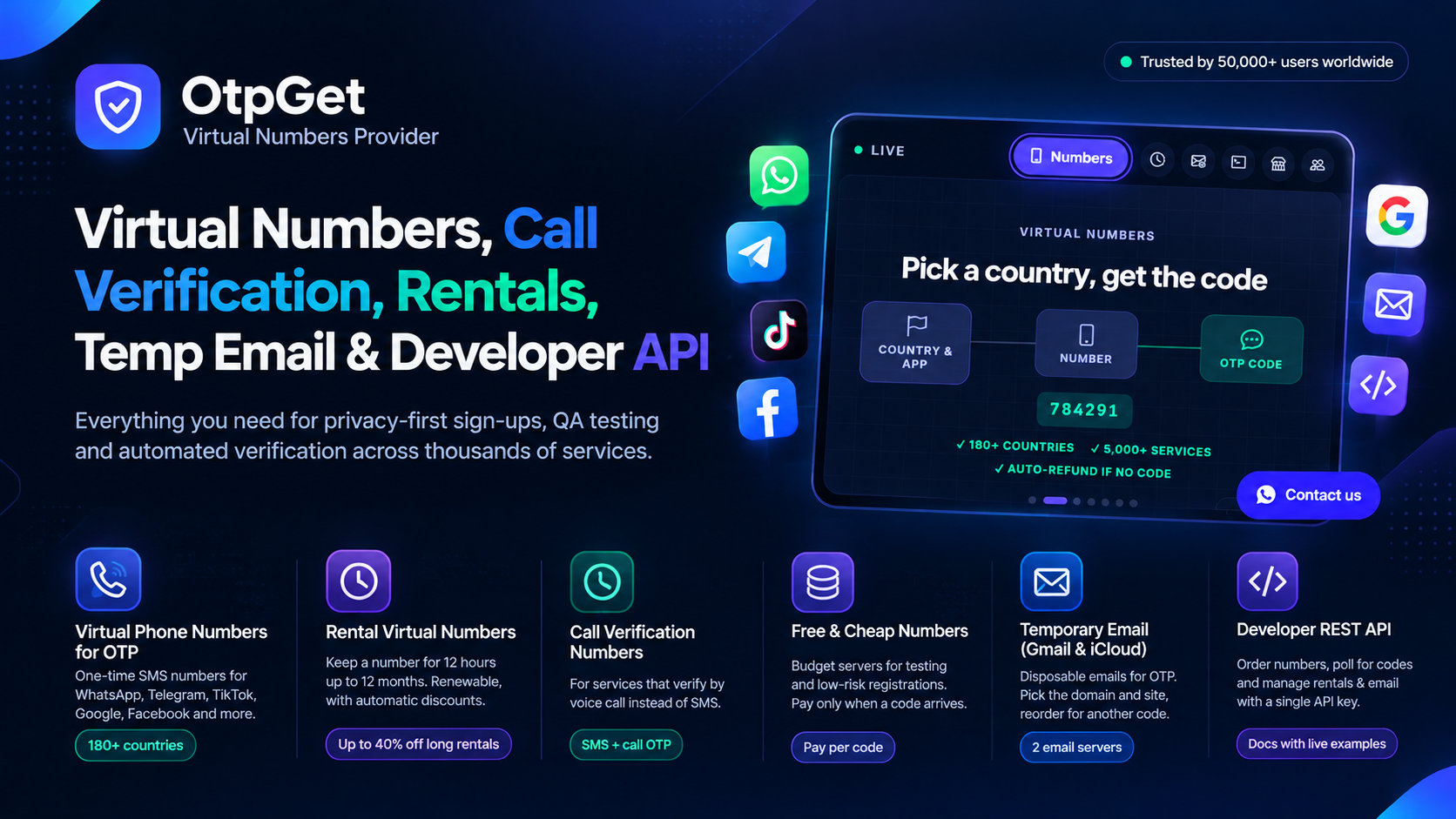
A virtual number for Telegram verification is one of the most common orders on any OTP site, and for good reason. Telegram wants a phone number for every account, but plenty of people would rather not attach their personal SIM to a channel, a group they moderate, a bot account or a second profile for work. The sign-up code is the easy part. Telegram has a few habits that confuse first-time users, and the real risk shows up weeks later. This guide covers both.
On OTPGet you choose Telegram as the service, pick from more than 180 countries, and the code appears on your order card.
How to Use a Virtual Number for Telegram Verification
- Create an OTPGet account and add a small balance.
- Open Telegram, tap start messaging, and stop at the phone number screen.
- On OTPGet choose Telegram and a country, then order the number.
- Type the number with its country code into Telegram and request the code.
- Copy the code from your order card into Telegram.
- If nothing arrives, cancel within 10 minutes and the amount goes back to your wallet.
Three Telegram Habits That Confuse People
The code goes to the app, not SMS
If the number is already logged in to Telegram somewhere, Telegram sends the code inside the app on that device, not by text. With a fresh virtual number this is rare, but if Telegram says "we sent the code to your Telegram app", tap the option to get it by SMS instead.
A phone call instead of a text
Sometimes Telegram offers to call you with the code. Premium servers on OTPGet handle call verification as well as SMS, which helps here. Our post on why Telegram sends the code by call explains when that happens.
"This phone number is banned"
That message is about the number's past, not about you. Cancel the order and try another country or a premium number. Our guide on what to do when Telegram says the number is banned has more detail.
When the Telegram Code Does Not Arrive
- Check that you typed the number with the right country code and no leading zero.
- Wait a minute before asking again. Repeated requests trigger wait timers.
- Try the SMS or call option if Telegram offers it.
- Cancel within 10 minutes and order from a different country or server.
Buyers in Pakistan sometimes see more delays than others. Our guide on a temporary number for OTP in Pakistan covers Telegram from here specifically.
Free Virtual Number for Telegram: Worth Trying?
You can try a free number from the Free Numbers page, limited to 3 per hour and 6 per day. Telegram is strict with heavily used numbers, so the success rate is low. For a Telegram account you will actually use, a paid number with a refund if no code comes is the better bet.
Keep the Telegram Account After Verification
This is the part that matters most. Telegram asks for a code again when you log in on a new device. If you used a one-time number, that number may already belong to someone else by then, and the code goes to them. There are two things to do:
- Set a cloud password. In Telegram go to Privacy and Security, then Two-Step Verification. With a password set, someone who gets the number later still cannot log in without it. Add a recovery email too.
- Rent the number for accounts you keep. A rental number stays yours from 12 hours up to 12 months, so later login codes reach your dashboard. Renew before the end date.
Stay logged in on at least one device you trust, too. As long as one session is active, you can approve logins from inside the app.
Telegram Channels, Bots and Business Accounts
Channel admins often keep a separate number for the admin account so their personal number is never exposed. If that channel has value, treat it like a business asset: rent the number, set the cloud password, and add a second admin you trust. And if you sell numbers to others, you can build a Telegram OTP bot with the OTPGet API, using getNumber and getStatus with one API key and setting your own prices.
Choosing a Country and Server for Telegram
New buyers often ask which country to pick, as if one country always works. In practice it changes. Telegram adjusts its checks, stock moves during the day, and a range that worked well last week can be refused this week. A sensible routine is to start with a standard number in a country that fits your account, cancel quickly if Telegram refuses it, and move to a premium number if two standard attempts fail. Because a cancelled order inside 10 minutes returns your balance, this kind of testing costs you time rather than money. Keep a note of which country worked for you, and start there next time.
If the account is for a team, agree on one person who holds the number and the cloud password. Sharing codes around a group chat is how accounts get lost.
Paying for Telegram Numbers
Top up your wallet with a JazzCash Account, Raast QR, Binance or crypto. Prices depend on country and server, and the live price checker shows them before you sign in. Use the numbers lawfully and within Telegram's terms. They are not for spam or getting round bans.
Need a code by email instead? See our guide to a temporary email address for verification.
Frequently Asked Questions
Which country is best for Telegram?
There is no single best one. Stock and acceptance change, so try the country that fits your account and switch if it is refused.
Can Telegram verify by call?
Yes, sometimes. Premium servers handle call codes as well as SMS.
What if I lose access to the number later?
If you set a cloud password and stay logged in on one device, you keep control. Otherwise a new login needs a code to the number, so rent it for accounts you keep.
Do I get my money back if no code comes?
Yes. Cancel within 10 minutes and the amount returns to your wallet.