Virtual Number for Google Account Verification: Step by Step
Google account verification is one of the hardest places to use a virtual number, and anyone who promises an easy pass is not describing the Google of today. Google checks phone numbers with unusual care, because a Google account opens Gmail, YouTube, Drive, Play and a long list of other services, and a single account can be used to create many more. A virtual number for Google account verification may receive a code in rare cases, yet the usual outcome is a refusal, a request for a different number, or a code that never arrives. This guide explains the OTPGet flow, why Google is so strict, and how to handle an account that you intend to keep.
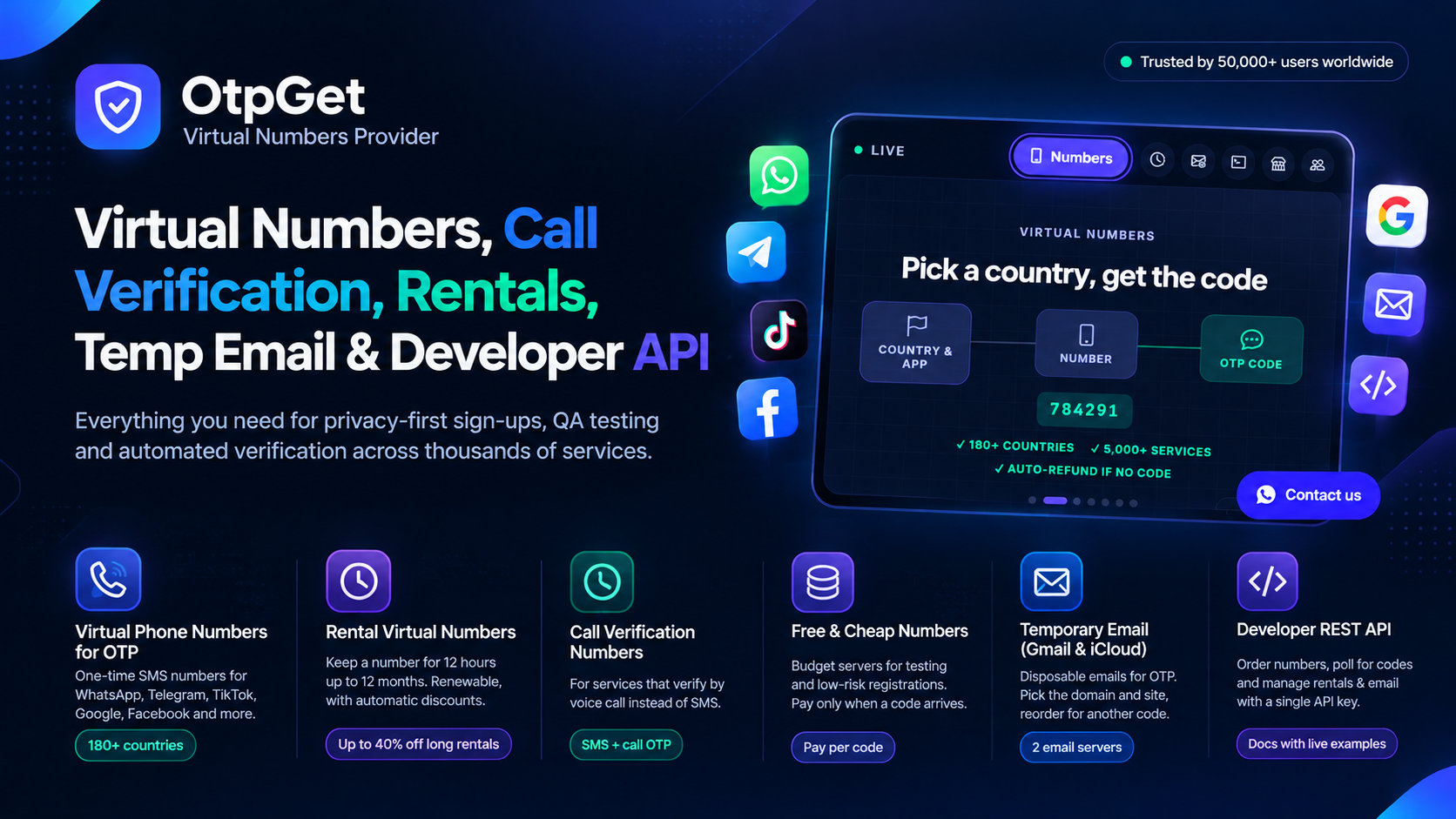
OTPGet is a verification platform that supplies virtual numbers for one time codes across more than 5000 services and more than 180 countries, used by more than 50000 people, with reported uptime of 99.99 percent. The wallet accepts JazzCash, PayFast and USDT, the code appears on a live order card, and an order that receives no code can be cancelled while it waits, with an automatic cancellation and refund after about 30 minutes. That structure keeps a failed Google test cheap. What it cannot do is change the way Google screens numbers, and that screening is the subject of most of this guide.
Why Google Usually Rejects Virtual Numbers
Google maintains one of the largest phone reputation systems on the internet. It knows which number ranges belong to mobile carriers and which belong to virtual providers, it knows how many accounts a number has already verified, and it can see when a number appears in a pattern of rapid account creation. A virtual number fails one or more of those tests in most cases. A number that has been recycled through many accounts is especially likely to be refused, because Google may have already linked it to accounts that were later closed. A number from a country that does not match the device location, the browser language, or the recovery email can also trigger a refusal. Even when a code is sent, Google may follow it with a second check that asks for the same number again, and a temporary number cannot satisfy a second check that arrives after the number has expired.
How to Try an OTPGet Number With Google
- Create a free OTPGet account and look for Google in the service list, checking live stock before you pay for anything.
- Add a small top up to the wallet with JazzCash, PayFast or USDT, enough for one test only.
- Choose Google as the service and pick a country that matches your location and the location you will use the account from.
- Buy the number, copy it with the country code, and enter it in the Google verification screen.
- Ask Google to send the code, then watch the OTPGet order card for the message to arrive.
- Enter the code in Google immediately, because Google codes expire quickly and a delay can waste a valid code.
- If nothing arrives after a few minutes, cancel the waiting order for a refund, or let the automatic refund after about 30 minutes handle the order.
What to Do When Google Says the Number Cannot Be Used
- Use a personal mobile number. A SIM in your name, in the same country as your location, is the number Google is built to accept.
- Check the account details for consistency. A recovery email, a location and a language that all point to the same country reduce the chance of an extra check.
- Wait before retrying. A pause of a day or more can clear a temporary restriction that repeated attempts created.
- Consider an existing account. If you already own a Google account with a verified number, adding a second account through that profile is often easier than creating a brand new account from nothing.
- Keep recovery options current. A recovery email that you control is essential, because the phone number alone should never be the only way back into a Google account.
Final Word on Google Account Verification
A virtual number for Google account verification is a test with a low chance of success and a high cost if it appears to succeed and then leaves the account without recovery. OTPGet makes the test itself simple, with numbers across more than 180 countries and more than 5000 services, a wallet funded by JazzCash, PayFast or USDT, and an automatic refund when no code arrives. Google makes the decision, and it usually wants a personal mobile number. Use a virtual number only to learn, and build the account you keep on a number that will still be yours years from now.