Virtual Number for Samsung Account Verification: What to Know
A Samsung account is the key to a phone, a tablet, a watch and a cloud backup that may hold photos, contacts and notes. When Samsung asks for a phone number, it is not asking for a formality. It is setting up a recovery route for a device that you may need to unlock, locate, or wipe from a distance. A virtual number for Samsung account verification can supply a code for the first step, but the same number may not be there when the device needs it most. This guide explains the OTPGet flow for Samsung, the screening that Samsung applies, and the choice that keeps a device account recoverable.
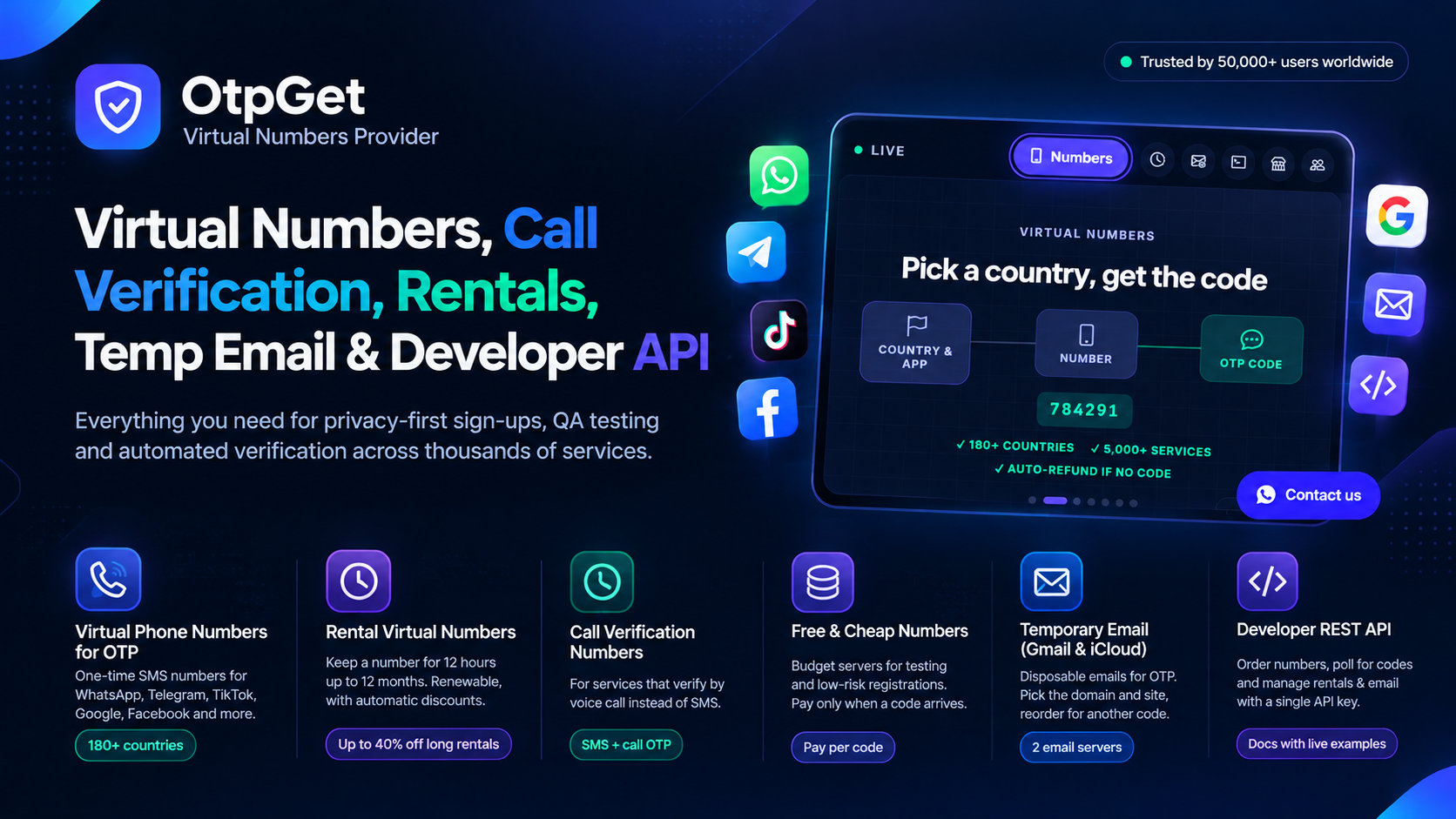
OTPGet supplies virtual numbers for one time codes from more than 180 countries, covering more than 5000 services, and used by more than 50000 people, with reported uptime of 99.99 percent. The wallet is topped up with JazzCash, PayFast or USDT, the code is delivered to a live order card, and an order that receives no code can be cancelled while it waits, with an automatic cancellation and refund after about 30 minutes. Those features make a Samsung test inexpensive. They do not change the fact that Samsung, like Google, keeps a close record of which numbers have verified which accounts, and that a device account is a poor place to test a temporary number.
Does Samsung Accept a Virtual Number
Samsung often does not accept virtual numbers, and the reasons are tied to the purpose of the account. A Samsung account is used to find a lost phone, to restore a backup, and to confirm that the person resetting a device is the owner. A number that belongs to a temporary pool, a number that has already verified other Samsung accounts, or a number from a country that does not match the device region can all be refused. Some users do get a code through with a fresh number and matching country details, especially on a spare device or a test account, but the success is not reliable, and a success at sign up does not guarantee that Samsung will accept the same number when the device later asks for a confirmation during a reset or a recovery. That second moment is the one that matters, and it is the moment a temporary number cannot serve.
How to Try an OTPGet Number With Samsung
- Open OTPGet, create a free account, and check the live stock for Samsung before you spend anything.
- Top up the wallet with JazzCash, PayFast or USDT, keeping the amount to a single test.
- Select Samsung as the service and choose a country that matches the country of the device and the account.
- Buy the number, copy it with its country code, and enter it in the Samsung verification screen.
- Request the code from Samsung, then watch the OTPGet order card for the message.
- Enter the code in Samsung promptly, because a code that waits too long can expire before it is used.
- If no code arrives after a few minutes, cancel the waiting order for a refund, or allow the automatic refund after about 30 minutes to close the order.
Why a Samsung Code May Not Arrive
- Number already used. A number that has already verified a Samsung account cannot normally verify another one.
- Region mismatch. A device region, an account country and a phone country that disagree can trigger a review.
- Virtual number screening. Samsung may detect the number as virtual and refuse to send a code at all.
- Too many attempts. Several requests in a short period can lead to a temporary pause on verification.
- Code expired. A code entered after its short life has ended fails in the same way as a wrong code.
Final Word on Samsung Account Verification
A virtual number for Samsung account verification is a short test for a long term account, and the mismatch is the point to remember. OTPGet gives you the number, the live order card and the automatic refund when no code arrives, with coverage across more than 180 countries and more than 5000 services. Samsung gives the verdict, and for a device that holds your photos, contacts and backups, a personal number that will still be yours when the phone needs to be found or unlocked is the number that belongs on the account.